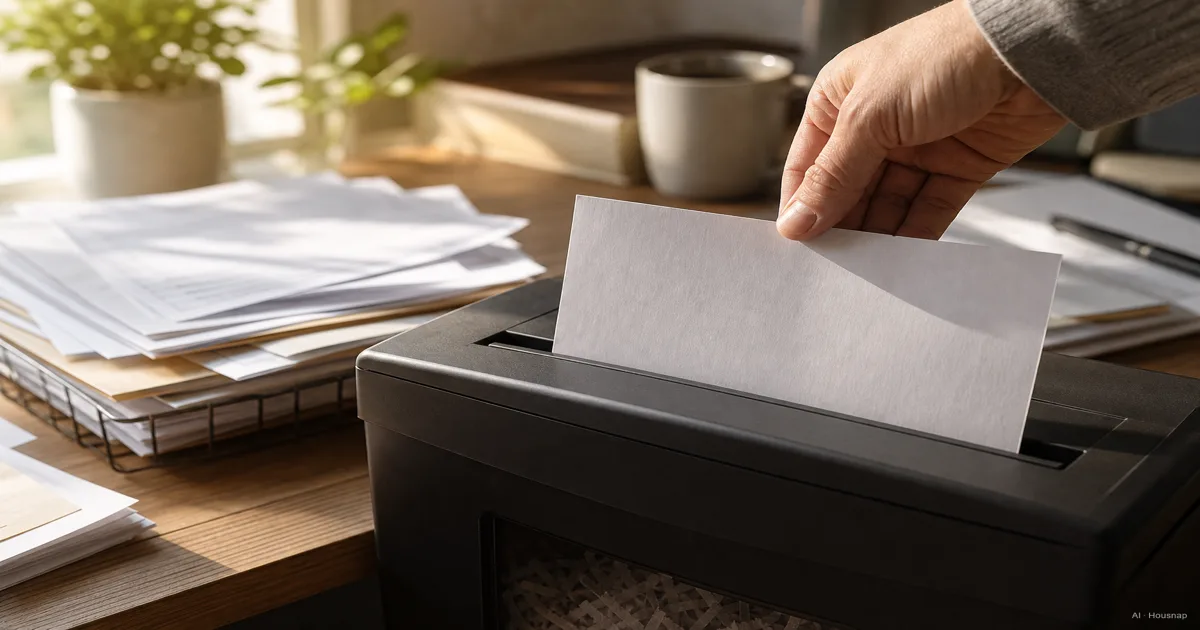
Separate what to keep from what to shred
Before shopping, sort a typical pile into documents you still need, papers ready for destruction, and ordinary paper without confidential information. Size the machine around the second pile.
The FTC's document guide distinguishes records to retain from documents ready to shred. Its retention examples concern the United States; check the requirements that apply to your own records before destroying originals.
If you plan to keep digital copies and may discard the paper originals, decide how you will store and back up those files first. The external SSD versus HDD guide helps you choose a separate drive for that job. A scan alone is not a reason to destroy an original you must retain.
Choose a security rating before a cut name
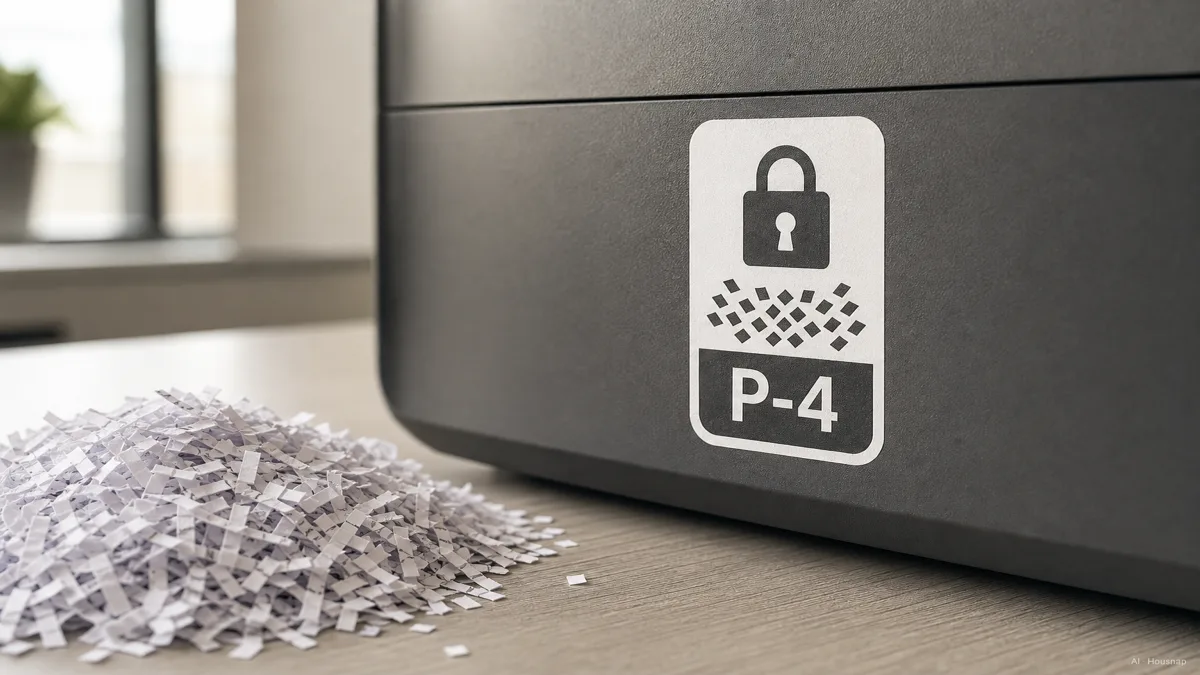
The P number describes paper destruction, with higher levels producing finer fragments. HSM lists maximum particle areas of 160 mm² for P-4 and 30 mm² for P-5.
For a first household shredder, P-4 is a practical comparison starting point for personal paperwork. Consider P-5 when you want smaller fragments for particularly sensitive records. This is an editorial selection approach, not a promise that a rating satisfies every workplace requirement. For work documents, obtain the required destruction specification before choosing a machine.
Cut names need a second look. Fellowes' selection guide places cross-cut at P-3/P-4, mini-cut at P-4 and micro-cut at P-5. So “cross-cut” alone does not tell you the rating. Compare the stated P level and fragment dimensions on each candidate's specification sheet.
Match the machine to one real shredding session
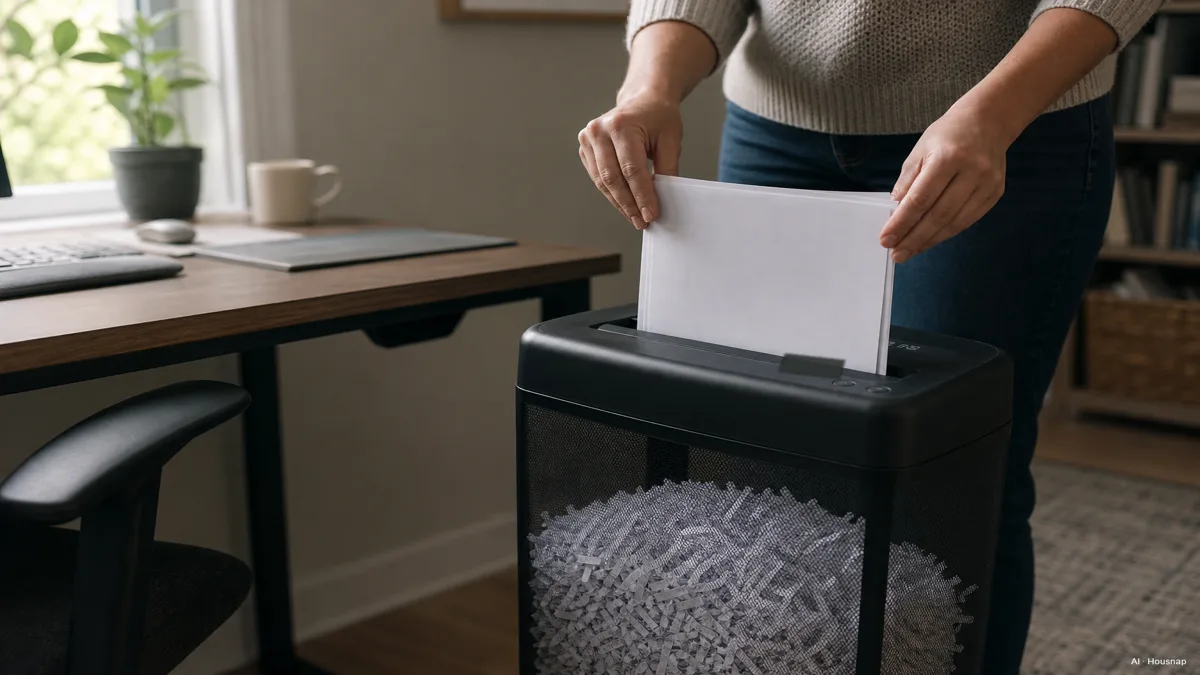
Write down how many sheets you usually discard together and whether you prefer feeding small batches immediately or clearing a pile later. Fellowes distinguishes manual feeding from automatic batch feeding; compare the relevant feed capacity rather than treating the two figures as interchangeable.
Read running time together with cooling time. For example, the Fellowes 8MC/8MC5 manual specifies up to five minutes of continuous operation and a 30-minute cooldown. Its eight-sheet rating uses 75 g paper, and heavier paper can reduce capacity. Those are model-specific conditions, not a rule for all micro-cut machines.
- Small, frequent piles: prioritize convenient feeding and a bin you can remove easily.
- Regular accumulated piles: compare running time, cooling time and bin access before paying for a larger sheets-per-pass figure.
- One exceptional clear-out: investigate a local shredding event before buying a machine around that single job; the FTC identifies community shred days as an alternative.
Check what ownership will involve
Open the manual before adding accessories. Compatibility can differ even between fasteners: the 8MC/8MC5 accepts staples but excludes paper clips and adhesive labels. Check your candidate's permitted materials instead of assuming that every paper shredder also handles cards or discs.
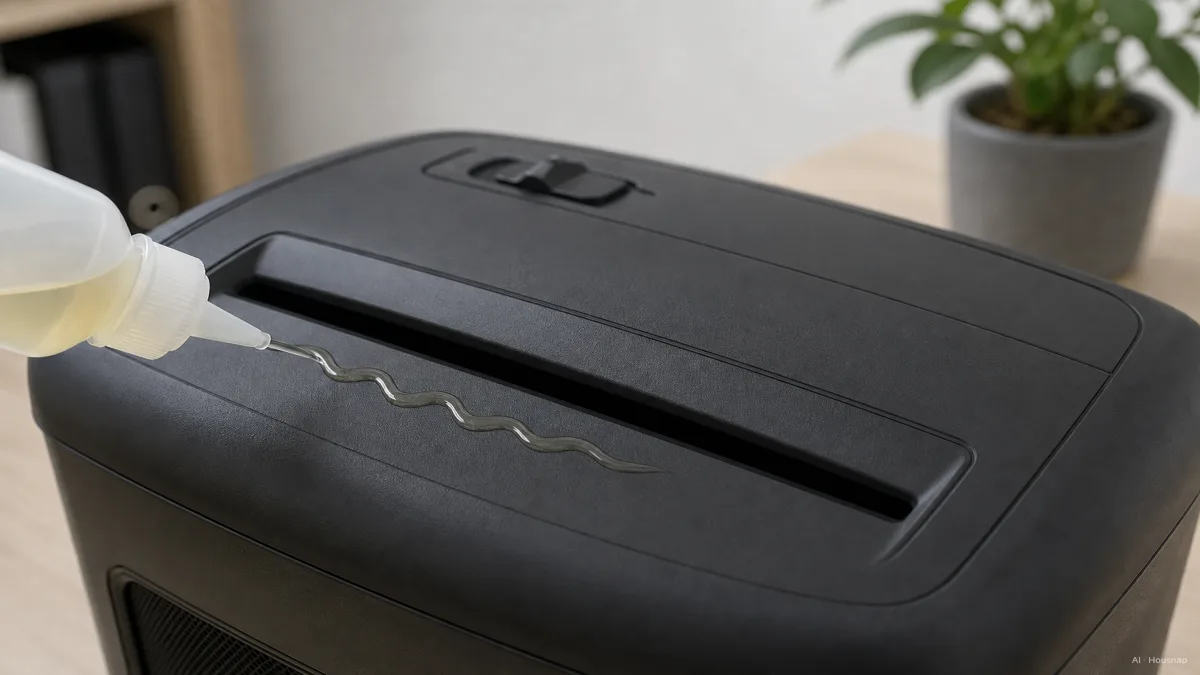
Buy shredder oil only when its specification matches the machine's instructions. Fellowes' oil guidance distinguishes oil for cross-cut machines from oil for certain larger or automatic-oiling machines, and warns against aerosol lubricants. Follow the exact model's application method and interval. The illustration below shows oil at the feed opening; it is not a universal procedure.
Leave room to remove the bin and follow the manual's placement requirements. The CPSC advises keeping children from operating shredders, even under supervision, and unplugging them when unused. Keep hands, hair and loose clothing away from the opening.
If feeding stops, check the overheating indicator and bin before adding more paper, as Fellowes' troubleshooting guidance explains. Follow the model's jam-clearing instructions; do not reach into the cutters.
Turn your requirements into a shortlist
Keep candidates that meet your security requirement, then compare their ability to finish your normal pile with acceptable interruptions. Before checkout, resolve any missing information:
- Missing P rating or fragment dimensions: ask for the manufacturer's specification.
- Missing cooling time or paper-weight basis: obtain the manual before comparing capacity claims.
- Unclear material or oil compatibility: get model-specific confirmation before buying accessories.
A useful shortlist ends with a machine you can place, empty and maintain comfortably, rather than the largest number printed on a box.
How this guide was built
This guide was written by AI for Housnap, using HSM's security-level explanation, Fellowes' selection and maintenance guidance and a model manual, plus FTC and CPSC advice. It focuses on first-purchase decisions; the P-4 starting point is an editorial judgment, and model examples explain specifications rather than report hands-on testing.