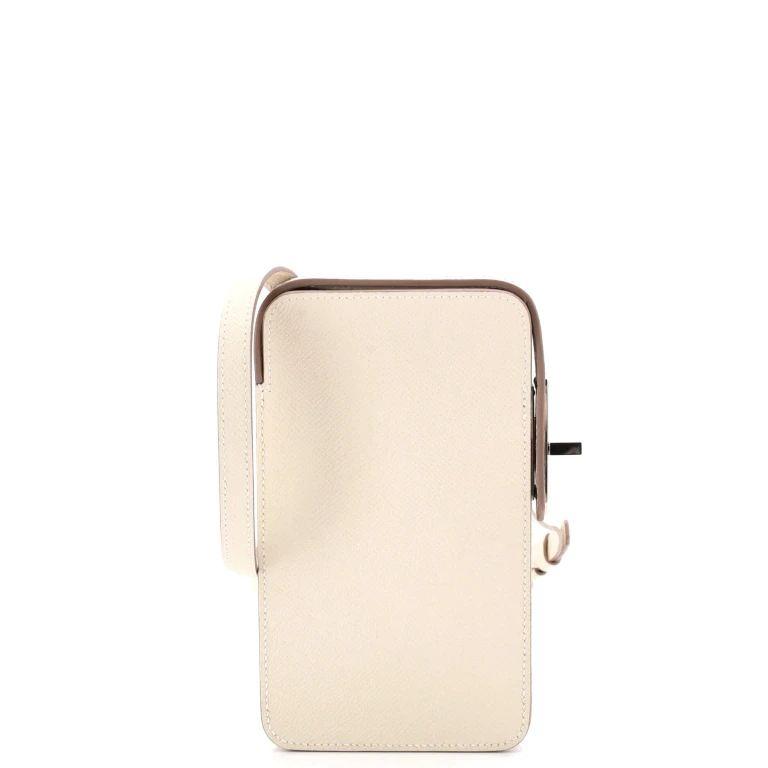
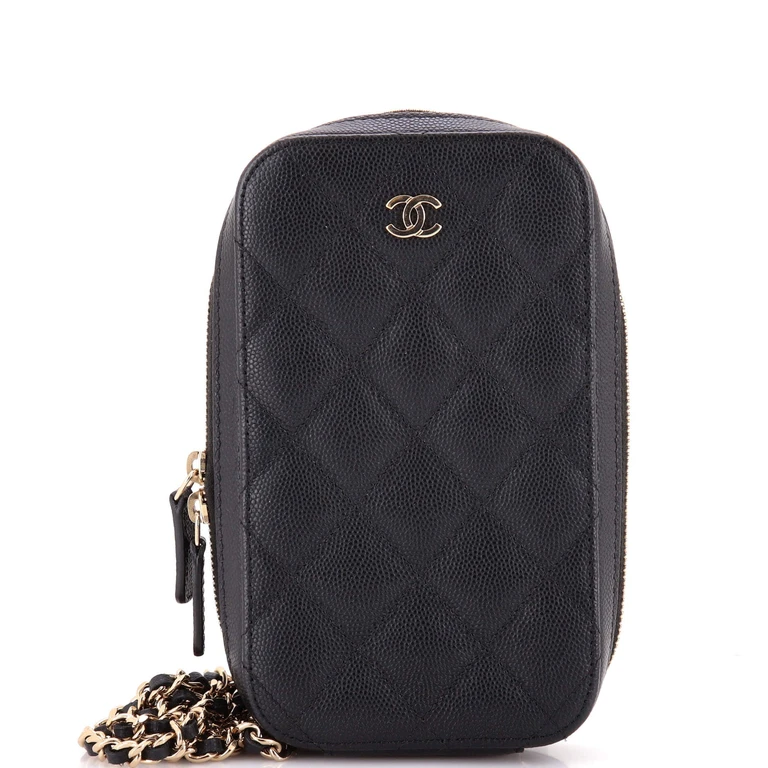
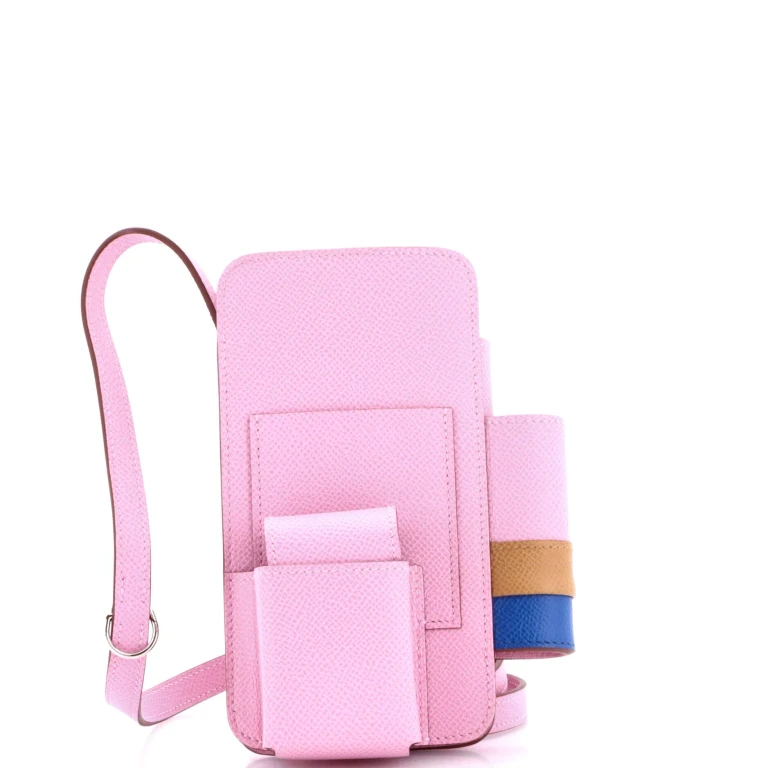
Available now from a single store
These picks currently have one store option each. Price comparison opens up as more stores are tracked.
Narrow the choice by what you need
If dropping your phone is the main worry, start with two candidates: a flexible TPU case and a hybrid case that combines materials. Compare their coverage and test details before deciding whether extra bulk earns its place. This is a practical shopping starting point, not a claim that one material always wins.
- TPU for an everyday starting point. TPU means thermoplastic polyurethane. Spigen describes its Galaxy S22 Liquid Air as a flexible, shock-absorbing TPU design, so a second material is not a prerequisite for protective features. Check the specific case rather than dismissing all single-material options. Spigen material specifications.
- Hybrid when you want a rigid back and flexible perimeter. PC means polycarbonate. Belkin’s View Case combines a PC back with a flexible TPU bumper; the materials occupy different parts rather than forming two complete layers. Look at the construction drawing, not just the word “hybrid.” Belkin construction details.
- Silicone or leather when feel matters too. Apple describes a soft-touch silicone exterior with microfiber inside. Nomad’s Modern Leather Case combines leather with a PC frame and TPU bumper. These names do not describe the whole protective structure, so inspect what sits underneath and around the finish. Apple silicone case, Nomad materials.
- Aramid when you prefer a slim woven case. Check coverage before paying for the material. PITAKA explicitly says its Ultra Slim series may provide less protection against stronger shocks and drops than its ProGuard or UltraGuard designs. “Aramid” alone does not settle the drop-protection question. PITAKA protection guidance.
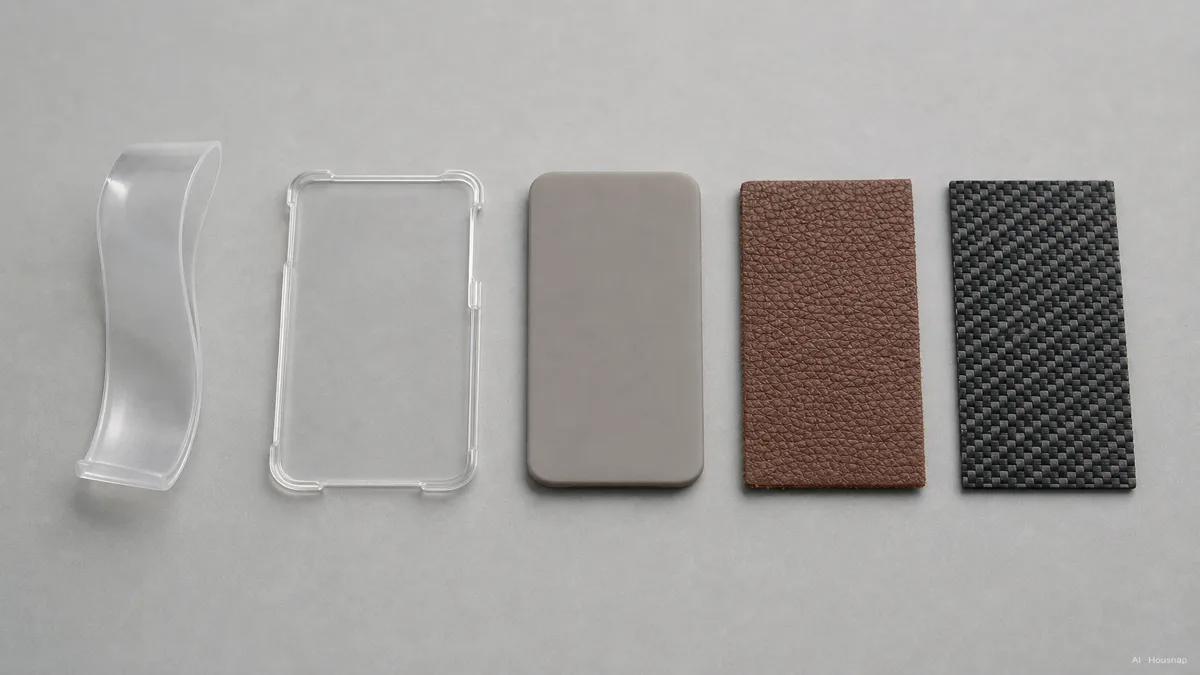
Want a clear case? Ask which parts the anti-yellowing claim covers. Covestro distinguishes UV-sensitive aromatic TPU from aliphatic TPU, which avoids that particular yellowing effect; UV stabilizers only delay it in aromatic TPU. That material distinction is not a promise that a finished case stays pristine. Covestro’s explanation.
Inspect the corners, edges and actual layers
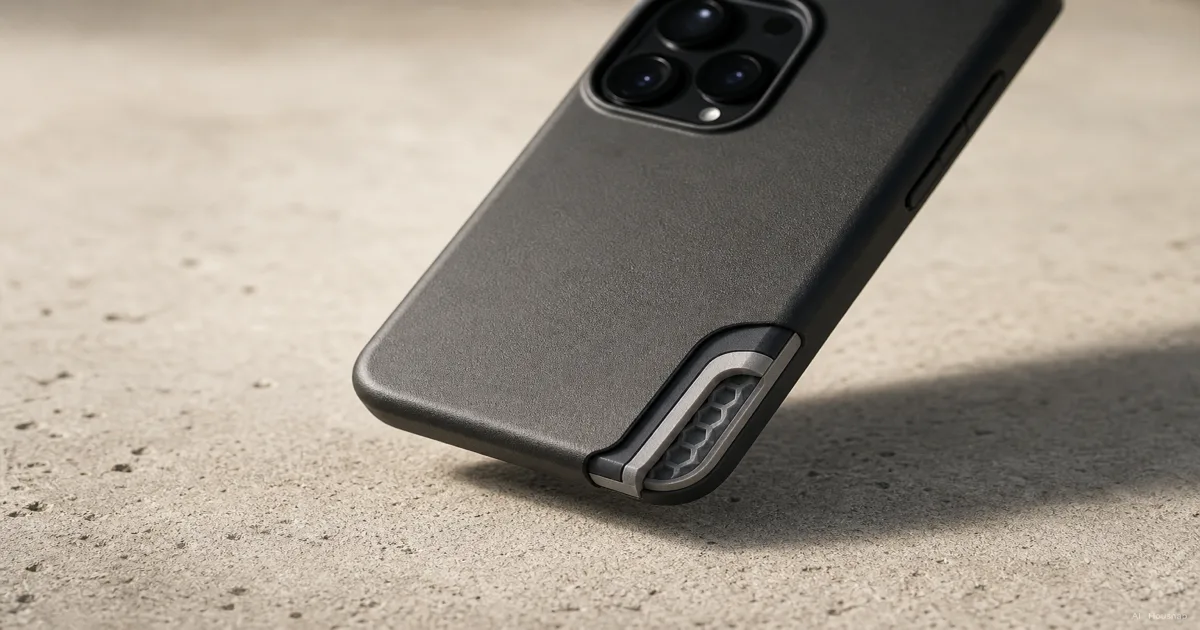
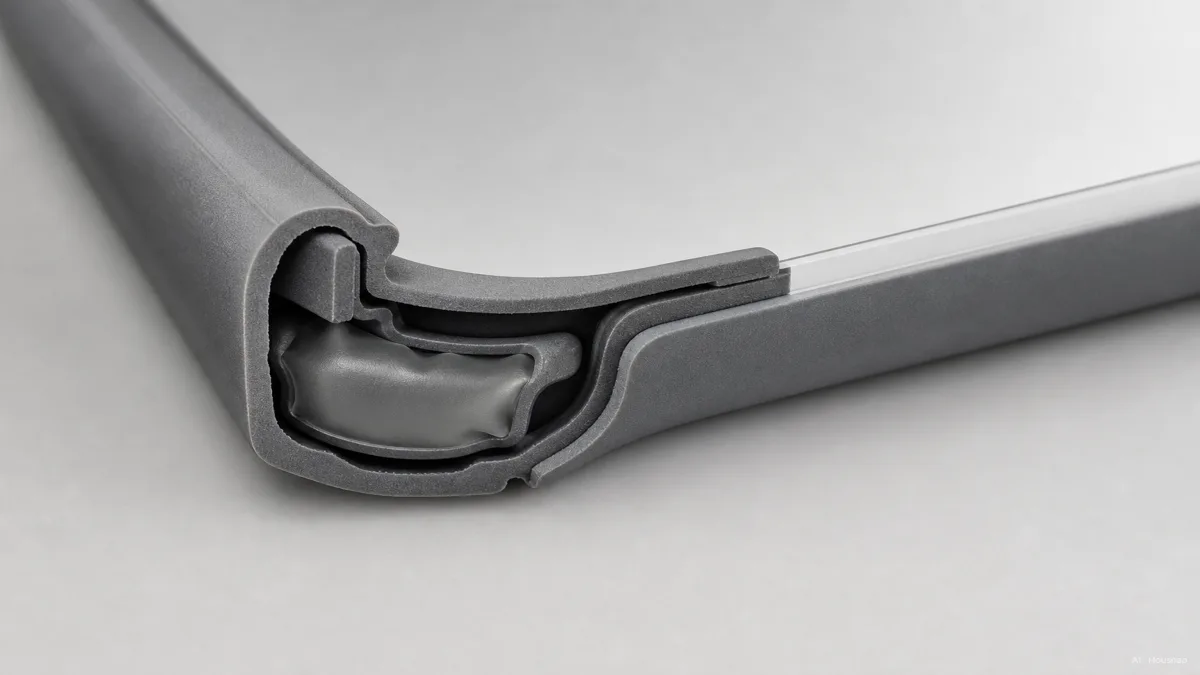
Open the side views and construction images for each candidate. Identify the rigid back or shell, the flexible bumper or liner, and any exposed sections. Smartish describes flexible TPU, rigid PC backs and compressing corner air pockets as different design features. Their presence is worth checking; counting materials is not a substitute for comparing finished cases. Smartish construction guide.
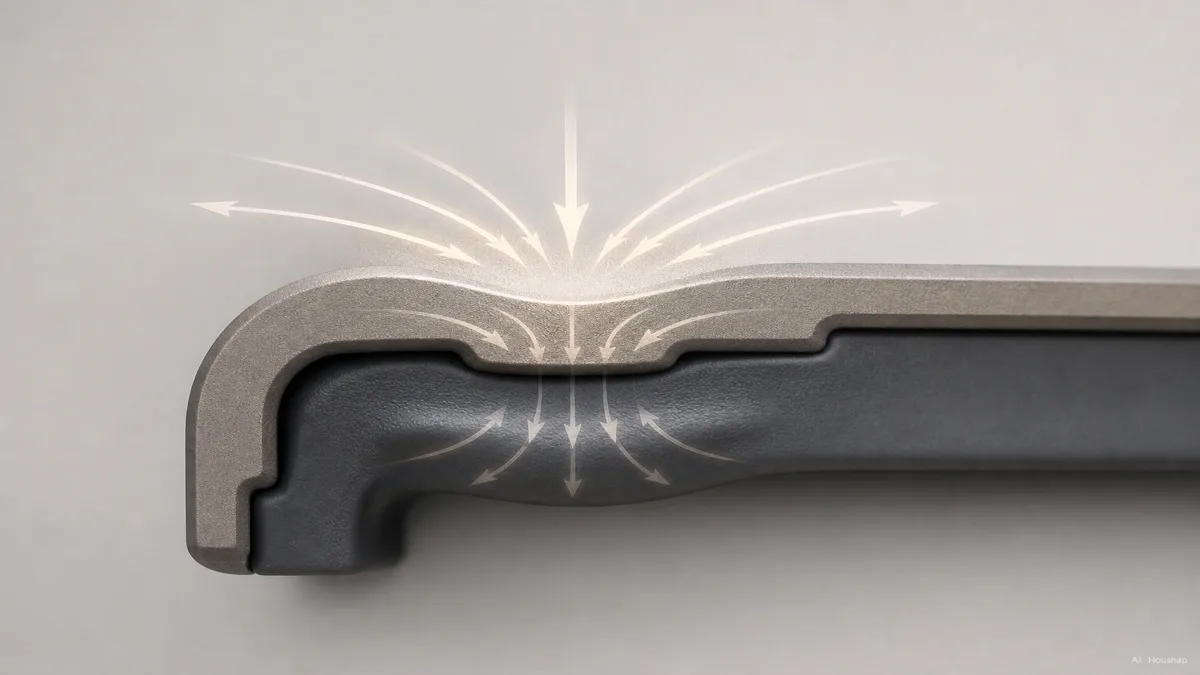
The illustration shows one layered arrangement. It is not a test result or the construction of every hybrid case.
- Corners. Look for coverage at all four corners and an explanation of the cushioning structure. A cutaway is more informative than an unexplained “air cushion” badge.
- Screen and camera edges. Check that the rim stands above the surfaces you want to keep off a flat table. Belkin describes this as reducing surface scratches, not guaranteeing survival in a fall. Belkin’s lip description.
- With your screen protector fitted. Check the remaining clearance. PITAKA notes that a protector can sit above its nearly flush Ultra Slim frame. Do not judge clearance from a bare-phone photo alone. PITAKA fit guidance.
If you also want a layer over the exposed display, compare glass and film screen protectors before choosing a case-and-protector combination.
Turn drop-test claims into something comparable
A “military-grade” badge is a prompt to find the test details. For example, OtterBox describes its MIL-STD-810G 516.6 baseline as 26 drops from 4 feet, approximately 1.22 metres. Its 3X designation means 78 drops, not three times the height. OtterBox’s testing explanation.
For each shortlisted case, look for answers to these questions:
- Tested combination. Which phone and case version were used?
- Conditions. What were the height, landing surface, orientations and number of drops?
- Pass criteria. Was success defined by continued operation, intact glass, or another measure, and who performed the test?
If those details are missing, treat protection as unverified rather than filling the gaps with the material name. Compare like conditions; a higher advertised drop height alone is not enough to rank two cases. For frequent drops, favour a candidate whose coverage and published test conditions you can actually assess.
Confirm fit and charging before you buy
Match the exact phone model, including its size variant, to the compatibility list. Spigen’s iPhone 16 Liquid Air page separates the variants and explicitly excludes other models for individual versions. A shared family name is not enough. Spigen compatibility information.
Before keeping the case, check that it seats properly, the buttons work, your cable plugs in fully and your existing accessories fit. Hold it in your usual one-handed position and try your normal pocket; choose a case you can comfortably leave on.
For wireless charging, check the phone, case and charger combination. Apple advises trying without a thick, metal or battery case when charging is slow or fails, and keeping sensitive cards out from between the phone and charger. Apple charging guidance.
If you plan to attach a battery pack, work through magnetic versus wired power banks before committing to the case. Make that compatibility decision alongside protection, then choose among the candidates that meet both needs.
How this guide was built
This guide was written by AI for Housnap, using manufacturer specifications and support guidance from Spigen, Belkin, Apple, Nomad, PITAKA and OtterBox, plus Covestro’s material explanation and Smartish’s construction guide. It turns those sources into a first-purchase checklist and keeps product-specific claims separate from general selection advice. No hands-on product testing was performed for this article.