Matter and Thread, the Two Words to Understand Before Your First Smart Home Buy
You buy one smart plug, set it up in a weekend, and feel like you have this figured out. Then you add a sensor from a different brand, and suddenly the apps do not agree with each other. Somewhere in the product descriptions you keep seeing two words, Matter and Thread, sometimes together, sometimes apart. Almost nobody explains the difference before you have already bought the wrong combination. Here is the short version. Matter and Thread are not competitors and they are not interchangeable. One is about which apps and assistants can talk to a device. The other is about how that device sends its tiny messages around your home. A device can speak Matter and never touch Thread at all. Getting these two straight before you buy is the single best thing you can do for a first smart home. It decides whether your gadgets pile up into one tidy system or scatter into three apps that ignore each other. This guide walks through what each word actually means, whether you already own the piece of hardware that makes Thread work, how to pick an ecosystem, which first devices are worth buying, and the mistakes that quietly trip up beginners.
Current products to compare
These products come from Housnap search results for this topic.
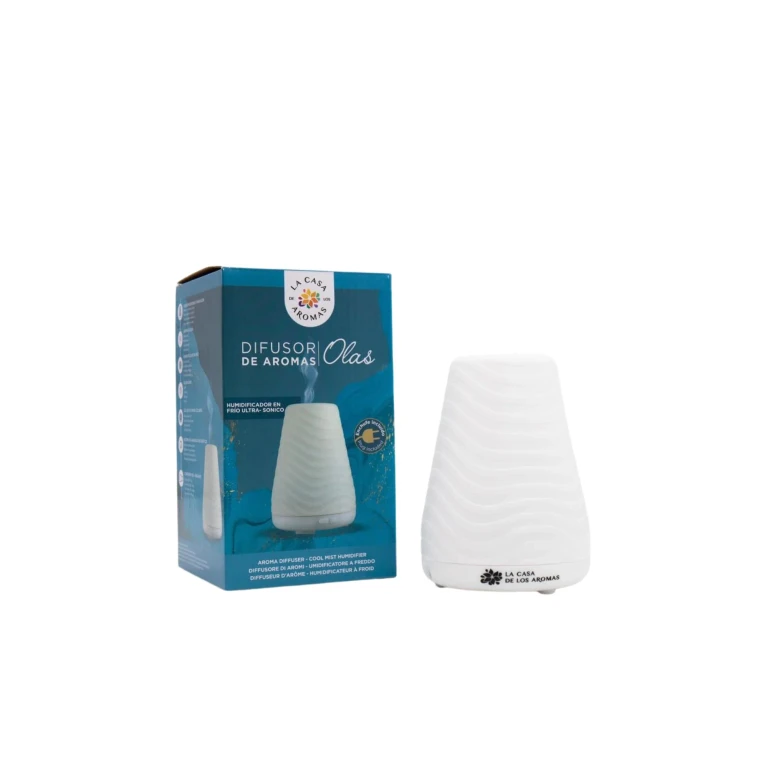
La Casa De Los Aromas
The House of Aromas Waves Aroma Diffuser Cold Mist Humidifier 1 unit

Nike
Women's Swoosh High Support Sports Bra in Black/Iron Grey/White Size: XS (A-C)
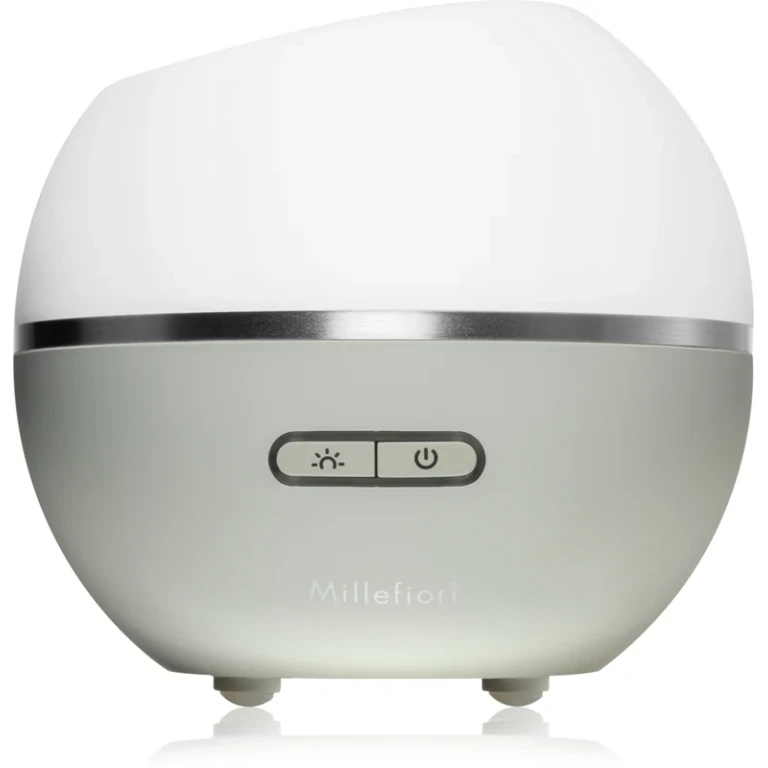
Millefiori Milano
Millefiori Ultrasound Hydro - Dove Ultrasonic aroma diffuser and air humidifier

Nike
Men's Tech Fleece Windrunner Digital Graphic Full-Zip Hoodie in Black/Iron Grey Size: Small
What Matter and Thread Actually Are, and Why They Are Different
The cleanest way to hold these two apart is to think of one as a language and the other as a road.
Matter is the language. It is an application-layer standard, not a radio, and its whole job is to let a certified device pair securely and then be understood by Apple Home, Google Home, Amazon Alexa, Samsung SmartThings, and Home Assistant alike. As of mid-2026 there are more than 1,100 certified devices, and DataWire Solutions has a clear breakdown of how that certification works. When a box says "Works with Matter," it is promising that the device will speak a common dialect every major platform already understands.
Thread is the road. It is a separate low-power mesh network running on the IEEE 802.15.4 radio at 2.4 GHz, and its whole job is to carry small messages efficiently between devices. The catch that trips up almost everyone: Matter can run over Thread, over Wi-Fi, or over plain Ethernet. So owning a Matter device does not automatically mean it uses Thread, as the Matter Smarthome project spells out. A Matter Wi-Fi plug and a Matter Thread sensor both speak Matter, but only one of them is riding the Thread road.
Why does anyone bother with Thread instead of just using Wi-Fi for everything? Two reasons. First, it sips power. The 802.15.4 radio duty-cycles so aggressively that a door sensor or a smart lock can run for years on a single coin cell, while a Wi-Fi smart device burns ten to fifty times more power just sitting idle. Second, it self-heals. Every mains-powered Thread device acts as a router, so adding more plugs and bulbs actually strengthens your range instead of clogging a hub, as Matter Alpha explains in its protocol comparison. Battery devices stay as quiet end-nodes and do not relay traffic, which is exactly how they last so long.
The standard itself keeps moving. Matter 1.5, released in November 2025, added cameras with live WebRTC streaming, soil moisture sensors, garage door closures, and better energy management. Matter 1.6 is the current specification as of June 2026. You do not need to memorize version numbers, but it is worth knowing the platform is gaining device types, not just patching bugs.
Do You Already Own a Thread Border Router? Check These Devices First
Here is the happiest surprise for most beginners. To use Thread, you need a Thread Border Router, the bridge that connects the low-power Thread mesh to your normal home network over Wi-Fi or Ethernet. And there is a very good chance you already own one without realizing it.
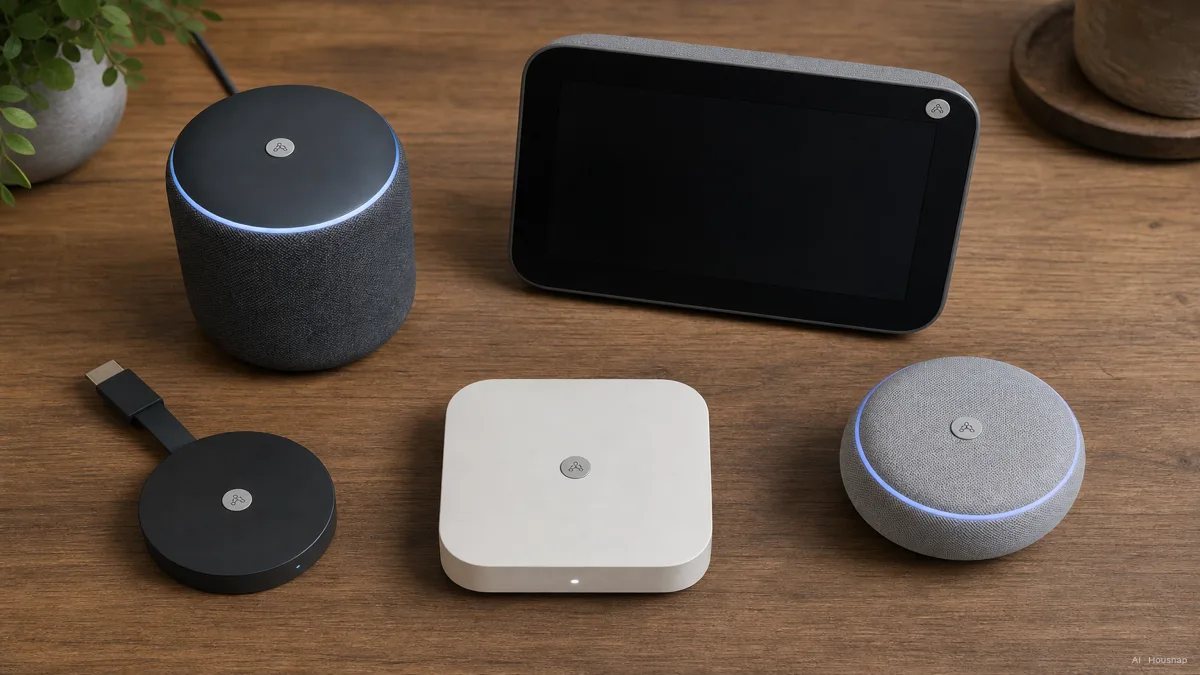
A border router is usually baked into a device you bought for another reason. Matter Alpha keeps a running list, and the common ones are easy to recognize:
- Apple side. HomePod mini, HomePod (3rd gen), and the Ethernet model of Apple TV 4K all include a border router. If you own one, your Apple Home Thread network is already running.
- Google side. Nest Hub (2nd gen), Nest Hub Max, Nest WiFi Pro, and the Google TV Streamer 4K all carry one.
- Amazon side. Echo (4th gen) and Echo Studio act as border routers for Alexa.
- Mixed and pro setups. Samsung SmartThings Station, eero Pro 6E, and the Aqara Hub M3 each include one and tend to bridge more than just Thread.
The practical takeaway is simple. Before you buy a dedicated hub, look at what is already plugged in around your house. A HomePod mini sitting on a kitchen counter or a Nest Hub on a nightstand may already be the only Thread infrastructure you need for a first round of sensors and plugs.
If you genuinely have none of these, that is fine too. It just means your ecosystem choice in the next section doubles as your border-router choice, because the hub you pick will bring one along.
Choosing Your Ecosystem: Apple Home, Google Home, Alexa, or SmartThings
Matter lowers the stakes of this choice, but it does not erase it. You still set up and live inside one app most of the time, so the ecosystem you lean on shapes the daily feel of your home.
A quick way to choose is to follow the phone in your pocket and the hardware already on your shelf.
If your household is mostly iPhones and you already have a HomePod mini or an Apple TV, Apple Home is the natural anchor. It is private, local-first, and the Thread border router is likely sitting in your living room already.
If you live in Gmail, Android, and Google speakers, Google Home lines up cleanly, and a Nest Hub gives you a screen plus a border router in one box.
If you have Echo devices everywhere and like buying gadgets piecemeal, Alexa has the widest device support and the lowest entry price, with a 4th-gen Echo doubling as your border router.
And if you want one hub that swallows everything, Samsung SmartThings is the flexible pick. The SmartThings Station, around 99 dollars, is widely cited as the best all-around hub because it speaks Matter, Thread, Zigbee, Z-Wave, and Wi-Fi at once, with local processing through its Edge drivers, as The Gadgeteer lays out in its 2026 hub roundup. That breadth is the whole reason mixed-brand households gravitate to it.
One feature quietly makes this decision less permanent than it feels. Matter supports multi-admin, which means a single device can be added to Apple Home and Google Home and Home Assistant at the same time, each with full control, as SmartHomeFuel describes. You are committing to a primary home, not locking a device to one platform forever.
Best First Devices to Buy: Plugs, Sensors, Locks, and Bulbs
Once the protocol and ecosystem are settled, the device list gets refreshingly boring, in a good way. Start small, with things that prove the system works before you wire your whole house.
A smart plug is the ideal first purchase because it is cheap, useful, and impossible to break anything with. The Eve Energy Matter Smart Plug, around 40 dollars, is a well-loved entry point precisely because every automation runs locally over Thread with no cloud dependency, which is why SmartHomeExplorer rates it so highly for local autonomy. Plug a lamp into it, set a sunset schedule, and you have felt the whole point of the system in five minutes.
From there, the natural early additions sort themselves by what Thread is best at:
- Door and window sensors. These are battery end-nodes that barely sip power, so Thread is the ideal transport. They are the backbone of any "is the house secure" routine.
- Motion sensors. Same battery logic. Great for hallway lights that come on when you walk through.
- Smart locks. Thread's low power and reliable mesh make it well suited to a lock you cannot afford to have drop offline.
- Smart bulbs. Useful, but check whether a given bulb is Thread or Wi-Fi or bridged Zigbee before you assume it strengthens your mesh.
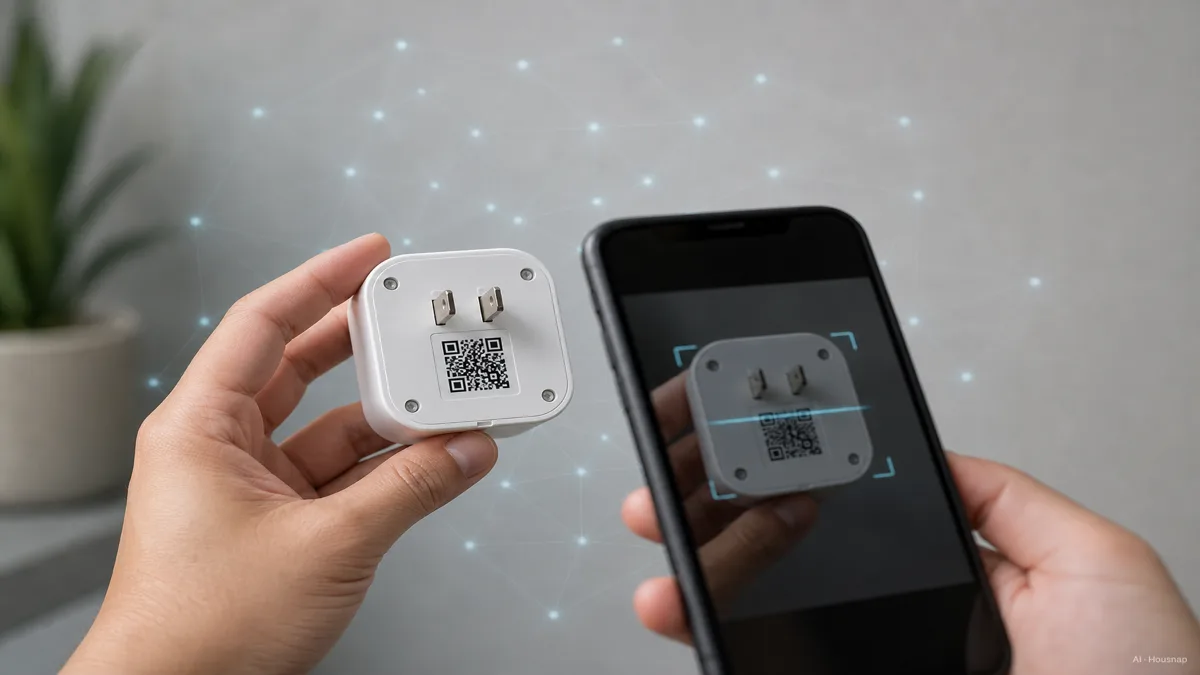
The thread that ties these together, so to speak, is that every Matter device ships with a QR code or an 11-digit setup code. Commissioning, the slightly intimidating word for setup, just means scanning that code with your platform app. The app then quietly hands the device its Thread credentials and Matter keys, with no manual IP addresses to type, as Selora Homes documents step by step. If you can scan a code, you can commission a device.
Common Pitfalls: Overlapping Thread Networks, Legacy Bridges, and Multi-Admin Tips
Most first smart homes do not fail because a device is bad. They get messy because of a few avoidable traps.
The biggest one is overlapping Thread networks. If you have an Apple border router, a Google border router, and an Amazon border router all active in the same house, they can form separate Thread networks that occasionally conflict on routing. The fix is not to throw hardware away but to be intentional: lean on one or two trusted border routers, or use a hub like Home Assistant that consolidates them, as Geeky Gadgets walks through. More border routers is not automatically better.
The second trap is assuming your older Zigbee and Z-Wave gear is now wasted. It is not. Zigbee and Z-Wave are full-stack protocols, radio plus application layer, with huge existing device libraries, while Matter is application-layer only. The bridge is that a Zigbee hub such as a Hue Bridge or the Aqara M3 can pull its Zigbee accessories into a Matter fabric, as Smart Home Forge explains in its protocol comparison. Your old bulbs and sensors can join the new system through that bridge.
The third is treating multi-admin as a free-for-all. Yes, you can add a device to three platforms at once, but every extra controller is another thing that can push a conflicting state. A calmer setup is one primary home plus, at most, one secondary for a specific need, like letting a partner's phone control the lights.
The honest summary for a first build is this. Pick one ecosystem, confirm you have a Thread border router for it, start with a plug and a couple of sensors, and only add a second border router or a Zigbee bridge when you actually have a reason. A smart home that grows in that order stays calm. One that grows by impulse buying tends to need a weekend of untangling later.
Sources
- Matter and Thread Explained for 2026 — DataWire Solutions; Matter as an application-layer certification standard and the 1,100-plus certified device count
- What is a Thread Border Router? — Matter Smarthome; why a Matter device does not automatically use Thread, and the role of the border router
- Zigbee, Z-Wave or Thread, What to Know Before Buying — Matter Alpha; self-healing mesh behavior, router versus end-node roles, and Thread power efficiency
- Complete List of Thread Border Routers — Matter Alpha; which mainstream speakers, hubs, and streamers already include a border router
- Best Smart Home Hubs of 2026 — The Gadgeteer; SmartThings Station as the best all-around hub across Matter, Thread, Zigbee, and Z-Wave
- Thread Border Router Guide — Geeky Gadgets; how overlapping border routers can conflict and how to consolidate them
- Zigbee vs Z-Wave vs Wi-Fi vs Thread — Smart Home Forge; how Zigbee hubs bridge legacy accessories into a Matter fabric