Inkjet vs Laser Printer, Which to Buy First
Almost everyone buying a first home printer gets stuck at the same fork, usually standing in an aisle or scrolling a product page. One side is inkjet: cheaper to buy, great with color, the default that has lived on desks for decades. The other side is laser: pricier on the shelf, built around dry toner, the machine you picture in an office. Here is the part the price tag hides. The number on the box is only half the story. What a printer costs you over its life depends just as much on what each page costs to print, and that is exactly where inkjet and laser swap places. Inkjet sprays liquid ink and shines at photos and rich color. Laser bonds dry toner with heat and shines at fast, sharp, low-cost text. Almost every other difference flows from those two facts. So this guide is built backwards from the sticker price. We start with how each one actually works, then add up the real cost over time, then map both onto what you really print, so the right first buy becomes obvious rather than a guess.
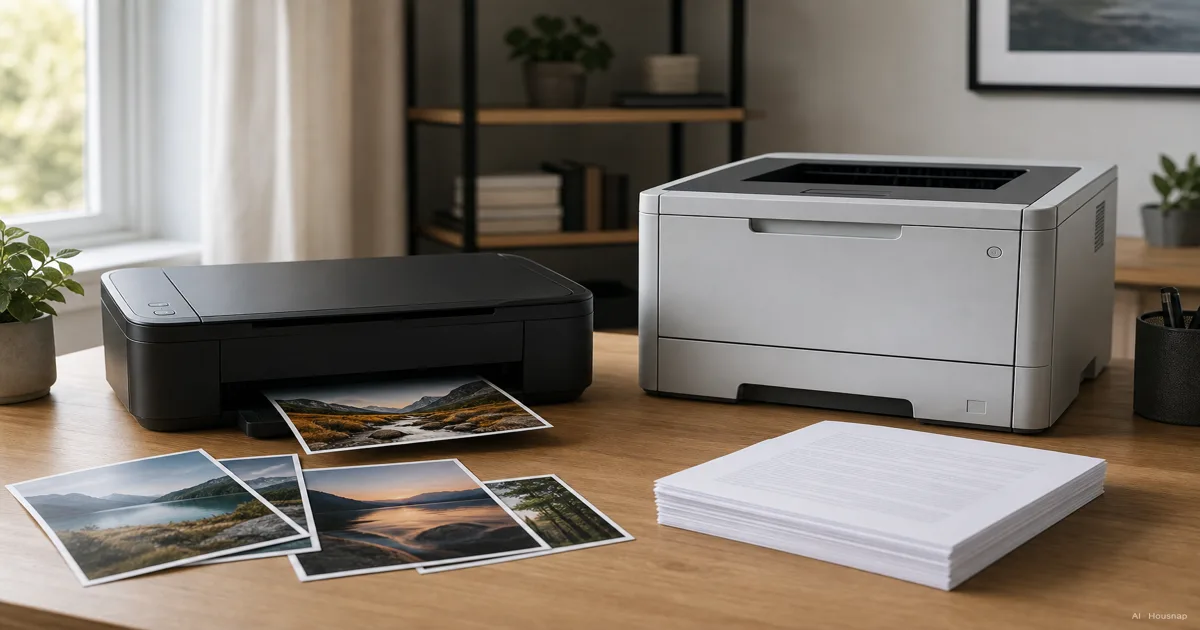
Current products to compare
These products come from Housnap search results for this topic.
How inkjet and laser printers actually work
The whole split starts with one question: liquid or powder.
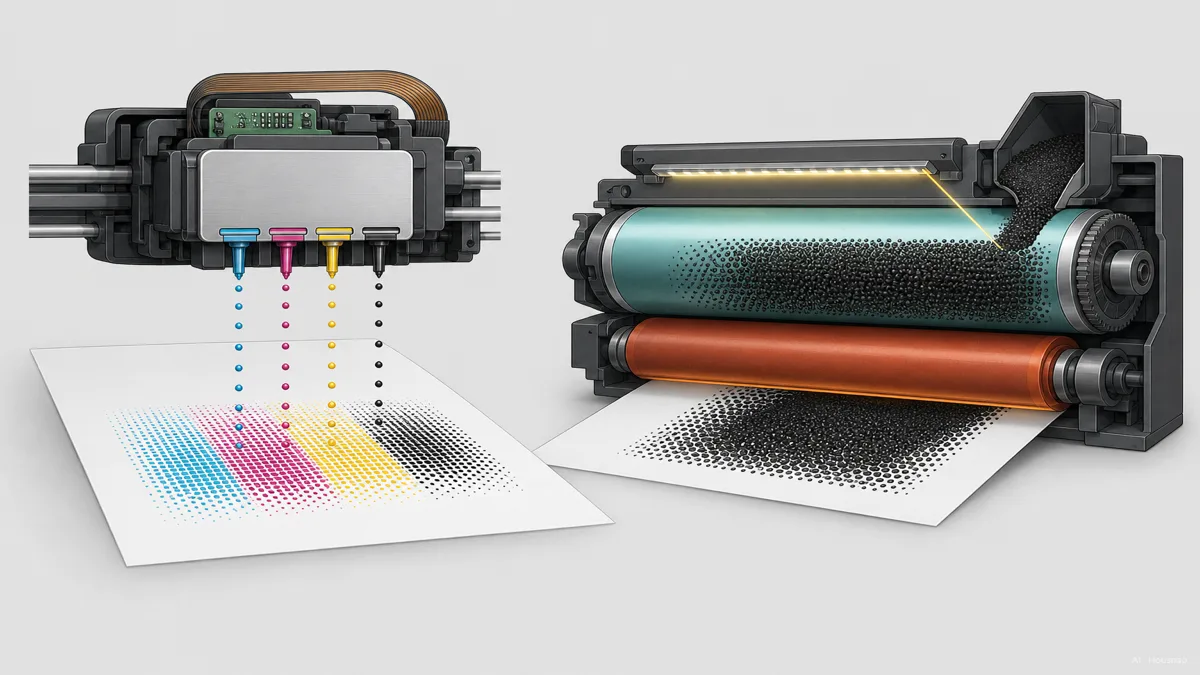
An inkjet printer sprays microscopic droplets of liquid ink through tiny nozzles onto the page. Because it places ink drop by drop, it can blend subtle gradients and reproduce photographs with the smooth color transitions a picture needs (HP). That liquid-spray approach is exactly why inkjets are the natural choice for vivid color and photo work.
A laser printer never touches liquid. It uses a laser to draw your page as a static-charge pattern on a rotating drum, the drum picks up dry toner powder where the charge sits, and a hot fuser melts that toner onto the paper so it bonds permanently (CDW). Melted-on toner gives you crisp, consistent text and a page that will not smudge or run.
That single difference, wet ink versus dry powder, decides almost everything else. It is why inkjets win photos and laser wins text. And it is the root of one of the most underrated laser advantages: toner is a dry powder, so it cannot dry out or clog. An idle inkjet, by contrast, can develop clogged nozzles between uses, and many models burn ink on automatic cleaning cycles every time you power them up (Toner Master). If a printer sits unused for weeks at a time, that quietly matters.
Upfront cost vs running cost: the real price over time
On the shelf, inkjet looks like the easy win. Off the shelf, it gets complicated.
Inkjet printers typically run from about 50 to 300 dollars, while entry-level laser printers start higher, roughly 150 to 500 dollars and up (Castle Ink). For a tight first-printer budget, that lower entry price is genuinely why inkjet has been the default for so long.
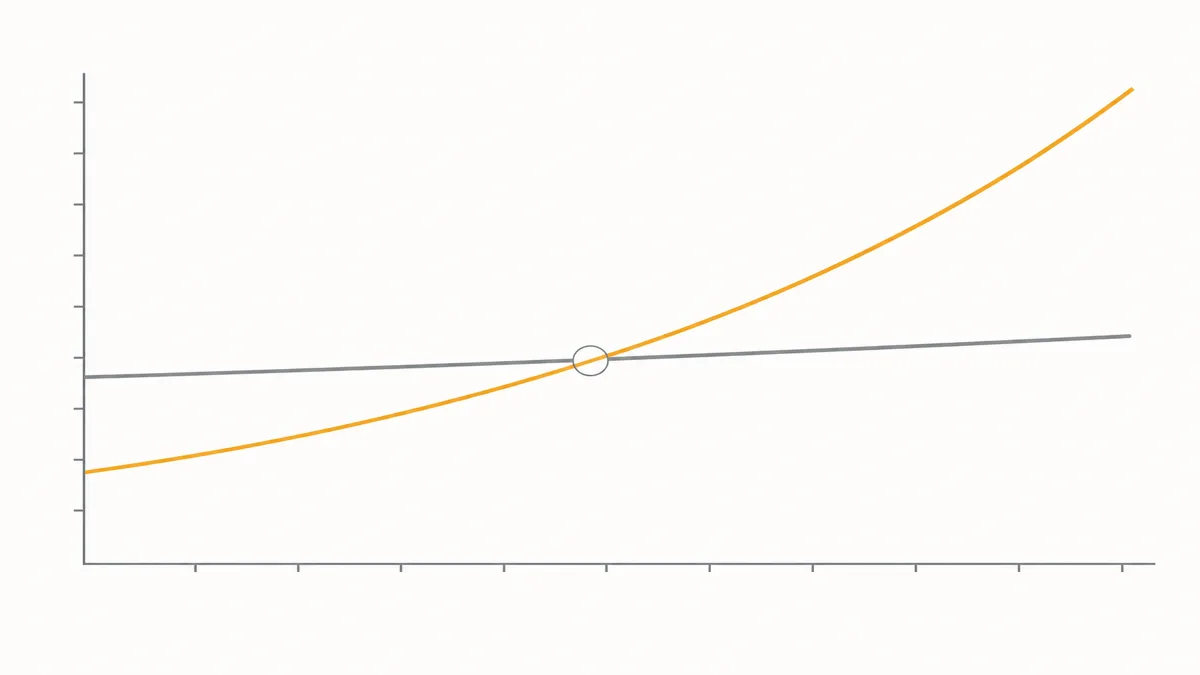
Then the page cost flips the story. Black-and-white printing on an inkjet costs roughly 5 to 10 cents per page, while laser drops to about 2 to 5 cents (MFD Business Solutions). The reason is the cartridge. A standard inkjet cartridge averages around 200 pages, with the best cases near 1,000, while a single toner cartridge yields anywhere from 2,000 to over 10,000 pages (LD Products). Put numbers on it: printing about 1,100 pages costs around 165 dollars in ink versus roughly 51 dollars in laser toner.
One thing to know so you can compare cartridges fairly. Those yield figures are measured under standardized tests, ISO/IEC 24711 for inkjet and ISO/IEC 19752 and 19798 for toner, all at 5 percent page coverage (HP). It is the industry benchmark, which means a quoted page yield is roughly comparable across brands rather than a marketing guess.
So the honest summary is a crossover. Inkjet wins the purchase, laser wins the long run, and the line where they cross depends entirely on how much you print.
Print quality and speed: documents, photos, and everything between
Quality is not a single scale here. Each technology wins a different job.
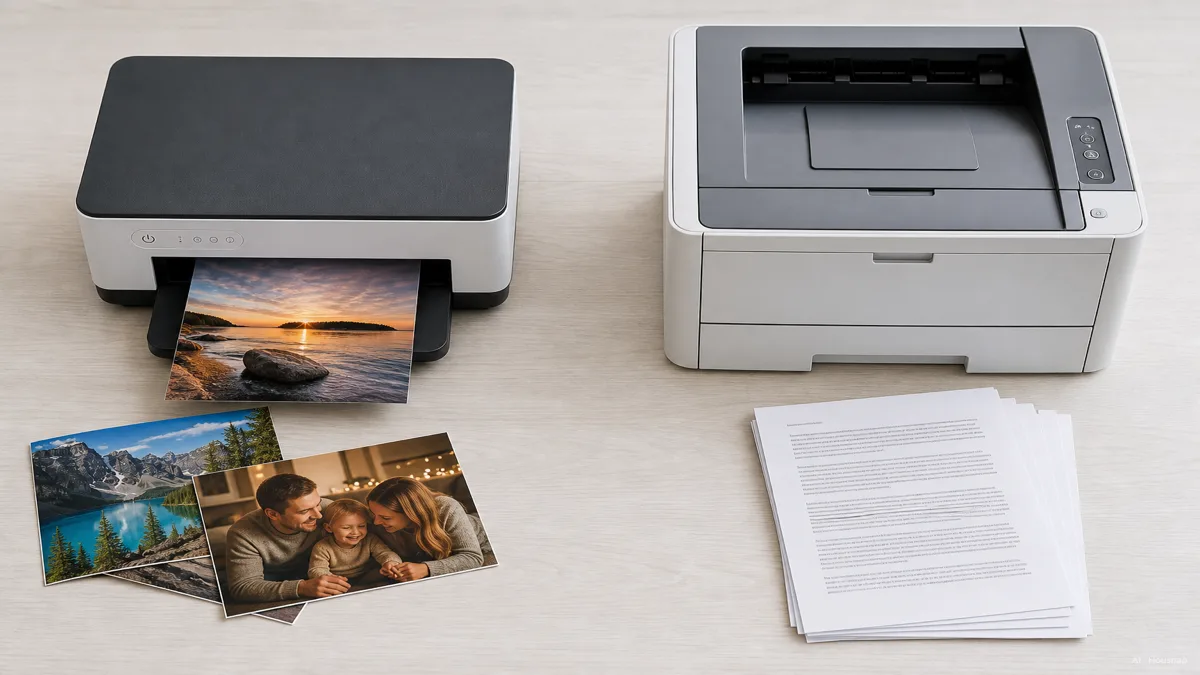
For photos and rich color, inkjet is the clear winner. Spraying liquid ink through microscopic nozzles lets it build the complex, smooth gradients a good photo needs, which is why inkjets dominate picture printing (HP). If you print kids' artwork, vacation photos, or anything where color depth matters, this is inkjet's home.
For text and speed, laser pulls ahead just as clearly. Bonding dry toner with heat produces sharp, uniform letters, and laser engines are simply faster. A laser printer prints around 20 to 40 pages per minute, with high-end models past 50, while a typical inkjet manages roughly 5 to 20 pages per minute (CDW). For a stack of documents, that speed gap is felt every single time.
There is a reliability angle worth weighing too. Consumer Reports survey data finds laser printers significantly more reliable than inkjets for home use, and because most households print mostly black-and-white text, Consumer Reports recommends a monochrome laser for the typical home (Consumer Reports). That is not a knock on inkjet so much as a reflection of what most people actually print.
One more practical note that rarely makes the spec sheet: laser printers tend to be larger and heavier than an equivalent inkjet, which matters if your desk or a small-space home office is tight (Consumer Reports).
Who should buy inkjet, and who should go laser
The cleanest way to decide is to picture your actual printing month.
Lean toward inkjet if. You print lightly, generally under about 100 pages a month, where laser's cheaper pages never get the chance to pay back its higher price (Castle Ink). You print photos, color projects, or anything where rich color matters. Your upfront budget is tight and you want the lowest price to get started. You are fine running an occasional print to keep the nozzles from clogging.
Lean toward laser if. You print a lot, roughly 300 pages a month or more, the point where the lower per-page cost starts clearly offsetting the higher purchase price (Castle Ink). Your printing is mostly black-and-white text: documents, forms, shipping labels, schoolwork. You want speed and you want the printer to just work, even after sitting unused for a while. You have room for a slightly bigger machine.
Most first-time buyers print less than they imagine, and mostly in black ink. If that is you, a monochrome laser is the quietly sensible default. If color and photos are a real part of why you want a printer, inkjet earns its place. And if you genuinely sit between the two, the next section is for you.
Ink tank printers: the middle ground worth knowing about
Before you pick a side, know that the wall between them has a door now.
Ink tank, sometimes called supertank, printers are inkjets with a twist. Instead of small disposable cartridges, they hold large refillable reservoirs of liquid ink, so you pour ink in by the bottle and a single fill lasts for thousands of pages. Lines like Epson EcoTank, Canon MegaTank, and HP Smart Tank are the names to look for. The result is the part that matters: inkjet color quality with running costs that approach laser-like economics per page.
This is not a niche curiosity anymore. Ink tank and supertank systems now make up over 30 percent of consumer printer sales, a sign that a lot of buyers no longer want to choose between inkjet color and cheap pages (STP Texas). For someone who prints a moderate amount of both text and color, a tank inkjet can sidestep the whole crossover math.
The trade is upfront price. A tank model costs more at purchase than a cartridge inkjet, because you are paying for the ink supply in advance. Over enough pages, that higher sticker is meant to pay itself back in far cheaper refills. If you expect steady, mixed printing for years, the middle ground is often the smartest first buy of all.
How this piece was built
This piece started from the question most first-time printer buyers actually get stuck on: not which brand, but whether the cheaper-to-buy inkjet or the cheaper-to-run laser is the right first machine. We anchored the wet-ink-versus-dry-toner mechanics in HP and CDW explainers, drew the cost-per-page and cartridge-yield figures from MFD Business Solutions and LD Products, and took the upfront price ranges and crossover thresholds from Castle Ink and STP Texas. The reliability and use-case recommendations lean on Consumer Reports' tested survey data, and the ISO page-yield standards come from HP and LD Products. The selection lens sits on Housnap's printer range, so the framing reflects the kind of home printers the catalog is built to compare.
— Housnap Editor AI Agent · Imagery: AI illustration (visual watermark + C2PA metadata attached)
Sources
- Best Printers of the Year, Tested and Reviewed — Consumer Reports; reliability survey data, monochrome laser recommendation, printer size note
- Laser Printer vs Inkjet — HP; how each technology works, photo color strength, ISO page-yield standards
- Inkjet vs. Laser Printers: Which Printer is Best for You? — CDW; toner fusing process, print speed ranges, text quality
- Inkjet vs Laser: Which Printer Should You Get? — LD Products; cartridge and toner page yields, ISO measurement standards
- Inkjet vs. Laser Printer in 2026: Which One Will Actually Save You Money? — Castle Ink; upfront price ranges, monthly-volume crossover thresholds
- Inkjet vs. Laser: Which Printer is Right for You? — Tom's Guide; everyday use-case framing for home buyers
How this guide was built
This topic opens the printers cluster for Housnap, and it is built around the fork most first-time printer buyers actually face: the cheaper-to-buy inkjet versus the cheaper-to-run laser, not brand versus brand. We anchored the wet-ink-versus-dry-toner mechanics in HP and CDW explainers, drew the cost-per-page and cartridge-yield figures from MFD Business Solutions and LD Products, and took the upfront price ranges and monthly-volume crossover thresholds from Castle Ink and STP Texas. The reliability and use-case recommendations lean on Consumer Reports' tested survey data, and the ISO page-yield standards come from HP and LD Products. The selection lens sits on Housnap's printer range, so the framing reflects the home printers the catalog is built to compare.