Indoor vs Outdoor Security Camera, How the Specs Change by Where It Lives
You decide you want a security camera, you open a shopping page, and there are two columns: indoor and outdoor. They look nearly identical. Same little black dome, same app, same brands. So a reasonable question pops up: can't one camera just do both? Short answer, no. And the reason is not marketing. An outdoor camera and an indoor camera are built around two different problems, and the specs that matter quietly change depending on which side of a wall the camera lives on. Get this wrong in either direction and it costs you. An indoor camera mounted outside fogs up and fails within weeks. An outdoor camera pointed at your living room blasts a spotlight and a siren that were designed to scare off a stranger in your driveway, not light up your couch. This guide walks through what actually differs, IP ratings, housing, night vision, lens width, and power, and ends with the part a first-time buyer really wants: do you need one camera, or two?
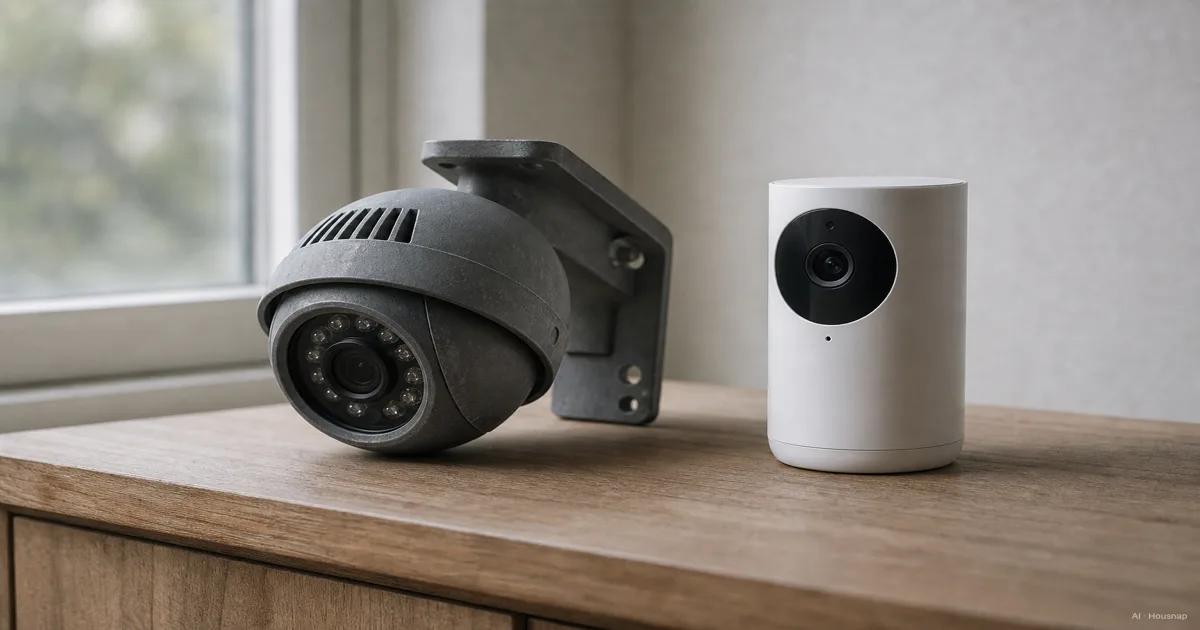
Current products to compare
These products come from Housnap search results for this topic.
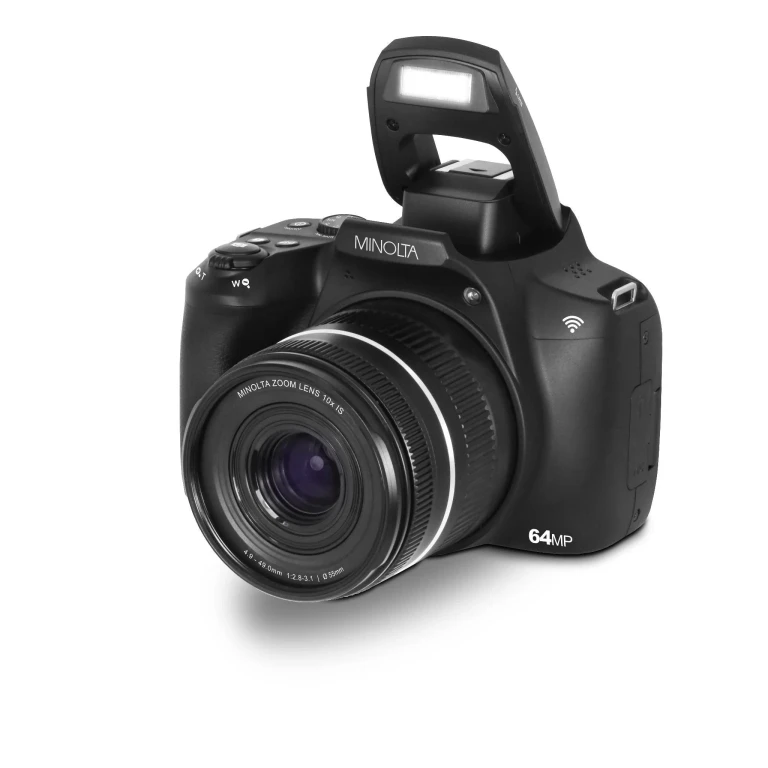
Minolta
MNB10Z 64MP Auto Focus 10X Optical Zoom WiFi Bridge Camera
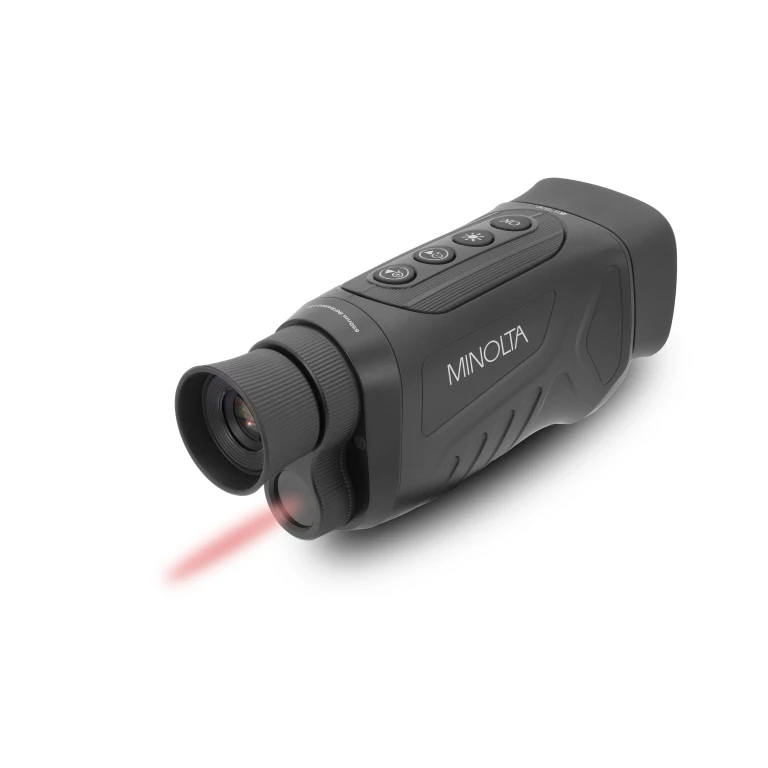
Minolta
MNDM625 6x25 Night Vision Monocular w/4K UHD Camera
Jbl
Tune 520BT Wireless On-Ear Headphones

Jbl
Tune 770NC Adaptive Noise Cancelling with Smart Ambient Wireless Over-Ear Headphones
What Makes Outdoor Cameras Different: IP Ratings, Housing, Temperature Range
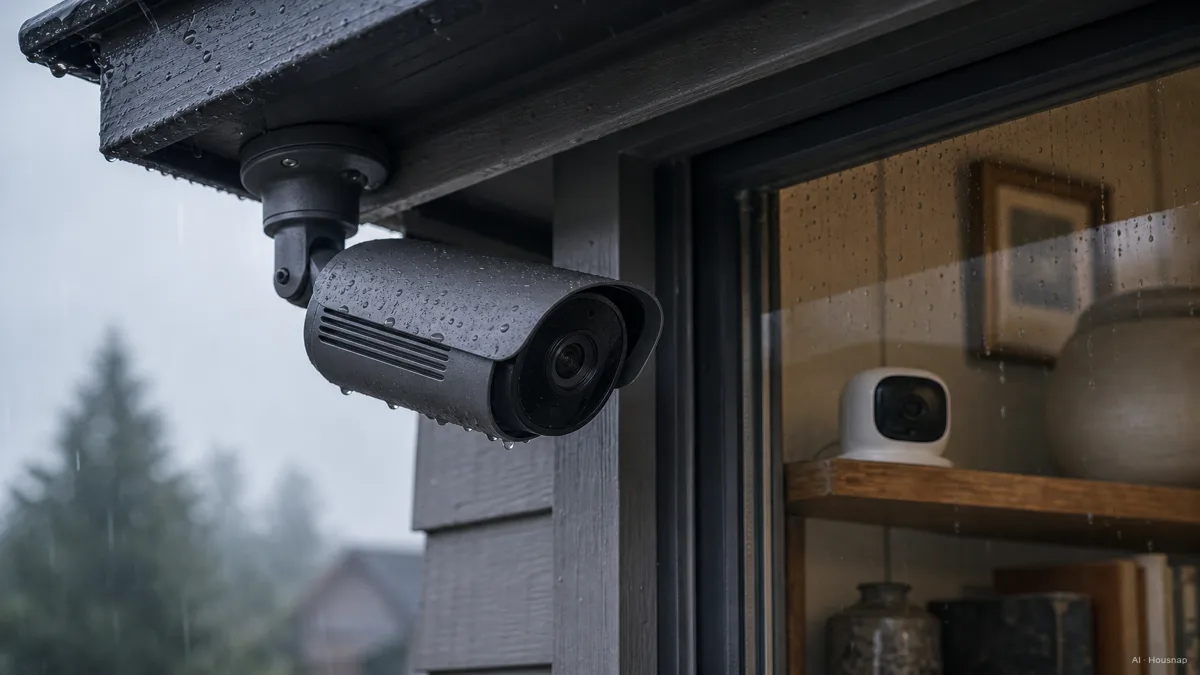
The single biggest gap between an indoor and an outdoor camera is the body. It has to survive weather, and that promise is written into a code.
The number to learn is the IP rating, short for Ingress Protection. The format is "IP" plus two digits: the first rates dust resistance, the second rates water resistance. An outdoor camera should carry at least IP65, which means it is fully dust-tight and shrugs off rain and splashing. IP66 steps up to direct hose spray, and IP67 survives a temporary dunk in up to a meter of water for half an hour. Reolink's breakdown of IP ratings for security cameras lays out exactly what each digit promises. An indoor camera, by contrast, is usually rated IP20 or not rated at all, and that is fine in a dry, controlled room.
But weatherproofing is more than a number. Outdoor housings are UV-resistant so sunlight does not yellow and crack the plastic, and many include a small built-in heater or fan so the camera keeps working from roughly -20 degrees up to 120 degrees Fahrenheit. An indoor camera uses a light plastic shell with none of that, which is why, as SafeWise notes in its indoor vs outdoor camera comparison, moving an indoor unit outside tends to end in fogging or failure within weeks.
There is one more outdoor-only spec worth knowing: an IK rating, which measures impact resistance. A camera near a front door, a garage, or a parking area sometimes carries IK10, a vandal-resistant grade with a polycarbonate or metal shell, as Mammoth Security explains in its indoor vs outdoor teardown. It is a spec you never need indoors and one worth checking for any camera mounted within arm's reach outside.
Indoor Camera Features You Actually Need vs. What You Don't
Here is the freeing part: an indoor camera can be simple, and simple is often better inside.
What you genuinely want for a room, a hallway, or a nursery is a clean short list. A 1080p sensor is plenty for an enclosed space. Two-way audio lets you talk to a pet, a kid, or a delivery person. Reliable app alerts tell you when something moves. That covers most indoor needs without spending more.
What you do not need indoors is the heavy outdoor armor. You are not paying for IP65, IK10, a heater, or 100 feet of night vision in a bedroom, and skipping those is exactly why indoor cameras stay cheaper.
One feature actively works against you inside: deterrence hardware. A spotlight or a motion-triggered siren is built to be loud and bright enough to startle someone in your yard. Point that at a living room and it becomes genuinely unpleasant, the kind of thing that goes off at your own cat at 2 a.m. So when you shop the indoor column, a camera that leans calm and quiet is the right instinct, not a downgrade.
Night Vision, Field of View, and Resolution: How the Numbers Change by Location
Three specs that sound like the same thing indoors and outdoors actually scale very differently with distance.
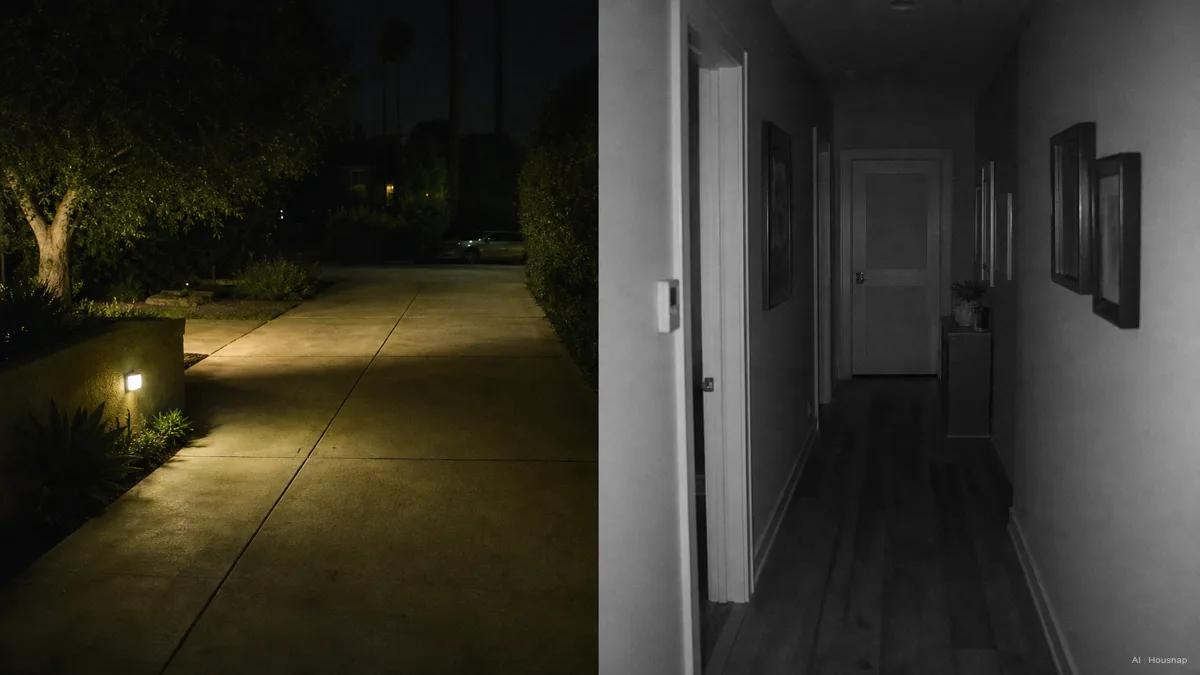
Night vision range. Indoors, you are lighting a hallway or a room, so 20 to 30 feet of reach is enough. Outdoors, you are covering a driveway or a perimeter, and you want 40 to 100 feet. The technology matters too. Plain infrared gives a clear black-and-white image. Starlight sensors amplify ambient light for color in near-dark. Color night vision adds a spotlight and a wider lens, and outdoor cameras lean on it more often, partly because visible light doubles as deterrence.
Field of view. Outdoor cameras tend to run wide, often 160 to 180 degrees, because a yard or driveway is a big zone to cover with one unit. Indoor cameras usually sit around 110 to 130 degrees, which is plenty for the walls of a room. Wider is not automatically better; a very wide lens spreads its pixels thinner, so you match the angle to the space.
Resolution. This one is closer between the two. 1080p is a solid floor everywhere. The honest catch is that resolution and field of view are linked: a wide outdoor lens stretches the same pixels across more scene, so detail at the edges softens. That is the real reason a license plate at the end of a driveway can look sharp on paper and mushy in the footage.
For a first outdoor camera covering a front door from outside, a sensible minimum is IP65, 1080p, motion detection, night vision of 30 feet or more, and a lens of 130 degrees or wider. Consumer Reports' home security camera buying guide is a good cross-check on which tested models actually hit those marks.
Wired vs. Wireless: Picking the Right Power Setup for Each Camera Type
Power is where the indoor and outdoor decision splits along practical lines rather than spec sheets.
Wired cameras, especially Power-over-Ethernet models that carry data and power on one cable, record continuously and never need a battery charged. That makes them the natural fit for a permanent outdoor perimeter position, a spot you mount once and forget. The tradeoff is installation: you are running a cable, which can mean drilling or fishing a wire through a wall.
Wireless and battery cameras flip those tradeoffs. They go up in minutes with no cabling, which suits indoor use, renters, and any temporary setup. The cost is maintenance: batteries need recharging, and to stretch them, most battery cameras record on motion rather than around the clock, so they can miss the quiet seconds before an event. Fixr's outdoor vs indoor cost and installation comparison is a useful read on how the wiring choice shifts both effort and price.
A clean way to decide: if the camera lives in one place forever and you want every second recorded, lean wired. If it needs to move, or you cannot drill, or you rent, lean wireless. Outdoor perimeter jobs push toward wired; indoor and temporary jobs push toward wireless.
The First-Buy Decision Guide: One Camera or Two?
So you are standing at the start with a budget and a single question. One camera, or two?
Start with the threat you actually care about. If your worry is packages, visitors, and what happens at the entrance, your first camera is an outdoor one at the front door, and it should clear that IP65, 1080p, 30-plus-foot night vision, 130-degree-or-wider checklist. Most break-ins and porch-theft moments happen outside, so that is usually where a single first camera earns its keep.
If your worry is inside, a pet alone all day, an elderly parent, a room you cannot see from work, then a simple indoor camera with two-way audio is the better first buy, and you can skip the outdoor armor entirely.
Plenty of first-time buyers end up wanting both, and the market reflects that: the home security camera market reached about 5 billion dollars in 2025 and roughly 61 percent of U.S. households had at least one camera by 2026. The good news is that most major brands, Ring, Arlo, Eufy, Wyze, Blink, Reolink, sell both indoor and outdoor models on one app, so starting with one and adding the other later is straightforward.
The rule that keeps you out of trouble is the same one we started with: buy the camera the location demands. An outdoor spot needs the rating, the housing, the reach, and the lens. An indoor spot needs almost none of it. When you shop, read the two columns as two different tools, and pick the one that matches the wall you are pointing it at.
Sources
- Indoor vs Outdoor Security Cameras — SafeWise; placement, housing, and why an indoor unit fails outdoors, plus wired vs wireless tradeoffs
- IP Rating for Security Cameras — Reolink; what each IP digit promises and the IP65 to IP67 outdoor minimum
- Home Security Cameras Buying Guide — Consumer Reports; tested model guidance and the specs to confirm before buying
- Indoor vs Outdoor Security Cameras — Mammoth Security; housing, night vision, field of view, and IK vandal-resistance differences
- Outdoor vs Indoor Security Cameras — Fixr; cost and installation comparison, wired vs wireless effort