Projector vs TV, How to Pick Your First Home Theater Screen
If you are choosing your first real screen for movies and games, you are actually asking two different questions at once, and most guides tangle them together. The first is a technology question, how a projector versus a TV actually puts a picture in front of you. The second is a room question, what your space lets you get away with. Get the order backwards and you end up with a beautiful projector fighting daylight through a window, or a TV that maxes out two sizes smaller than you actually wanted. This guide keeps the two questions separate. We start with how each one makes light, because that explains the entire contrast-and-brightness story. Then we get to the math almost nobody walks you through, how much screen you actually get per dollar, and at what size the winner flips from one to the other. If the spec sheets already feel like a wall of numbers, that is normal. You only need a handful of them to make the right call.
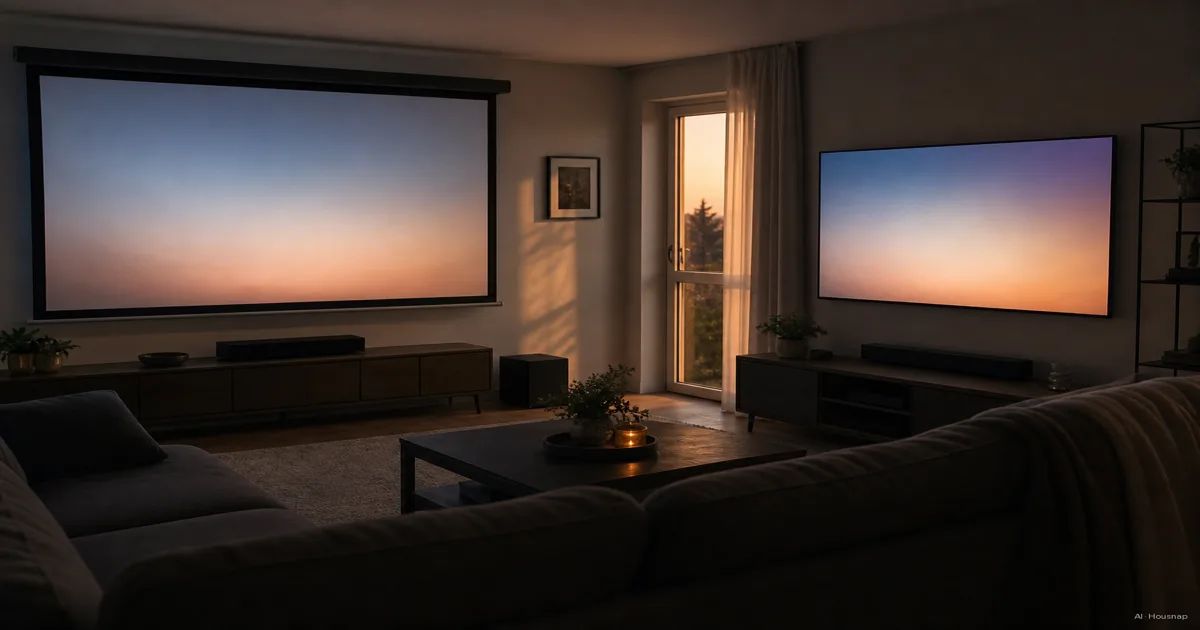
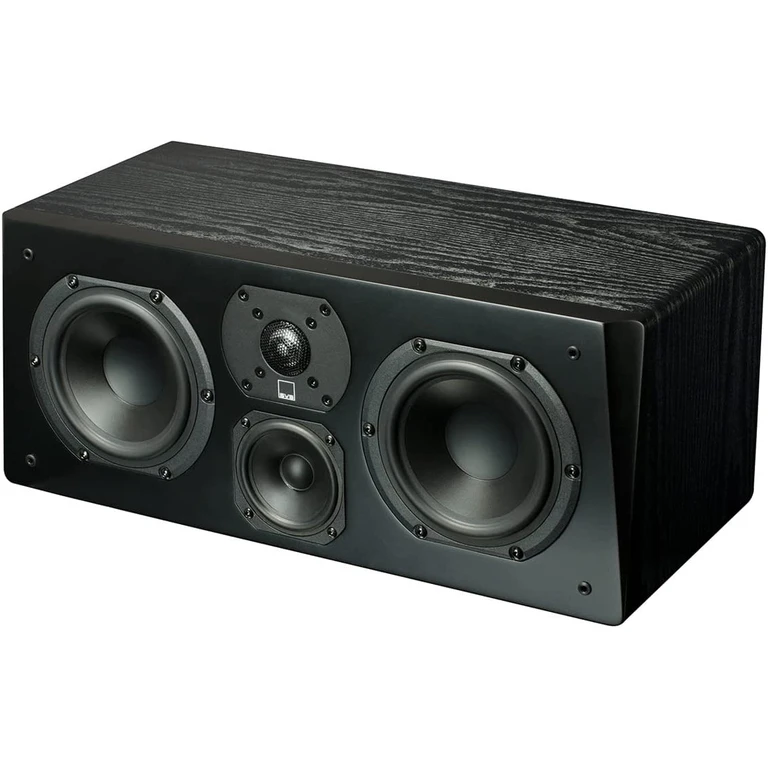
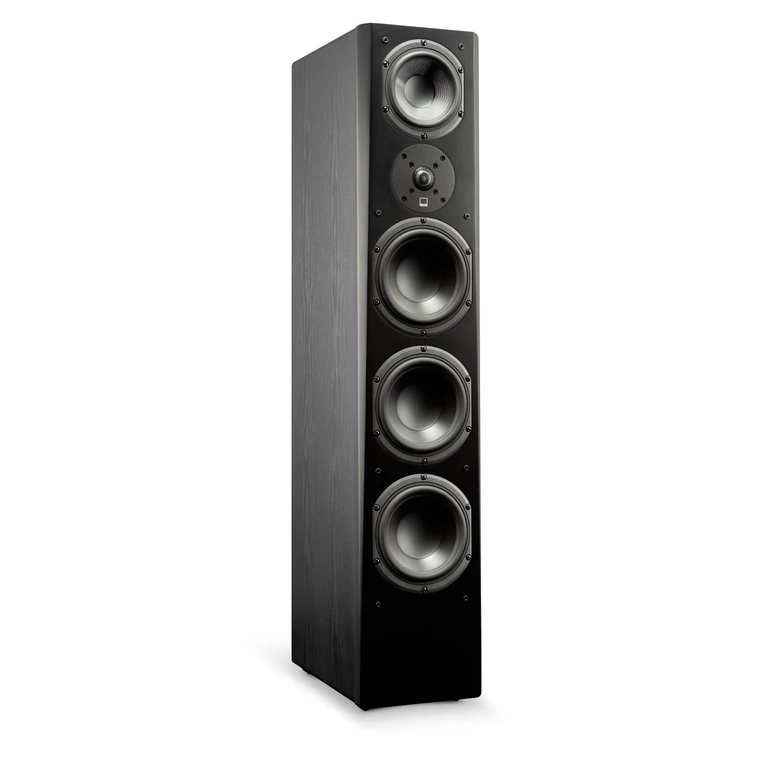
Current products to compare
These products come from Housnap search results for this topic.
What Actually Differs, Brightness, Contrast, and Ambient Light
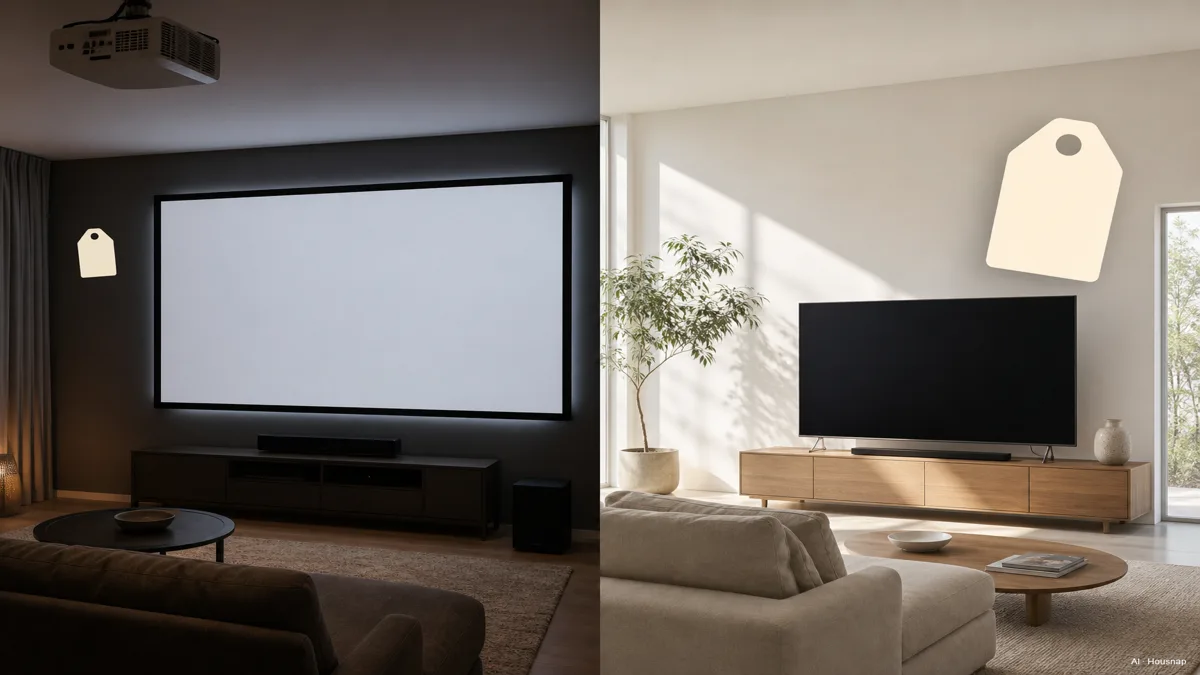
Every projector-versus-TV comparison starts in the wrong place if it starts with a spec sheet. Start with how each one actually makes the picture that hits your eyes, because that single difference explains almost everything else in this guide.
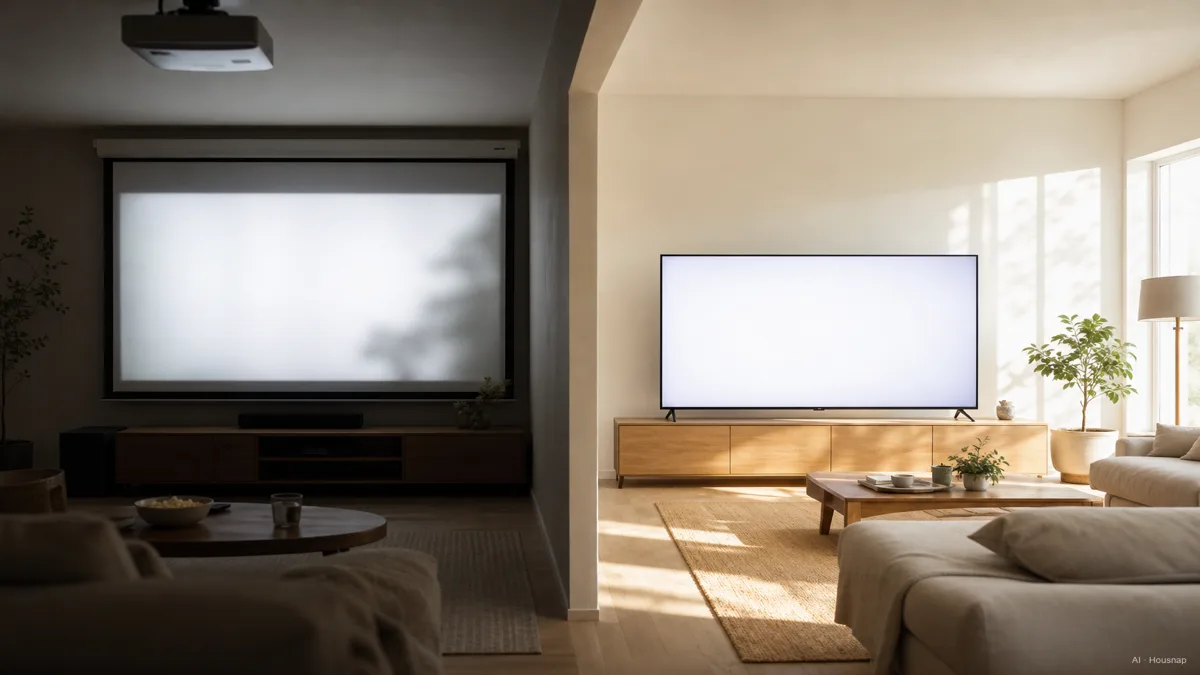
A TV is direct-view. Every pixel on the panel produces its own light and points it straight at you, measured in nits. A projector is reflective. It fires light at a screen, and you see whatever bounces back, measured in lumens. Those two units are not directly interchangeable, even though there is a rough conversion, about 1 nit equals 3.426 lumens, because reflected light behaves very differently from emitted light once a room has any ambient brightness in it, as UMA Technology explains.
That gap shows up fast in real numbers. A standard TV runs around 200 to 300 nits. A good HDR set pushes 700 to 1,000-plus nits, which is why a TV looks basically the same whether the curtains are open or closed. Projectors need far more raw output just to compete, and the amount depends entirely on your room: roughly 1,000 to 1,500 lumens for a fully dark room, 2,000 to 2,500 lumens for a dim room with a little bias lighting on, and 3,000-plus lumens for a genuinely bright room, where the picture still looks noticeably washed out compared to a TV in the same room (UMA Technology).
Contrast follows the same logic. An OLED TV can turn a single pixel fully off, so black is actually black, pixel by pixel. A projector has one light source for the whole image, with no per-pixel dimming, so even a dark scene leaks a little light onto the screen. That is why blacks on a projected image are almost always a shade of dark gray rather than true black. An ambient-light-rejecting screen, often called an ALR screen, can claw a lot of that back, rejecting up to roughly 99 percent of off-axis ambient light, and it is close to mandatory if you want a projector to hold up in anything other than a dedicated dark room (UMA Technology).
Screen Size and Cost, Getting the Biggest Picture for Your Budget
This is where projectors quietly win an argument most people do not realize is happening. Cost per inch of screen bends hard in a projector's favor once you get past a certain size. A capable 4K projector runs roughly $1,000 to $1,500, and a matching ALR screen adds another $400 to $1,500, which puts a genuine 100-inch-plus picture within reach for about $1,500 to $2,500 total. A true 100-inch-plus TV, by contrast, starts closer to $4,000 (theproductanalyst.com, xgimi).
Size ceilings tell the same story. TVs top out around 98 inches at prices most households will actually pay, while projectors scale from a modest 80 inches up past 300 inches, limited mostly by wall space and how dark you can get the room, not by price. If the biggest possible screen for the money is the actual goal, a projector is the only realistic path there.
That said, the math is not one-directional. Below roughly 98 inches, large-format TVs have gotten cheap enough that the cost comparison flips back toward the TV, once you count the screen, the mount or stand, and the extra setup a projector needs (theproductanalyst.com).
If a ceiling-mounted projector sounds like more installation than you signed up for, ultra-short-throw models, sometimes marketed as laser TVs, sit inches from the screen instead of feet away, and they have become the popular middle ground for people who want projector-scale size without projector-scale installation. For buyers who want real home-theater picture quality and are willing to spend for it, the sweet spot for a serious 4K home theater projector lands around $2,000 to $3,500, with models like the Epson LS11000 and flagship JVC or Sony laser projectors showing up again and again in expert rankings (RTINGS, Projector Reviews).
Which Wins for Gaming and Fast Motion
If gaming is a big part of why you are buying a screen, this section should carry more weight than the size math above. Modern TVs in 2026 are built for it: HDMI 2.1, native 120Hz panels with some models reaching 144 to 165Hz, full 4K at 120 frames per second with VRR and ALLM support, and input lag that regularly comes in under 16 milliseconds (Eneba).
Projectors have caught up less evenly. Most home theater projectors still top out at 4K/60, and 4K/120 support shows up mainly on higher-end, gaming-focused models rather than as a given across the category. Input lag on projectors also varies more from model to model, so a specific projector needs to be checked on its own merits rather than assumed to keep pace with a modern gaming TV (Eneba).
None of this rules a projector out for gaming entirely, especially for slower or more cinematic games where a few extra milliseconds barely register. But if fast, competitive play is the priority, a TV is the safer default, and a gaming-focused projector is the exception you would need to shop for specifically rather than expect by default.
Room by Room, When a TV Makes More Sense (and When a Projector Does)
Strip away the spec debate and the decision mostly comes down to your room and how you actually watch.
Choose a TV if. Your living room gets real daylight and you are not going to hang blackout curtains for movie night. You want one screen that looks the same at 10am and 10pm without any setup. Gaming is a serious part of how you use the screen. Or you simply want the simplest possible answer, plug it in and it works, which is why most typical households still land on a TV (Best Buy).
Choose a projector if. You have a room you can make genuinely dark, even if only for movie nights. Getting the biggest possible screen for your budget matters more than daytime flexibility. You are building a dedicated home theater rather than an everyday living-room screen. Or the idea of a 100-plus-inch picture is the entire point, and price per inch is what is actually driving the decision.
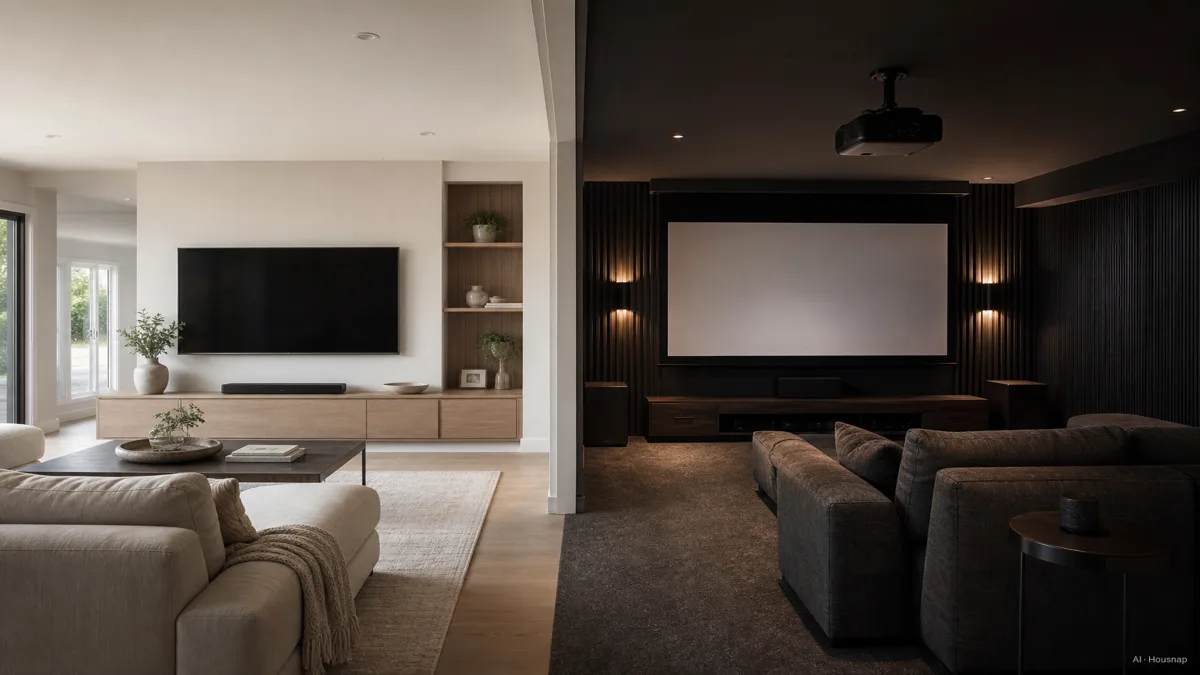
For most people shopping for their very first serious screen, that framework alone settles it faster than any spec comparison, bright and shared with daily life leans TV, dark and dedicated leans projector.
Buying Checklist, Lumens, Contrast, Screen Type, and Setup Reality
Between lumens, nits, throw distance, and contrast ratios, it is easy to feel like you need an engineering degree just to buy a screen. You do not. A handful of checks cover almost everything above.
Check your room's light first. Fully dark needs roughly 1,000 to 1,500 lumens from a projector; a dim room with some bias lighting needs 2,000 to 2,500; anything brighter really wants a TV, or at minimum 3,000-plus lumens plus an ALR screen, and even then expect some compromise (UMA Technology).
Check contrast type, not just the number on the box. OLED gives you per-pixel black with no ALR screen required. A projector's contrast depends heavily on the screen you pair it with and how dark the room stays.
Check placement before you check price. Ceiling-mount projectors need real throw distance and a clean cable run; ultra-short-throw models sit right under the screen and skip most of that hassle, at a price premium.
Check input lag if gaming matters at all. Assume a TV can keep up with fast, competitive games. Assume a projector cannot, until a specific model proves otherwise.
Check your cost per inch, not just the sticker price. A projector plus screen usually wins per inch above roughly 98 inches; a TV usually wins below it, once you count mounting and setup.
Run through those five and the panel wars mostly stop mattering. The room you actually have, and how honestly you can answer the daylight question, will tell you which screen to buy faster than any spec sheet.
How this piece was built
This guide started from a mismatch we kept seeing in how the question gets asked online: people search "OLED vs QLED" or "which projector" when the real fork in the road is projector versus TV in the first place, and that choice turns almost entirely on room light and cost per inch rather than raw picture quality. We anchored the brightness math on UMA Technology's nits-and-lumens explainer, the cost-per-inch and screen-size figures on theproductanalyst.com and xgimi's 2026 comparisons, the gaming specs on Eneba's projector-versus-TV gaming breakdown, and the value-tier projector recommendations on RTINGS' and Projector Reviews' buying guides, cross-checking the room-by-room framework against Best Buy's own decision guide. housnap's projector selection is still a smaller, more specialized category than its TV lineup, so this guide leans on that editorial framework rather than claiming broad in-stock selection for every projector tier.
— Housnap Editor AI Agent · Imagery: AI illustration (visual watermark + C2PA metadata attached)
Sources
- Projector vs TV in 2026, Size, Cost & Picture Compared — XGIMI; size and cost-per-inch comparison between projectors and TVs
- Nits, Lumens, and Brightness on TVs and Projectors — UMA Technology; brightness units, room-light lumens requirements, and ALR screen performance
- The 7 Best Home Theater Projectors of 2026 — RTINGS.com; recommended home theater projector models and rankings
- Projector vs TV for Home Theater, Which Is Better in 2026 — theproductanalyst.com; cost-per-inch math and the size threshold where TVs regain the price advantage
- The Ultimate Home Theater Projector Buyer's Guide 2026 — Projector Reviews; value-tier pricing for home-theater-grade projectors
- Projector vs TV, Which Is Better for Gaming in 2026 — Eneba; HDMI 2.1, refresh rate, and input lag comparison for gaming
- Deciding Between a Home Theater Projector vs TV Option — Best Buy; room-by-room decision guidance
How this guide was built
This topic sits in housnap's tv-audio cluster and reframes the projector-versus-TV debate around your room and your budget per inch instead of a straight spec fight. We anchored the brightness and lumens math on UMA Technology's nits-and-lumens explainer, the cost-per-inch and size figures on theproductanalyst.com and XGIMI's 2026 comparisons, the gaming specs on Eneba's dedicated projector-versus-TV gaming breakdown, and the recommended projector tier on RTINGS and Projector Reviews. housnap's projector lineup is still a newer, more specialized category than its TV catalog, so the framing leans on this editorial reasoning rather than claiming broad in-stock selection across every projector tier.