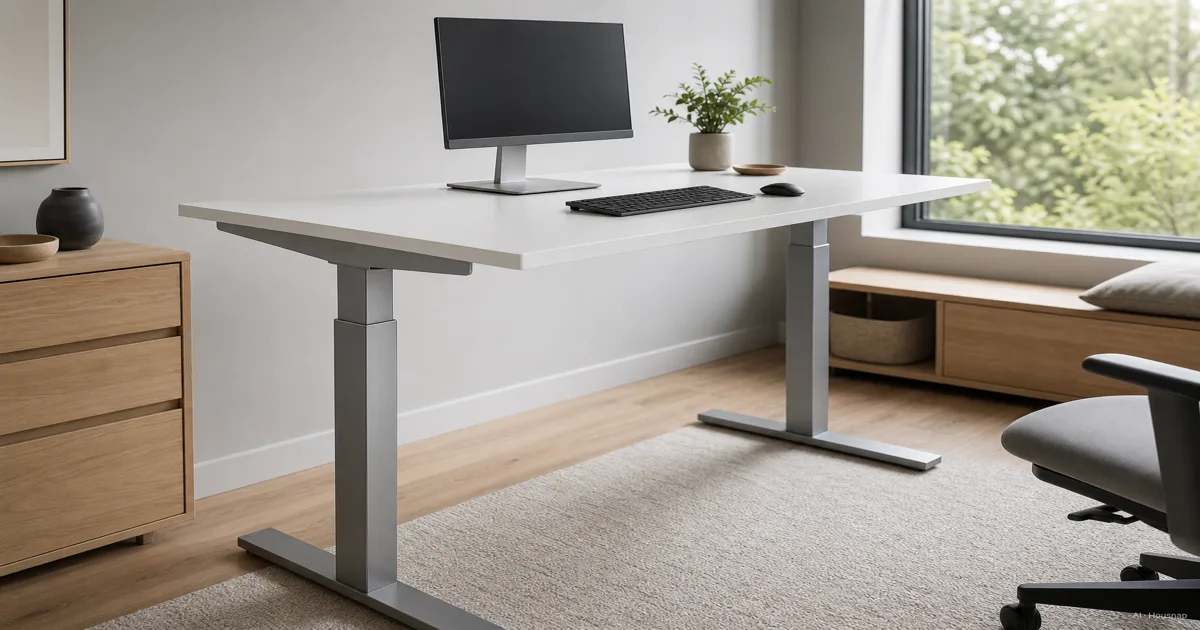
Start with what you need to keep
The useful question is not how serious you are about standing. It is whether your existing desk is worth building around.
- Keep the desk. Shortlist converters if replacing the furniture is impractical and you can fit your everyday computer work onto the raised platform. Treat the height and space checks below as conditions, not details to sort out after delivery.
- Replace the desk. Shortlist full sit-stand desks if you need writing space and equipment to move together, or the existing surface cannot be made comfortable for seated work.
- Pause the purchase. If you have not measured either working position, do that first. A temporary office still needs a setup that fits.
These are buying priorities, not a claim that one category is always cheaper or more stable. OSHA's purchasing checklist treats tabletop units as a fit question: they must securely accommodate the equipment's size, weight and quantity.
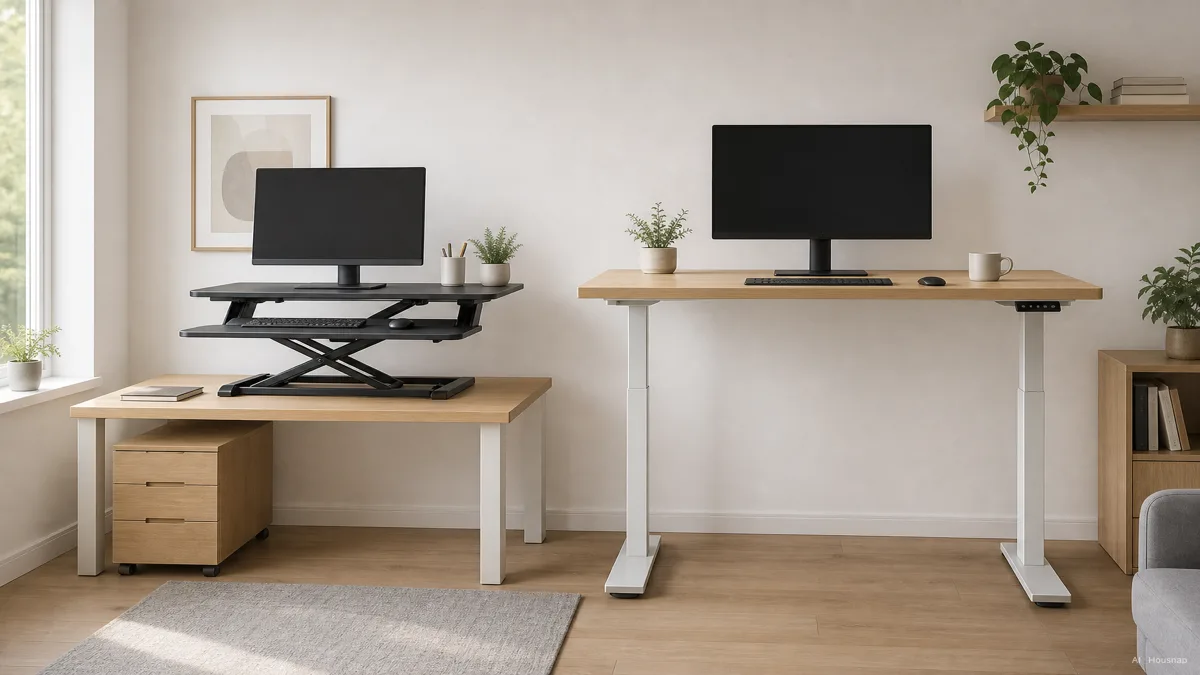
Check the lowest position before the highest
Sit with your feet and back supported, shoulders relaxed and wrists straight, following OSHA's posture guidance. Then note your comfortable keyboard height from the floor. Repeat while standing; use those two measurements to screen candidates.
For a converter, calculate the final keyboard position using your existing desk height and the tray's position above or below it. Do not confuse the upper monitor platform's height with the keyboard height. If the lowest setting leaves you shrugging your shoulders, reject that configuration.
There are exceptions to the raised-tray problem: Ergotron's WorkFit-TX has an independently adjustable tray that drops below the desk. That is a model-specific feature to check, not something every converter offers.
For a full desk, confirm whether the published range includes the top. UPLIFT's comparison chart specifies desktop thickness alongside its height ranges. Compare the assembled desk, with your keyboard in place, against your measurements.
If your chair cannot support a comfortable seated position even after adjustment, resolve chair fit and adjustment before using that posture as your measuring reference.
Lay out the equipment, then check the load
Mark the candidate's usable surface dimensions on your current desk. Put your keyboard, mouse, monitor bases and any papers inside that outline. For a converter, check the lower tray separately: a wide upper shelf does not give your mouse more room.
Keep frequently used items within easy reach and leave leg space clear, as OSHA's desk guidance advises. A shallow desk is not automatically a good converter candidate; the proposed arrangement still has to fit.
Check the exact product's load specification, including any minimum. For example, the WorkFit-TX brochure lists a 10–40 lb equipment range and a separate 58.5 lb product weight. The distinction matters: the converter lifts the equipment, while the underlying desk supports both. Confirm that desk's capacity too.
Set the keyboard position first, then check the screen. OSHA recommends the top line of the screen at or below eye level. If the existing screen support cannot achieve a suitable position, compare monitor arms and stands before finalizing your layout. An accessory needs its own compatibility check; it is not a reason to overlook a poorly fitting desk.
Compare the complete setup before ordering
Where possible, try normal typing at your intended standing height. Operate the adjustment mechanism with a permitted load. Notice whether you can reach the controls and whether the screen movement bothers you; a category name cannot answer those questions.
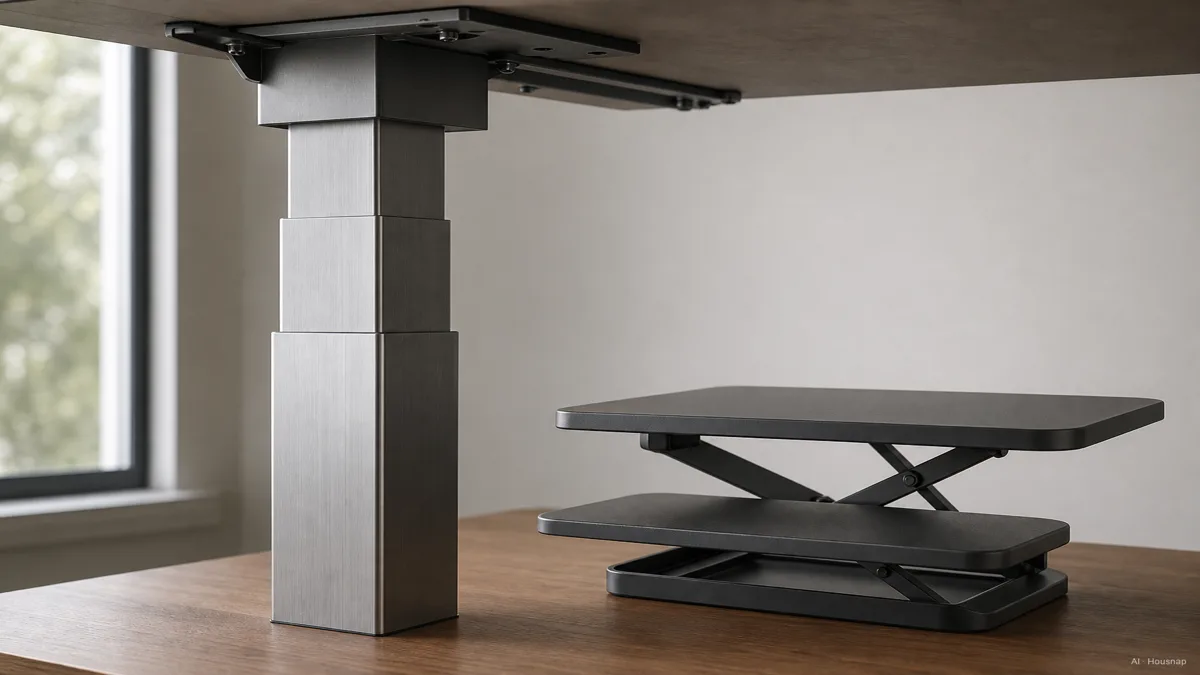
Check the manual's movement clearances, assembly requirements and power needs. Plan the cable route through the full travel, not just the seated position. CCOHS advises keeping cables and layout from obstructing adjustment; it also recommends varying posture and taking breaks away from the computer.
Now compare delivered, usable setups: the chosen converter plus any necessary changes, versus the full desk with the top, assembly and any necessary accessories included. Read the return conditions, especially how an assembled item must be packed and who pays transport.
Buy the converter when it passes the fit checks and keeping the desk is valuable to you. Buy the full desk when the whole work surface needs to change. If neither candidate fits both positions, keep looking rather than treating discomfort as the price of standing.
Como este guia foi construído
Written by Housnap's AI editor using OSHA and CCOHS workstation guidance, Ergotron documentation and an UPLIFT specification chart. The article turns those sources into a first-purchase comparison; its buying priorities are editorial judgments, not results from hands-on product testing.