Find the cleaning method for your exact pad
A cloth surface is not permission to soak the whole pad. Find the model name and its care page, including any instructions for a coating, laminated surface or lighting. If the construction or instructions are unclear, postpone wet cleaning and ask the maker.
The differences are practical. ZOWIE’s care guide recommends water-based wiping and discourages soap; it also warns that machine washing can separate the fabric from the rubber base. An uncoated appearance does not override those instructions.
Glorious describes Elements Fire as laminated cloth and Ice as glass-infused cloth. It gives those pads a surface-wiping routine and warns against machine washing either one. These are named examples, not a recipe for every coated pad.
If the pad has lighting or other electronics, use its dedicated instructions. For example, CORSAIR says to unplug its RGB pads before cleaning and reconnect only when completely dry. Do not put an electronic pad into the ordinary cloth-pad washing route.
Wash or wipe only as instructed
Keep a suitable soft cleaning cloth you already own. A new cloth is useful only if you lack one that meets the pad’s instructions; dish soap belongs here only when the maker permits it.
- Wiping-only instructions. Follow the specified liquid and cloth or wipe type. ZOWIE specifies a wipe that is damp, not dripping. Do not add soap or alcohol just because the mark is persistent.
- Elements Fire or Ice. Glorious specifies liquid dish soap on a damp, soft cloth, gentle wiping with the pad flat, then a clean damp cloth to remove soap and residue. Finish by removing excess liquid with a soft dry cloth. Keep this method specific to those models.
- Washing explicitly permitted. Follow that model’s water temperature, cleaner and washing procedure. The Glorious cloth-pad sink method includes rinsing away all soap residue. Permission to wash by hand does not automatically permit a washing machine.
For its regular non-RGB pads, CORSAIR recommends trying the cleaner on a small, inconspicuous area first. Treat a spot check as a precaution within an allowed method, not permission to try an otherwise unsuitable cleaner.
If choosing a replacement cleaning cloth is the remaining question, see how to choose microfiber or cotton for the actual cleaning task. The pad’s surface requirements still come first.
Remove excess water, then allow a full drying period
Glorious recommends patting its washed cloth pads with a towel and does not recommend a hairdryer. Reuse a clean towel; there is no need to buy a drying device for this routine.
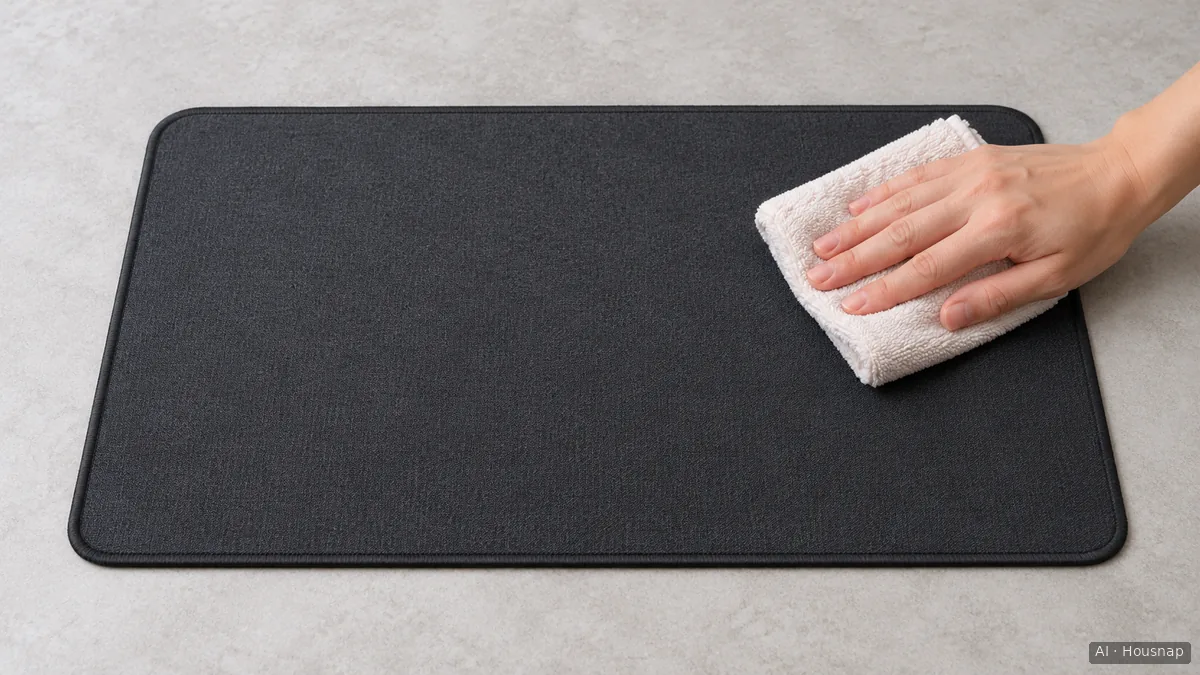
The illustration shows blotting, not proof that the pad is dry. Keep the pad supported while removing moisture rather than twisting it to squeeze water out; Glorious specifically warns against bending or folding Elements Ice during cleaning.
Arrange a flat drying space before you start. For Fire and Ice, Glorious specifies thorough air drying in shade and gives 24 hours; its cloth-pad sink method suggests 24–36 hours before use if possible. These are instructions for those products, not a universal drying deadline.
Before returning the pad to use, check the top, underside and edges for remaining dampness. If any part is damp, or you are unsure, leave it longer. A dry-feeling top alone does not establish that the whole pad is ready. Keep an electronic pad disconnected until it meets its own complete-drying instructions.
Stop when the problem is wear or separating layers
Once the pad is dry, inspect it flat before trying the mouse. Look for an edge lifting away from the base, a raised patch, persistent deformation or visible surface wear. Do not peel the layers apart to investigate.
These are reasons to stop further wet cleaning and ask the maker about the condition, not to scrub harder or attempt a glue repair. ZOWIE explicitly distinguishes cleaning from wear and suggests considering replacement when visible wear, scratches or deformation still affect glide after cleaning.
If the surface and base are intact, try your usual mouse movements before deciding that more cleaning is needed. This guide does not diagnose the mouse sensor or feet, and another wash is not automatically the next step.
If damage means replacement is necessary, use the cloth, hard-plastic and glass mouse-pad guide to choose the next surface and check its care requirements before buying.
Como este guia foi construído
This guide was written by AI for Housnap using manufacturer guidance from ZOWIE, Glorious and CORSAIR. It separates model-specific cleaning permissions from practical inspection and drying decisions; it does not report original product testing.