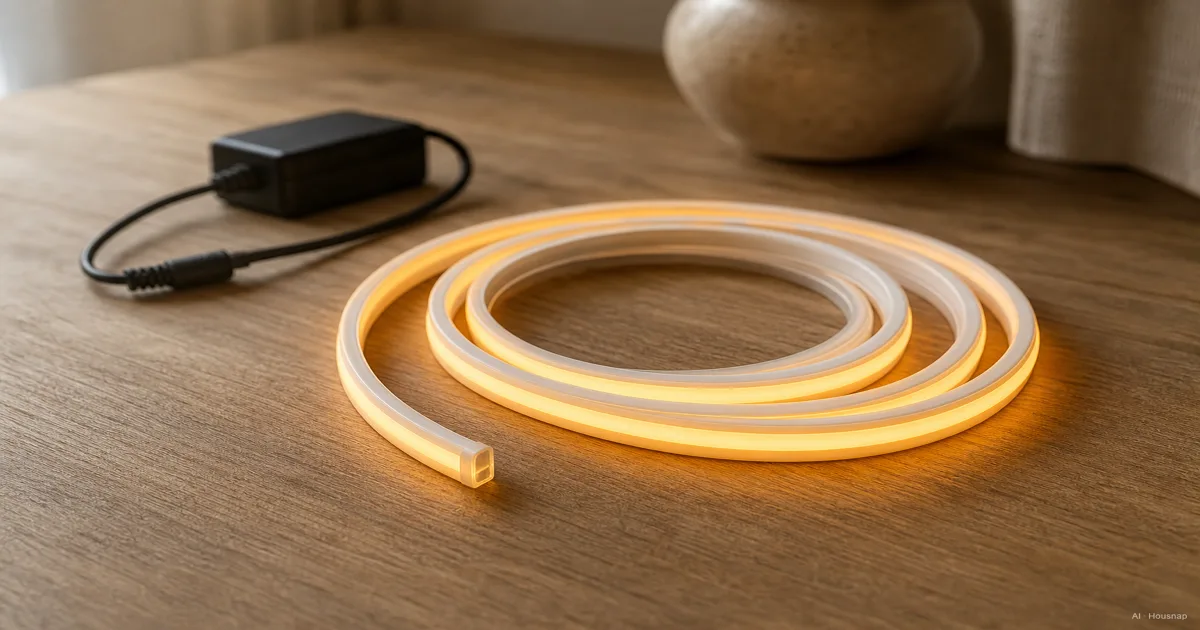
Choose white light or color effects first
Start with what the strip needs to illuminate: a worktop, a shelf or the wall behind your desk. For this guide, the starting point is a low-voltage household setup with a plug-in adapter.
- Everyday white light. Choose fixed white if you already know the shade you want. Tunable white lets you change between warmer and cooler white; RGBW adds dedicated white LEDs alongside color. Check the actual white-light specification rather than assuming every RGB strip includes it. LEDSupply explains these options.
- Color patterns. Choose RGBIC when you want different sections to show different colors simultaneously. That segmented effect is its useful distinction from conventional RGB, as described in Govee’s FAQ.
If your real aim is to change the light in an existing lamp rather than illuminate an edge, consider choosing a smart bulb before planning a strip installation.
Compare the light, not just the chip code
Ask for lumens per meter, the light output over a stated length. Comparing a whole reel’s lumens with another strip’s per-meter figure tells you very little. LED count alone also cannot establish brightness. LEDSupply’s guide separates density from output.
For white light, note two more figures. CCT, measured in kelvin, describes its shade; CRI describes color rendering. If seeing colors accurately matters, use CRI 90 or higher as a shortlist criterion, then compare the remaining specifications. Flexfire’s FAQ explains CRI.
Around 2700–3000 K is a useful starting point for warmer residential lighting; compare 4000–5000 K if you prefer a cooler white. These are preferences, not compulsory room assignments. Waveform’s guidance makes that distinction too.
SMD2835 and SMD5050 identify package dimensions: 2.8 × 3.5 mm and 5.0 × 5.0 mm. They are not a complete performance rating. Elstar’s comparison identifies the sizes; use the finished strip’s specifications to choose between products.
Measure the route and check where cutting is allowed
Sketch each illuminated stretch, the gaps between cabinets and the route back to the outlet. Record the length you actually need, not just the room’s perimeter. Then ask whether the product can finish close enough to that length using its permitted cut points.
RGBIC does not answer the cutting question. Govee lists both cuttable and non-cuttable models. Check the exact model instructions, disconnect power before cutting and use only approved cut marks. Do not assume the offcut can be reused. Govee’s cutting guide explains the restrictions.
For comparable constant-voltage systems, 24 V can reduce voltage-drop problems on longer runs. Some 12 V strips offer closer cut intervals. Neither voltage promises a particular usable length: check the product’s maximum continuous run and cutting interval. Waveform compares the tradeoffs.
If the route exceeds that limit, ask the supplier for a suitable layout before ordering. A longer reel is not automatically the right solution.
Decide whether you need a separate power supply
A complete kit is a useful first shortlist because its components are specified together. Check that the box includes the adapter and controller, and that it covers your planned length. For example, Flexfire’s white-light kit includes a matched driver and explicitly restricts adding more lights.
For a separately assembled constant-voltage strip, match the adapter’s DC output voltage to the strip. A 24 V supply is not an upgrade for a 12 V strip. Waveform’s power guidance explains voltage matching and load calculation.
Use the specified maximum draw for the complete setup. Here is an illustrative calculation, not a specification for a particular product:
- Strip load. 4 m × 10 W/m = 40 W.
- Capacity allowance. If the supply manufacturer recommends a maximum 80% load, 40 W ÷ 0.8 = 50 W minimum rated output for that strip load.
- Final check. Include any additional controller load and follow the selected equipment’s instructions. Flexfire recommends the 80% method for these adapters; it is not a universal rule for every kit.
Only shop for a separate supply when your chosen configuration needs one. Confirm the connector and polarity as well as voltage and capacity; if compatibility is unclear, have the supplier specify the parts.
Check water exposure across the whole setup
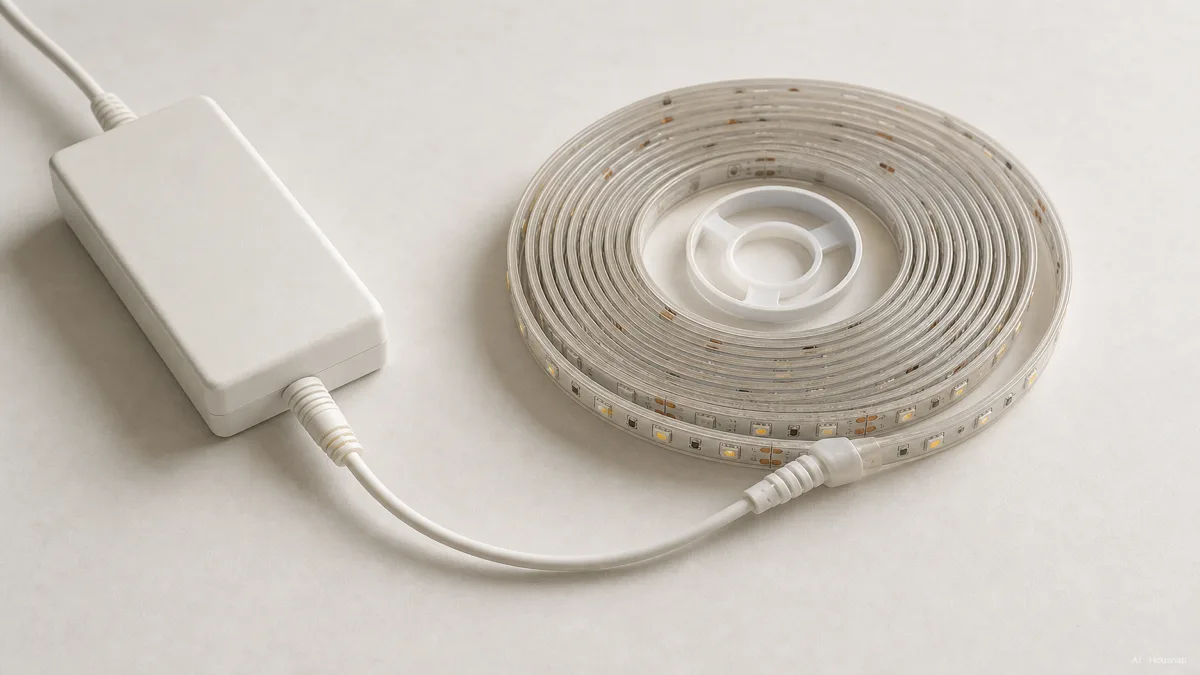
The kitchen illustration is a prompt to inspect the installation location, not proof that any IP65 strip belongs beside any sink.
- Dry, sheltered position. Shortlist products specified for dry indoor use; IP20 products belong in this category.
- Splashes or outdoor exposure. Check the manufacturer’s permitted location for the entire setup. IP65 describes protection against water jets, not immersion.
- Possible immersion. IP67 concerns temporary immersion. Do not treat IP68 as unlimited waterproofing; obtain the product’s stated conditions before choosing it. Flexfire explains the IP distinctions.
Inspect the adapter, controller and connections separately. Flexfire notes that connectors on its IP68 strips can be rated only IP65, demonstrating why the strip’s rating cannot stand in for every component. See its connector FAQ.
Cutting also changes the sealing job. Flexfire’s outdoor strip instructions require cut ends to be resealed. For a wet installation, choose a system whose approved sealing method you can follow; otherwise, get the layout specified professionally.
Choose the mounting method before peeling the backing
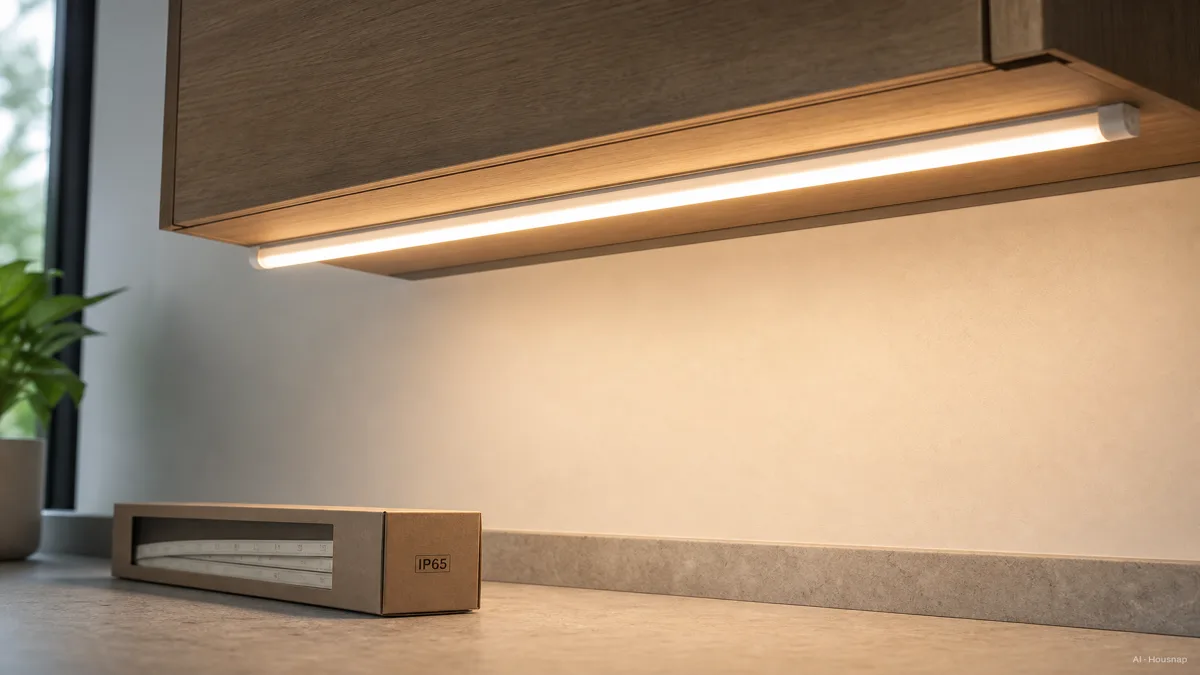
Place the strip along the intended route without attaching it permanently. Check where the LEDs will be visible from your normal sitting or standing position, and whether the adapter and controls remain accessible.
An aluminum channel with a diffuser is worth considering when you want a rigid mounting surface and softer-looking individual light points. Check its internal dimensions, including room for connections. Waveform’s channel specifications illustrate a useful trap: the strip fits, but certain solderless connectors do not.
For direct adhesive mounting, follow the product’s surface-preparation instructions. Govee calls for a clean, smooth surface and warns that removal can damage paint. Its installation FAQ is a reason to consider the surface finish before committing.
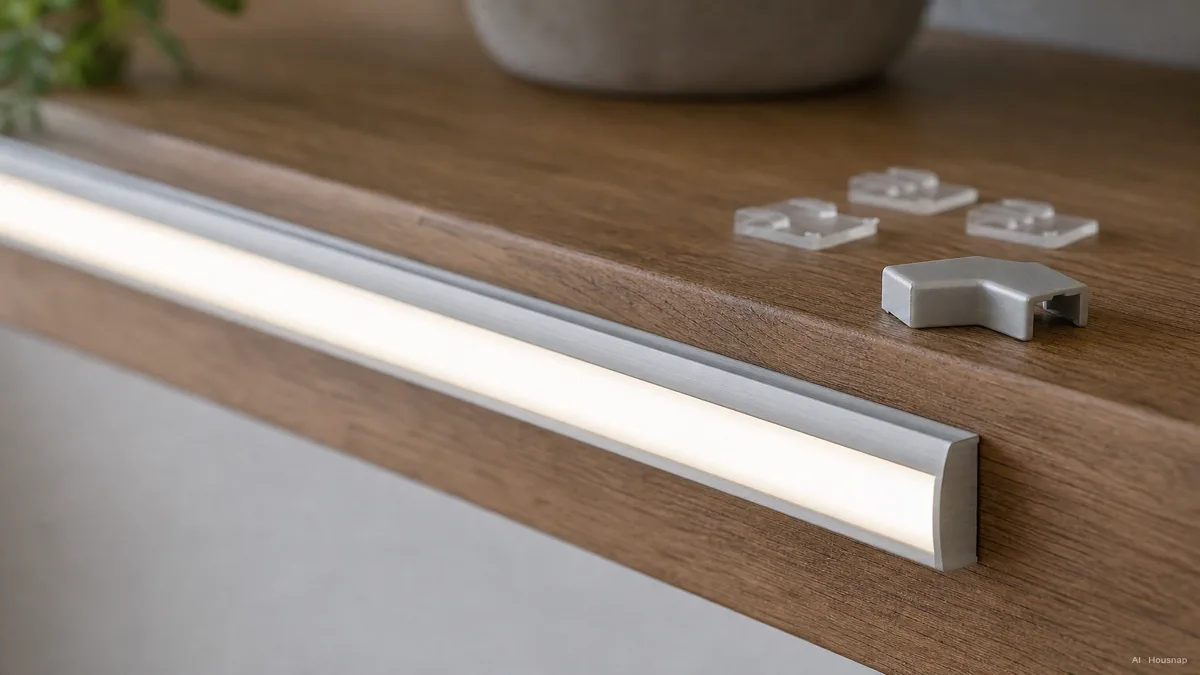
Choose channels, clips or corner parts for the actual route. The pieces shown below illustrate mounting choices; they are not evidence that a generic connector fits your strip.
Check the controls you will actually use
Write down the daily action you want: a button, a remote, a phone adjustment or an automation. Then check that exact function on the exact model, including any extra hub it requires.
A brand name is not enough. Philips Hue distinguishes Bluetooth operation from a Bridge-based system, so a blanket claim that every Hue setup needs a Bridge is unhelpful. Hue explains the two approaches.
Likewise, Matter and Thread are different checks. Nanoleaf distinguishes Matter over Wi-Fi from Matter over Thread; the latter needs a Thread border router, and platform requirements still apply. Read its compatibility guidance. If that changes what you need to buy, first work through Matter, Thread and the hardware your home needs.
Before ordering, you should be able to name the light type, required length, permitted cuts, power arrangement, installation environment and control method. If one remains unclear, ask about that specific gap rather than buying a larger kit and hoping it fits.
Como este guia foi construído
This guide was written by AI for Housnap, using manufacturer documentation from Waveform Lighting, Flexfire, Govee, Philips Hue and Nanoleaf, alongside LEDSupply’s buying guidance and Elstar’s package-size explanation. It focuses on selecting a first low-voltage household strip setup; the purchase sequence and worked example are editorial guidance, not a product test or approval of an individual installation.