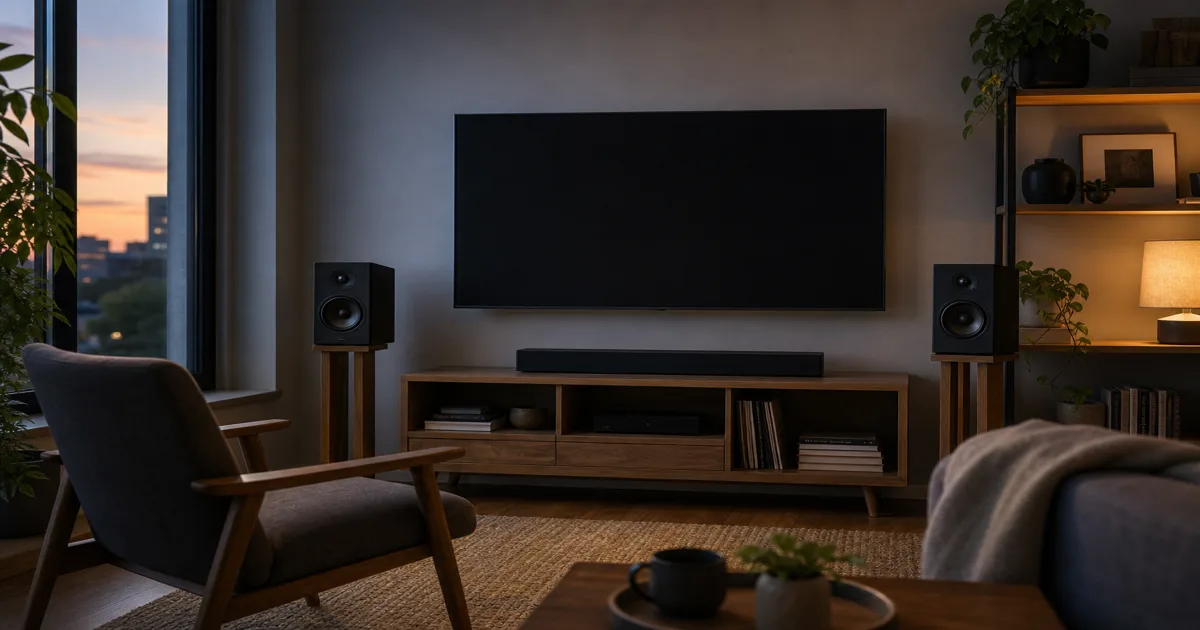
Choose the setup you want to live with
Start with the inconvenience you most want to avoid: boxes around the TV, a separate amplifier, or limited freedom to position the left and right speakers.
- TV comes first. Start with a powered soundbar if you want the main unit beneath the screen. For hard-to-hear dialogue, compare speech controls at your normal listening volume; the shape alone is no guarantee. Beam (Gen 2), for example, offers speech enhancement and Night Sound. Sonos user guide
- Music matters, but simplicity does too. Shortlist powered bookshelf pairs. Their amplification is built in, so a separate amplifier is unnecessary. Klipsch's explanation
- You want separate components. Consider passive bookshelf speakers if you already have a suitable amplifier or want to choose one separately. Passive speakers require an amplifier and speaker wire. Klipsch's definition
If the soundbar route fits, the next question is whether you need a 2.1 or 5.1 setup. Check what speakers are physically included, rather than buying by the biggest channel number.
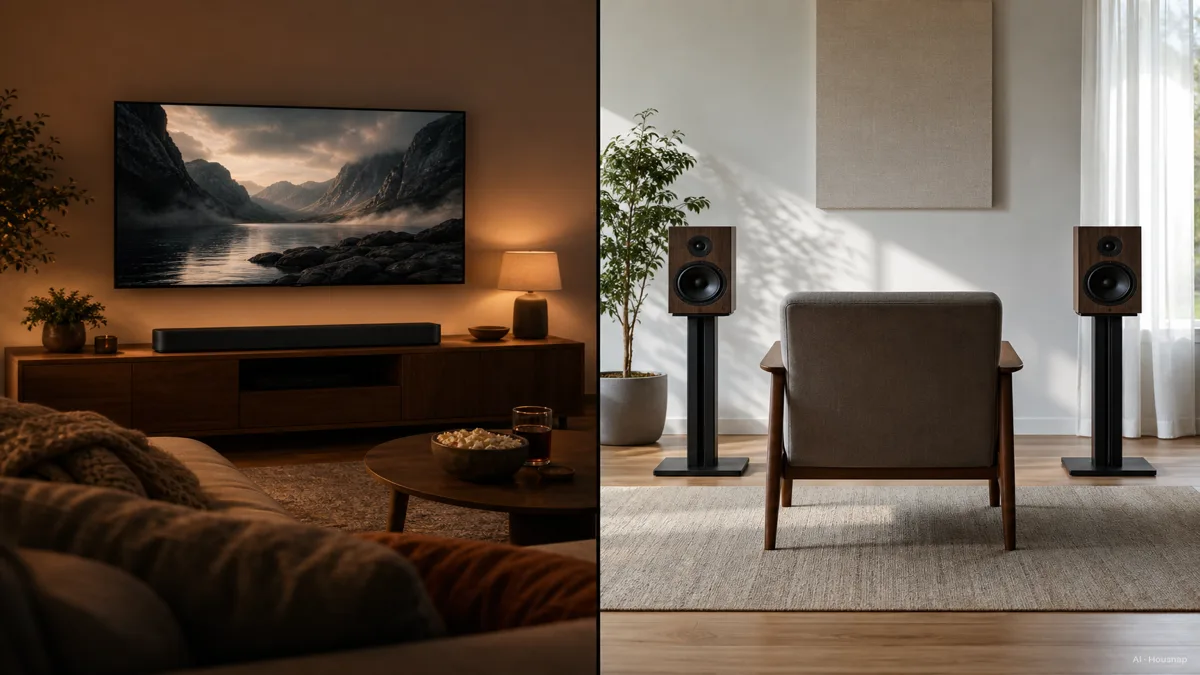
Check the space before comparing sound claims
Measure the available width and depth, the clearance below the screen, and where cables can run. For a pair, mark two usable positions before assuming both boxes will fit on the TV cabinet.
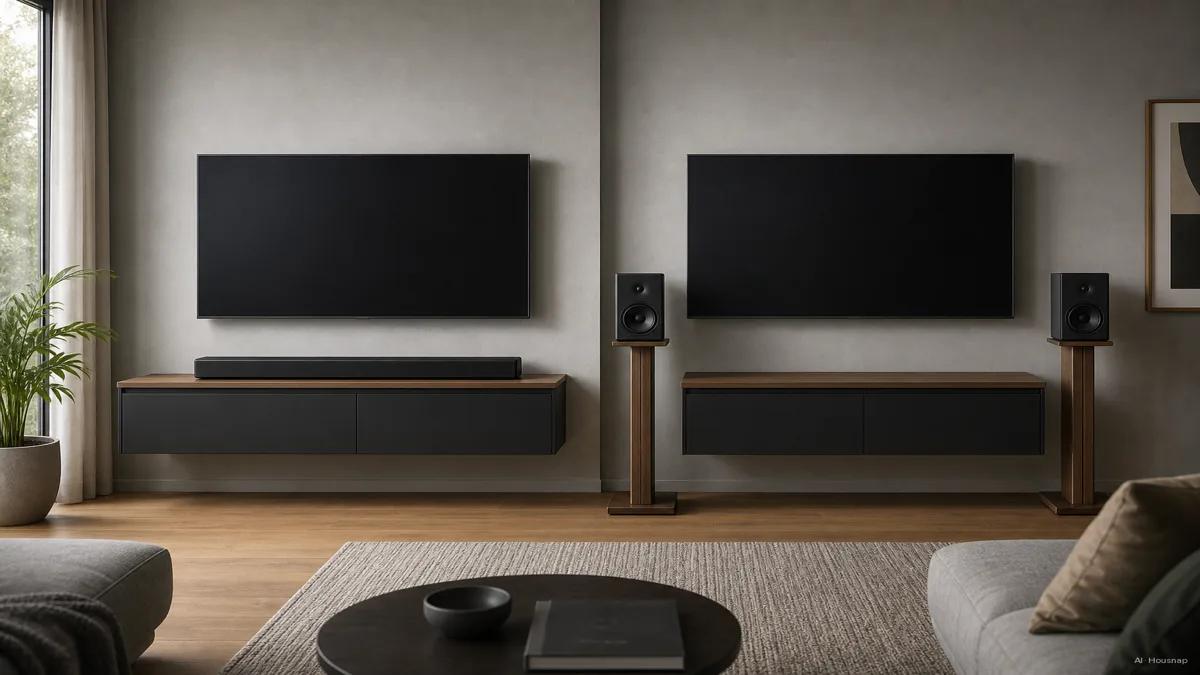
For stereo, KEF recommends roughly equal distances between the two speakers and your listening seat, with tweeters near ear height. The angle toward the listener depends on the speaker, so follow its placement guidance. KEF positioning guide

This diagram illustrates separate speaker placement, not measured performance. Its narrower soundbar field is not a limit shared by every soundbar.
Dolby describes both virtualized Atmos and upward-firing designs. Upward-firing drivers need an unobstructed path to the ceiling. Check the specific design before putting an Atmos bar inside a cabinet. Dolby setup guide
If you cannot separate a pair without blocking a doorway or moving furniture you want to keep, favor the soundbar layout. If both fit, keep both options open until you check the connections.
Trace the connection from your TV or music source
Photograph the TV's outputs and compare them with each candidate's inputs. For an HDMI audio-return connection, look for ARC or eARC, not just an HDMI socket. ARC sends TV audio back to the audio system; eARC adds support for higher-bandwidth formats. HDMI explanation
A powered pair can also suit TV use. Klipsch's The Fives supports HDMI ARC, but its instructions may require PCM or stereo output and CEC for TV-remote control. PCM here is the TV's digital audio output setting. Treat this as a model-specific example, not a feature of every powered pair. The Fives connection guide
For Atmos, check the entire path: content, player, TV and audio system. Sonos distinguishes compatible ARC carrying Dolby Digital Plus Atmos from eARC carrying Dolby TrueHD Atmos through the TV. An eARC label alone does not confirm the whole setup. Sonos Atmos requirements
Optical can be useful when supported, but it changes the feature set. Sonos's listed Atmos soundbars need HDMI for Atmos, and optical does not carry their HDMI-CEC control. Check how volume will work before choosing an adapter. Sonos TV requirements
Price a working system, then audition your shortlist
Write down everything needed to play your usual source on day one:
- Soundbar: the main unit, the TV connection and any mounting hardware you actually need. Check whether a subwoofer or rear speakers are included.
- Powered pair: both speakers, the source connection and suitable supports. Check the wiring diagram: built-in amplification does not mean cable-free operation.
- Passive pair: both speakers, a compatible amplifier, speaker wire and the required source input. Check the amplifier manual against the speaker's requirements before ordering.
Count mains outlets too. Klipsch describes powered pairs with a cable linking the cabinets, so include that route in your placement plan. Klipsch setup explanation
An amplifier belongs in the passive-system budget, not on every buyer's shopping list. If you plan to add a separate center speaker and surrounds, use the first AV receiver guide to plan that system before buying a stereo amplifier.
For the final comparison, use familiar dialogue and music at similar, comfortable volume. Try your normal seat and another seat you regularly use. Note speech intelligibility, the apparent position of voices and instruments, and whether bass overwhelms speech. Compare the actual packages, including any subwoofer, rather than assuming either category always has deeper bass.
If expansion matters, check named compatible additions before paying extra. Choose the complete setup that fits your room and daily routine, then compare that same configuration across sellers.
Comment ce guide a été conçu
Written by Housnap's AI editor using manufacturer guidance from Sonos, Klipsch and KEF, plus HDMI and Dolby documentation. This guide organizes placement, connection and complete-system requirements for a first purchase; it is based on documentation rather than listening tests.