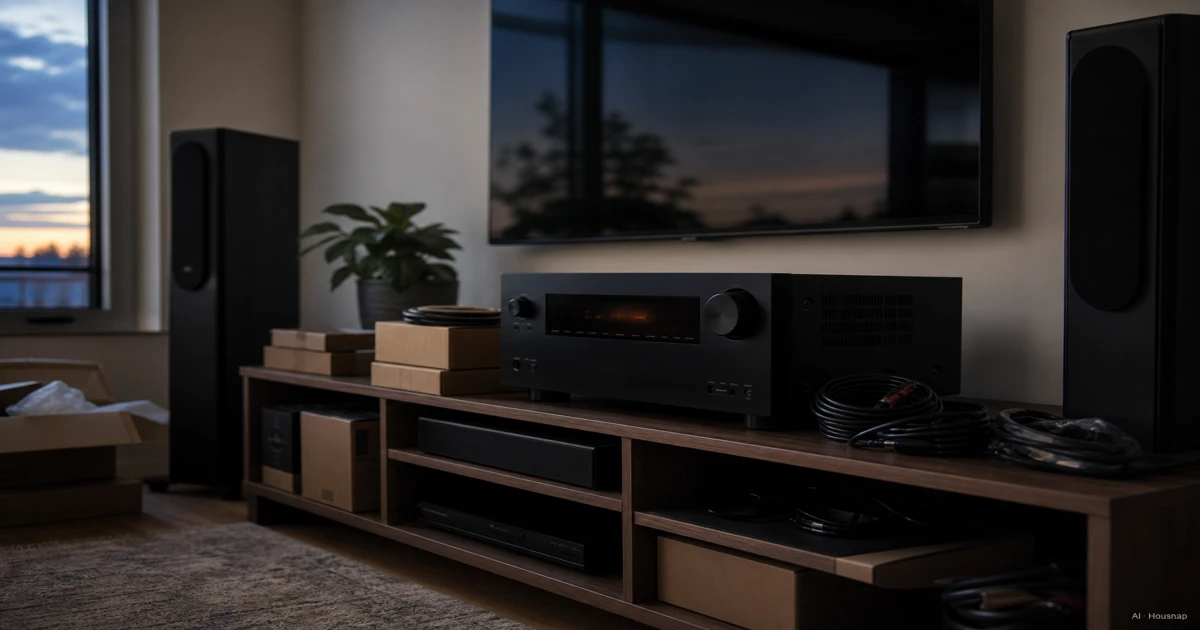
Choose a layout, then count the amplifiers
Start with a sketch of your seats, speaker positions and cable routes. If separate speakers and their wiring already feel like too much, compare 2.1 and 5.1 soundbar setups before committing to a receiver system.
For a conventional system with passive main speakers, use these amplifier counts as a starting filter:
- 5.1: five ear-level speakers and one subwoofer; five speaker-amplifier channels.
- 5.1.2: add two height speakers; seven amplifier channels.
- 5.1.4: four height speakers; nine amplifier channels.
- 7.1.4: seven ear-level speakers plus four height speakers; eleven amplifier channels.
The layout notation comes from Dolby’s setup guide. The amplifier counts add the ear-level and height speakers; the subwoofer connection is separate. Also check that the receiver explicitly supports your chosen layout.
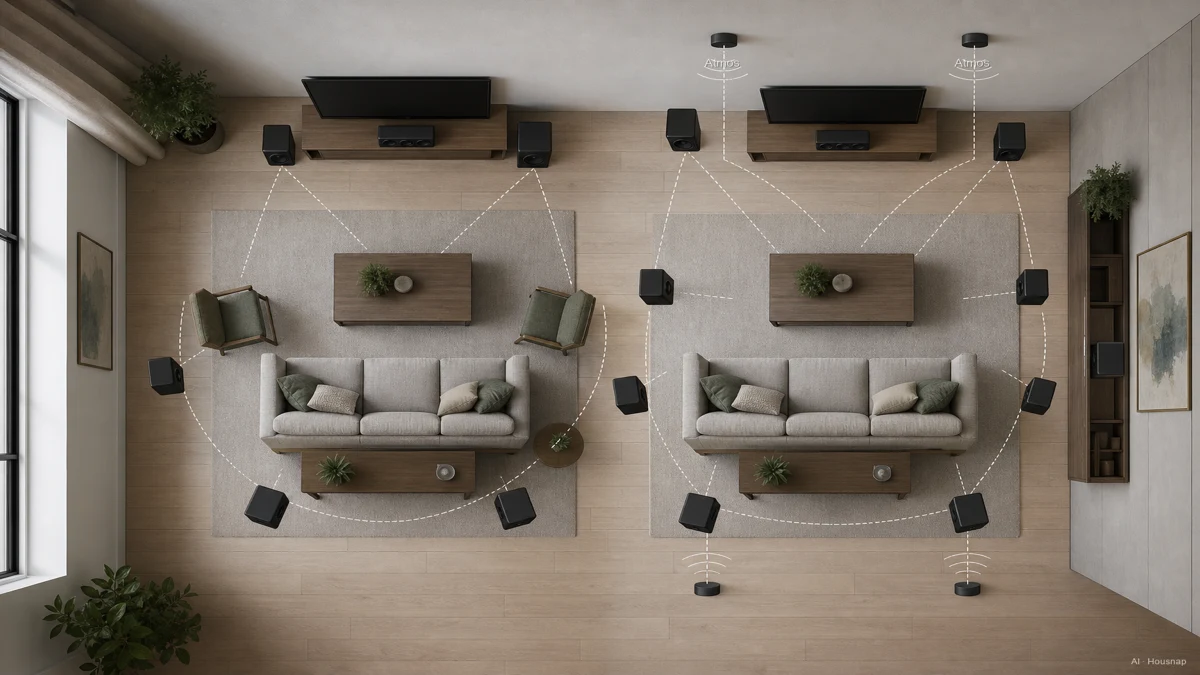
Use this illustration to compare the space involved, not as a complete installation diagram: the two ceiling speakers highlighted do not account for all four height speakers in 7.1.4.
A receiver advertised as 7.2 is not necessarily restricted to ear-level surround. For example, the AVR-S770H configuration chart lets its seven amplifiers serve surround-back or height speakers. Check the assignment menu, especially if you also want speakers in another room.
Processing channels describe the audio channels the receiver can handle; amplifier channels describe how many passive speakers it can power itself. In the AVR-X3800H manual, eleven-channel playback requires an external amplifier alongside the nine internal channels. Pre-outs send audio to that external amplifier. For an expansion plan, verify processing capacity, the required pre-outs and the permitted assignments together.
Map each HDMI device to a port
Write down your console, player and streaming device, then choose where each will connect. For a source connected through the receiver, check the entire route to the TV for the video mode you want.
Do not stop at “HDMI 2.1.” Record the number of inputs that support your required 4K/120 mode, HDR format and gaming features. Denon’s specification sheet lists these capabilities separately. Count a spare input only for a device you reasonably expect to add.
eARC is the return route for TV audio over HDMI, with support for formats including Dolby TrueHD and multichannel uncompressed audio. That is a transport capability, not proof that a particular TV app supplies those formats. Check the app, TV and receiver’s format support for your intended route. (HDMI eARC overview)

Locate the TV’s ARC/eARC socket and the receiver’s compatible HDMI output, not just any input. Denon’s connection instructions also flag that TV settings may need enabling.
For a new 4K/120 cable run, certified Ultra High Speed HDMI is a sensible choice; its certification covers up to 48 Gbps and 4K120. Check the label before buying another cable. (HDMI cable guide)
Compare setup requirements and power on equal terms
Before choosing between two receivers, open their setup instructions. Can you follow the speaker assignment and calibration steps, and does the purchase include the required microphone? Check which correction system is included and which needs a separate licence; the AVR-X3800H distinguishes Audyssey from optional Dirac Live upgrades.
Calibration also needs a usable measurement position. Denon’s Audyssey instructions call for the microphone on a stand at seated ear height, pointing upward. Use your chosen receiver’s instructions for the exact procedure. (Microphone setup)
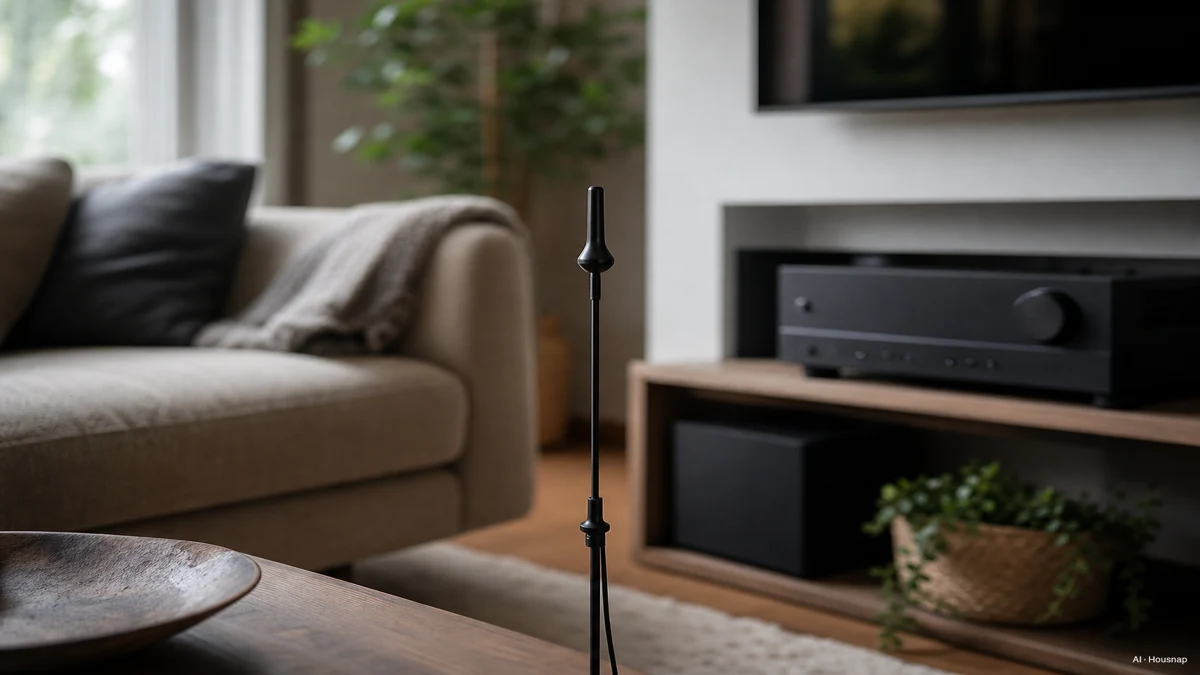
On that model, Audyssey uses the main seat to calculate distance, level and crossover settings (where bass is divided between speakers and subwoofer); measurements require a quiet room and a clear path to the microphone. Decide where you will measure before treating automatic setup as a buying advantage. (Audyssey setup)
For power, compare impedance, frequency range, distortion and the number of channels driven. The audio specifications illustrate why: the same receiver lists 105 W at 8 ohms across 20 Hz–20 kHz and 135 W at 6 ohms at 1 kHz, with different distortion limits. A larger watt figure without its conditions is not a fair comparison.
Still choosing the bass speaker? Use the subwoofer selection and setup guide to work through that separate purchase, rather than choosing the receiver by its subwoofer-output count alone.
Turn the plan into a buying shortlist
Give each candidate the same brief:
- Installed layout: what you will connect now, plus one realistic future layout.
- Amplification: enough channels for that layout, or a documented external-amplifier plan with its extra cost.
- Connections: a port for each device, with the required video features and TV-audio route.
- Setup: the included microphone and correction features, understandable instructions and power figures with comparable conditions.
For example, if your goal is 5.1.2 with no external amplifier, keep receivers whose manuals confirm that layout using seven internal channels. A nine-channel option becomes worth considering when you can name the extra speakers you will install.
Compare receiver options against that brief now. Keep speakers as a separate, coordinated purchase: fill the positions you planned, rather than buying a larger bundle simply because the receiver has spare terminals. If a candidate leaves a required layout or connection undocumented, resolve that uncertainty before buying.
Comment ce guide a été conçu
Written by Housnap’s AI editor using Dolby’s layout guidance, HDMI Licensing Administrator documentation and Denon specifications and manuals. The article turns those sources into a first-purchase checklist; the named receivers illustrate specifications rather than a product-test ranking.