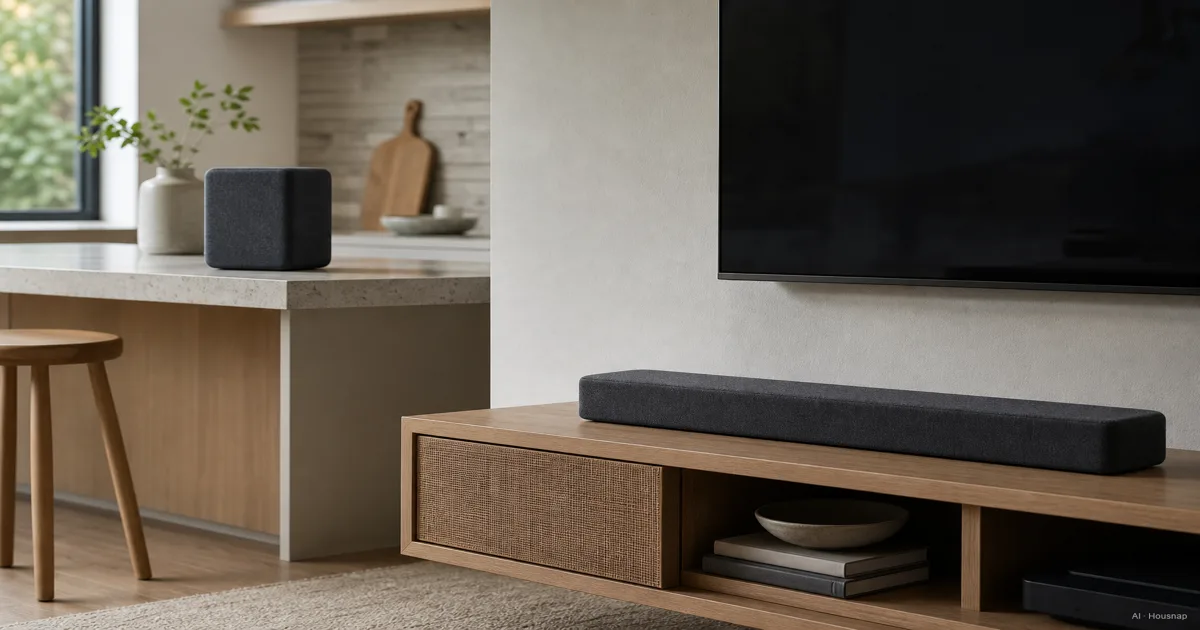
Choose the job you want to solve first
- Music around the house. Start with Era 100 for a shelf or counter. Its user guide covers standalone listening and later stereo pairing.
- TV and music in one room. Choose Beam (Gen 2) if TV audio is the missing piece. It also streams music with the TV off, so you need not buy both just to cover those two uses.
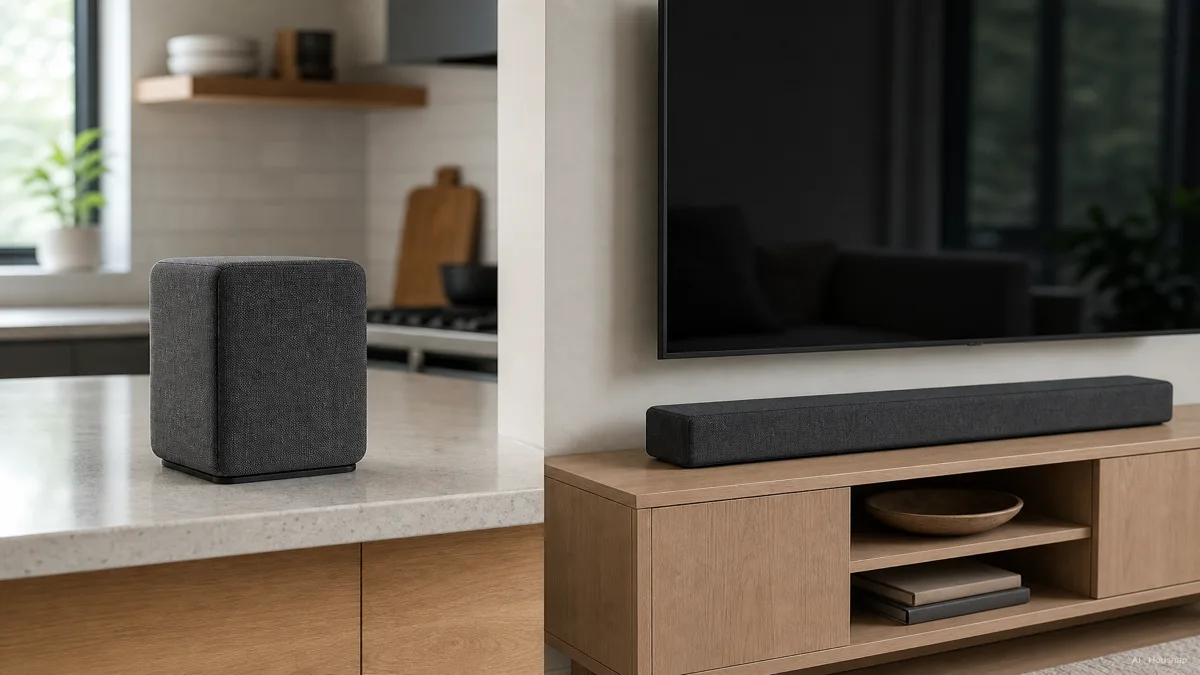
Era 100 needs mains power. If your real priority is taking music out without an outlet, switch to the JBL Flip 7 vs Charge 6 portable-speaker comparison.
Check the connection before choosing Beam
Look at the labels beside your TV sockets, not just their shape. The Beam connection guide gives two routes:
- HDMI ARC or eARC. Connect Beam here. An ordinary HDMI socket without ARC is not a substitute.
- Optical digital output. Use the optical adapter. This remains a TV-audio option even without ARC.
For Atmos, the surround format that can include height information, Sonos specifies HDMI ARC/eARC. Compatible ARC can carry Dolby Digital Plus Atmos; lossless TrueHD Atmos needs eARC. Optical cannot carry Atmos, and the TV, playback device and content must also support it.
Do not buy Era 100 as a cheaper wired-TV workaround: Sonos explicitly says its USB-C line-in is not intended for TV.
Match the layout to how you listen
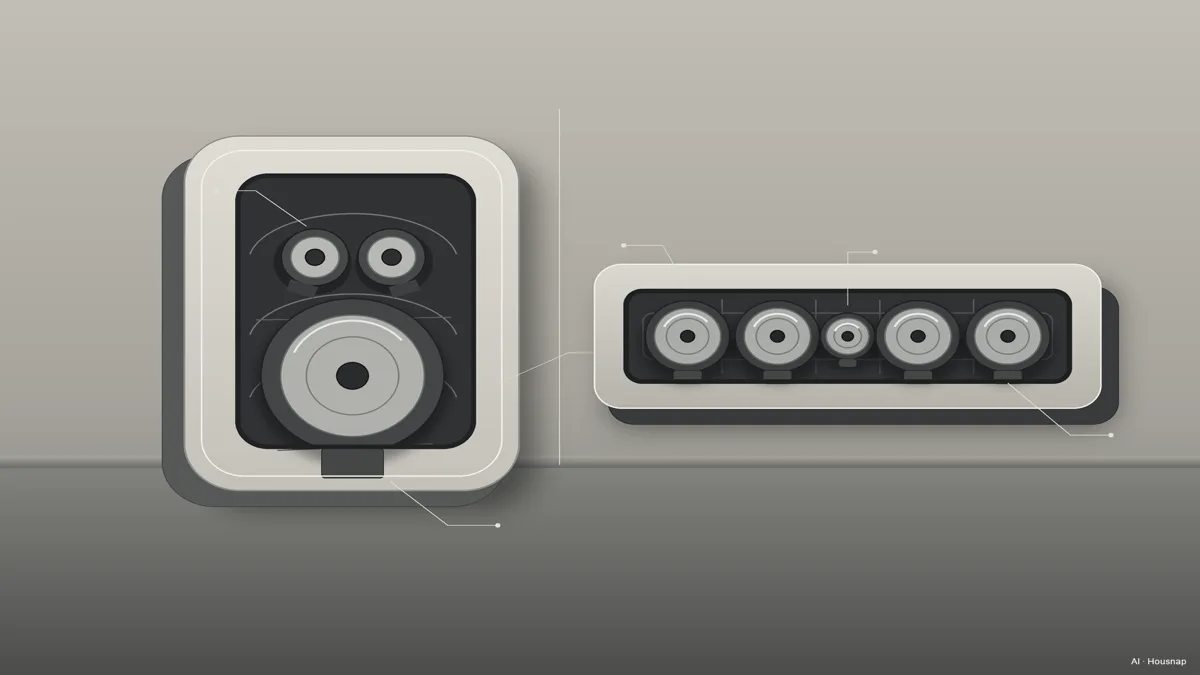
The driver diagram explains the different layouts, not a sound-quality ranking. Era 100 has two tweeters for high frequencies and one midwoofer for mids and bass; Beam has one center tweeter and four midwoofers.
Measure before ordering. Beam is 651 mm wide and 68 mm high; check that it will not obscure the screen or remote sensor. Era 100 occupies 120 × 130.5 mm and stands 182.5 mm tall, with at least 2.5 cm behind it on a shelf.
For focused music listening, decide whether you want one compact speaker or two physically separated left/right speakers. If that is still unsettled, the bookshelf-speaker vs soundbar guide helps you reconsider the type of system before committing to Sonos.
Budget for the setup, not just one box
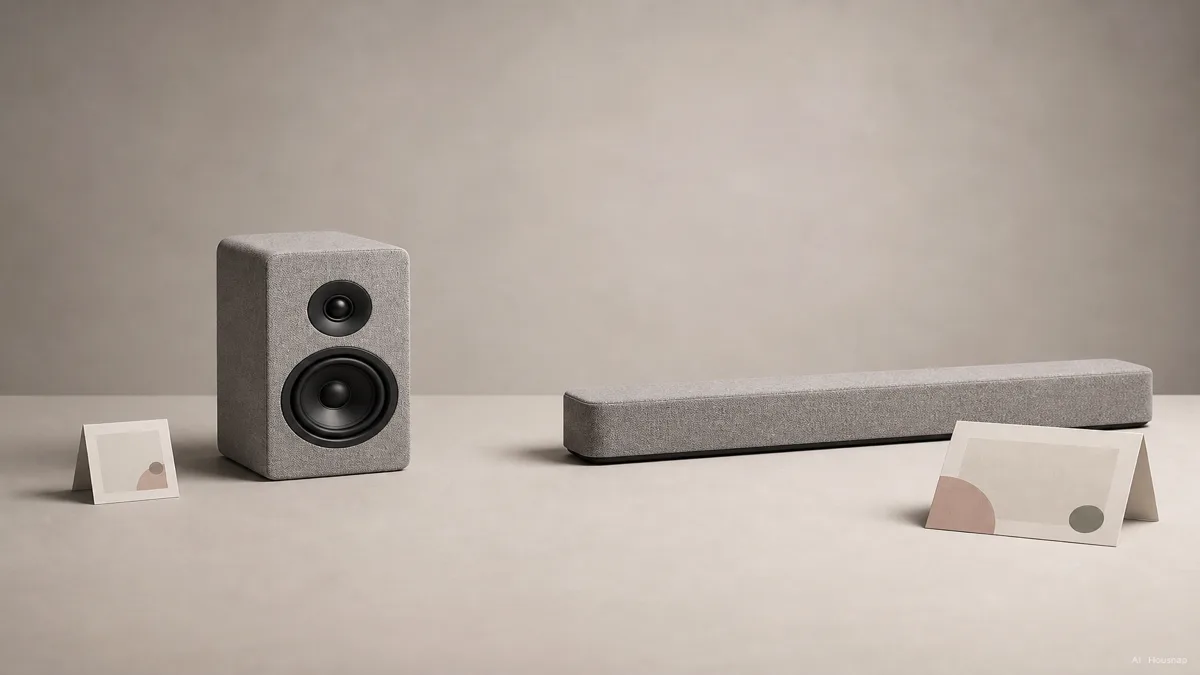
Compare the total for your intended use: one Era 100, a stereo pair, or one Beam. The illustration shows a price contrast, not a current quote; check actual totals rather than assuming a fixed price gap.
For an analog music source, budget for the Sonos Line-In Adapter and the right audio cable only if you need that connection. A turntable may also need a phono preamp, which brings its signal up to the level the input expects. Sonos explains the required parts. Streaming alone does not justify buying the adapter.
Beam includes an HDMI cable and optical adapter. Check the box contents before adding duplicates. For Era 100, plan access to Wi-Fi and the Sonos app for initial setup before Bluetooth use.
Decide what a second purchase would actually add
- Wider music stereo. A second Era 100 can become the other left/right channel.
- TV surrounds. Beam plus two Era 100s is a supported combination. One Era 100 alone is not the rear-speaker pair.
- Music in another room. Keep that speaker separate if its location matters more than rear effects.
Use the app's surround setup, not ordinary room grouping: Sonos distinguishes the two, and its Beam page shows the two-Era combination. Once used as surrounds, the Eras lose their own Bluetooth playback and line-in.
That trade-off matters if the first Era is your turntable input or kitchen speaker. Buy it for that job only if you would still want it there after adding a Beam; do not count the same speaker twice in your future plan.
Comment ce guide a été conçu
AI wrote this Housnap comparison using Sonos product specifications, user guides and support pages. It focuses on first-purchase fit, connection limits and expansion trade-offs; the buying judgments are editorial interpretation, not hands-on listening tests.