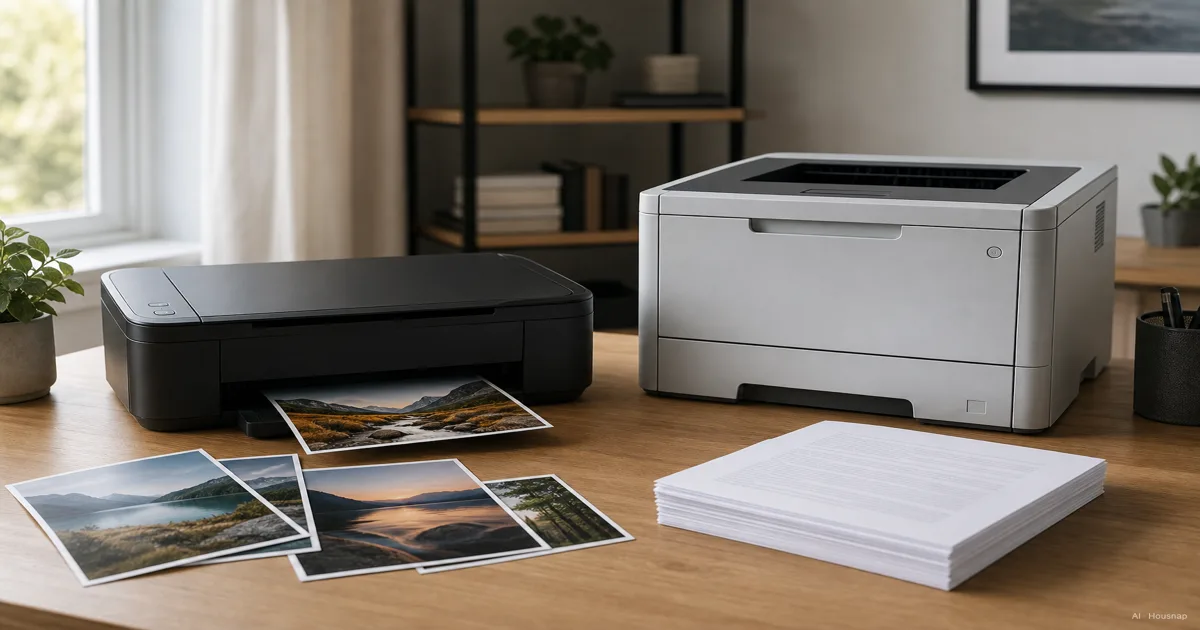
Start with the pages you actually need
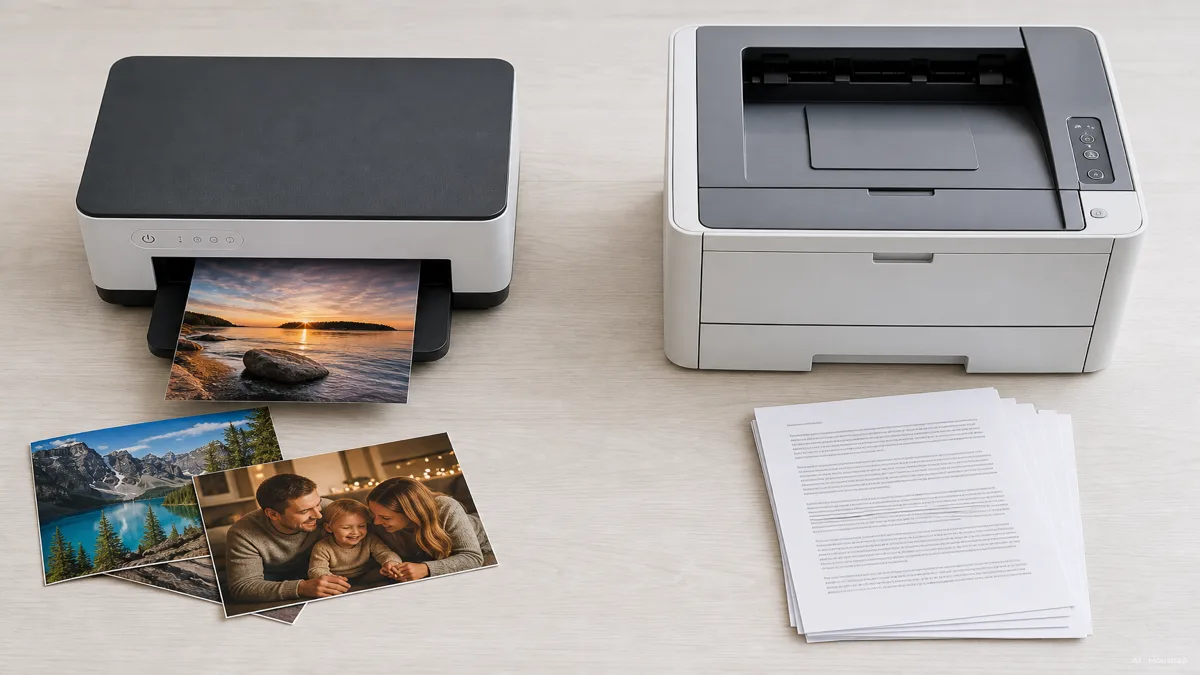
Pull up a few files you expect to print. Separate photographs from color documents, then ask whether you really need color at home.
- Mostly black-and-white documents. Put a monochrome laser on your shortlist.
- Photographs. Start with inkjets, then check the exact photo sizes, paper types and borderless options you need.
- Color reports and schoolwork. Compare both technologies; needing color does not automatically mean needing an inkjet.
These starting points reflect Brother’s distinction between image-heavy printing and document work. They narrow the search rather than identify a winning model. Ask for a sample of your own kind of page if print quality will decide the purchase.
If shipping or organizing labels are the main reason you want a printer, first explore how to choose a label printer. That is a different buying question from printing full-size documents and photos.
Check idle time, then consider an ink tank
A quiet month and a long gap between print jobs are different situations. Write down both your likely monthly pages and your longest expected break.
Inkjet nozzles spray liquid ink; laser printers use a drum and heat-fused toner powder. Toner avoids liquid ink drying out, which makes laser worth considering for intermittent document printing. This is not a guarantee against other faults. HP explains the mechanisms and maintenance differences.
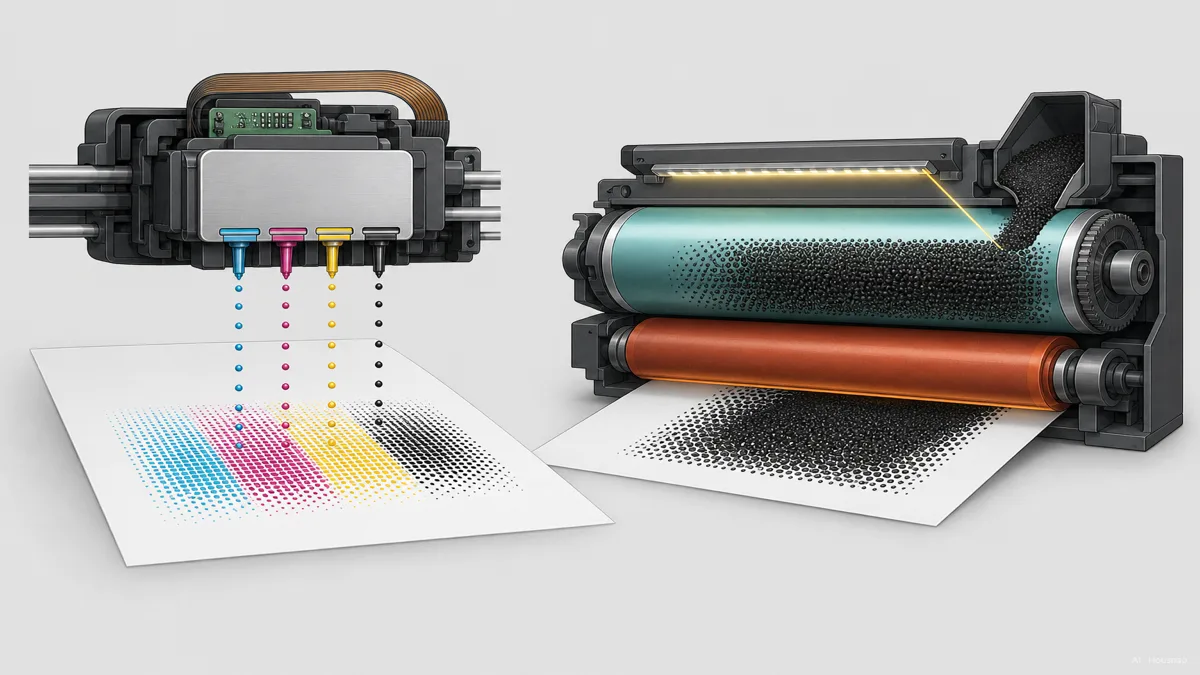
An ink tank is still an inkjet. For example, Epson EcoTank models use refill bottles instead of cartridges. Include one in your comparison if regular color printing makes refill costs important.
A bigger ink supply does not remove maintenance. The ET-4800 manual says setup and head cleaning consume ink, including ink from all tanks during maintenance. Check your candidate’s own instructions before assuming a tank printer suits long periods of inactivity.
Calculate a budget for the same printing workload
Choose the same ownership period and page mix for every candidate. Avoid a universal rule such as “laser pays back above a certain monthly page count.”
- Purchase. Record the printer price and the supplies included in the box.
- Refills. Find the exact compatible cartridges or bottles. Divide replacement price by declared yield for an initial comparison, separating black and color printing.
- Other costs. Check paper, separately replaced parts and maintenance supplies. Count whole replacement packs you expect to buy, after allowing for the included supply.
Declared yield is a comparison figure, not your personal page allowance. Epson describes continuous document testing with five patterns and explains that actual yields vary. Do not treat a document yield as a full-page photo yield.
Also distinguish toner from the imaging drum. Brother’s HL-L2480DW brochure lists them separately and gives different yields for supplied and replacement toner. Check whether your candidate has that arrangement.
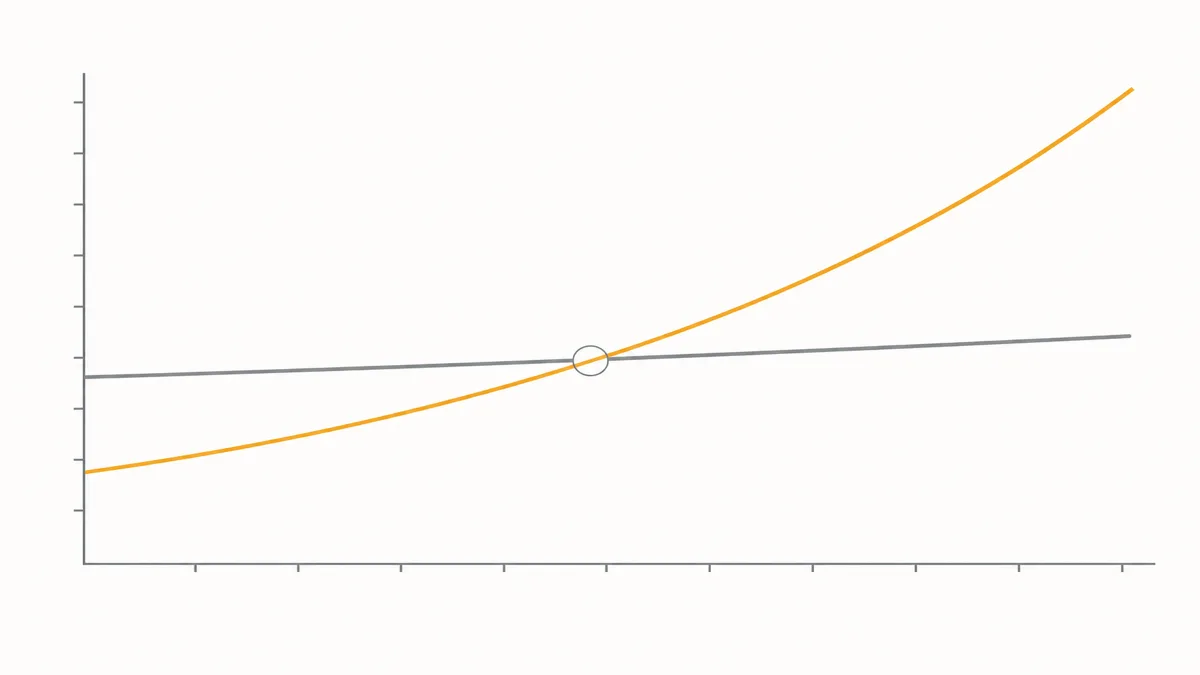
Read this illustration as a simplified crossover concept, not a forecast. A flat laser line does not mean free printing: supplies still cost money. Actual spending rises as supplies are purchased, and the two candidates may never cross within your intended ownership period.
Turn the preferred technology into a workable shortlist
Keep two or three models that satisfy your output needs, then check these before comparing their total budgets.
- Paper and space. Confirm your paper sizes and leave room for open trays, loading paper and accessing supplies.
- Scanning and copying. Decide whether you need a flatbed, an automatic document feeder for stacks of originals, or neither. Confirm two-sided scanning separately from two-sided printing.
- Your devices. Verify printing and scanning support for your actual computer or phone, plus the connection you intend to use.
- Waiting time. Compare first-page time for short jobs and sustained speed for batches. Check whether the first-page figure starts from ready or sleep mode; Brother’s specification sheet distinguishes these.
Choose the model that meets the required tasks at a budget you can support. If the more expensive printer only becomes cheaper after far more pages than you expect to print, its lower refill cost is not enough reason to buy it.
Como este guia foi construído
AI wrote this guide for Housnap using HP and Brother explainers, Epson yield documentation and manufacturer manuals. It focuses on choosing a first home printer and comparing ownership costs; the shortlist method is editorial guidance, not a claim of hands-on product testing.