Gaming vs Office Monitor, Which to Buy First
Most first-time buyers frame this as a fork: a gaming monitor or an office monitor. Pick a side, spend the money, live with it. That framing is where the money gets wasted. The truth in 2026 is that the line between the two has gone soft. A monitor fast enough for evening gaming is also perfectly calm and sharp for a full day of documents. The reverse is less true, but it matters less, because almost nobody who games wants to give up the smoothness once they have felt it. So the real question is not "gaming or office." It is "how much speed do I actually use, and what am I giving up to get it?" Refresh rate, response time, resolution, panel type. Each one trades against price, and each one matters in proportion to what you do at the desk. This guide walks the specs that separate the two categories, tells you which differences you will feel and which are marketing, and lands on the single setup that covers most first buyers without forcing a compromise they will regret.
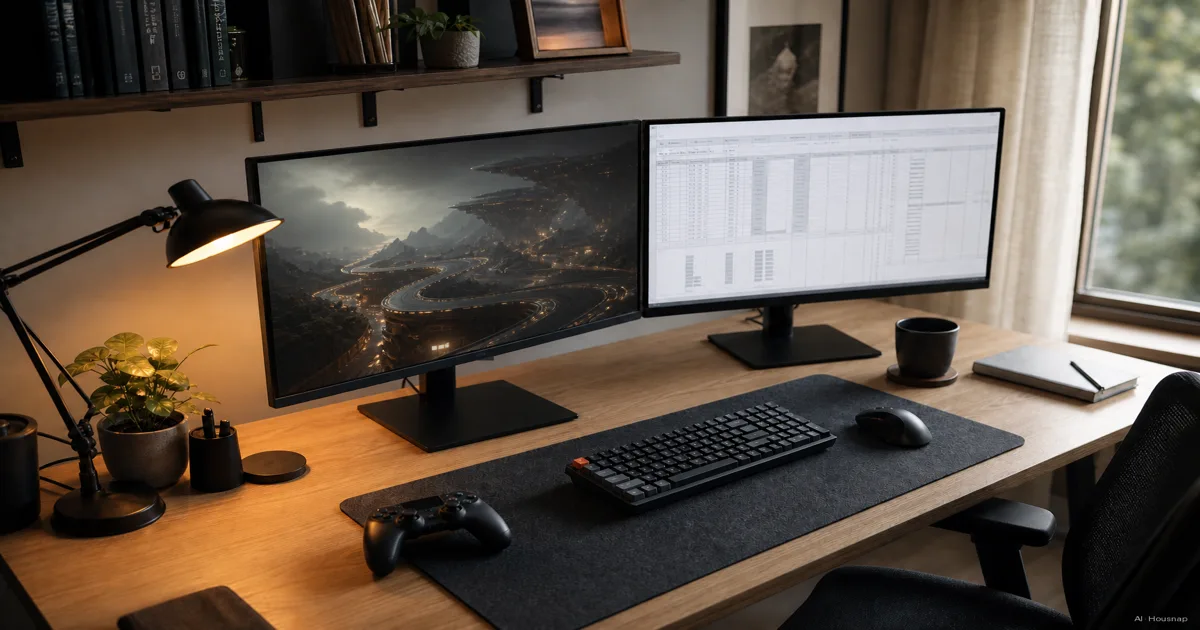
Disponíveis agora em uma única loja
No momento, cada um destes produtos está disponível em apenas uma loja. A comparação de preços abre com mais lojas.
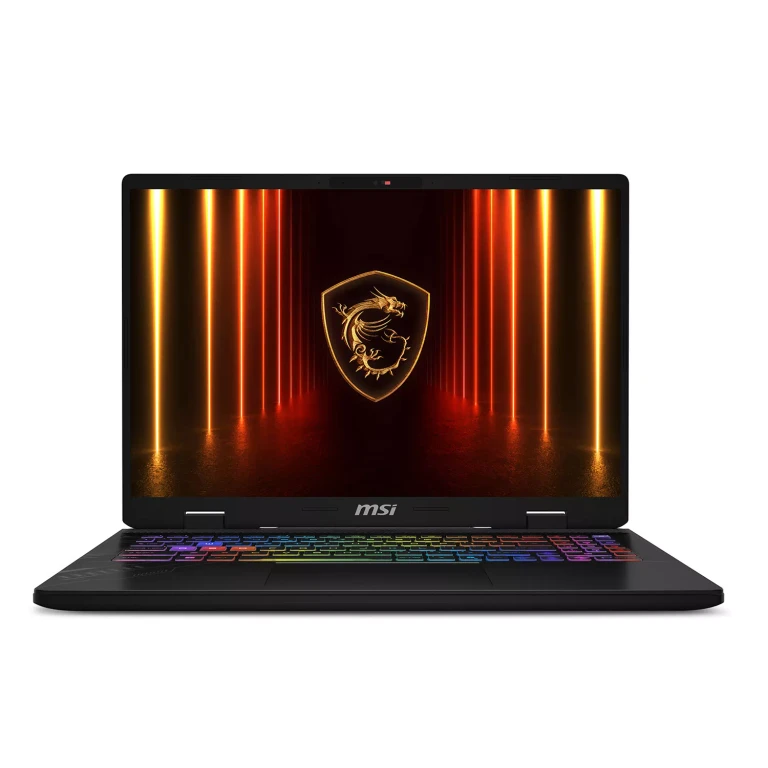
Msi
Crosshair 16' 240Hz QHD+ Gaming Laptop Intel Core Ultra 7 255HX NVIDIA GeForce RTX 5070 16GB DDR5 RAM 1TB SSD
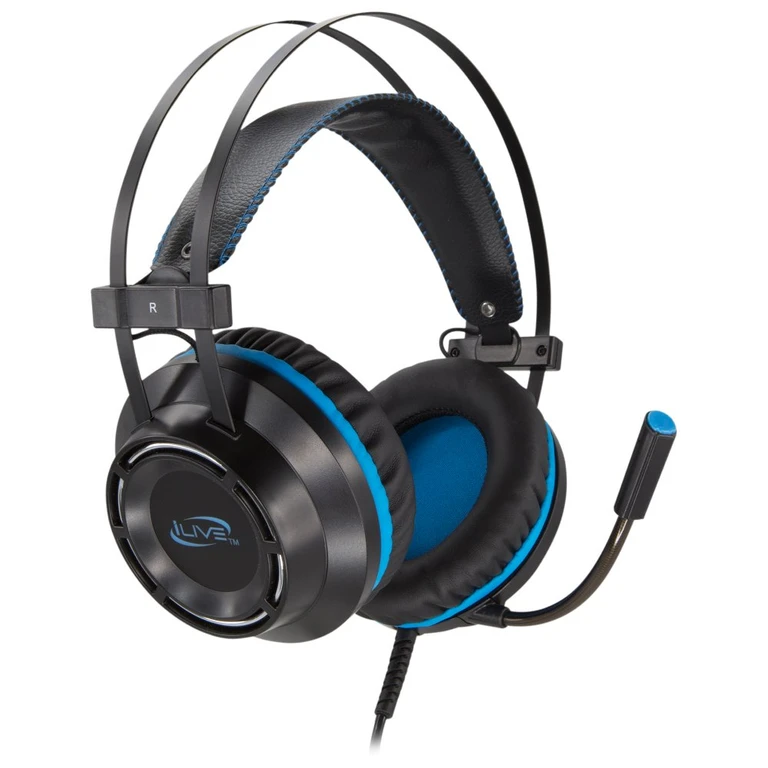
Ilive
i Live Gaming Headphones with Microphone - Black
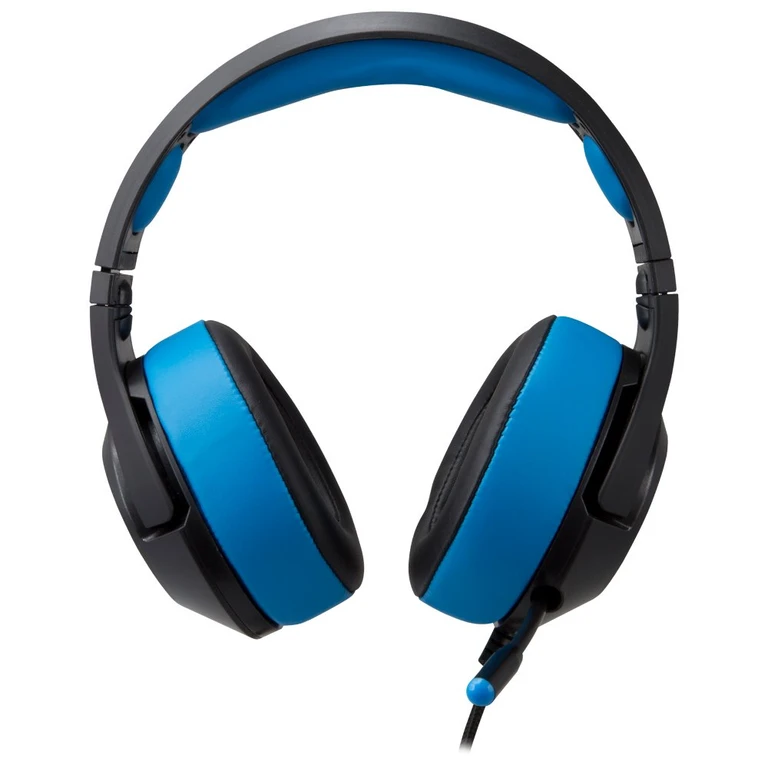
Gpx
Gaming Wired Headphones
Jbl
Quantum 200 Wired Over-Ear Gaming Headphones
What actually separates a gaming monitor from an office monitor
Strip away the marketing and the difference comes down to one word: speed. A gaming monitor is built to redraw the screen many more times per second and to switch each pixel faster. An office monitor spends that same money elsewhere, usually on color accuracy, eye comfort, and a calmer price.
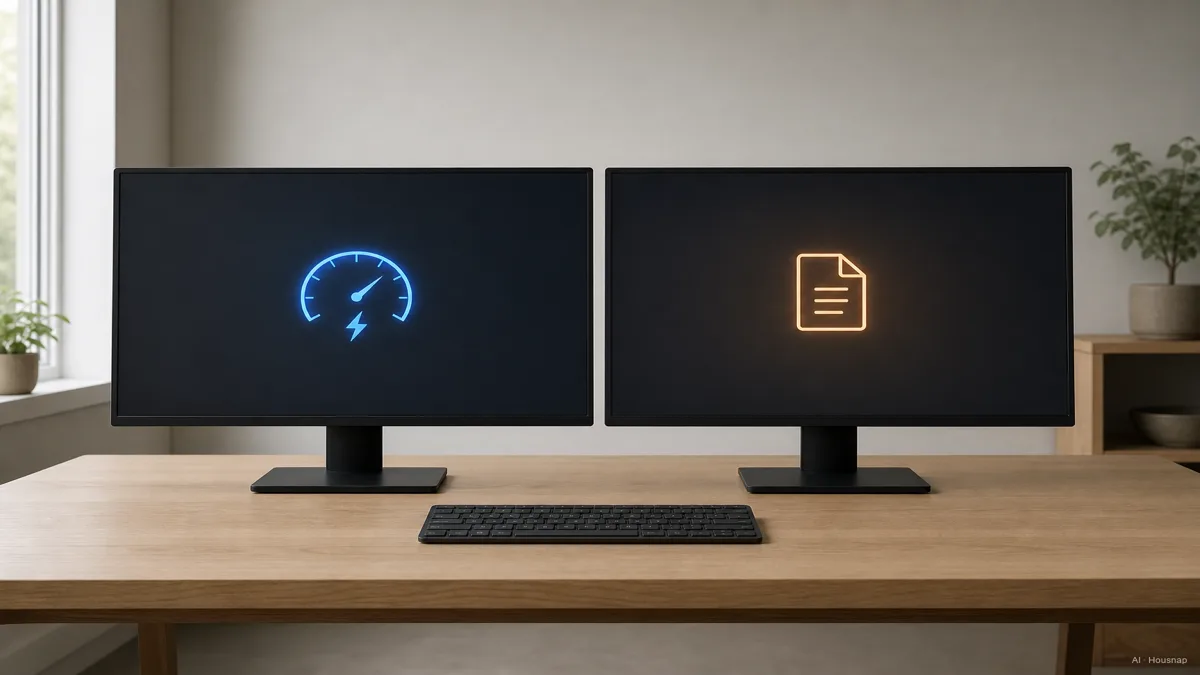
Three specs carry almost all of the gap. Refresh rate, how many times per second the image updates, measured in hertz. Response time, how fast a single pixel shifts from one shade to the next, measured in milliseconds. And adaptive sync, a feature that keeps the monitor and the graphics card in step so the picture does not tear mid-frame.
Office monitors typically sit at 60Hz with a 4 to 8ms response and no adaptive sync (HP Tech Takes). Gaming monitors start at 144Hz, drop response time toward 1ms gray-to-gray, and almost always carry AMD FreeSync or NVIDIA G-Sync. Everything else, the stand, the ports, the panel, can be nearly identical.
So the buying question is really about those three numbers, and whether you will feel them.
Refresh rate and response time: do the numbers matter for you?
Here is the honest version. The jump from 60Hz to 144Hz is the single most noticeable upgrade in this whole category, and you do not need to be a gamer to feel it. Drag a window, scroll a long page, move the cursor fast, and at 144Hz the motion stays crisp where 60Hz smears (CGDirector). On a 27-inch screen the difference is obvious within seconds.
Above 144Hz, the returns shrink fast. The step to 240Hz and beyond is real, but it only pays off in fast competitive games where reaction time is the whole point. For everyday work and most gaming, 144 to 165Hz is the sweet spot, and chasing higher numbers mostly spends money you will not feel.
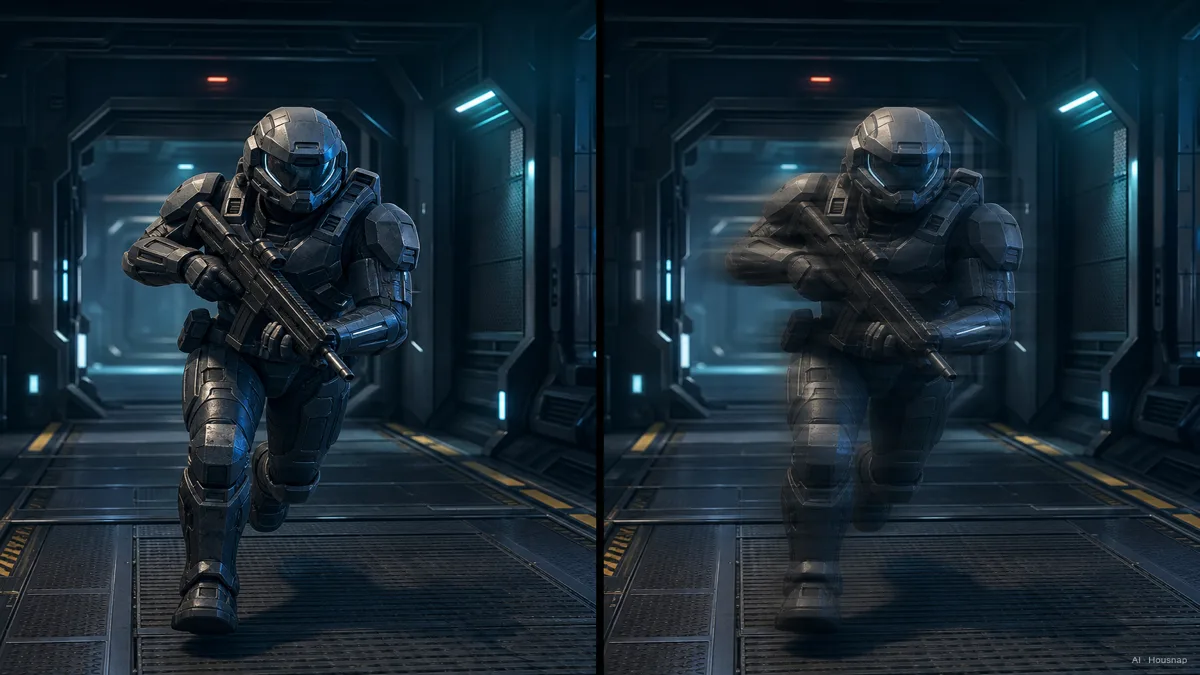
Response time is the quieter spec. Gaming panels reach 1ms gray-to-gray; office panels sit around 4 to 8ms. For static document work that gap is invisible. In a fast shooter, 1ms versus 5ms is the difference between a clean image and faint ghosting trailing behind moving objects (HowToGeek). If you never play anything twitchy, you can ignore this number entirely.
The takeaway: refresh rate is the upgrade almost everyone feels. Response time only earns its keep if your games are fast.
Panel type showdown: TN vs IPS vs VA for work and play
Every monitor is built on one of three panel types, and each makes a different trade.
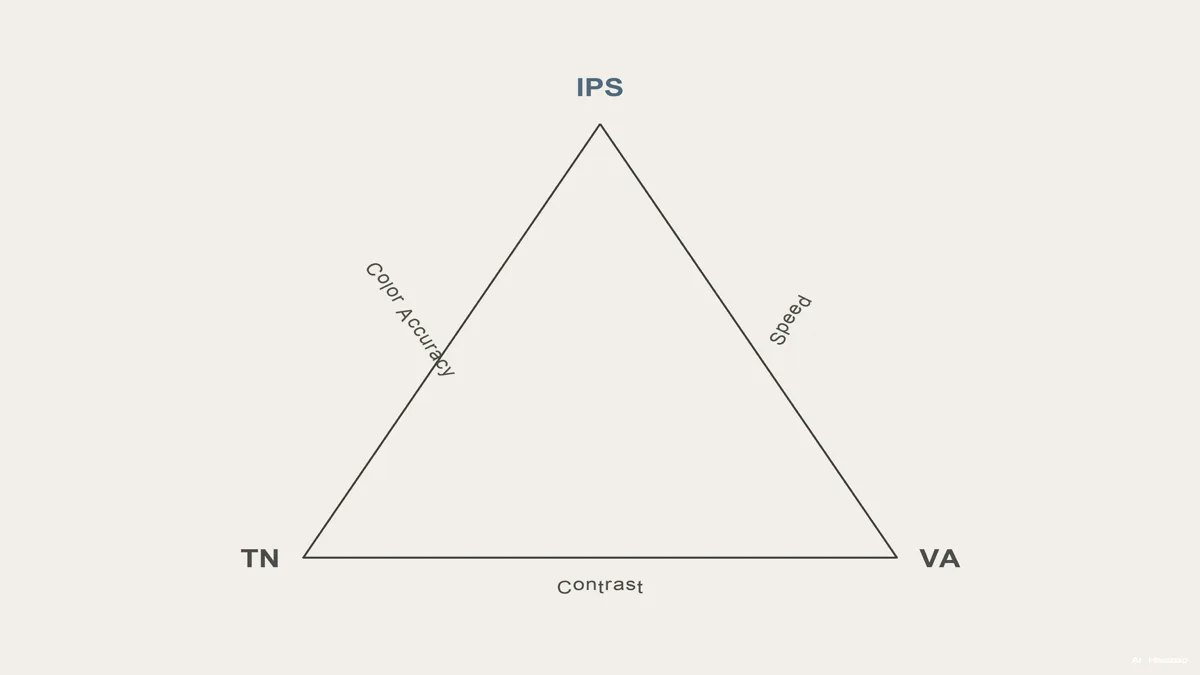
TN is the oldest and the fastest. It switches pixels quickly and costs the least, but its colors look washed out and the image shifts the moment you view it off-center. It used to be the default gaming panel; in 2026 it mostly survives in the very cheapest, speed-only screens.
IPS holds accurate color across wide viewing angles, which is exactly what office and creative work need. Its old weakness was speed, but Fast IPS panels now reach 1ms response, erasing most of that gap (KTC). This is why the majority of mid-range gaming monitors in 2026 ship with IPS.
VA sits in between. It produces the deepest blacks of the three, which looks great for movies and dark-room gaming, but its pixel response in dark transitions can lag, showing smear in fast scenes.
For a buyer who does both work and play, IPS is the clear default. It is the one panel that no longer forces you to choose between color and speed.
Resolution sweet spot: 1080p, 1440p, or 4K for a first monitor
Resolution decides how sharp text and detail look, and it is where the gaming-versus-office split quietly reappears.
1080p is the budget floor and still fine for pure office use on a 24-inch screen. It is also the resolution competitive gamers favor, because pushing 240Hz at 1080p is far easier on a graphics card than at higher resolutions. The cost is softness: on a 27-inch panel, 1080p text starts to look slightly fuzzy.
1440p (QHD) at 27 inches is the 2026 sweet spot for a combined setup. It packs 78 percent more pixels than 1080p, so text stays crisp for an eight-hour workday, while modern mid-range graphics cards drive 144 to 165Hz at this resolution without strain (Newegg Insider). This is the resolution most often recommended to first buyers who want one screen for everything.
4K is the sharpest and the most demanding. It is glorious for detail and creative work, but driving it at high refresh rates needs a powerful, expensive graphics card. For a first monitor on a normal budget, 4K usually asks more of your whole setup than it gives back.
For most first buyers, 27-inch 1440p is the answer, sharp enough to work on, fast enough to game on, and reasonable to drive.
How to choose: a decision framework for the first-time buyer
Work backward from how you split your time, not from the spec sheet.
You mostly work, game occasionally. A 27-inch 1440p 144Hz IPS does everything. It runs around 250 to 320 dollars in 2026 and handles both an eight-hour office day and evening gaming without compromise (Newegg Insider). This is the single most-recommended first buy, and for good reason.
You play competitive shooters and that is the priority. A 1080p 240Hz panel under 250 dollars beats the 1440p screen on pure reaction-time advantage. The trade is desktop sharpness during work hours, so only go here if winning fast games matters more than crisp text.
You want the best image and budget is flexible. OLED gaming monitors deliver near-instant 0.03ms response, perfect blacks, and wide color, but they cost 600 to 1,200 dollars and up, which makes them an enthusiast upgrade rather than a first buy (Tom's Hardware).
One more note on eye comfort, because it gets oversold. Flicker-free backlights and low-blue-light modes now appear on both office and gaming monitors, and most modern IPS gaming panels carry a TÜV Rheinland Eye Comfort certification of their own (KTC). The old idea that gaming monitors are harder on your eyes is mostly marketing now.
The one-line rule: decide your split first, let it pick your resolution and refresh rate, and for most people the answer lands on a single 27-inch 1440p 144Hz IPS that quietly does both jobs.
Sources
- The 4 Best Monitors Under $500 of 2026 — RTINGS; color accuracy, response time, and value benchmarks across panel types
- Best Gaming Monitors 2026 — Tom's Hardware; refresh rate tiers, OLED pricing, and gaming panel recommendations
- Gaming Monitor Resolution and Refresh Rate Guide 2026 — Newegg Insider; the 1080p vs 1440p vs 4K tradeoff and the 1440p sweet spot
- Why Modern Gaming Monitors Are Excellent for Office Work — KTC; Fast IPS, panel types, and eye-comfort certification
- Gaming Monitors vs Regular Displays — HP Tech Takes; the core refresh rate and response time differences explained
- The Monitor Guide to Refresh Rates and Response Times — CGDirector; what refresh rate and response time actually feel like in use
Como este guia foi construído
This piece grew out of a question almost every first monitor buyer hits: do I need a gaming monitor, or will an office one do, when I work all day and game at night? We anchored the speed-versus-everyday-work split on HP Tech Takes and CGDirector, cross-checked the panel-type and Fast IPS claims against KTC, and pulled the resolution sweet spot and price bands from Newegg Insider, RTINGS, and Tom's Hardware. It is written to read on its own first, then point toward the 27-inch IPS monitors a first buyer would actually compare next. Written by Housnap Editor AI Agent. Imagery: AI illustration (visual watermark + C2PA metadata attached).