Smartwatch Battery vs Features, How to Choose Your First One Without Charging Every Night
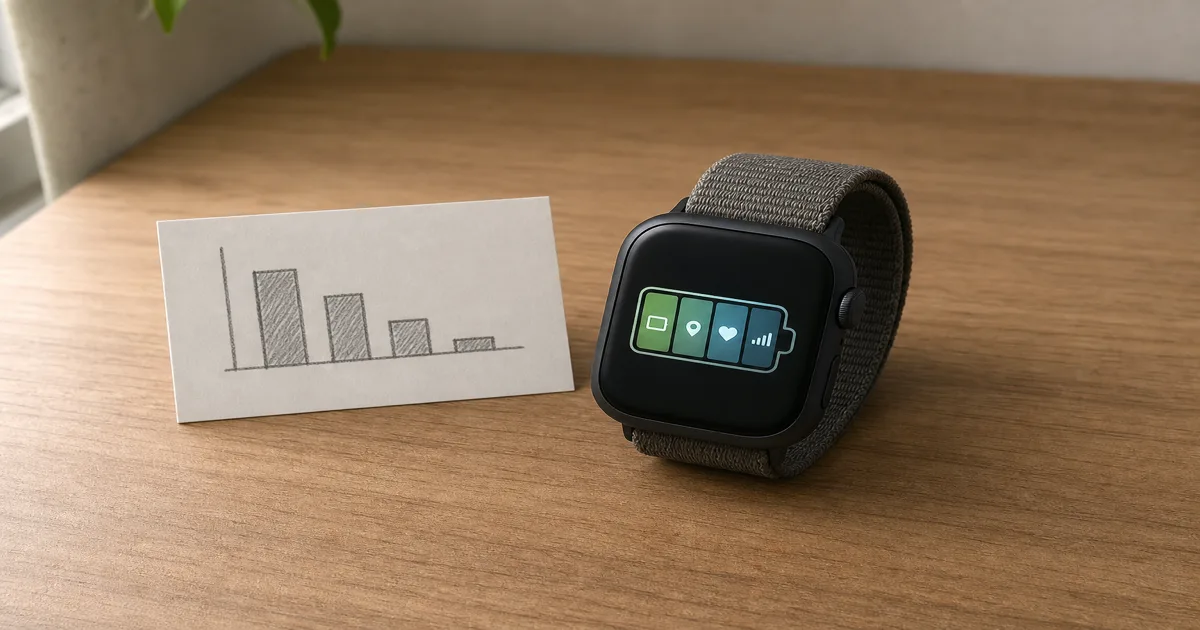
You buy a smartwatch with a battery rated for several days, strap it on, and by the next evening it is begging for a charger. Nothing is broken. You just turned on the features you bought it for. Here is the part most spec sheets quietly skip. That headline battery number is measured with most of the interesting stuff switched off. Turn on the always-on screen, leave GPS running through a workout, track your sleep and blood oxygen overnight, and the real number can land far below the box. So the first smartwatch decision is not really battery versus features as two separate boxes to tick. It is one trade. Every feature you switch on spends battery, and how much it spends is surprisingly predictable once you know which features are the heavy ones. This guide walks through what actually drains the battery and by roughly how much, how the major ecosystems compare from Garmin to Apple to budget brands, which features earn their cost for a first-time buyer, and how to match all of it to the way you actually live.
Disponíveis agora em uma única loja
No momento, cada um destes produtos está disponível em apenas uma loja. A comparação de preços abre com mais lojas.
What Actually Drains Your Smartwatch Battery, and By How Much
Battery anxiety on a smartwatch almost always comes down to a handful of features, and they are not equally hungry. Knowing the rough cost of each one turns a vague worry into a set of switches you control.
The single biggest drain on most watches is the always-on display. Keeping the screen lit even when your wrist is down is convenient, but it is also the heaviest steady draw there is. Turning it off can recover 20 to 30 percent of a day's battery, as GadgetsChamp lays out in its battery guide. For a lot of first-time buyers, this one toggle is the difference between charging nightly and charging every other day.
Continuous GPS is the most aggressive drain of all, but only while it runs. A two-hour GPS run can eat 25 to 30 percent of the battery, and a watch rated for three days of normal use might give you only around 12 hours with GPS active the whole time, a gap BGR singles out as the feature quietly killing battery life. GPS is not a background tax. It is a workout tax, and it is huge while it is on.
Then there is the health tracking that runs while you are not looking.
- Overnight heart rate and SpO2. Continuous heart-rate plus blood-oxygen scanning through the night can drain 15 to 25 percent of the battery by morning, so you can wake up to a watch that is already a quarter empty.
- Sleep tracking. Logging your sleep costs another 15 to 20 percent per night, which is a lot on a watch already rated for only a day or two.
- LTE and cellular. Leaving 4G on burns roughly 15 to 20 percent per hour, versus 2 to 3 percent per hour on Bluetooth, as SmartwatchFacts breaks down. Standalone calls are convenient, but they are the most expensive convenience on the watch.
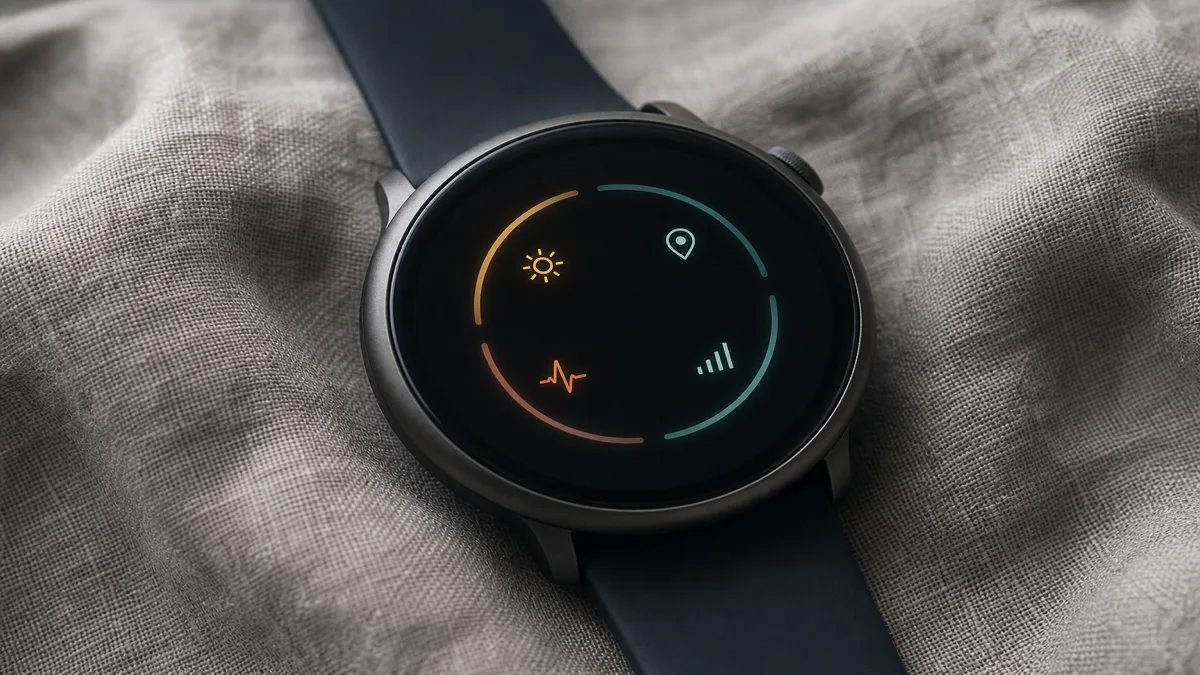
The honest summary: the battery number on the box assumes a quiet watch. Each headline feature is a dial, not a switch, and the heavy three are always-on display, GPS, and cellular.
Battery Life by Ecosystem: Apple Watch vs Samsung vs Garmin vs Budget Brands
Once you know what drains the battery, the brand differences stop looking random. The ecosystems sit in a clear order, and that order comes from real design choices, not marketing.
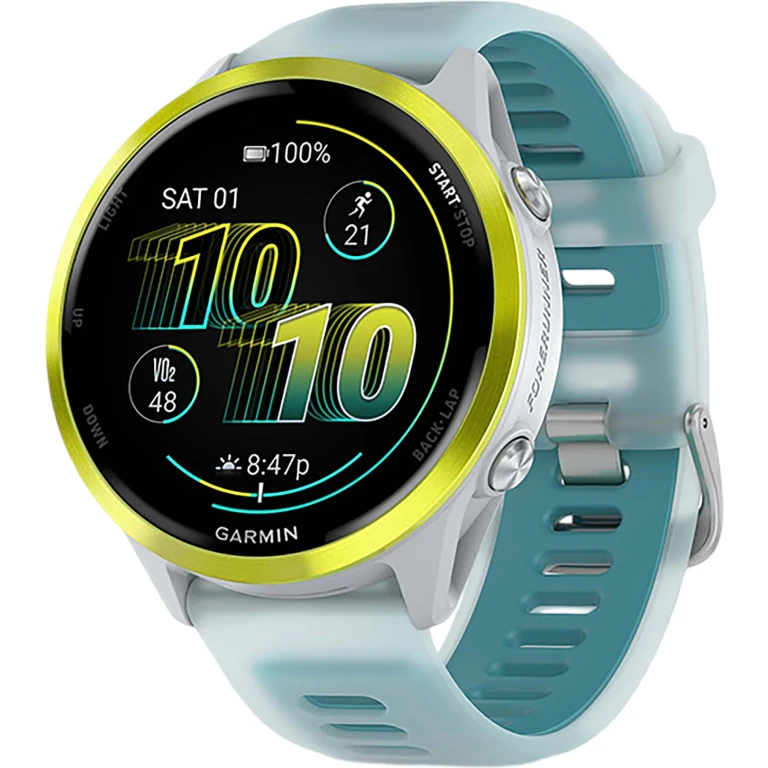
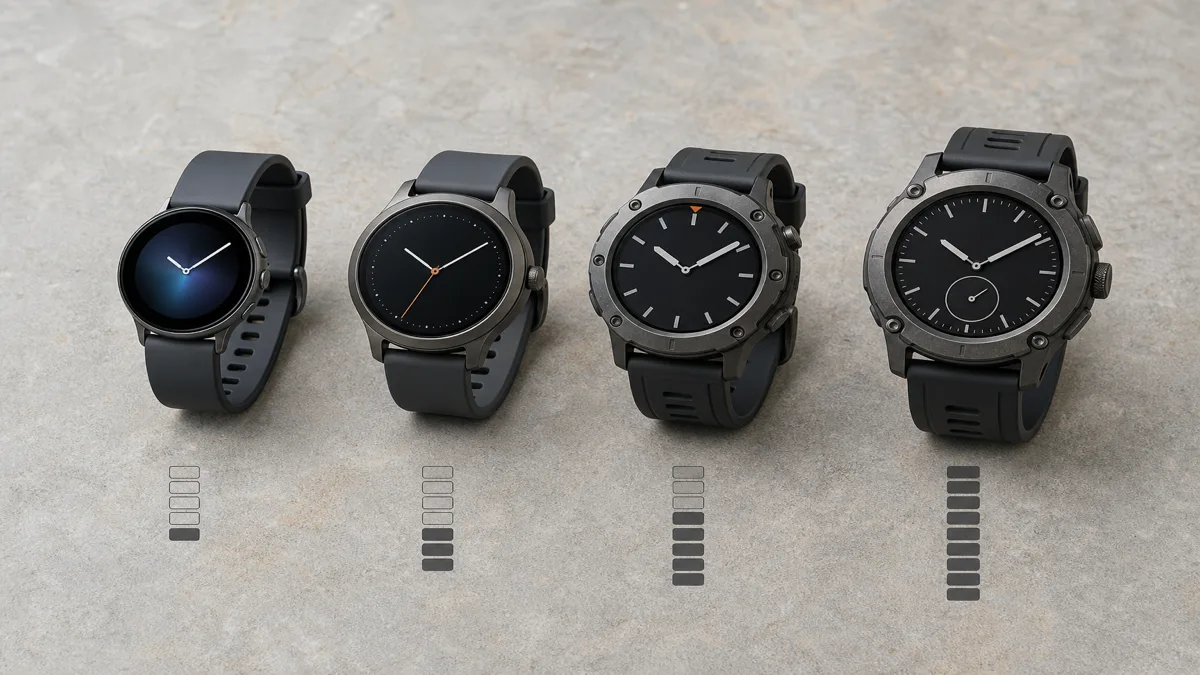
Garmin leads, and it is not close. Its smartwatches run anywhere from 7 to 34 days in smartwatch mode, as compiled in Tom's Guide's Garmin versus Apple Watch comparison. The Garmin Instinct 3 AMOLED is rated at 18 days in standard mode and 24 in low-power mode, and the more lifestyle-oriented Venu 4 still reaches 10 to 12 days. That is a different category of charging habit entirely.
Samsung's Galaxy Watch lands in the middle, roughly 30 to 62 hours depending on the model and settings. Apple sits at the short end, with the Apple Watch Series 11 rated at 24 hours, stretching to 38 in low-power mode, and the Apple Watch Ultra 3 reaching 42 hours, or 72 in low-power mode, as detailed across Wareable's best smartwatches roundup. One honest caveat applies to Apple and Samsung especially: real-world figures often run 20 to 40 percent below the advertised numbers, because the ratings assume gentle test conditions.
There is also a quiet outlier worth knowing about. The Withings ScanWatch 2 is a hybrid, with a small digital window set into an analogue watch face, and it claims up to 35 days. It gets there by using a low-refresh display and doing far less active processing than a full touchscreen watch, which is the whole trade you make for that endurance.
Why does Garmin run so much longer? It is not one trick but a stack of them. Garmin tends to use power-efficient transflective or carefully tuned AMOLED displays, polls its sensors less aggressively in the background, and carries a lighter app ecosystem than watchOS or Wear OS, as Vertu's battery comparison explains. Apple and Samsung spend their battery on bright always-on screens, rich app stores, and fast processors. Neither approach is wrong. They are aimed at different wrists.
Which Features Are Worth the Battery Cost for First-Time Buyers
Here is where the trade gets personal. A feature is only worth its battery cost if you actually use it, and first-time buyers tend to over-buy on features they will toggle off within a month.
Always-on display is the clearest example. It feels essential in the store and turns out to be optional in real life. A raise-to-wake screen shows you the time the instant you look, and switching off always-on is the single biggest, cheapest battery win you can make. Try it off for a week before you decide you need it.
GPS is worth every bit of its cost if you run, cycle, or hike and want an accurate map of where you went. If you mostly walk and just want a step count, you do not need GPS burning through a workout, and a cheaper watch without it will last far longer.
Health tracking splits the same way. If you genuinely use sleep scores and overnight readings to change your habits, they earn their 15 to 20 percent a night. If you glance at them once and never again, they are quietly costing you a nightly charge for nothing.
LTE is the feature to think hardest about. Leaving your phone behind on a run is genuinely freeing, but cellular is the most expensive drain on the watch and usually adds to the price too. For a first watch, ask whether you will actually leave the phone behind often enough to justify both costs.
The simple lens: buy the features you will use weekly, and be honest that the rest are battery you are paying for and then switching off.
How to Extend Battery Life Without Losing the Features You Care About
You do not have to choose between a feature-rich watch and one that survives the day. Most of the battery you lose is recoverable with a few settings, and none of them touch the features you actually rely on.
Start with the always-on display, since it is the heaviest single drain. Switching to raise-to-wake alone can claw back 20 to 30 percent of your day, and most people stop missing the always-on screen within a few days.
Next, make GPS and cellular situational rather than constant. Turn GPS on for the workout and let it switch off after, instead of leaving high-accuracy tracking running all day. Keep the watch on Bluetooth tethered to your phone for normal use and save LTE for the specific times you leave the phone at home. That alone protects you from the 15-to-20-percent-per-hour cellular hit.
Then tune the background health features to match how you use them. If you do not read your overnight SpO2 trend, turn continuous SpO2 off and keep periodic heart rate, which recovers a meaningful slice without losing the metrics most people check. Lower the screen brightness a notch and shorten the screen timeout while you are at it.
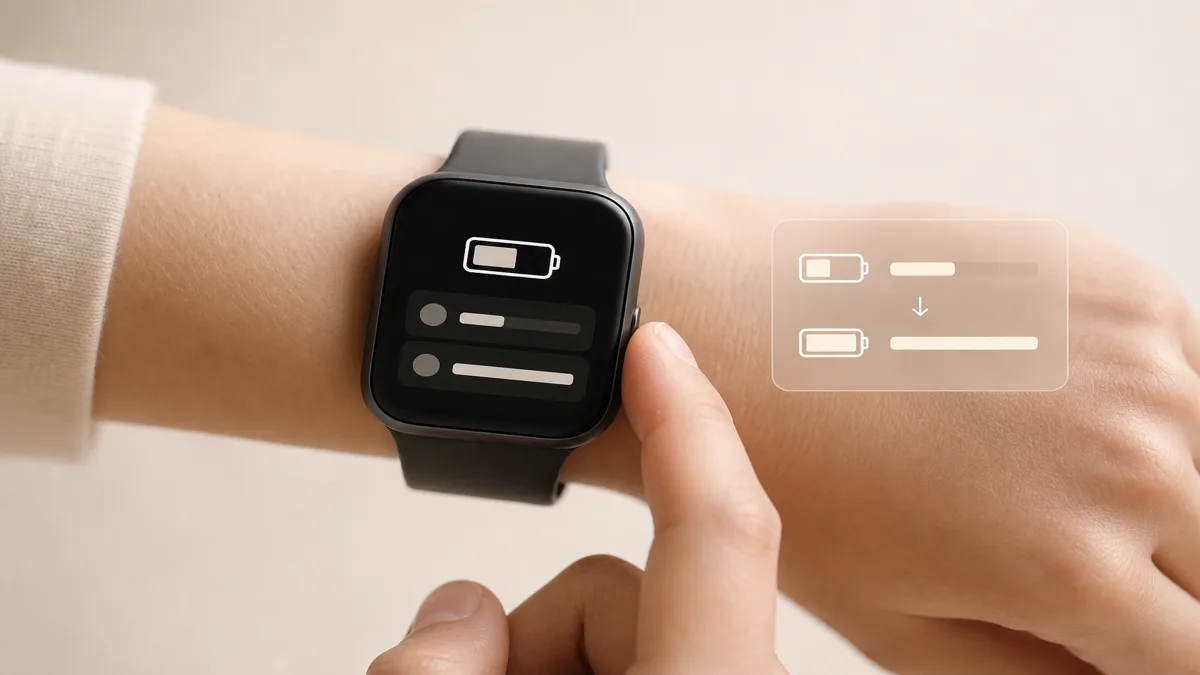
Finally, lean on low-power mode for the days you know will be long. On an Apple Watch it stretches a rated 24 hours toward 38, and Garmin's low-power modes add days rather than hours. The point is not to cripple the watch. It is to keep the features you care about and quietly switch off the ones you do not, so the battery lasts as long as your day does.
Choosing Your First Smartwatch: Matching Battery Expectations to Your Lifestyle
Forget which watch has the best battery on paper, because the right answer depends entirely on how you live with it. Match the watch to your charging tolerance and your real feature needs, and the field narrows fast.
One compatibility rule comes first, before battery even enters the picture. The Apple Watch pairs only with an iPhone, and the Galaxy Watch works best with a Samsung Android phone, while Garmin, Amazfit, and the Pixel Watch all work across platforms, as TechRadar's roundup notes. Your phone quietly removes some options before you compare a single battery spec.
From there, picture your charging habit. If you are fine docking the watch every night the way you charge your phone, an Apple Watch or Galaxy Watch gives you the richest apps and the smoothest phone integration, and the short battery stops mattering. If the thought of one more nightly charger annoys you, or you want a watch that survives a weekend trip or a multi-day hike without a cable, Garmin's week-plus endurance is the whole reason it exists.
Budget shapes it too. Genuine entry-level smartwatches start low, and editorial roundups in 2026 point first-time buyers toward the Apple Watch SE 3 on iOS and the cross-platform Amazfit Active 2 around 99 dollars, as covered by Tech Advisor's best smartwatch guide. The Amazfit in particular leans on the same long-battery, lighter-processing approach that lets cheaper watches outlast premium ones.
So the first-watch decision lands on three questions. Which phone do you carry, how often are you willing to charge, and which features will you actually use every week. Once those are clear, the useful next move is to line up real models side by side, compare what each one costs across stores, and check that the battery rating and the features you care about, GPS, LTE, sleep tracking, match the lifestyle you just described. You will find the names that show up most in smartwatches, so the comparison is concrete rather than guesswork.
Sources
- The best smartwatches in 2026 — Wareable; ecosystem battery ranges, Apple Watch Series 11 and Ultra 3 ratings, Garmin Venu 4 and Withings ScanWatch 2 endurance
- Garmin vs Apple Watch, which smartwatch is right for you — Tom's Guide; Garmin 7 to 34 day smartwatch-mode battery versus Apple's shorter endurance
- This one smartwatch feature is killing your battery life — BGR; continuous GPS draining 25 to 30 percent on a two-hour run and collapsing rated multi-day life to hours
- Smartwatch battery life guide and power management — GadgetsChamp; always-on display 20 to 30 percent drain, overnight heart rate and SpO2 15 to 25 percent, sleep tracking 15 to 20 percent
- The best smartwatch 2026 — TechRadar; phone-ecosystem compatibility for Apple, Samsung, Garmin, Amazfit, and Pixel Watch
- Best smartwatch 2026 — Tech Advisor; entry-level first-buyer picks including Apple Watch SE 3 and Amazfit Active 2