Label Printer First Buy, What to Check Before You Choose One
Almost nobody sets out to buy a label printer for its own sake. It shows up as a side quest, next to a shipping backlog, a pantry organizing project, or a warehouse that just ran out of asset tags. And the moment you start comparing models, the category throws two splits at you at once, portable versus desktop versus industrial, and direct thermal versus thermal transfer, before you have even picked a brand. Here is the shortcut. Almost every other spec on the page, price, size, ribbon or no ribbon, how long the label lasts, follows from those two splits. Get them right and the rest of the decision mostly makes itself. Direct thermal prints by heating a chemically coated label until it darkens, no ribbon involved. Thermal transfer melts a wax or resin ribbon onto the label instead. That single difference decides whether your labels are cheap and disposable, or built to survive years on a box, a bin, or a cable. So this guide starts from that fork, adds the tier question, portable, desktop, or industrial, then works through the specs actually worth comparing, so you are not guessing at a shelf full of look-alike boxes.

Nu verkrijgbaar bij één winkel
Deze producten zijn momenteel elk bij één winkel verkrijgbaar. Prijsvergelijking opent zodra meer winkels zijn toegevoegd.
What is a label printer, and who actually needs one
A label printer is a narrower tool than it sounds. It is built to print one thing, adhesive labels, on rolls or fanfold stacks, not general documents. That focus is exactly why it beats a regular printer at the job.
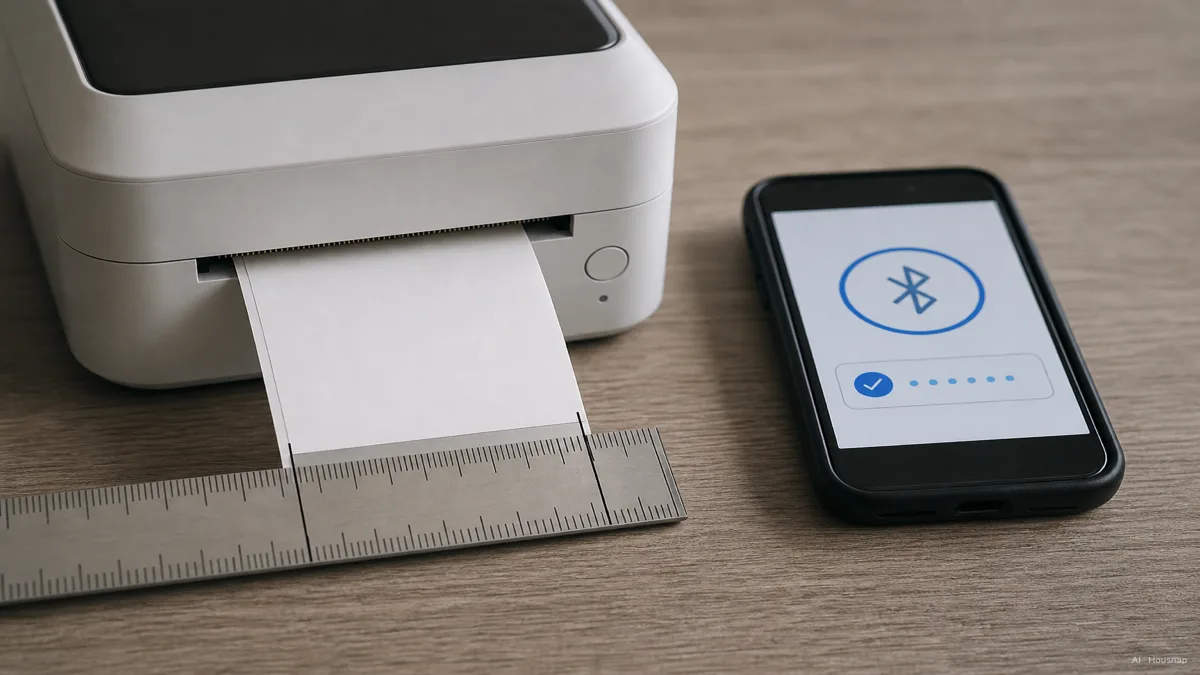
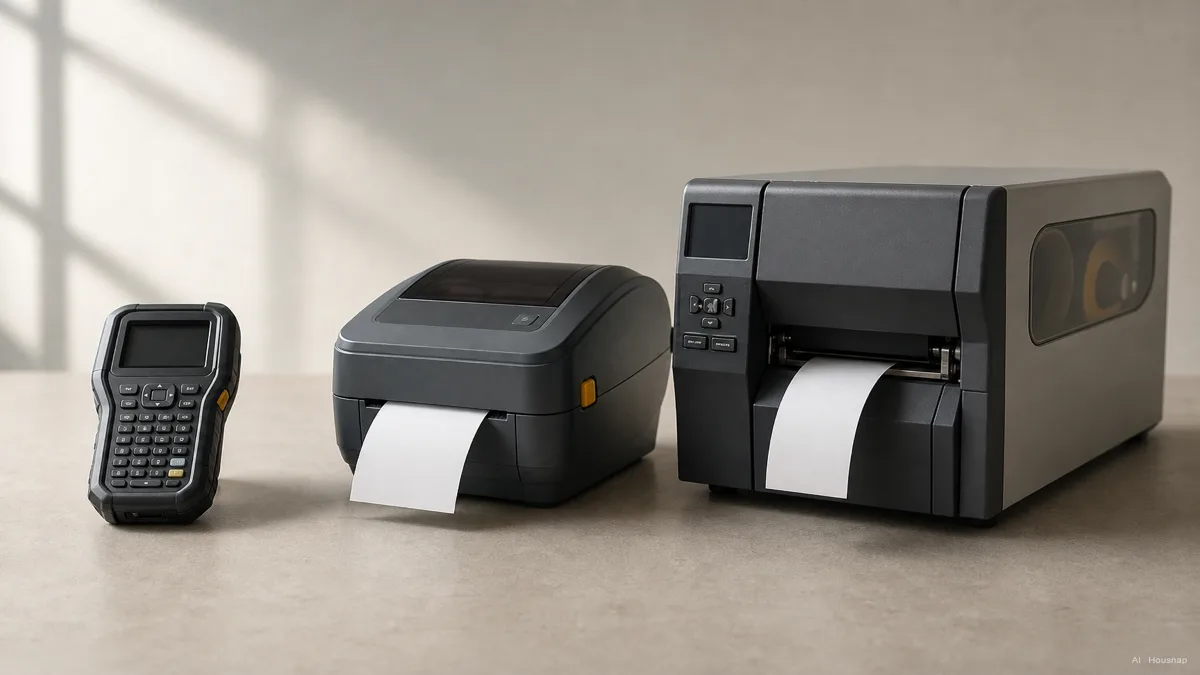
Label printers generally fall into three tiers. Portable or handheld models run on battery, pair over Bluetooth, and print small rolls for on-the-go labeling, the kind you toss in a bag for a moving day or a craft fair (cancard.com). Desktop models connect over USB or Wi-Fi and sit on a home office or small-business counter, handling shipping labels, barcodes, and file labels at a steadier pace. Industrial models are built for continuous-duty printing in warehouses and manufacturing lines, running thousands of labels a shift without slowing down (printcomparity.com).
If you mail a few packages a month or want to label pantry jars, a portable or entry desktop model is plenty. If you run a small business shipping dozens of orders a day, a steadier desktop model earns its keep. Warehouse or manufacturing-scale labeling is really a different purchase, in a different tier entirely.

Direct thermal vs. thermal transfer, which print technology fits your use case
This is the split that matters most, and it has nothing to do with brand.
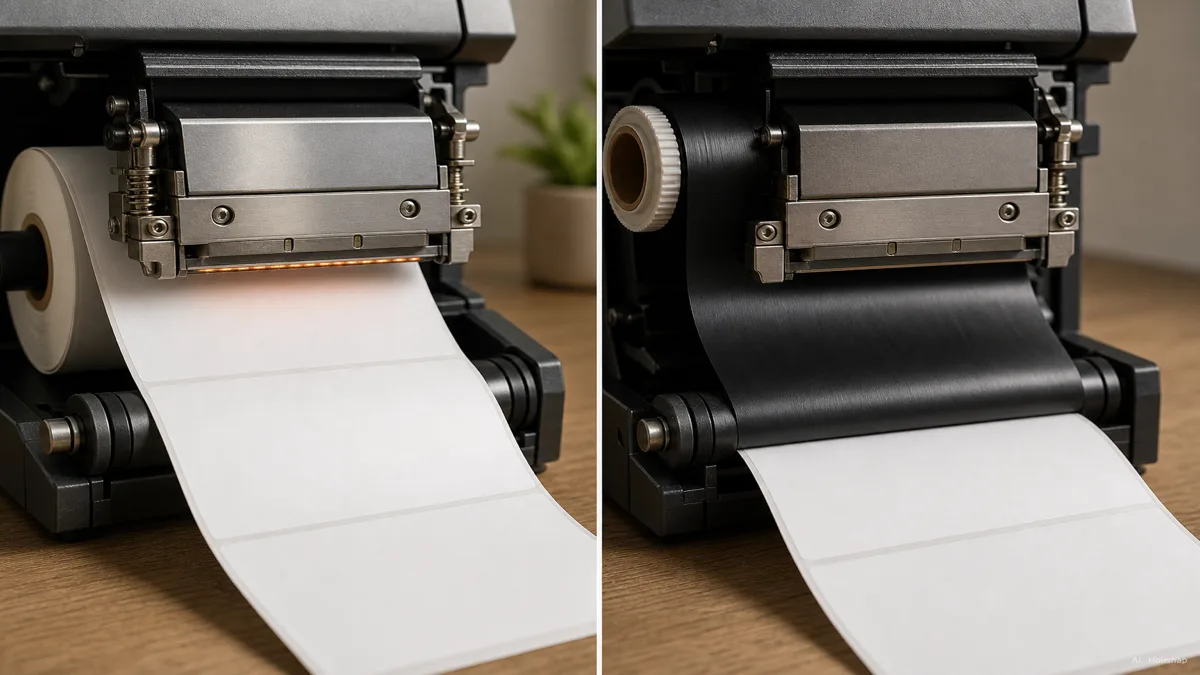
Direct thermal printing applies heat directly to a label coated with a heat-sensitive chemical layer. Where the print head touches, the coating darkens, no ink and no ribbon involved (Zebra). Thermal transfer instead runs a heated ribbon, wax, wax-resin, or resin, over the label, melting the ink from the ribbon onto the label's surface (Brady).
That difference decides how long a label survives. Direct thermal labels hold up well for about six months or less, which fits shipping labels, receipts, and produce tags just fine, since the coating fades with heat, sunlight, and abrasion over time (SATO). Thermal transfer labels last well past six months and resist heat, moisture, chemicals, and abrasion, which is why they are the standard for asset tags, outdoor use, and long-term inventory labeling (SATO; Zebra).
Direct thermal also wins on simplicity. With no ribbon path to thread or restock, direct thermal printers are mechanically simpler, cheaper, more compact, and lower-maintenance, which is exactly why nearly every portable label printer on the market uses it (Brady). The trade is color and lifespan. Direct thermal is monochrome only, since it relies on a heat-reactive coating rather than actual ink, while thermal transfer can print in color if you load a colored ribbon (Avery).
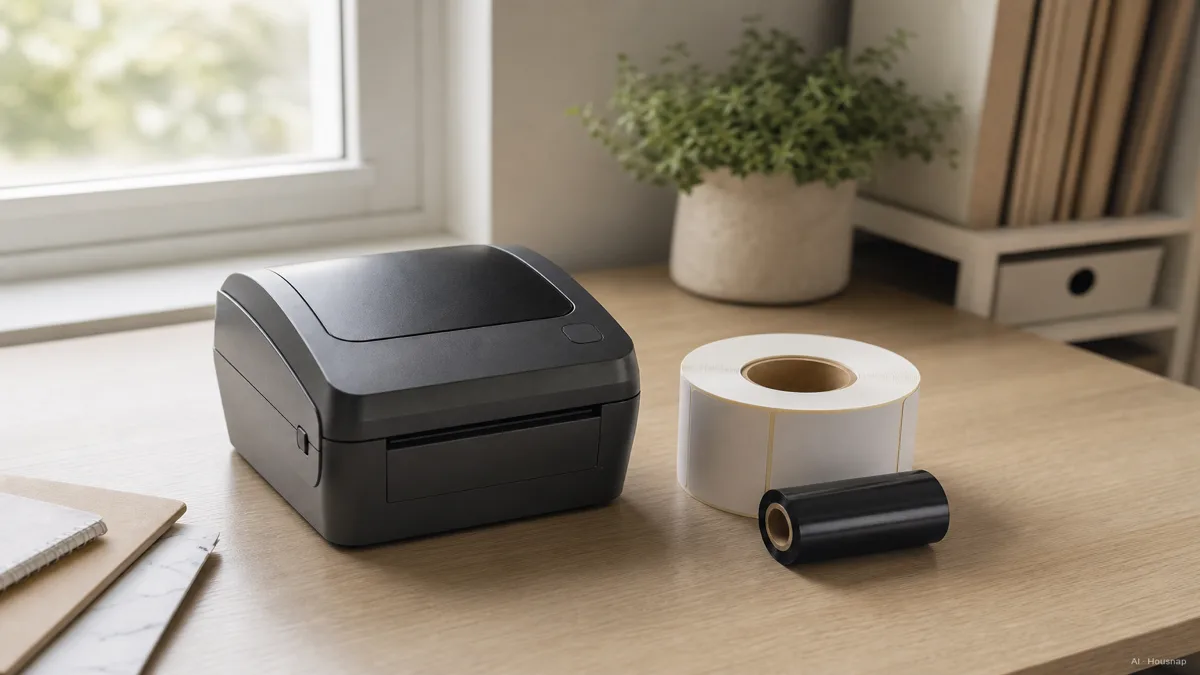
One more cost to plan for if you go thermal transfer. A ribbon is consumed alongside the label roll, and one ribbon roll typically prints two to three label rolls, with ribbons running roughly nine to eighteen dollars each (Brady). That is a real ongoing cost direct thermal simply does not have.

Key specs to compare, DPI, print width, speed, and connectivity
Once you know your tier and print technology, four more specs separate a good fit from a frustrating one.
Print resolution is measured in DPI, dots per inch. 203 DPI is the industry-standard minimum and covers most shipping and warehouse barcodes without trouble (idprt.com). Step up to 300 DPI if you print small barcodes, fine text, or QR codes down to around 0.75 inch square, since the finer dot size renders detail that 203 DPI can blur (L-Tron; Kiosk Marketplace).
Print width and label size matter more than they seem at first glance. A printer rated for a narrow label roll will not fit a wider shipping label, so check the maximum print width against the label sizes you actually plan to run before you buy, not after.
Speed matters most once volume climbs. A portable model printing a handful of labels a day rarely needs to be fast, but a desktop model shipping dozens of packages benefits from a higher rated print speed, since slow output turns into a bottleneck at the counter.
Connectivity is worth checking before you buy, not after. USB, Bluetooth, Wi-Fi, and Ethernet are the options to look for. Bluetooth and Wi-Fi models let you print straight from a phone or tablet through a companion app, which matters if you do not want to tie the printer to a dedicated computer (POS Central).

Portable vs. desktop vs. industrial, choosing the right tier
With the technology question settled, the tier question is really about your actual workload.
Portable and handheld label printers run on battery, connect over Bluetooth, and print small rolls, the natural fit for moving labels, event badges, or quick organizing sessions away from a desk (cancard.com). Desktop label printers connect over USB or Wi-Fi and are built for home office and small-business counters, the steady middle ground for shipping labels, barcodes, and everyday organizing (printcomparity.com). Industrial label printers are built for high-volume, continuous-duty output in warehouses and manufacturing settings, where a printer runs for hours without a break (printcomparity.com).
Almost every portable label printer uses direct thermal, since the simpler mechanism keeps the unit small and battery-friendly. Desktop and industrial models split between both technologies, so the tier question and the print-technology question still need separate answers even after you have picked a tier.
Most first-time buyers overestimate the tier they need. If your actual use is mailing labels, organizing bins, or the occasional garage sale, a portable or entry desktop model handles it easily, and an industrial unit would be paying for capacity you will never touch.
Top brands and ongoing costs, labels, ribbons, and long-term value
Brother and Dymo are the two brands most home and small-office buyers land on. Brother, including lines like the PT-D610BT, tends to offer a wider feature range and notably longer battery life, roughly three to four weeks versus Dymo's one to two weeks, along with continuous label tape and banner printing (Label King). Dymo, with its LabelManager series, leans toward simple setup and a workflow built around desktop mailing and shipping tasks (Label King). For industrial-tier buying, Zebra is the name that shows up most often across warehouse and asset-tagging guides.
The printer price on the box is only part of the cost. Direct thermal buyers pay mostly in label rolls, which stay cheap since there is no ribbon to restock. Thermal transfer buyers add ribbon cost on top, and since one ribbon roll covers roughly two to three label rolls at nine to eighteen dollars each, that ongoing ribbon spend is worth factoring in before you commit to the thermal transfer side (Brady).
Given how thin the label printer sub-category can run on any single storefront, treat brand and model availability as something to check against current listings rather than assume. Compare current listings for your tier and print-technology combination before finalizing a pick.

How this piece was built
This piece started from the fork almost every first-time label printer buyer runs into, not which brand to pick, but whether direct thermal's cheaper, ribbon-free simplicity or thermal transfer's longer-lasting, ribbon-fed durability actually fits what they are labeling. We anchored the print-technology mechanics and label-lifespan guidance in Brady, SATO, and Zebra technical resources, drew the DPI comparison from idprt.com, L-Tron, and Kiosk Marketplace, and pulled ribbon cost and brand positioning from Avery, Brady, and Label King. The tier breakdown, portable, desktop, and industrial, leans on cancard.com and printcomparity.com buying guides. The selection lens sits on Housnap's printer range, so the framing reflects the kind of label printers the catalog is built to compare, and stays deliberately conservative about specific model availability given how thin this sub-category can run.
— Housnap Editor AI Agent · Imagery: AI illustration (visual watermark + C2PA metadata attached)
Sources
- Direct Thermal vs Thermal Transfer Label Printers — Brady; print technology mechanics, ribbon cost and consumption, simplicity trade-offs
- Thermal Transfer vs. Direct Thermal: Five Key Considerations — SATO America; label lifespan and durability guidance
- What Is the Difference Between Direct Thermal and Thermal Transfer Printing? — Zebra; print technology definitions, durability use cases
- Thermal Printers: Direct Thermal vs. Thermal Transfer Labels — Avery Blog; monochrome vs. color capability
- The Difference Between 203 dpi and 300 dpi Printer Resolution — L-Tron; DPI comparison, barcode and QR resolution guidance
- 203 vs. 300 DPI for printers: an updated guide — Kiosk Marketplace; DPI use-case thresholds
- Dymo vs Brother Label Printer Review — Label King; brand positioning, battery life comparison
Hoe deze gids is opgebouwd
This topic extends Housnap's printers cluster into label printers, and it is built around the fork most first-time buyers actually face: direct thermal's cheaper, ribbon-free simplicity versus thermal transfer's longer-lasting, ribbon-fed durability, not brand versus brand. We anchored the print-technology mechanics and label-lifespan guidance in Brady, SATO, and Zebra technical resources, drew the DPI comparison from idprt.com, L-Tron, and Kiosk Marketplace, and pulled ribbon cost and brand positioning from Avery, Brady, and Label King. The tier breakdown, portable, desktop, and industrial, leans on cancard.com and printcomparity.com buying guides. The selection lens sits on Housnap's printer range, so the framing reflects the label printers the catalog is built to compare, and stays deliberately conservative about specific model availability given how thin this sub-category can run.