Find a usable position before choosing a mount
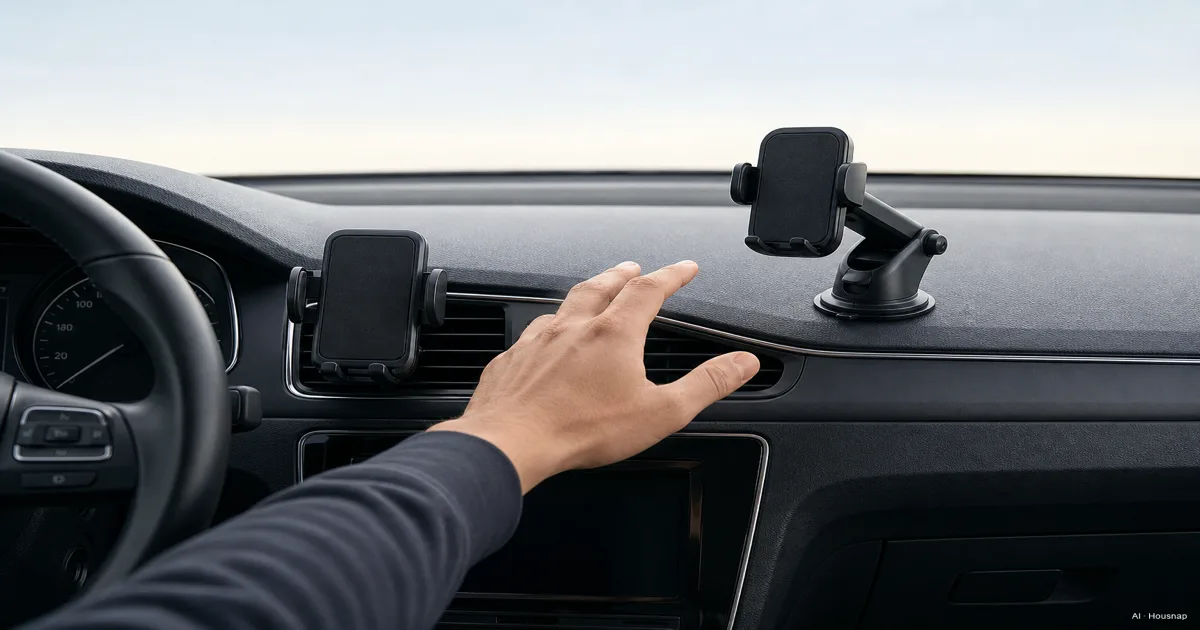
Park, sit in your normal driving position and hold the phone where you expect to use navigation. Rule out spots that hide the road or essential controls, then check the vehicle manual and local mounting rules.
A dashboard location is not an automatic legal clearance. For example, UK guidance allows hands-free holders but requires a clear view and full control of the vehicle. Check the rules where you drive rather than applying that example worldwide.
Use the three bases in the illustration as candidates, not as a layout to copy. You are choosing one location for one phone.
Choose vent mounting if the attachment fits
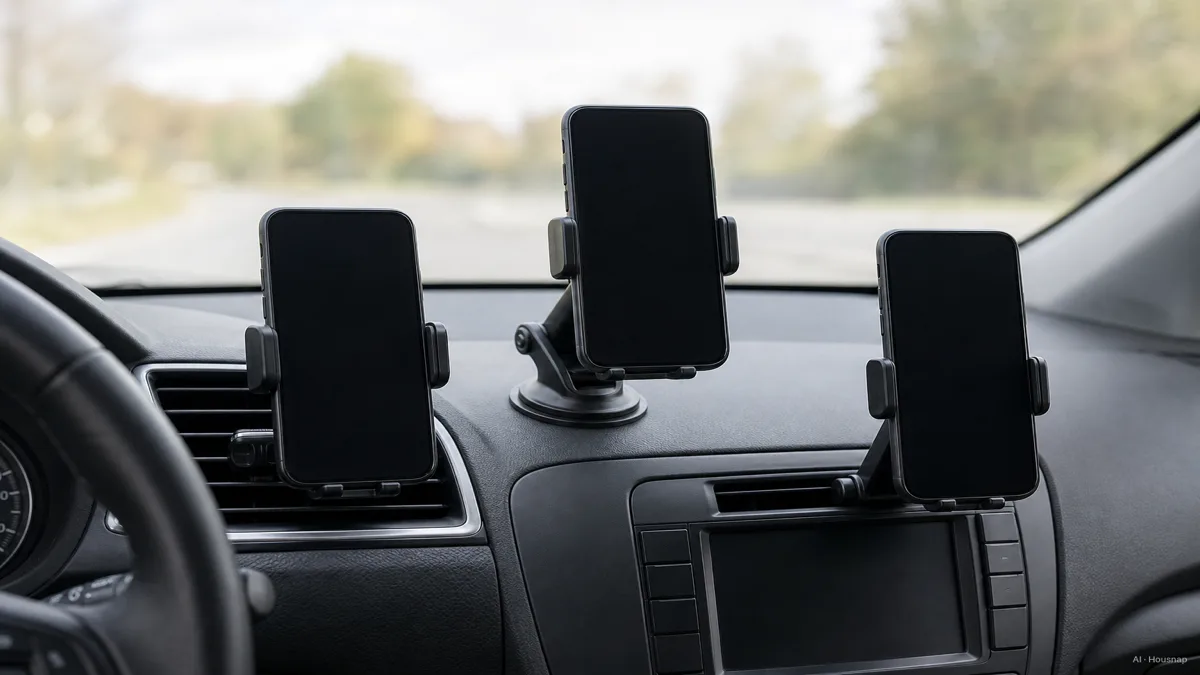
Vent mounting is worth considering when you want to avoid sticking a base to the dashboard. Belkin's clamp-style vent mount, for example, uses neither suction nor adhesive. Before buying, compare the attachment drawing with your vent's blade shape, thickness and accessible depth.
Shape labels alone are not enough. Belkin's WIC008 guidance allows vertical as well as horizontal blades, with limits of 3 mm thickness and 20 mm depth. Those are that model's limits, not a standard for all vent mounts.
Keep the vent option if compatibility is documented and the phone leaves the controls and airflow you need usable. Move to the suction option if the attachment cannot seat as instructed or the resulting position is awkward. An adjustable clip is useful only if its adjustment range fits your vent.
Choose suction only after checking the surface
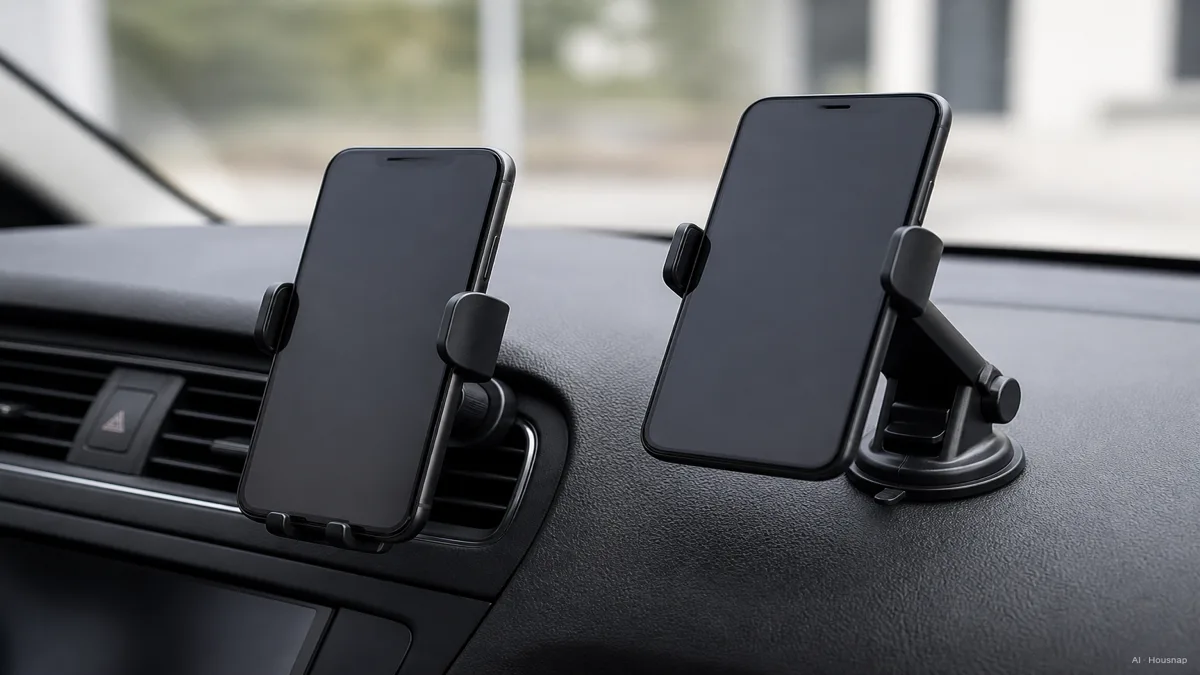
For suction, compare the entire installation: cup, any dashboard pad, and the surface beneath it. A pad may make a textured dashboard usable for a particular mount, but it also adds an adhesive attachment. iOttie's Dashboard Pad is not recommended for leather dashboards.
If you want to avoid adhesive on the dash, consider a permitted windshield position or revisit vent mounting. iOttie also identifies vent and CD-slot mounts as alternatives when dashboard damage is a concern.
Keep the suction option only if both the surface and the location are suitable. If you move mounts between cars, check what is reusable: iOttie's pad adhesive is not, so trial-position it before peeling the backing.
Match the phone grip to the case you actually use
The vent or suction base attaches to the car. The clamp or magnetic head holds the phone. Decide both.
- Clamp. Measure the phone with its case fitted, then check the holder's width and thickness limits and where its arms land. A clamp is a useful starting point for shared phones, but “universal” does not mean every case fits; Belkin specifies a case-thickness limit for its vent holder.
- Magnetic. Check the exact phone-and-case system. Belkin WIC002 supports MagSafe-compatible phones and cases but does not charge wirelessly. Magnetic attachment and charging are separate features.
- Metal-plate magnetic mounts. Read the plate-placement instructions before sticking anything on. The iOttie support guidance warns that its metal plates can interfere with wireless charging.
If your case prevents a secure fit, compare a different holder before replacing a case you like. If you are already changing cases, use the case materials and protection guide to weigh everyday protection, then recheck the new case's dimensions and mounting compatibility.
Consider a CD slot when the main two options do not fit
A CD-slot mount is a conditional alternative if you have an unused, accessible slot and the phone would not cover needed controls. Check the particular mount's installation requirements; the slot's presence alone is not proof of fit.
The iTap 2 product page describes a locking lever and an additional bracket for larger CD slots. Check which parts your installation needs; do not force a bracket into place or assume this type is automatically more stable than the others.
If no location works, pause the purchase and ask the vehicle or mount manufacturer about a documented compatible solution. A different phone grip will not fix an unsuitable base.
Check the installation while parked, including heat exposure
Before driving, fit your usual case, set the viewing angle, connect any cable and confirm that the base and phone stay seated during normal attachment and removal. If a joint shifts or the base lifts, stop and resolve it using the product instructions. Set navigation before departure; make later adjustments only when safely parked.
Then check heat exposure. iOttie advises shaded parking or removal during extreme heat for its suction cups. This is a reason to follow the chosen product's limits, not evidence of one failure temperature for every suction mount.
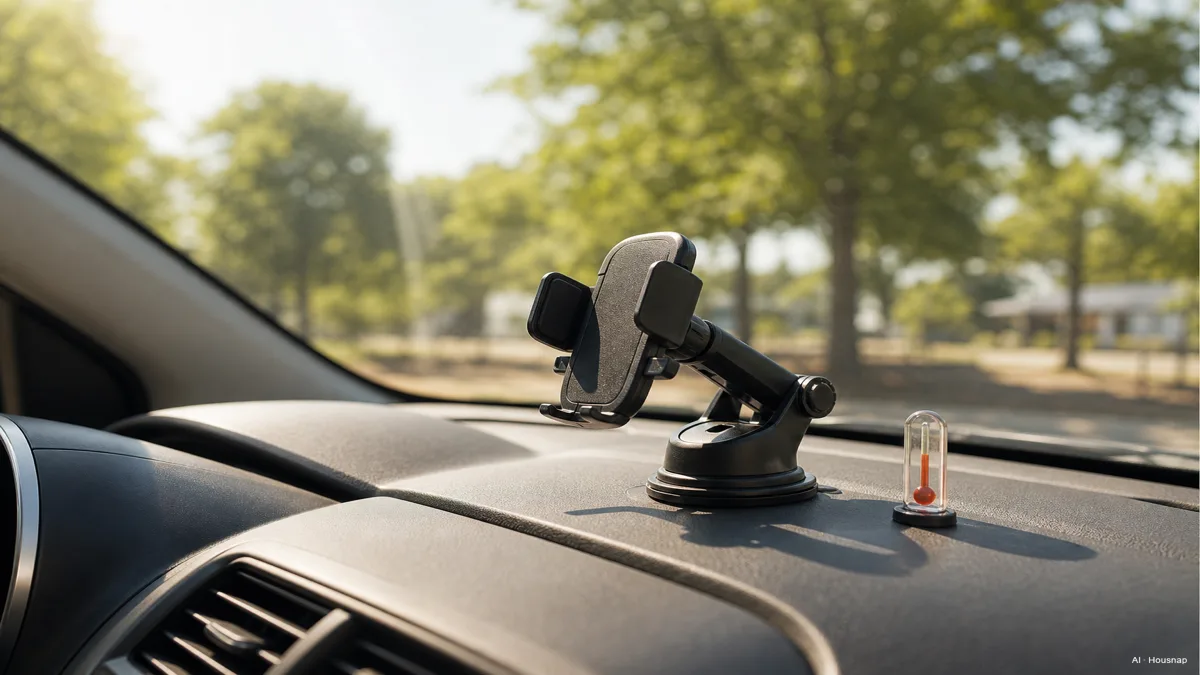
Vent mounting does not remove the heat question: Belkin warns about heater airflow on WIC008. Apple also warns that hot-weather navigation can affect iPhone performance, including charging and screen brightness. If a temperature warning appears, park safely and follow the phone maker's cooling instructions.
Your buying decision is ready when you can name the location, the compatible base, the phone-and-case fit and any charging requirements. Leave a candidate out if one of those answers is still missing.
Hoe deze gids is opgebouwd
Written by the Housnap AI editor using iOttie and Belkin manuals and support pages, Apple's temperature guidance and GOV.UK's driving guidance. This article compares installation and compatibility decisions rather than reporting road tests; the UK example is not a worldwide legal ruling.