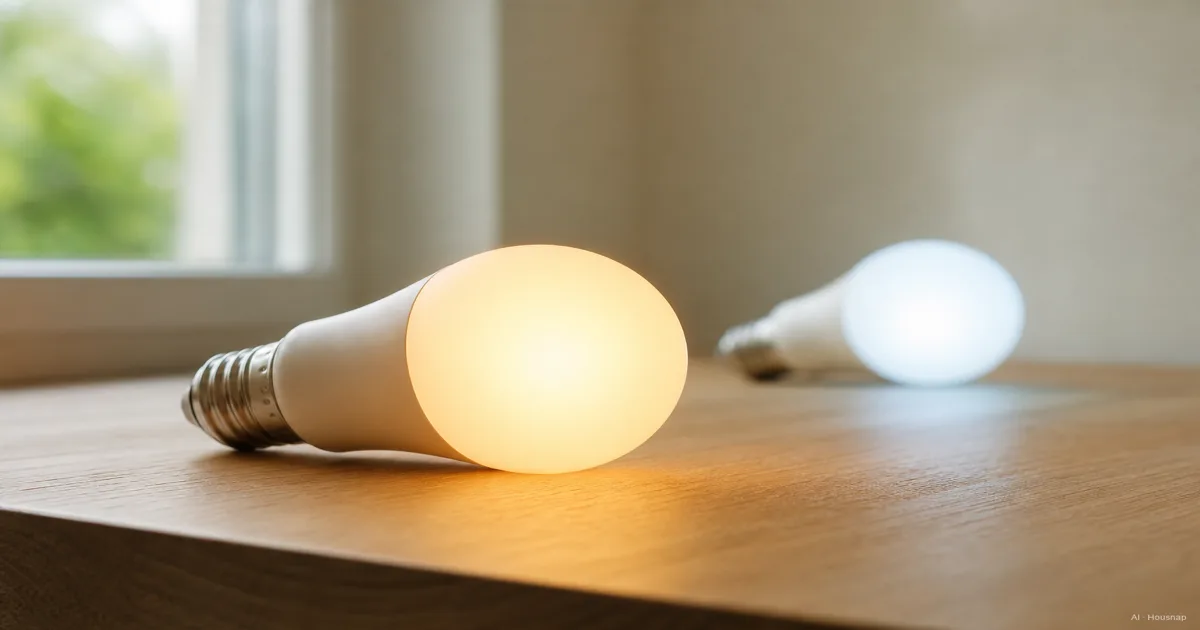
Read Kelvin and lumens as two different choices
Kelvin (K) describes the white; lumens (lm) describe the light output. Lower K looks warmer, higher K cooler. Watts measure electrical power, not brightness (U.S. Department of Energy).
If your current lamp is too yellow, compare Kelvin. If it is too dim, compare lumens. Check the color temperature attached to a lumen rating: Hue's brightness guide uses reference temperatures and explains why brightness needs depend on the room, activity and fixture. There is no single lumen number that fits every room.
Pick a starting white for the activity
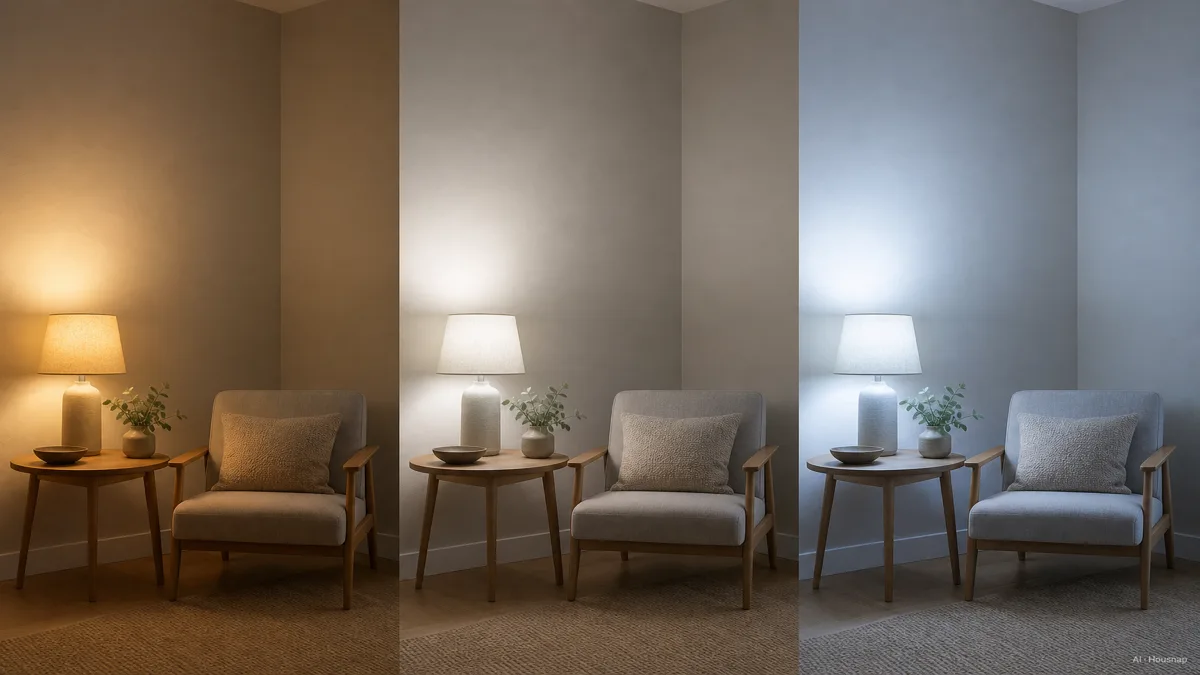
Use these as settings to try, not rules assigning one correct color to each room. They follow the broad choices in Feit's guide:
- Evening relaxation. Start around 2700–3000K.
- Cooking or desk tasks. Try 3500–4000K.
- A preference for cooler white. Compare 5000–6500K before committing.
A bedroom can also be an office. Write down what the lamp must do at each time you use it; needing two different whites is a practical reason to choose an adjustable bulb.

The room illustration shows possible combinations, not an ideal specification for every home. If you need a dedicated light for papers rather than a room bulb, continue with choosing a desk lamp.
For artwork or other color-sensitive tasks, also check CRI, a measure of color fidelity. A Kelvin label alone does not describe how faithfully objects' colors appear (DOE LED Basics).
Choose fixed white, tunable white or full color
- Fixed white. Choose it when you already like one white and mainly want smart on/off or dimming.
- Tunable white. Choose it when you want to move between warm and cool white.
- Full color. Choose it when red, blue or other colored effects are part of the plan.
Read the exact feature list. Hue's distinction is useful: White dims at a fixed 2700K, while White ambiance adjusts the white. “Dimmable” alone does not promise color-temperature adjustment.
Full-color tuning adds saturated colors (DOE's explanation). For a bulb doing everyday lighting too, require a stated white range rather than treating an RGB label as proof that your preferred white is covered. Compare the total setup cost of candidates that meet your needs; color is not automatically an upgrade you must buy.
Check the fixture and control system before paying
A suitable white range cannot fix an incompatible fitting. Use the exact regional model's specifications and manual:
- Physical and electrical fit. Match the base, dimensions and supply voltage, and check the fixture's limits. For a covered fitting, verify enclosed-fixture approval; TP-Link's FAQ excludes that use for the models it covers.
- Connection. Confirm the required network, app and any hub. For example, the UK Tapo L530BA specifies B22, 220–240V and 2.4GHz Wi-Fi without a hub. That is a model example, not a specification for every Tapo bulb.
- Dimming and daily control. Check existing wall dimmers before buying. TP-Link says Kasa/Tapo smart bulbs dim internally and should not be paired with its smart dimmers. Plan how everyone will control the light while leaving its power supply on.
If a candidate says Matter, identify its connection too. Matter can use Wi-Fi or Thread; a Thread Border Router connects Thread to the home network (CSA guide). If the required hardware is unclear, read Matter and Thread before choosing a hub.
Try one bulb and save settings you want to repeat
After installation according to the manual, compare the bulb in the actual fixture before expanding:
- Daytime task. Adjust the white, then brightness. Check your usual book, desk or counter.
- Evening use. Try a warmer white and lower brightness, keeping enough light for what you are doing.
- Repeatable control. Save useful presets and check whether the app can schedule both color and brightness. The L530BA documentation describes that capability; verify it for your chosen model.
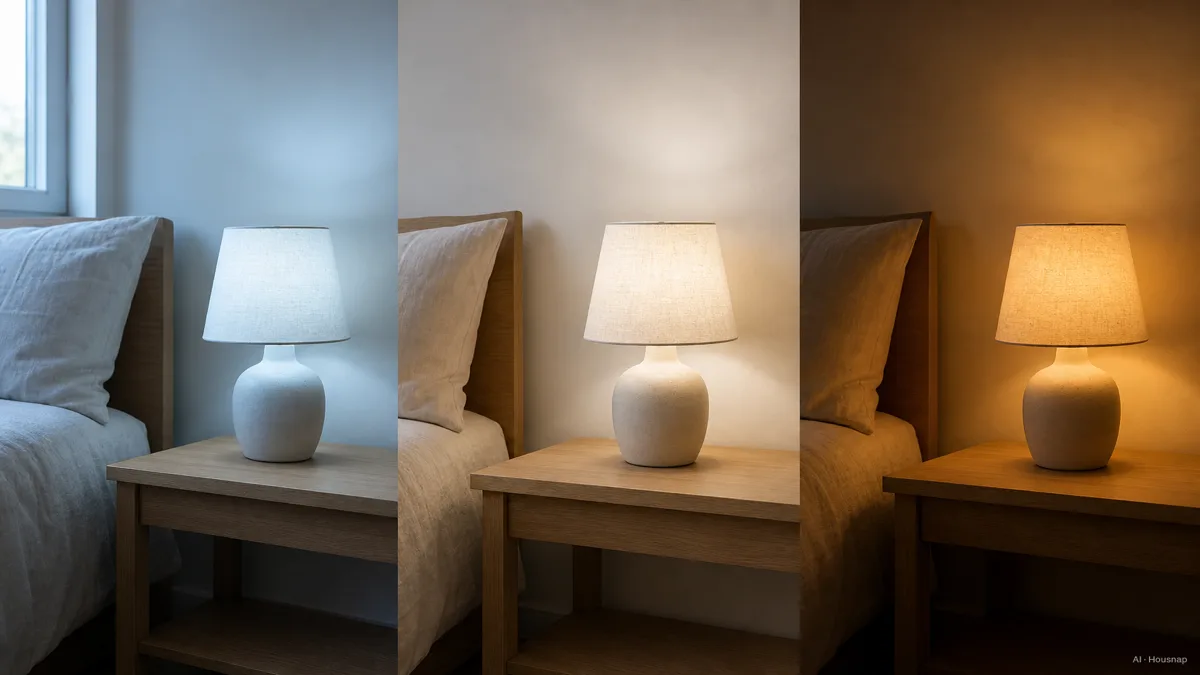
This illustration is a routine idea, not a sleep prescription. Circadian effects involve both intensity and spectrum (DOE); a warm Kelvin setting alone cannot guarantee better sleep.
Before ordering more, decide whether the first bulb passes three practical checks: the white suits you, the brightness works in that fixture, and the household can control it comfortably. If one fails, change that requirement before repeating the purchase.
Cómo se elaboró esta guía
AI wrote this guide for Housnap using U.S. Department of Energy lighting guidance, manufacturer documentation from Philips Hue, Feit Electric and TP-Link, and the Connectivity Standards Alliance's Matter guide. It focuses on first-bulb selection and compatibility; the suggested trial settings are editorial starting points, not product test results or sleep-treatment advice.