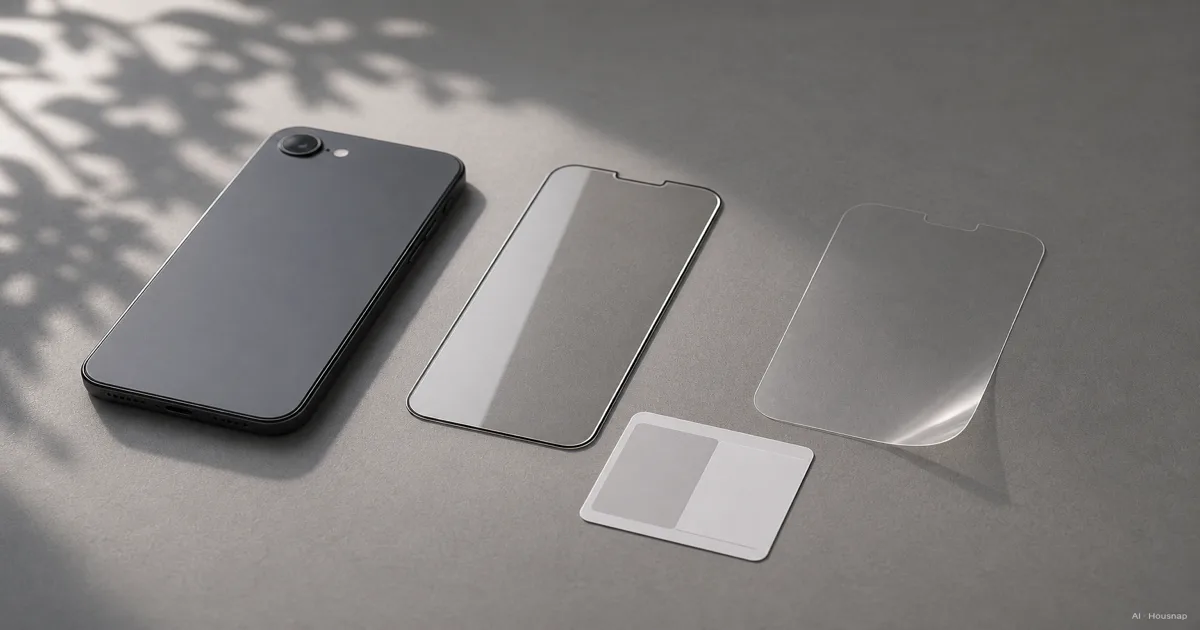
Check your phone before choosing the material
Start with the full model name, then check the protector’s supported devices, fingerprint-reader compatibility and clearance for your case. “Edge to edge” need not mean reaching the physical edge: Belkin explains that some coverage leaves room for a case.
If you unlock through the screen, treat compatibility as a requirement. Samsung warns that thickness and gaps under a protector can reduce fingerprint recognition.
A folding inner screen needs a different approach. For Galaxy Z Fold and Z Flip main screens, Samsung directs film replacement to a service centre. Don’t apply this ordinary-phone buying advice to that screen.
Choose glass, PET or TPU for a specific reason
- Choose glass for the surface feel. Compatible clear tempered glass is a sensible first shortlist if you want a surface resembling the original screen. That is a selection starting point, not a promise that every glass protector performs alike. Belkin’s material guide describes this feel for its glass products.
- Choose PET for a light film option. PET is a plastic film; compare it when adding little bulk matters. Basic PET is not the option to buy chiefly for drop protection.
- Choose TPU for flexibility. TPU is a flexible polyurethane film worth considering for curved edges. Some products can recover from minor marks, but check the individual claim rather than expecting all scratches to disappear. ZAGG distinguishes PET and TPU.
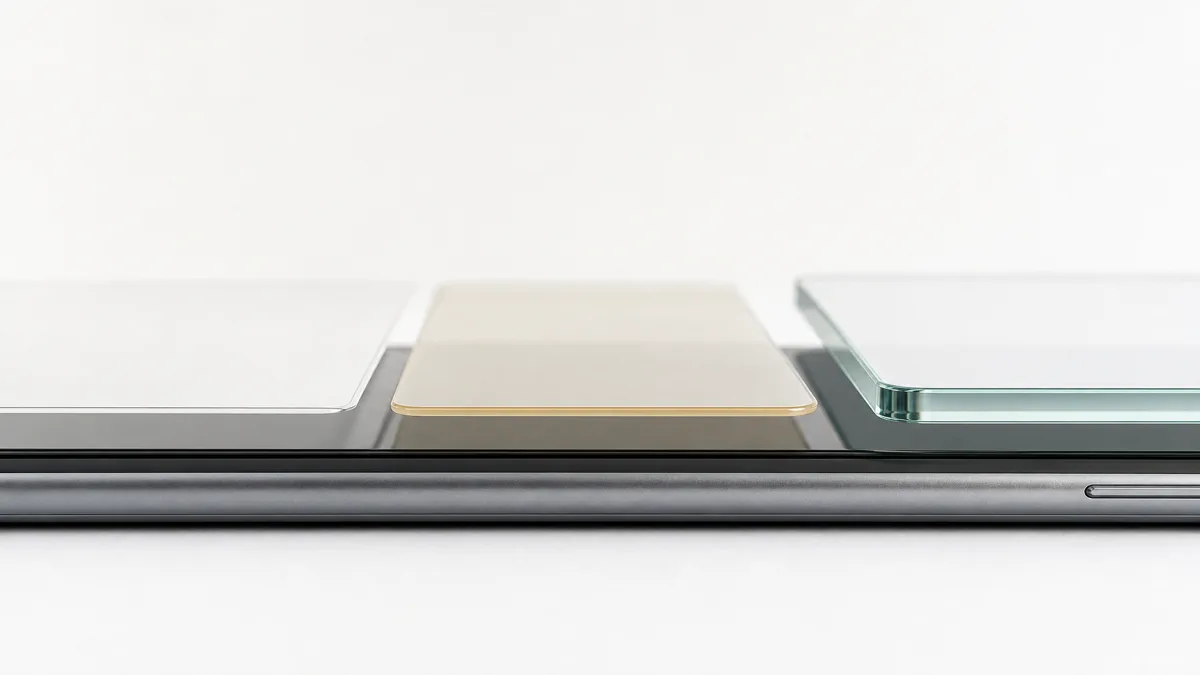
Choose privacy as a separate feature. Check which orientations it covers: Belkin’s comparison describes a filter that blocks side views in portrait but permits landscape sharing. If possible, view a demonstration before deciding whether its everyday readability suits you.
Read 9H as a test result, not a protection guarantee
Belkin identifies its 9H rating as pencil hardness under ASTM D3363. It is not a Mohs 9 mineral rating or a drop-survival score. The public scope of ASTM D3363-20 concerns coating hardness; its notes also explain that pencils and test panels can change results.
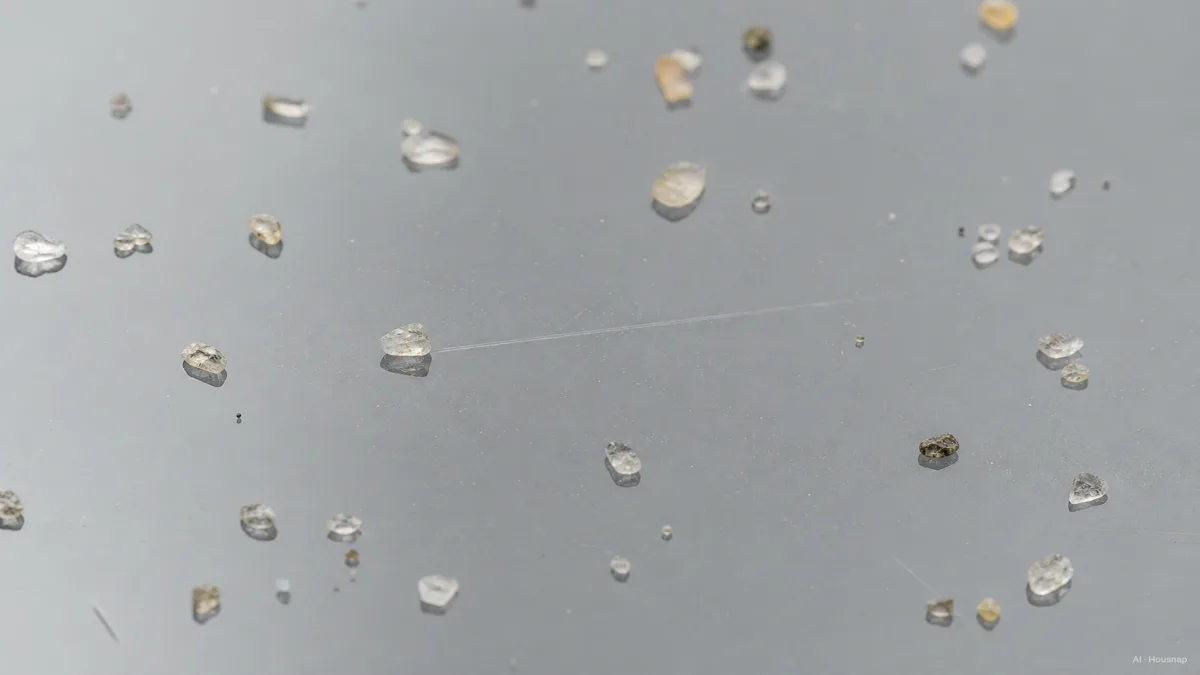
Before paying more for a protection claim, look for the test method, conditions and product tested. An unexplained number is not enough to rank two protectors. The sand illustration below shows the kind of contact to consider, not a measured result for a particular product.
If drops are your main concern, assess the case too; ZAGG recommends pairing it with a protector. Next, use the phone case materials and protection guide to compare case construction rather than choosing a screen layer alone.
Buy the installation you can complete
Before ordering, read the instructions and check the included tools. An alignment tray, cloth and dust sticker may already be supplied, as in Belkin’s listed kit; don’t automatically buy separate accessories.
- Prepare. Follow the kit’s cleaning instructions and remove lint and dust before exposing the adhesive.
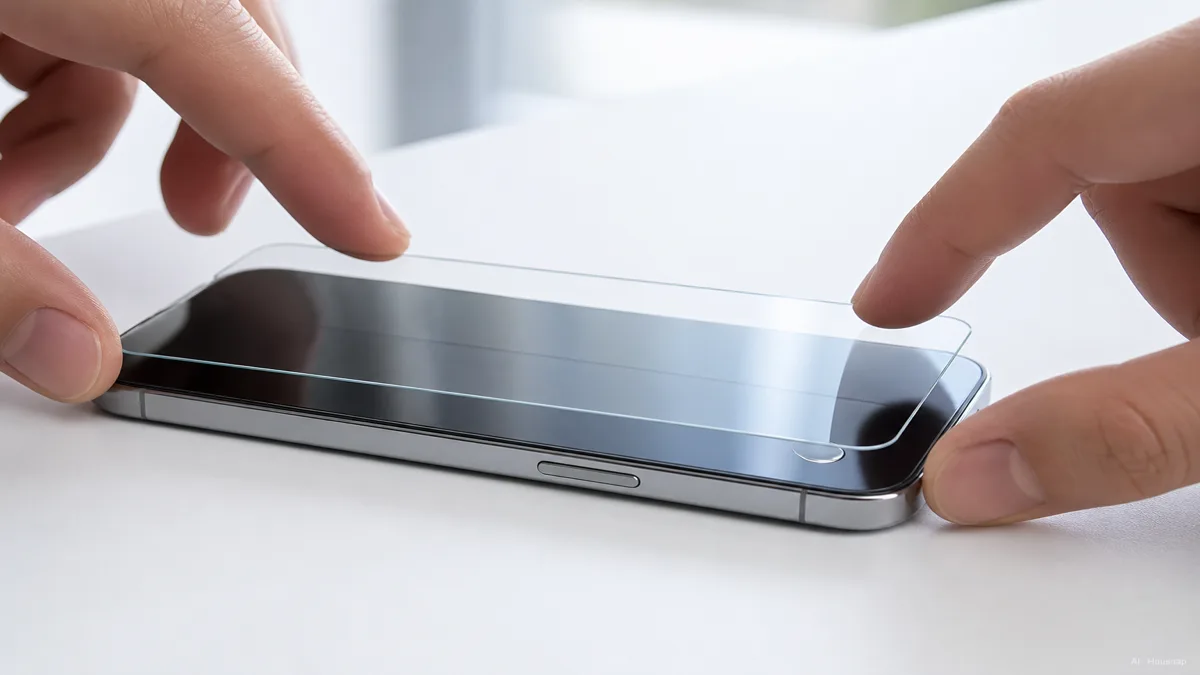
- Align and apply. Use the supplied guide, then follow that product’s bubble-removal instructions. ZAGG’s glass instructions show these as separate tasks, not an automatic bubble-free result.
- Check the result. Try edge gestures, fit your case and test unlocking. For affected Samsung devices, registering fingerprints again after replacement may help; persistent problems call for a compatibility and installation check.
Cómo se elaboró esta guía
Written by Housnap’s AI editorial team using manufacturer guidance from Belkin, ZAGG and Samsung, plus ASTM’s public test-method description. This guide turns those sources into a first-purchase comparison; it does not report hands-on product testing or guarantee protection.