Define the label before comparing printers
Write down one real job: what you will label, the space available, the information it must carry and how many you need in one session. For shipping, get a sample from the service you use before choosing a machine.
- Names on drawers or equipment. Start by comparing tape label makers and the available tape widths.
- Addresses or shipping labels. Start with the required label layout and supported roll sizes.
- Long-term identification. Specify the surface and exposure conditions before choosing the print method.
If documents and photos are your main job, start with choosing an inkjet or laser printer. Decide that broader need before buying a separate label machine.
Choose for the conditions the label will face
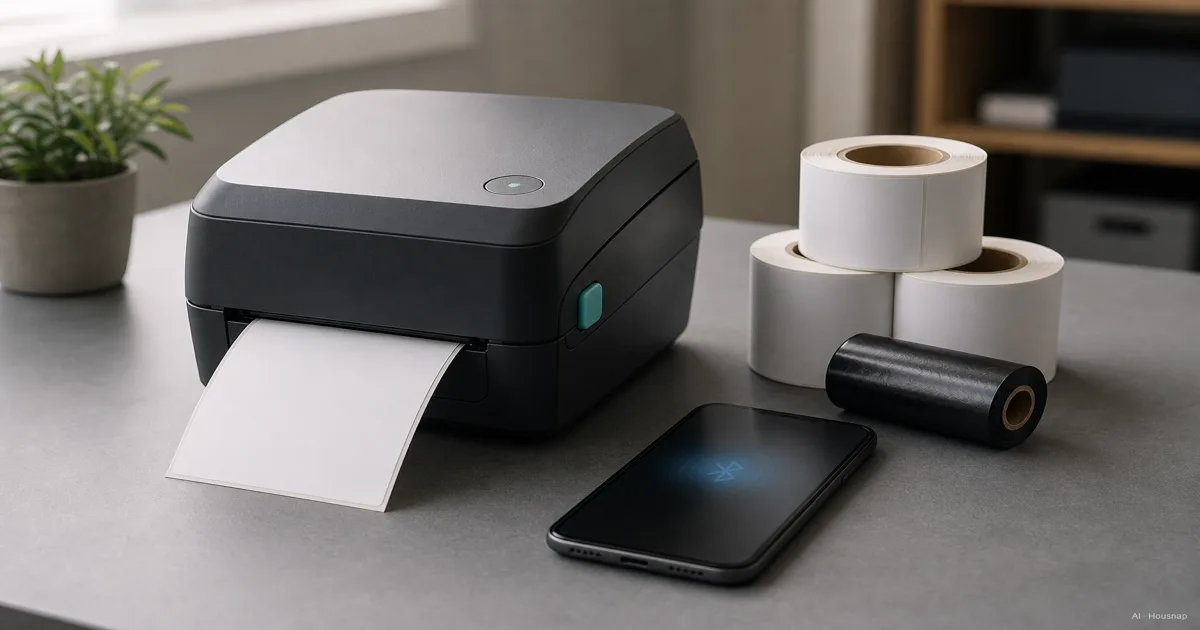
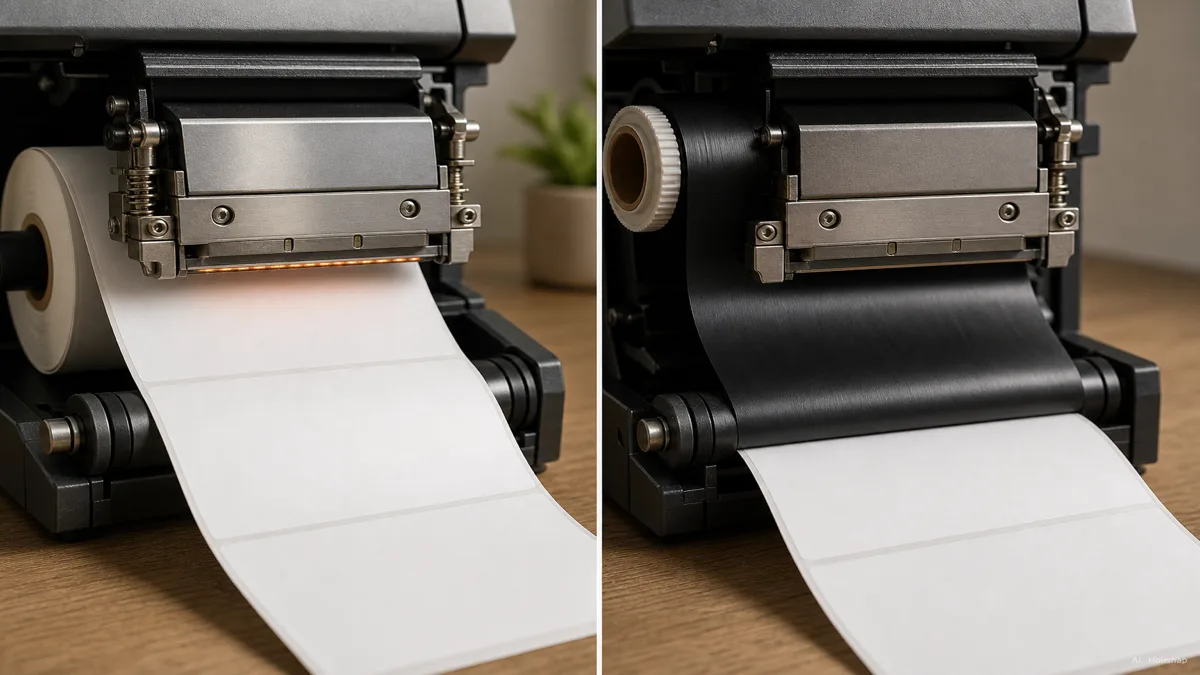
Direct thermal heats a reactive label without a ribbon; thermal transfer uses a ribbon. Heat, light and abrasion can compromise direct thermal readability. Zebra explains how both methods work.
For lasting identification, investigate thermal transfer with a label material, ribbon and adhesive suited to the job. Check the surface, exposure and required readable life together; the printing method alone does not establish a lifespan. Zebra’s label-selection guidance explains how those conditions affect the choice.
For labels you will handle or wipe repeatedly, check the actual tape specification. Brother’s TZe111 laminated tape protects printing between layers and is specified for water and abrasion resistance. That does not establish suitability for every surface or cleaning process.
Color needs a separate check: the direct thermal Brother QL-800 can print black and red with DK-2251. That specific combination is an exception to the idea that direct thermal always means black-only, not a promise of full-color printing. Brother QL guide.
Check the full path from your file to the label
A roll fitting inside is not enough. Check supported media width and printable width separately. At 203 dpi, the ZD421 direct thermal version accepts media up to 108 mm wide but prints up to 104 mm. Its standard Bluetooth Low Energy connection is for setup only. Zebra specifications.
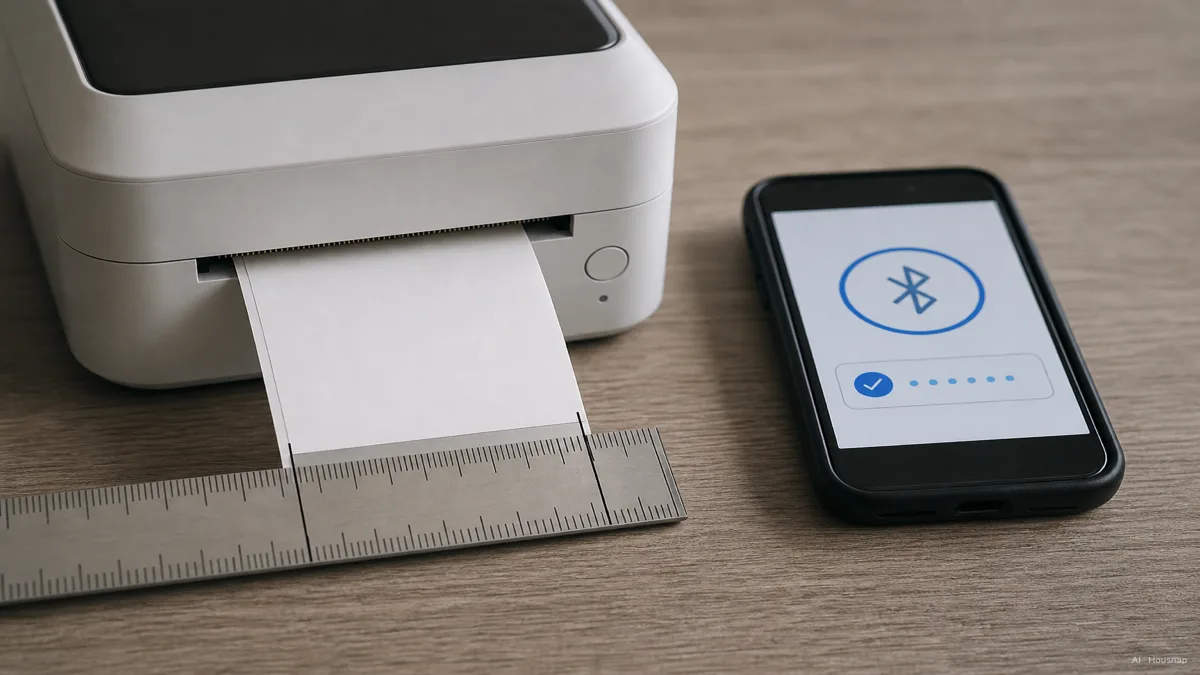
Before buying, find the exact printer in the app or driver’s compatibility list. Brother’s software guide distinguishes mobile apps from desktop P-touch Editor and limits support to selected models.
Ask for a sample using your own file, actual label size and characters. Check that your shipping PDF or address list can be used without rebuilding each label. Read the smallest text and scan the printed barcode with the device you will actually use.
DPI means dots per inch. Compare 203 and 300 dpi samples if fine detail matters; do not buy on the number alone. The ZT231 specification also shows a trade-off: its maximum speed is 12 inches per second at 203 dpi and 8 at 300 dpi.
Match the machine to a working session
Choose portability when you need to label objects where they are. Check power, weight and whether you can enter text without another device. Battery power does not imply direct thermal: the Brother PT-D610BT uses thermal transfer TZe tape up to 24 mm and can run on six AA batteries or its adapter.
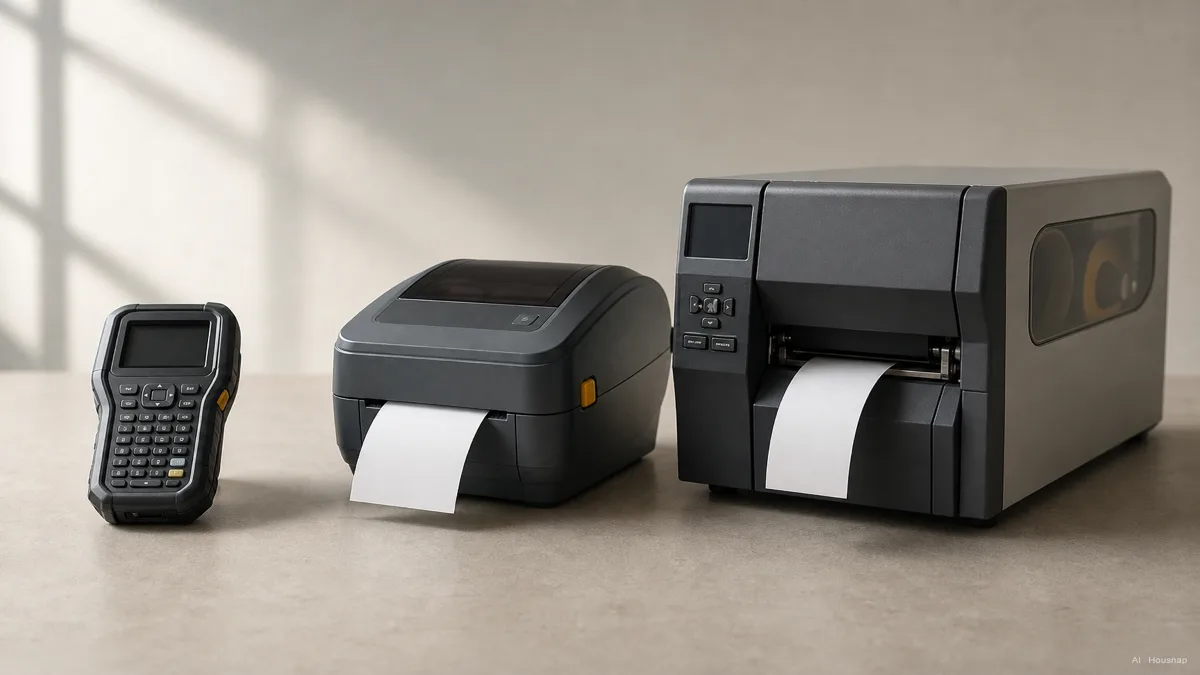
For a fixed packing desk, compare desktop machines using your busiest realistic batch. Include loading, cutting and peeling time, not just the speed printed on the box.
Consider industrial equipment when supply changes, handling or integration interrupt the work. For example, the Zebra ZT231 has a metal frame, larger-roll capacity and optional cutting or peeling hardware. Ask the supplier to demonstrate the complete batch before paying for extra capacity.
Price the supplies before choosing the printer
Build a small shopping list beside each candidate: the machine, any required power or connection accessories, and compatible media for the same planned number of labels. Add ribbon where required. SATO’s cost discussion shows why ribbon-free printing is not automatically the cheapest: media choice, size and purchase volume matter.
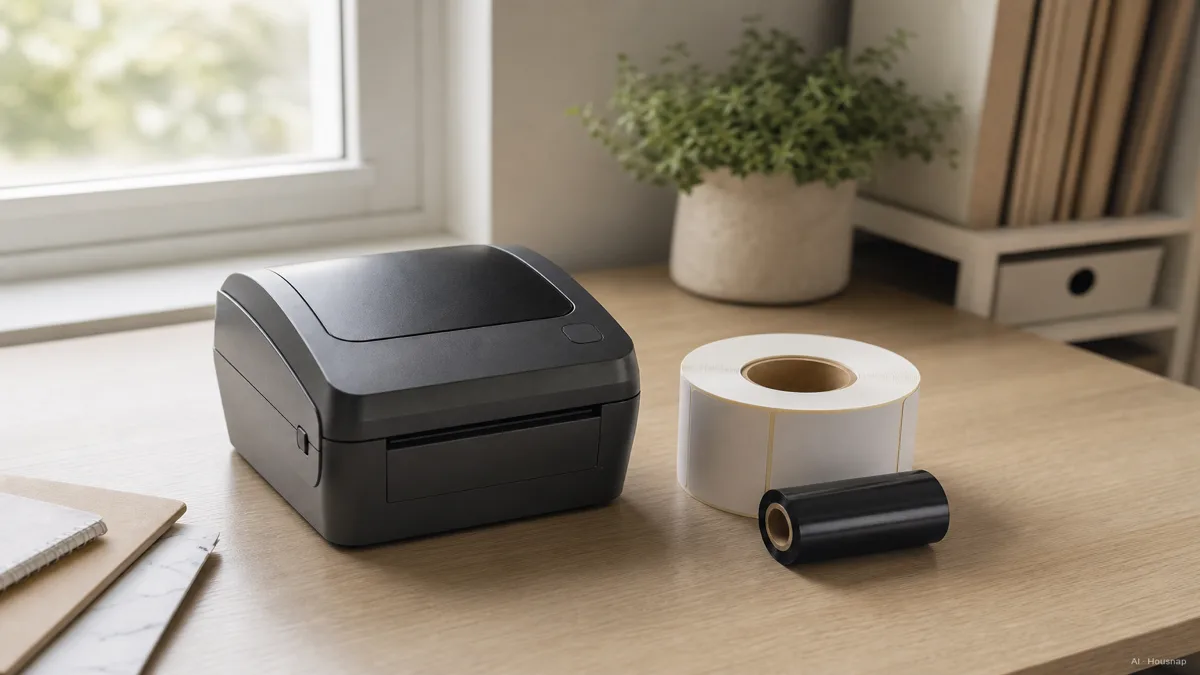
- Tape system. Find the exact cassette family and width. Estimate labels from tape length using your finished label length, including margins.
- Roll system. Check roll diameter, core and supported label sensing against the manual. For instance, Brother DK media comes in pre-cut labels and continuous rolls, which need different yield calculations.
- Separate ribbon. Confirm the specified ribbon and label pairing. Compare consumed lengths rather than assuming one ribbon always covers a fixed number of label rolls.
For a useful supply comparison, divide the cost of media and ribbon consumed by the number of usable labels, including setup waste. Keep the printer price separate. Buy when the sample is readable, your device can print it, and you can identify the correct replacement supplies.
Cómo se elaboró esta guía
This guide was written by the Housnap AI editor using Zebra and Brother specifications and SATO’s technical explanation. It turns those sources into a first-purchase checklist for label format, environment, software and supply costs; it is not a hands-on product test.