Your First Video Doorbell, What to Check Before You Buy One
You want to see who is at the door before you open it. That is the whole idea behind a video doorbell, and on paper every model in the store promises the same thing. Open the listings and the promise splits into real differences. Some doorbells need a recharge every couple of months. Others need a wire pulled through your door frame. Some keep every clip in the cloud for a monthly fee. Others store footage on a card in your own hallway, no subscription required. None of that is obvious from a product photo. This guide walks through what a video doorbell actually is, the battery vs wired tradeoff as it plays out specifically at your front door, what the resolution and field-of-view numbers really mean for a package on your porch, and the ongoing storage cost that shows up months after checkout, so your first doorbell fits your door instead of the other way around.
Aktuelle Produkte zum Vergleichen
Diese Produkte stammen aus den Housnap-Suchergebnissen zu diesem Thema.

What Is a Video Doorbell and Do You Need One?
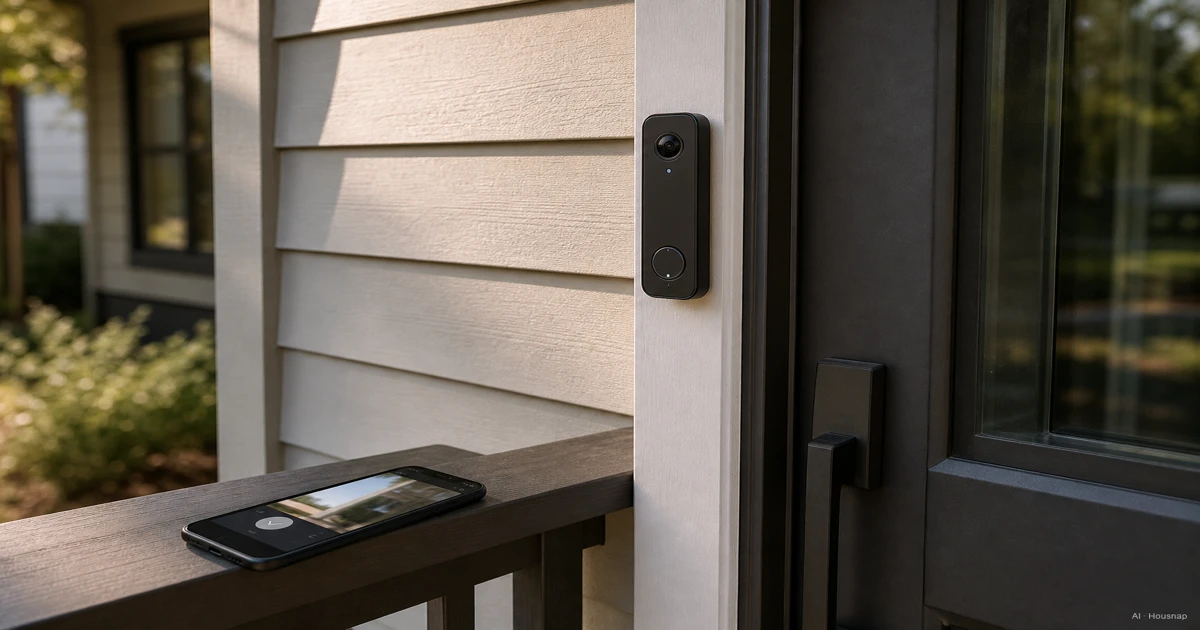
Strip away the branding and every video doorbell is the same three parts. A wide-angle camera, usually somewhere between 150 and 180 degrees diagonal field of view, watches the area right in front of your door. A power source, either a battery pack or a wire tied into your existing doorbell circuit, keeps that camera running. And a connection to an app streams live video to your phone and sends an alert the moment someone steps into frame, as eufy lays out in its how-it-works guide.
That third part is the one people underestimate. A doorbell that just records to a card in the unit is not that useful if you are not home, and being not home is the entire reason most people buy one. The app connection is what turns a camera on your door into something you can actually check from a train platform or a work desk.
Do you need one at all? If packages, visitors, or knowing who rang before you open the door matters to you, yes. If your main worry is a backyard or a driveway rather than the front step, a general security camera covering that spot may be the better first purchase, and a doorbell can come later.
Battery vs. Wired: Which Power Option Fits Your Home?
This is the first fork in the road, and it decides more than install time.
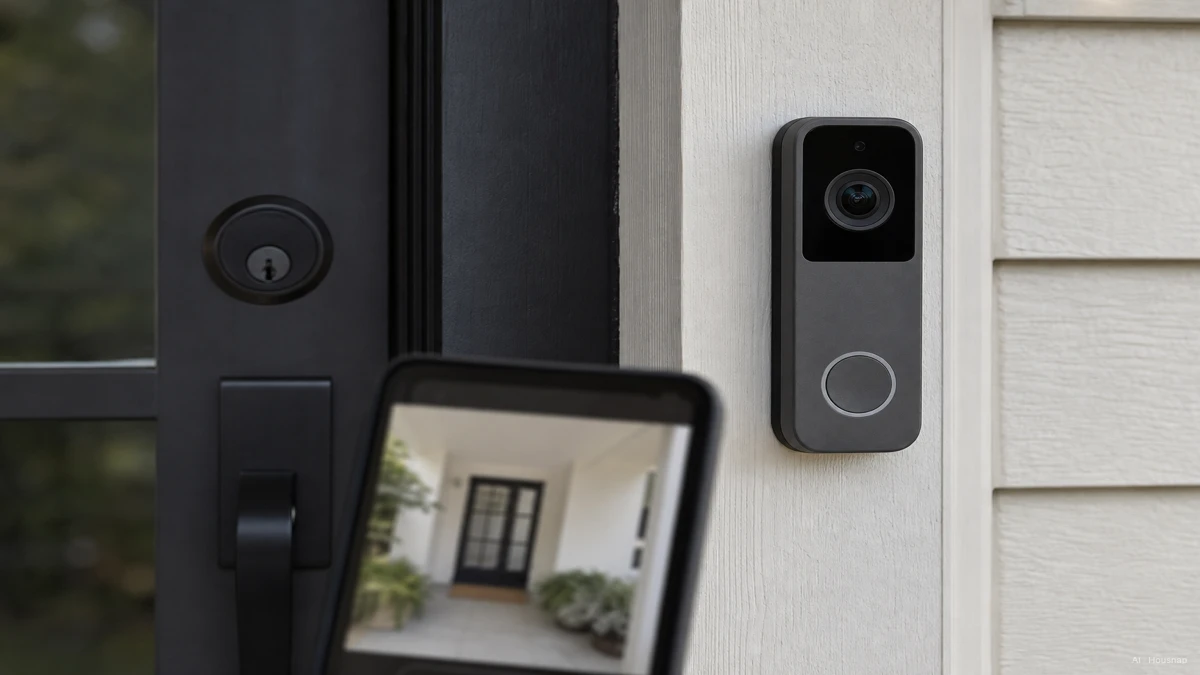
A battery doorbell is genuinely simple to put up. No electrician, no touching your existing chime wiring, and you can move it if you switch doors or move house. The tradeoff shows up after install: batteries typically last about two to five months per charge under normal use before they need a recharge or a swap, according to SafeHome.org's 2026 buying guide. To stretch that charge, most battery doorbells do not record continuously. Instead, they lean on a short pre-roll buffer, a few seconds of video captured just before a motion event triggers the clip, a workaround Wasserstein Home explains in its wired vs battery breakdown. That buffer softens the gap, but it is still a gap.
A wired doorbell taps into the low-voltage wiring your old mechanical chime already used, so it never runs out of charge. That constant power is what unlocks Continuous Video Recording on models that support it, plus generally faster push notifications and fewer dropped connections, since the doorbell is not sipping power to save battery, as smartcam.website covers in its cost and tradeoff comparison. The install cost is real too: you need existing doorbell wiring, or a licensed install if you do not have it, and the doorbell stays fixed to that one spot.
One product line makes the gap concrete without needing two different models: Google's Nest Doorbell (3rd gen) ships a 1600x1200 sensor at a 160-degree field of view in its wired version, versus 1280x960 at 145 degrees on the battery version, per Wasserstein Home's side-by-side. Same brand, same family, and the wired unit still wins on both specs.
A rare middle path exists too. The Arlo Video Doorbell 2K (2nd Gen) runs interchangeably on battery or wired power without requiring a different model, paired with a 180-degree field of view, a useful option if you are not sure which path your install allows.
Resolution, Field of View, and Night Vision: What the Specs Actually Mean
Doorbell listings throw a lot of numbers at you, and not all of them matter equally.
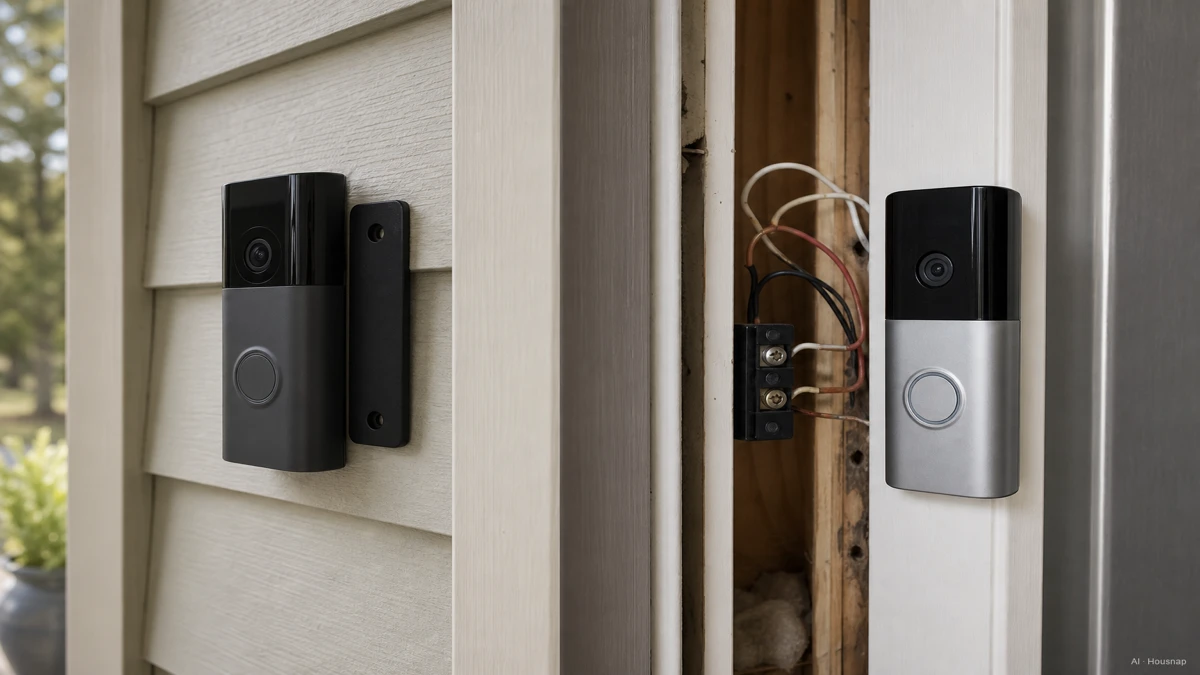
Resolution ranges widely across the category. Budget and entry models sit around 1080p or a square-ish 1440x1440, like the Ring Battery Doorbell. Premium models push to 2K or 4K, such as the Ring Battery Doorbell Pro at 4K or the Arlo Video Doorbell 2K. Higher resolution matters most at the edges of the frame, since a wide lens stretches the same pixel count across more scene, which is the real reason a package label can look sharp in the spec sheet and blurry at the edge of an actual clip.
Field of view at 150 to 180 degrees diagonal is what lets a doorbell see a visitor's face, the porch floor, and anyone lingering off to the side, all in one frame, rather than the narrow tunnel view of an old peephole camera. Wider is not automatically better once you are already past 150 degrees, since extreme width can distort the edges of the picture, so treat this as a threshold to clear rather than a number to maximize.
Night vision matters because most doorbell alerts, packages, late guests, come in after dark. Look for how far the infrared or color night vision reaches and whether the camera switches automatically as light fades, rather than trusting a marketing photo shot in daylight.
One spec that is easy to skip past but should not be: the IP rating. A doorbell lives outside year-round, exposed to rain, dust, and temperature swings, so SafeHome.org's guide recommends IP56 or higher as a baseline for weatherproofing.
A category-wide shift worth knowing before you compare models: AI-based smart detection, telling a person apart from a package, a vehicle, or an animal, is close to a standard feature across mid-tier and premium doorbells in 2026, according to Security.org's buying guide. It is one of the most effective ways to cut down on pointless notifications, so check for it even on a budget pick.
Cloud vs. Local Storage: Understanding the Real Ongoing Cost
The doorbell price tag is not the whole cost. Where your clips get stored usually is.
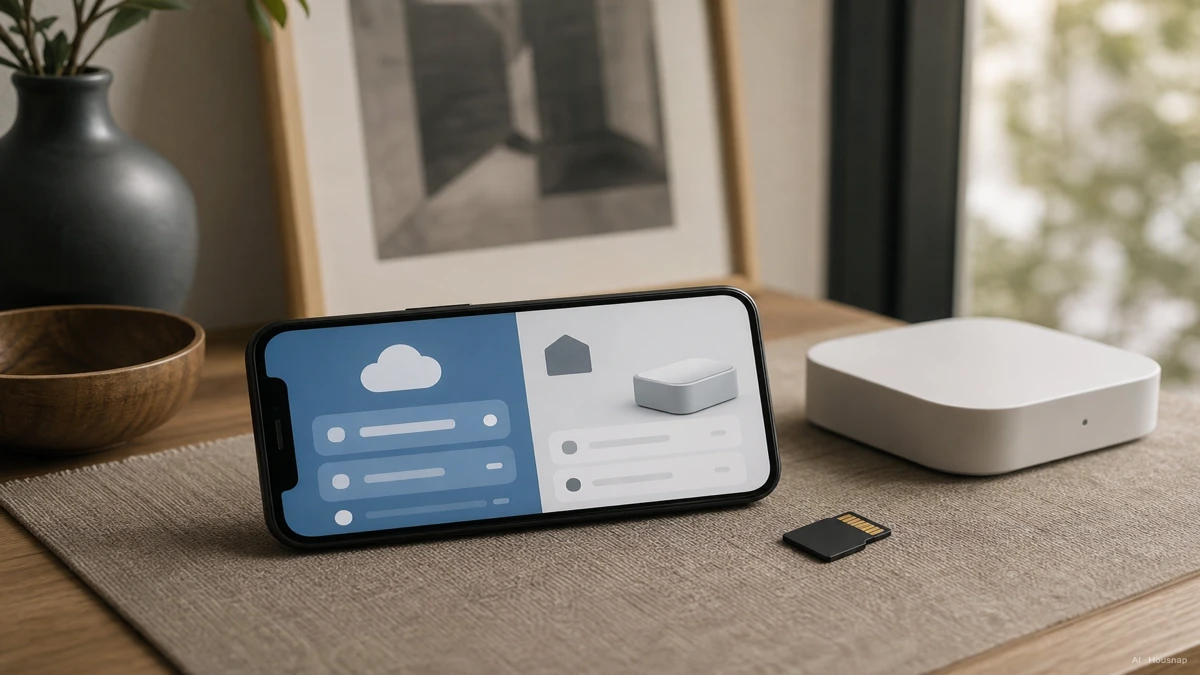
Ring and Nest both lean on cloud storage, which typically means a subscription to keep more than a live view, and pricing has real range. As one data point, Wyze Cam Plus runs about 2.99 dollars a month per camera in 2026. Skip the subscription on a cloud-first system and you often lose event history, not just extra features, so check exactly what a free tier keeps before you buy.
Eufy takes the opposite approach: footage stores locally, either on a HomeBase hub or a built-in microSD card, with no subscription required to keep your clip history. The tradeoff is that local storage is only as safe as the device it sits in. If someone takes the doorbell, they may take your footage with it, and there is no off-site cloud copy to fall back on.
Factor storage into your budget from the start. Mainstream doorbells generally run 100 to 250 dollars, with budget entries around 30 to 60 dollars and premium or flagship models running past 300 dollars once you count a year or two of subscription cost. A cheap doorbell with an expensive subscription can cost more over two years than a pricier doorbell with no ongoing fee, so run that math before checkout, not after.
How to Match a Video Doorbell to Your Budget and Smart Home Ecosystem
Start from what you already have installed, not from the flashiest spec sheet.
If your door already has working doorbell wiring, a wired model gets you continuous recording, faster alerts, and fewer connectivity drops without adding install cost. If it does not, or you rent and cannot modify the wiring, a battery model gets you a five-minute install with no compromise other than the recharge cycle and the pre-roll buffer instead of round-the-clock recording.
Next, decide how you feel about a recurring bill. If you would rather pay once and never see a monthly charge, weight your search toward local-storage brands. If you want off-site backup and do not mind a small monthly fee, a cloud-based system is the simpler default, and most major platforms make that trade an explicit toggle rather than a hidden catch.
Finally, check what smart home ecosystem you are already in. A doorbell that plugs cleanly into an app you already use, whether that is a broader camera system, a smart lock, or a voice assistant, saves you a second app and a second set of notifications later. When you are ready to compare specific models side by side, look at power type and resolution first: those two specs tell you more about how a doorbell will actually behave at your door than any single star rating.
Sources
- How Does a Video Doorbell Work: Ultimate Guide & Top Picks — eufy; core anatomy of a video doorbell, camera, power, and app connection
- 2026 Buying Guide for Doorbell Cameras & Wireless Video Doorbells — SafeHome.org; battery life expectations and IP rating recommendations
- Nest Doorbell wired vs battery — what is the difference? — Wasserstein Home; pre-roll buffering and the wired/battery spec gap within one product line
- Battery vs Wired Video Doorbells: Costs and Tradeoffs — smartcam.website; continuous recording, notification speed, and connectivity reliability by power type
- Best Doorbell Cameras 2026: Reviewed by Home Security Experts — Security.org; AI-based smart detection as a near-standard 2026 feature