Battery vs Wired Security Camera, Which Power Source Should Your First One Have
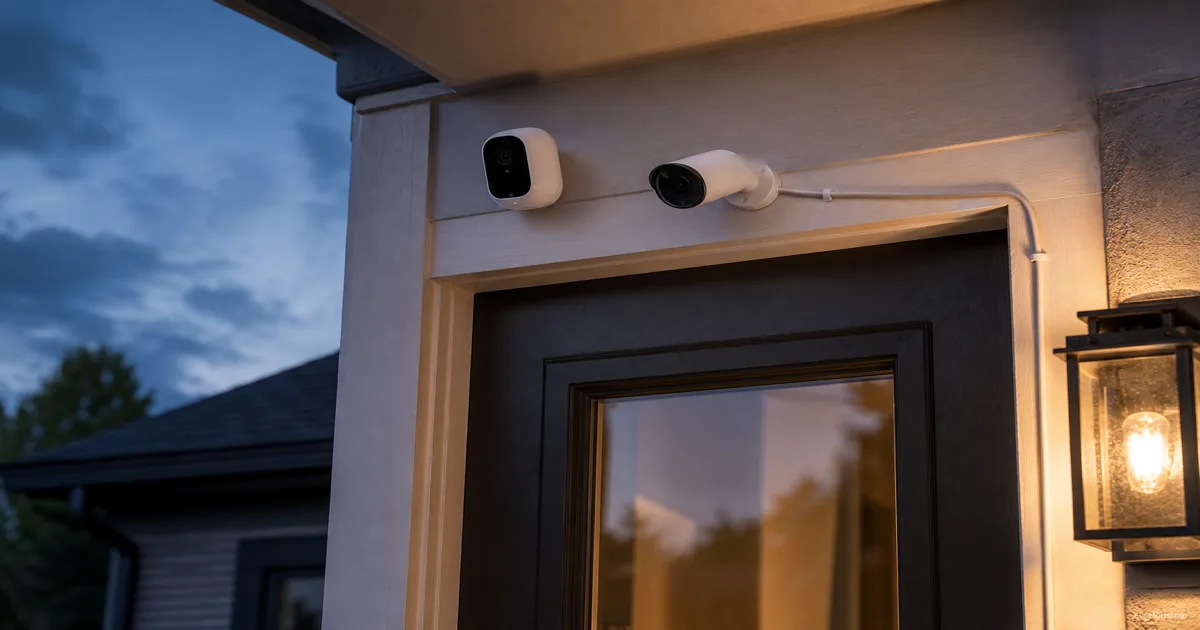
You have already picked the spot for your camera, front door, backyard, hallway, wherever. Now the page asks a second question you were not expecting: battery or wired? It sounds like a small detail, a cable you either have or do not. It is not. That one choice decides whether your camera records everything or only the moments it thinks matter, how much it costs you every month after the purchase, and what happens to your footage the next time the power goes out. This guide breaks down what battery power and wired power actually change, recording behavior, install effort, real-world battery life, ongoing cost, and outage resilience, then closes with a simple way to decide for your first camera.
Aktuelle Produkte zum Vergleichen
Diese Produkte stammen aus den Housnap-Suchergebnissen zu diesem Thema.
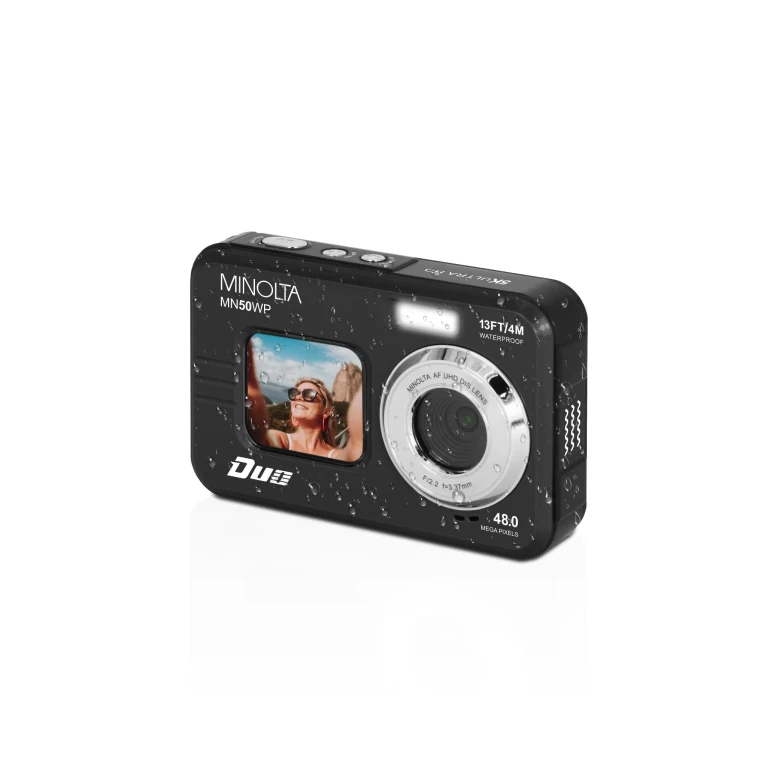
Minolta
MN50WP 48MP Autofokus 5K UHD wasserdichte Kamera
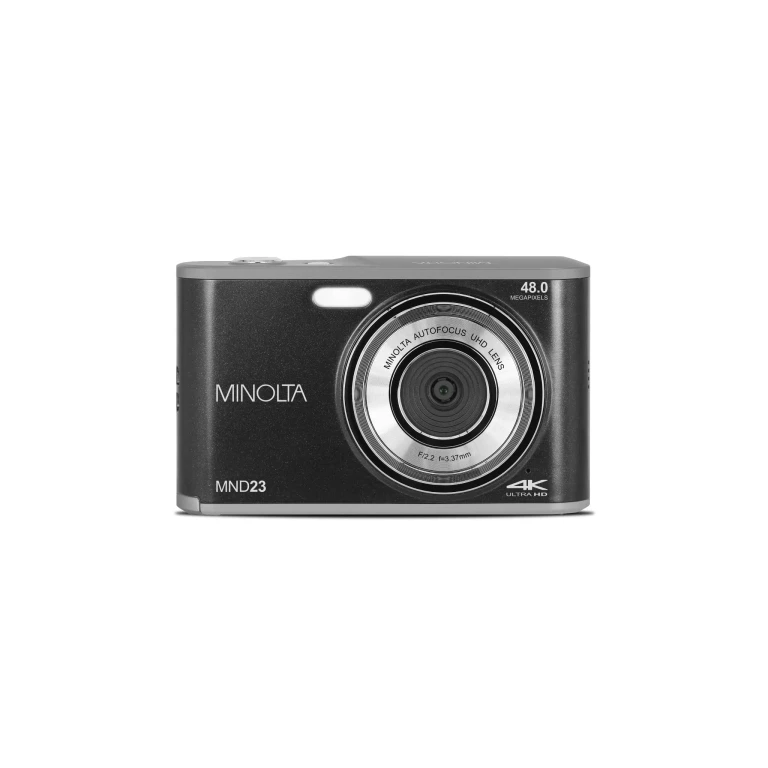
Minolta
MND23 48MP Autofokus 4K Ultra HD Selfie-Kamera
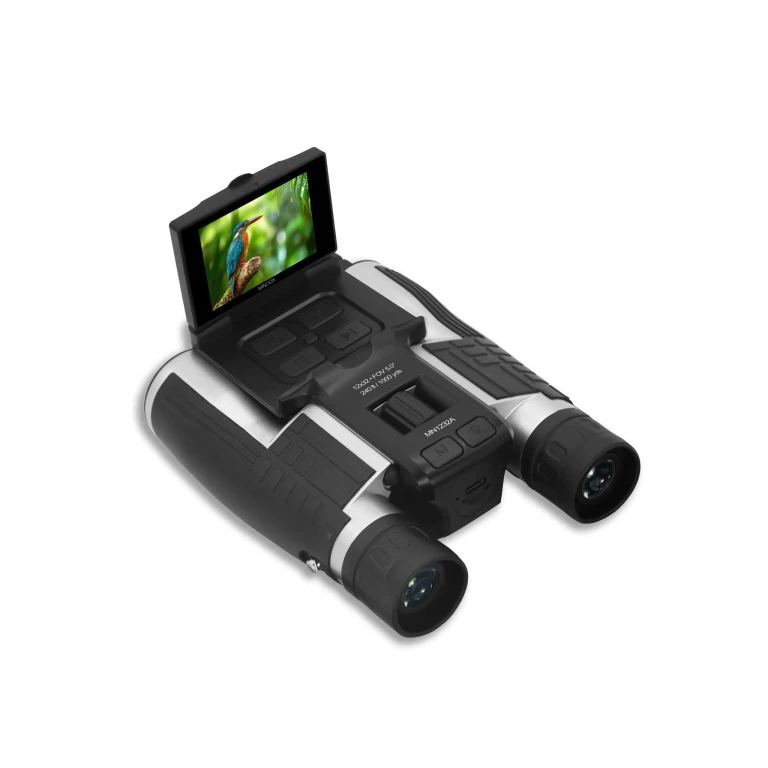
Minolta
MN1232A 12x32 Digital-Fernglas mit 4K UHD Kamera
Minolta
MNDM625 6x25 Nachtsicht-Monokular mit 4K UHD Kamera
What's the Real Difference Between Wired and Battery Security Cameras
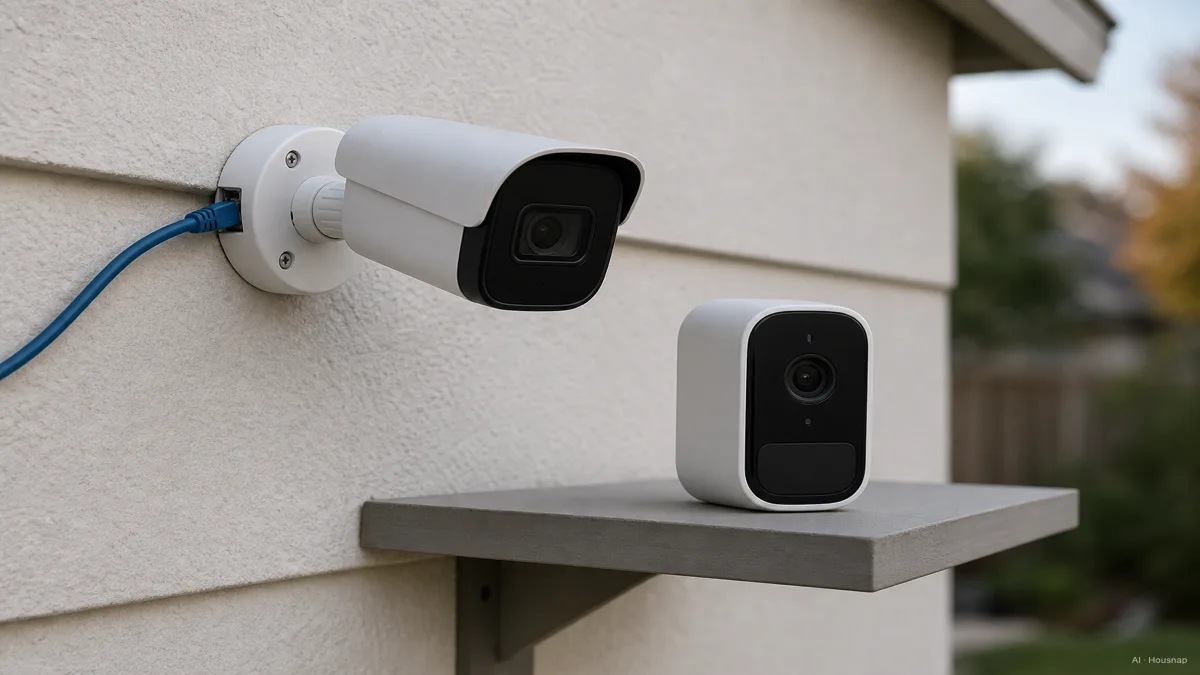
A wired camera, whether it plugs into an outlet or runs on Power over Ethernet, draws continuous power. It never has to ration anything, so it can record around the clock and stream on demand without thinking twice. A battery camera has a finite charge, and that single fact reshapes almost everything else about it, from what it records to how you install it to what it costs you a year later.
PoE is worth knowing on its own. It sends both power and data down a single Cat5e or Cat6 cable, often as far as 300 feet from the switch, as CCTV Security Pros explains in its PoE camera breakdown. That is one cable run instead of separate power and video lines, which is why PoE has become the dominant "wired" architecture for home setups in 2026 rather than old-style coax-and-power-brick systems, as Lorex notes in its own PoE guide.
The two power types are not just about the cable. They are two different bets: wired bets on permanence and full-time recording at a fixed spot, battery bets on flexibility and a fast, no-drill install anywhere you point it.
Reliability and Video Quality: Continuous Power vs. Motion-Triggered Battery
This is the gap that surprises most first-time buyers. A wired camera can record true 24/7 continuous video, because power is never a concern, as Vivint lays out in its wired vs battery comparison. A battery camera, by default, almost always records in motion-triggered clips instead, because rolling video nonstop would drain a battery in hours, not months, a tradeoff eufy also confirms in its own wired vs wireless breakdown.
Motion-triggered clips are good enough for most doorbell-style moments, but they have a real blind spot: the seconds before a trigger fires are gone, and if two events happen close together, the gap between clips can miss what happened in between. A wired system watching continuously does not have that gap.
Wired cameras also tend to hold their video quality better. To stretch a charge, many battery cameras quietly step down resolution, frame rate, or night-vision performance compared to a wired equivalent, as Worldstar Security Cameras points out in its long-term cost comparison. And reliability runs deeper than footage: a wired camera uses a physical Ethernet or coax link, so it keeps working through Wi-Fi interference or a router hiccup, while a battery/wireless camera depends entirely on your home Wi-Fi and can drop out in a weak-signal spot, a distinction Verkada covers in its wired vs wireless vs Wi-Fi guide.
It is telling that Ring and Arlo, the two brands most associated with easy wireless cameras, both now sell hardwired versions specifically to unlock full-time recording, treating "wired" as their premium reliability tier rather than a legacy option.
Installation and Placement: Drilling and Cabling vs. No-Wire Flexibility
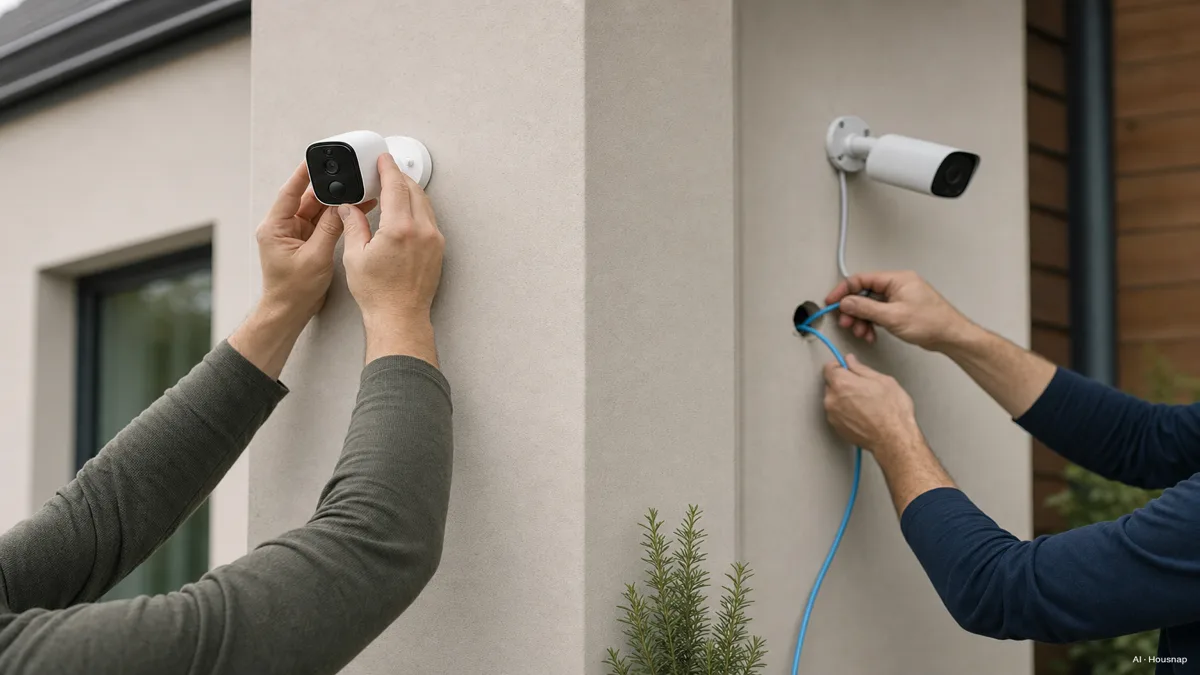
Battery cameras win this round outright. Most mount in about five minutes with no drilling, no cable runs, and no electrician, which is exactly why they get recommended so often to renters or anyone who expects to move a camera later, as getscw.com notes in its wire-free pros and cons rundown.
Wired and PoE installs ask more of you upfront. You are running a cable, which can mean drilling through a wall, fishing wire through an attic, or paying for a professional install, especially for a multi-camera PoE setup tied to an NVR. An NVR, or Network Video Recorder, is the box that manages footage from PoE or IP cameras and generally delivers better image quality than older DVR systems built for analog cameras, per CCTV Security Pros, which matters if you are weighing one simple battery camera against a small wired NVR kit.
The honest tradeoff: battery buys you speed and freedom today, wired buys you a setup you will not have to touch again for years.
Cost Breakdown: Upfront Price, Subscriptions, and Long-Term Maintenance
Wired systems usually cost more to start, cabling, sometimes a professional install, and NVR or DVR hardware for multi-camera setups, but they carry lower ongoing costs once installed, as Vivint and Worldstar Security Cameras both note. Battery cameras flip that: cheaper to buy and install, but with recurring costs from replacing or recharging batteries and, often, a cloud storage subscription to actually keep your clips anywhere.
Speaking of subscriptions, they are worth checking regardless of which power type you pick, since they can outweigh the hardware price difference over a year or two. Ring Protect Pro runs about 20 dollars a month and covers every device on the account, including cellular backup and alarm monitoring. Arlo Secure runs about 17.99 dollars a month for unlimited cameras, but does not bundle cellular backup or alarm monitoring the way Ring's plan does, a distinction top-home-security.com breaks down in its Arlo vs Ring comparison.
And battery life itself is a maintenance line item, not a one-time spec. Most battery cameras run about three to six months per charge, but that number moves with motion-event frequency, temperature, and Wi-Fi signal strength. A camera watching a quiet backyard corner might go half a year between charges, while one aimed at a busy front door, catching every passerby, delivery, and car, can need recharging noticeably more often.
Which One Should You Buy First? A Simple Decision Framework by Use Case
Start with what actually matters for the spot you are covering.
Pick wired or PoE if you want the fixed entry points, front door, driveway, garage, covered with 24/7 continuous recording and the best video quality you can get, and you are fine running a cable once and never touching the camera again.
Pick battery if you are a renter, you want to reposition the camera later, you need coverage somewhere drilling is not an option, or the spot is a backyard corner or temporary setup where occasional motion clips are genuinely enough.
One more angle worth knowing before you buy: a battery or wireless camera can often keep recording through a home power outage as long as your Wi-Fi router still has power (or backup power of its own), while a wired camera goes fully offline in an outage unless it is paired with a UPS, a tradeoff both eufy and other comparisons flag. If outage resilience matters more to you than continuous recording, that alone can tip the decision toward battery.
Whichever you land on, check the subscription cost and cloud storage terms before checkout, not just the camera price. That monthly line is often the bigger number over time, and it applies no matter which power source you choose.
Sources
- Wired vs Battery-Powered Cameras — Vivint; continuous recording capability, cost tradeoffs, and general wired vs battery guidance
- Wired vs Wireless Security Cameras — eufy; motion-triggered clips vs continuous recording, Wi-Fi dependency, and outage behavior
- What Is a PoE Security Camera System? — CCTV Security Pros; PoE cable range, NVR role, and image quality context
- Wire-Free Pros and Cons — getscw.com; install speed and flexibility case for battery cameras
- Battery vs Wired Security Cameras: Long-Term Cost Efficiency — Worldstar Security Cameras; upfront vs ongoing cost and video-quality tradeoffs
- Arlo vs Ring — top-home-security.com; subscription pricing and feature comparison
- Wired vs Wireless vs Wi-Fi Security Cameras — Verkada; connection reliability and interference resistance
- What Is PoE? — Lorex; Power over Ethernet cable range and residential wired architecture