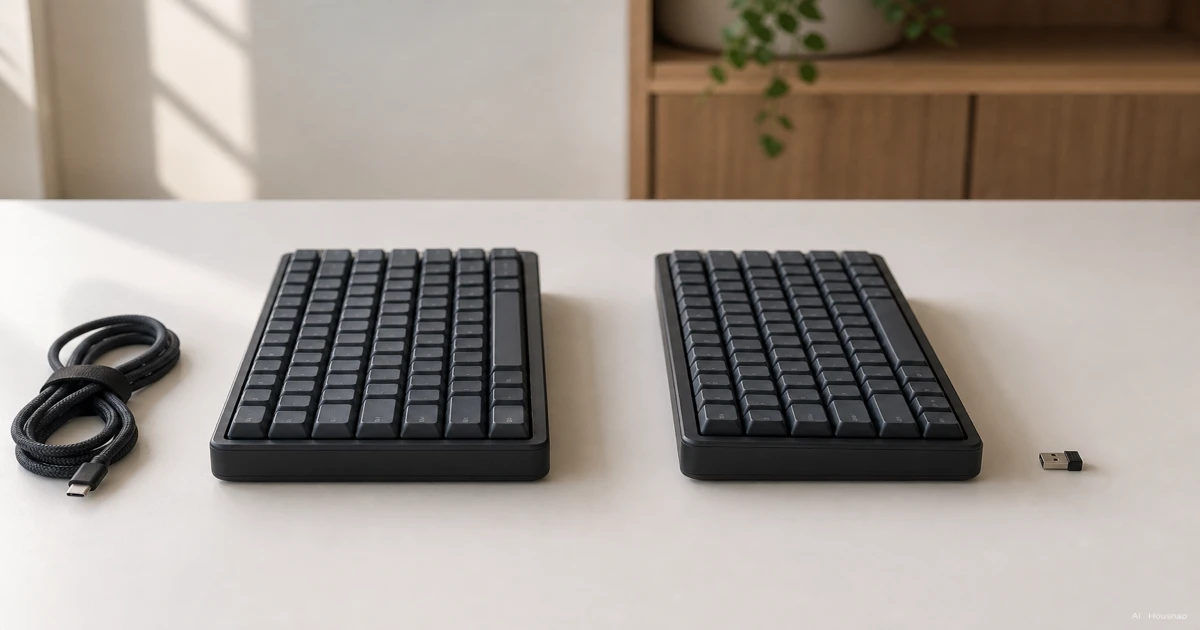
Start with the job your keyboard needs to do
Write down which devices you will actually type on. A desktop used every evening and a laptop that shares a keyboard with a tablet call for different shortlists.
- One computer, no battery upkeep. Start with wired. USB supplies its power, so charging is not another task to remember. Keychron explains the power difference.
- A desk you regularly clear. Consider wireless if moving the keyboard matters more than keeping a permanent cable connection.
- Several devices. Look for an explicit device-switching feature. A wireless label alone does not tell you how many devices the keyboard remembers.
- Gaming and work on different devices. Shortlist models with the connection modes you will use, rather than buying every available mode just in case.
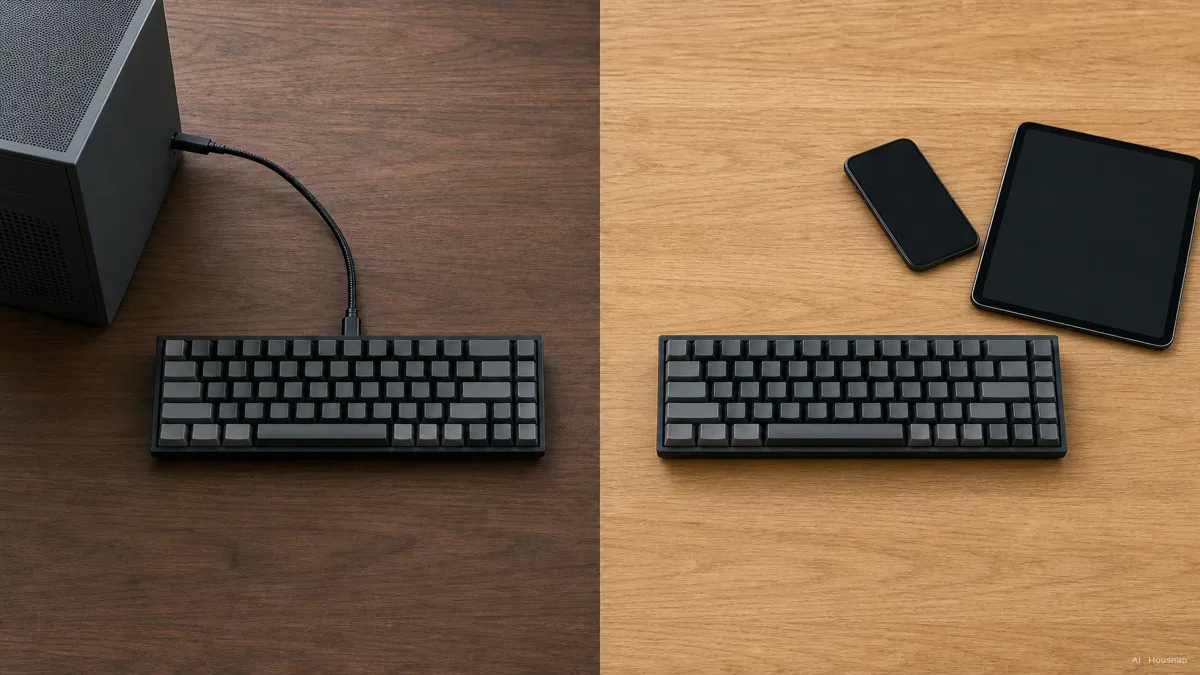
Check how each device will connect
For each computer or tablet, check the manufacturer's supported operating systems and the port or Bluetooth connection you intend to use.
- USB wired. Match the cable's computer-end connector to an available port. Look for an explicit wired-input mode, not simply a USB-C socket.
- Receiver wireless. Check that the correct USB receiver is included and that you have somewhere to plug it in. Do not assume an old receiver will work with a new keyboard.
- Bluetooth. Confirm that the device supports the keyboard, then check how pairing and switching work.
For example, Logitech's MX Keys S guide describes three remembered computers with a button to switch between them. That means selecting the computer you want to type on, not typing on all three together.
Before ordering, give each device a planned connection. If one has no confirmed route, resolve that compatibility question first.
For gaming, compare the model and the mode
Do not treat “wireless” as a latency specification. The Keychron K2 Max specifications, for example, list 1,000Hz polling over wired and 2.4GHz connections, but 90Hz over Bluetooth.
Polling rate describes how frequently input is reported; it is not the complete delay from pressing a key. RTINGS measures key travel, processing and transmission together. For a gaming shortlist, seek measured results for the exact model and connection you will use, with the test settings stated.
If you want to avoid managing a wireless connection during play, wired is a sensible starting point. If a cable-free desk matters, investigate the receiver mode rather than assuming either that it must be slow or that it must match wired.
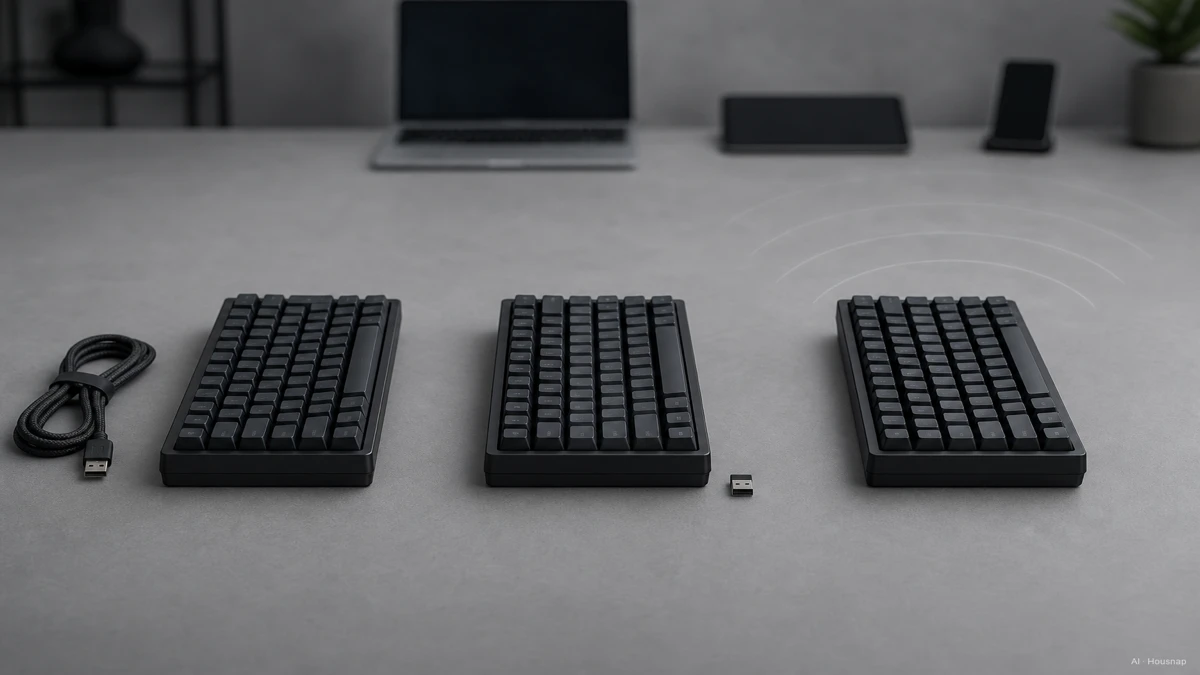
The illustration explains connection types. Its floating latency figures are not measurements or universal limits.
Receiver placement also deserves a check. Logitech's interference guidance recommends a clear path between receiver and keyboard. Plan an accessible position instead of assuming a receiver hidden behind equipment will work equally well.
Decide what you will do when power runs low
Read the battery claim with its conditions: connection mode, lighting setting and whether the figure describes active use. Use those conditions when comparing candidates, and check whether the keyboard takes replaceable batteries or recharges.
Then separate two features that are easily confused:
- Typing while charging. The keyboard remains usable while receiving power.
- USB wired input. Keystrokes travel through the cable, providing an alternative to the wireless connection.
The MX Keys S setup guide lists Bluetooth or Bolt for connection and permits typing during USB-C charging. Do not interpret that as a wired-input fallback.
If you want all three routes, look for Bluetooth, receiver wireless and USB wired input explicitly. The K2 Max is one documented example. Buy this flexibility when you can name a use for it; tri-mode is not automatically the right first purchase.
Turn the decision into a shortlist
Keep two or three candidates that meet your connection requirements. For each, record the exact model and version, keyboard layout, included receiver or cable, and your low-battery plan. Compare prices only after those details match.

Your connection choice does not finish the purchase. If you have not chosen the key mechanism, continue with mechanical versus membrane keyboards. If you already want mechanical, the next question is which switch type suits you.
Choose wired when its simpler power arrangement fits your desk. Choose wireless when the movement or switching you will actually use justifies its extra checks.
Wie dieser Guide entstand
AI wrote this guide for Housnap using Keychron specifications, Logitech setup and interference guidance, and RTINGS' published latency methodology. It focuses on choosing connections for a first keyboard; the recommendations are editorial judgments, not hands-on product test results.