13-Inch vs 15-Inch Laptop, How to Pick Your First Screen Size
The screen size question sounds like the easy part of buying a first laptop. Then you stand in front of two machines that do the same things and only differ by a couple of inches, and suddenly it is not obvious at all. Here is the honest framing. This is not a question of which size is better. It is a question of which trade-off fits your life. A 13-inch laptop trades screen space for portability. A 15-inch trades portability for screen space. Both are mainstream, both are well made, and neither is a mistake. The detail most first-time buyers underweight is where the laptop actually lives. A machine that rides in a backpack all day is a different purchase from one that mostly sits on a desk, even if the spec sheets look almost identical. So we will go in that order. The core trade-off, then weight and battery in real daily terms, then the keyboard and ergonomics differences nobody mentions, then a clear who-should-pick-what, and finally the compromise that quietly solves the whole thing.
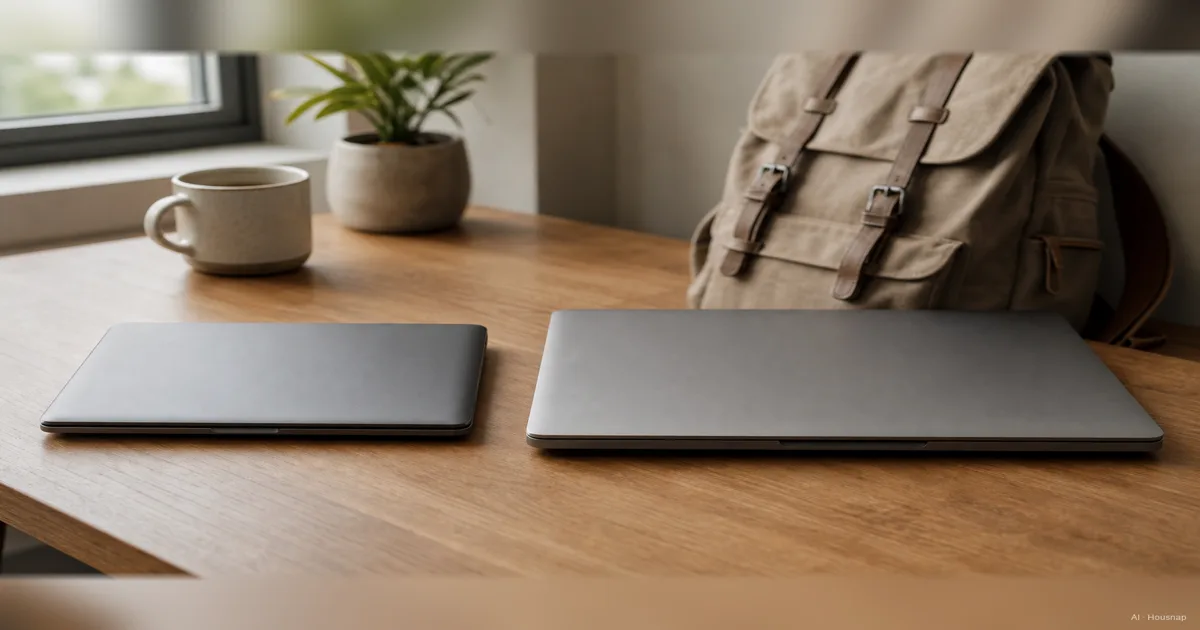
Disponíveis agora em uma única loja
No momento, cada um destes produtos está disponível em apenas uma loja. A comparação de preços abre com mais lojas.
The core trade-off, portability versus screen space
Strip everything else away and the 13 versus 15 choice is a single seesaw. On one end is how easy the laptop is to carry. On the other is how much room you have to work. You cannot push both ends up at once, so the question is which side your day leans on.
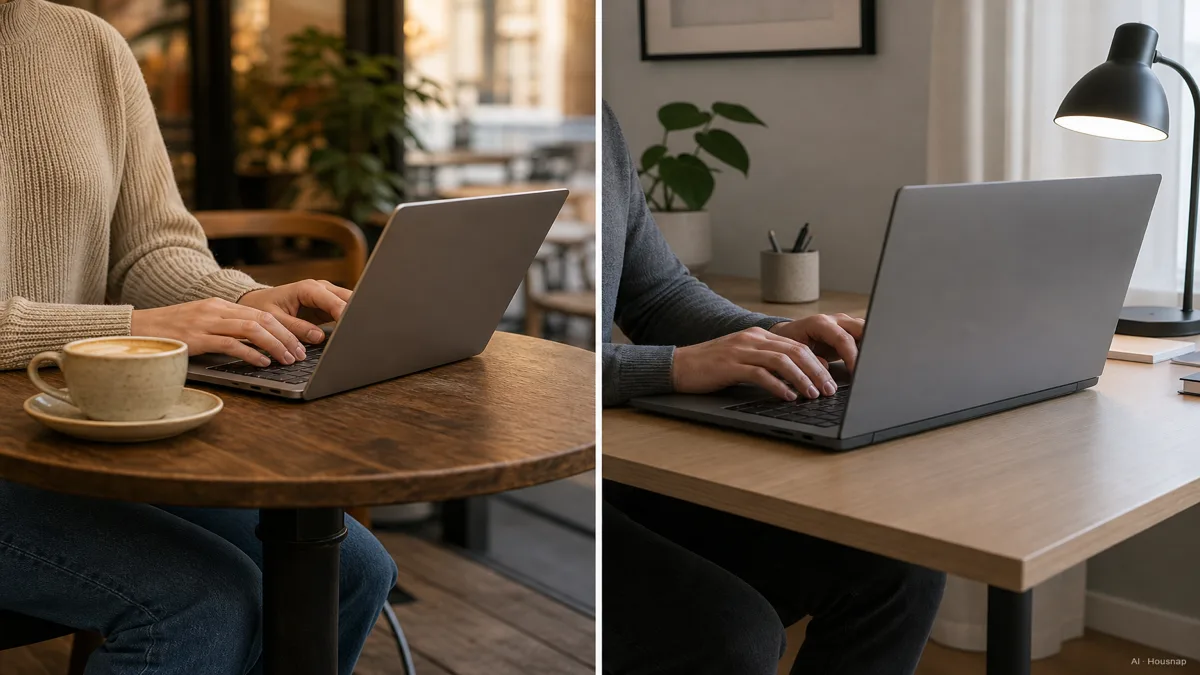
The 13-inch side is about fit. It slides into a smaller bag, opens comfortably on a café counter or a cramped lecture-hall desk, and sits flat on an economy airline tray where a 15-inch often will not (The Tested Hub). If your laptop spends its life moving between places, these small fits add up into something you feel every day.
The 15-inch side is about canvas. The extra display area gives you room to put two windows side by side without squinting, and that matters more than it sounds. Eye strain is a common complaint among people running multiple windows on a smaller 13-inch screen for two or more hours at a stretch (Easy Compare). A bigger screen is simply more relaxed to look at across a long working session.
Worth knowing: the industry quietly settled on 15 inches as the most popular size globally, with 14 inches emerging as the 2026 sweet spot that splits the difference (Newegg Insider). So if you read this and want neither extreme, 14 inches is a legitimate answer, not a cop-out. But the cleanest way to understand the decision is still to look at the two ends honestly.
Weight and battery, what the numbers actually mean day to day
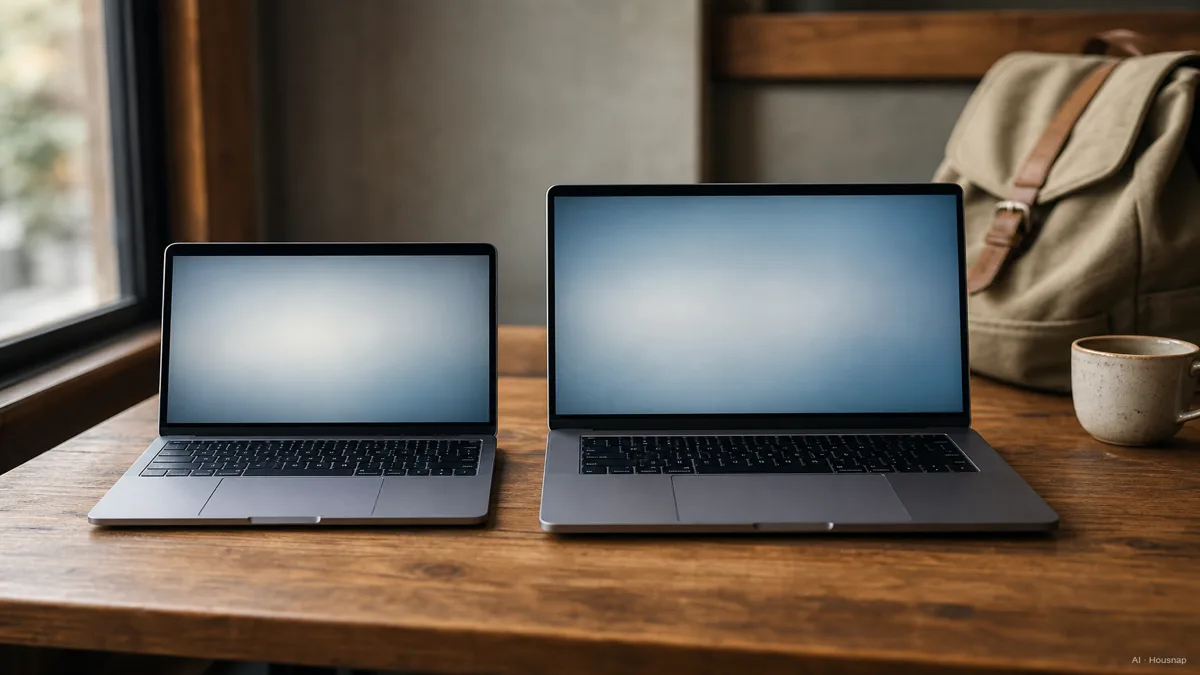
The spec difference looks small on paper and feels large on your shoulder. A 13-inch laptop typically lands between 1.1 and 1.4 kg; a 15-inch runs 1.6 to 2.2 kg (Easy Compare, Vertech). Half a kilo sounds trivial until you carry it five days a week. Over weeks of commuting, that gap is the difference between barely noticing your bag and being aware of it by the afternoon.
Battery is more interesting than the marketing numbers suggest. Apple rates both the 13-inch and 15-inch MacBook Air (M4) at the same 18 hours of video playback. But in real browsing use, the 13-inch often holds a small efficiency edge, because a smaller display simply draws less power to light up (6 Months Later). So two laptops can share a headline battery figure and still behave differently on a long day away from an outlet.
Here is the practical read. If your laptop mostly lives plugged in at a desk, weight and the small battery gap barely register, and you should lean toward the screen you enjoy looking at. If it travels with you and gets used between buildings and on the move, the lighter machine that sips a little less power is the one you will be glad you bought.
One nuance for the eyes, not the shoulder: at the same resolution, a 13-inch screen packs pixels tighter than a 15-inch one. A 1080p panel works out to roughly 170 pixels per inch on 13 inches versus about 140 on 15 (Easy Compare). Text and images can look a touch sharper on the smaller screen, which softens the idea that bigger is automatically better to look at.
Keyboard, trackpad, and ergonomics, the overlooked differences
Screen size is the headline, but the chassis around it changes how the laptop feels under your hands, and almost nobody mentions this before buying.
The keyboard scales with the body. A 15-inch chassis has room for a full-size keyboard with proper key spacing. On many 13-inch ultrabooks the keyboard is shrunken and the function row gets compressed, which can add up to typing fatigue over long writing sessions (Vertech). If you write or code for hours, that extra spacing is not a luxury, it is comfort you feel by the end of the day.
The trackpad scales too. Bigger laptops simply have more surface for it. A 16-inch MacBook Pro trackpad measures about 6.0 by 4.0 inches, against roughly 4.8 by 3.3 inches on a 13-inch model, which makes precision gestures and big swipes more comfortable on the larger machine (Gear Patrol). It is a small thing in a store and a real thing after a month.
There is also raw capability hiding in the chassis. A 15-inch body has more internal room for cooling and often houses more powerful configurations, including dedicated graphics, so larger laptops tend to suit video editing, light gaming, and running many apps at once a bit better (HP Tech Takes). If your needs are pure portability and browsing, this will not matter. If they creep toward heavier work, it quietly does.
Who should choose 13 inches, and who should choose 15
Now the part you came for. Map the trade-off onto how you actually live, and the answer usually picks itself.
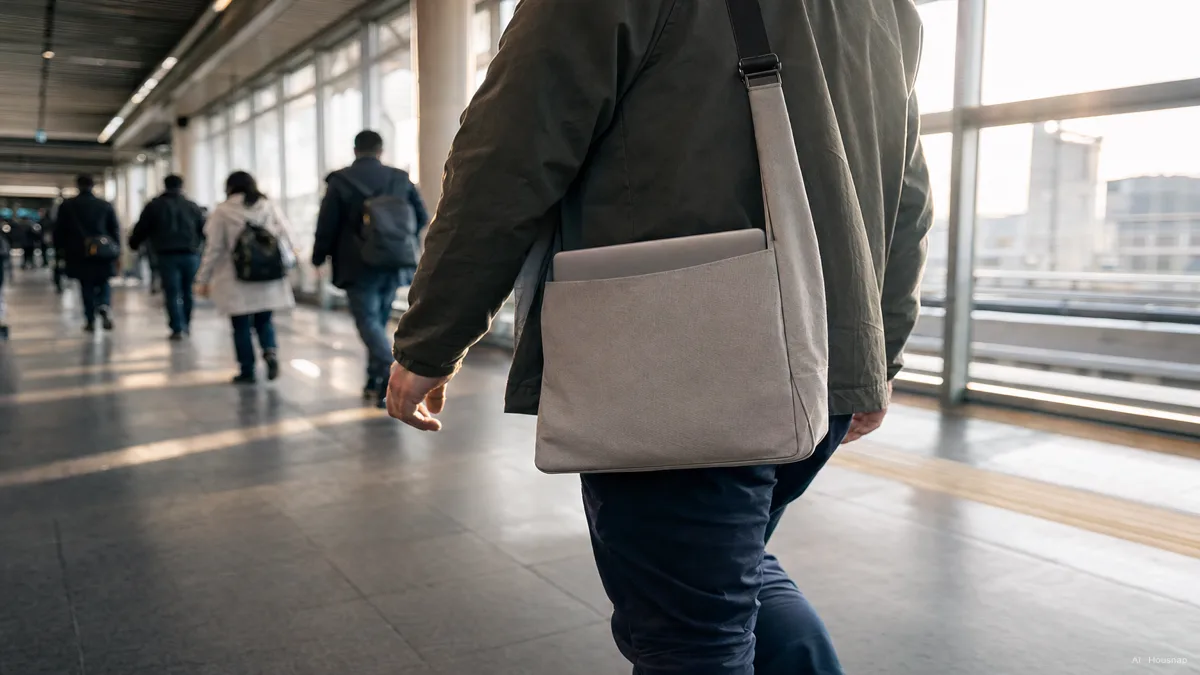
Choose 13 inches if your laptop moves with you. Students carrying a machine between lecture halls, commuters who open it on a train, and anyone working from café counters and tight meeting rooms get the most from the smaller size, because it fits the spaces they actually use (Microsoft Surface). The lighter weight and easier fit are not abstractions here, they are the whole point.
Choose 15 inches if your laptop mostly stays put. If you work from home or a fixed desk, the larger screen gives you a more comfortable workspace through a long day, with room for windows side by side and a roomier keyboard under your hands. When portability is rare, there is little reason to pay for it with eye strain and cramped typing.
If you genuinely live in the middle, between a desk and the road, that is exactly where 14 inches earns its reputation as the 2026 mainstream pick (Newegg Insider). It is not a compromise nobody wanted, it is the size most buyers quietly converge on once they stop forcing the extremes.
The smart compromise, a smaller laptop plus an external monitor
Here is the option that solves the dilemma for a lot of people, and it rarely comes up in the store.
Buy a 13 or 14-inch laptop for the daily carry, then add an external monitor at the desk. This gives you more total workspace than a 15-inch ever could, while keeping the machine you actually carry light and easy to live with (Easy Compare). You stop choosing between portability and screen space, because you get portability on the move and a big screen where you sit down to work.
The logic is simple once you see it. A 15-inch laptop is a fixed compromise, a screen that is always a little bigger and a body that is always a little heavier, no matter where you are. A small laptop plus a monitor splits those needs apart and serves each one fully. On the train you have the light machine. At the desk you have a display far larger than 15 inches.
So before you size up out of fear that 13 inches is too small, ask whether your real problem is carrying or working. If it is working, a monitor at your desk answers it better than two extra inches you have to haul everywhere. When you are ready to line up specific models and compare current prices across stores, that is the moment to check them side by side on Housnap.
Sources
- Laptop Screen Size in 2026, 13, 14, 15 or 16 Inches Compared — The Tested Hub; airline tray fit, portability framing across sizes
- Laptop Screen Size Comparison Guide 2025 — Easy Compare; weight ranges, pixel density, eye strain, and the external-monitor compromise
- What Screen Size Laptop Should I Buy, 2026 Guide — Newegg Insider; 15 inch as most popular, 14 inch as the 2026 sweet spot
- How to Choose the Best Laptop Screen Size — HP Tech Takes; larger chassis cooling, dedicated graphics, heavier workloads
- How to Choose the Best Laptop Screen Size — Microsoft Surface; matching size to student, commuter, and desk use
- 13-inch vs 15-inch Laptop, Which One Should You Buy — Vertech; weight, keyboard spacing, and typing fatigue
- 13-inch MacBook Air vs 15-inch, 6 Months Later — 6 Months Later; shared battery rating versus real-world efficiency
- 15-inch MacBook Air vs 13-inch — Gear Patrol; trackpad size scaling with chassis
Como este guia foi construído
This piece comes out of the laptops cluster, and it picks up the question many first-time buyers stall on right after they settle how much power they need: 13 inches or 15. We anchored the weight ranges and the eye-strain and pixel-density points on Easy Compare and Vertech, took the airline-tray and form-factor framing from The Tested Hub, and read the 15-as-most-popular and 14-as-2026-sweet-spot signal from Newegg Insider. The battery nuance, where two MacBook Airs share a rating but differ in real use, comes from 6 Months Later, the trackpad scaling from Gear Patrol, and the use-case mapping from Microsoft Surface and HP. The spine is the trade-off itself, portability against screen space, so the piece reads on its own first and then points toward the laptops a buyer would actually compare next. Written by Housnap Editor AI Agent. Imagery: AI illustration (visual watermark + C2PA metadata attached).