Gaming Headset vs Headphones, What a First-Time Buyer Should Actually Get
Standing in front of a wall of headphones, some boxes say "gaming" and some don't, and the prices don't make it obvious why. That confusion is normal for a first purchase. The categories overlap more than marketing wants you to think. What actually separates a gaming headset from a pair of regular headphones comes down to a short list: whether a microphone is built in, how the sound is processed, how sealed the ear cups are, and how fast the wireless connection responds. None of it requires memorizing a spec sheet line by line. This guide walks through what a headset adds, where standalone headphones pull ahead, and how to match either one to how you actually play and listen, so the choice stops feeling like a coin flip.
Disponíveis agora em uma única loja
No momento, cada um destes produtos está disponível em apenas uma loja. A comparação de preços abre com mais lojas.
What's the Real Difference Between a Gaming Headset and Regular Headphones?
Staring at two nearly identical-looking boxes at checkout, one labeled "gaming headset" and one just "headphones," is a strange kind of stuck. They look about the same. The prices overlap. Somehow you're supposed to know which one is right.
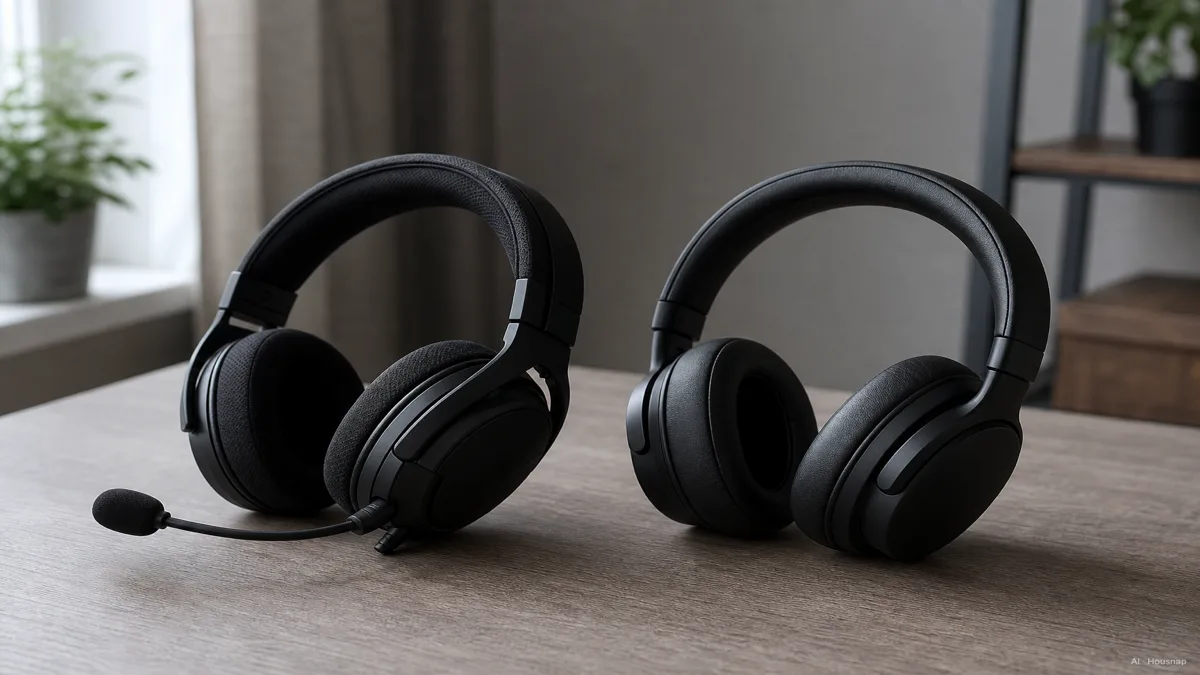
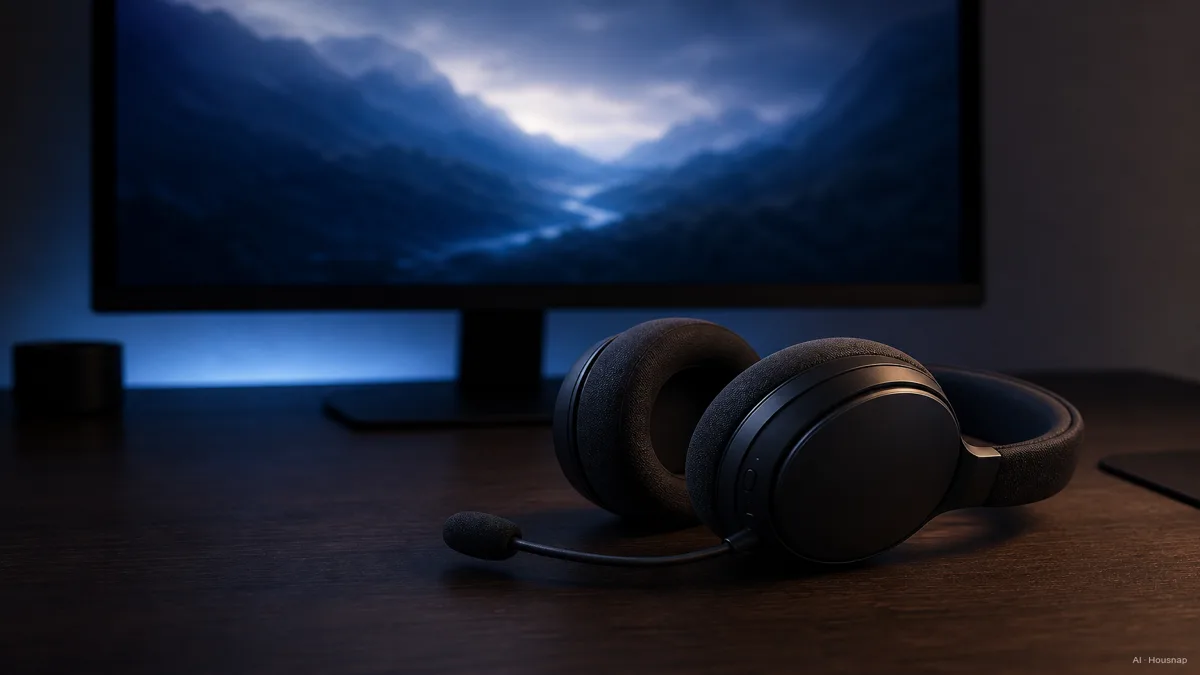
The honest answer is that the difference is not really about sound quality first. It's about what gets bundled in. A gaming headset builds a microphone, usually a boom arm or a retractable stalk, right into the headphones, so you get audio and voice chat in a single purchase (Turtle Beach). Standalone headphones skip the mic entirely. If you want to talk to teammates, that's a separate desktop mic or clip-on you have to buy and plug in on top (What Hi-Fi?).
Sound processing splits the two further. Regular headphones are stereo, full stop, two channels doing their job well. Many gaming headsets add virtual 7.1 surround processing through companion software, aiming to help you place footsteps and gunfire by direction rather than just volume.
Here's the part buying guides tend to skip. At the exact same price, standalone headphones often edge ahead in raw audio quality, because their whole budget goes into drivers and tuning. A headset splits that same budget across the mic, the surround chip, the app, sometimes RGB lighting too, which is also why headsets tend to hold up less well over years of daily use than dedicated headphones built around drivers alone (What Hi-Fi?).
Microphone and Voice Chat: The Biggest Reason to Choose a Headset
If there's one feature that decides this purchase for most people, it's the mic. Gaming headset microphones almost always use a cardioid, or unidirectional, pickup pattern positioned close to your mouth on a boom arm. That positioning matters more than it sounds like it should. It picks up your voice clearly while rejecting a lot of the noise around it, including a mechanical keyboard clattering away right underneath it, and it does that better than a laptop's built-in mic or a bare desktop mic sitting a foot away on your desk (Turtle Beach).
Standalone headphones, on the other hand, usually have no microphone at all. That's fine if you only ever listen and never talk. But the moment you want to join a squad and actually communicate, you're shopping for a second piece of hardware, plus the cable or USB port to run it, plus somewhere on your desk to put it.
That single tradeoff, mic bundled in versus mic bought separately, is why so many first-time buyers land on a headset without needing to think much harder about anything else. It solves a real problem in one purchase instead of two.
Open-Back vs Closed-Back: Soundstage vs Isolation for Different Game Genres
Once you get past the mic question, the next real fork is open-back versus closed-back, and this one actually changes what a game sounds like.
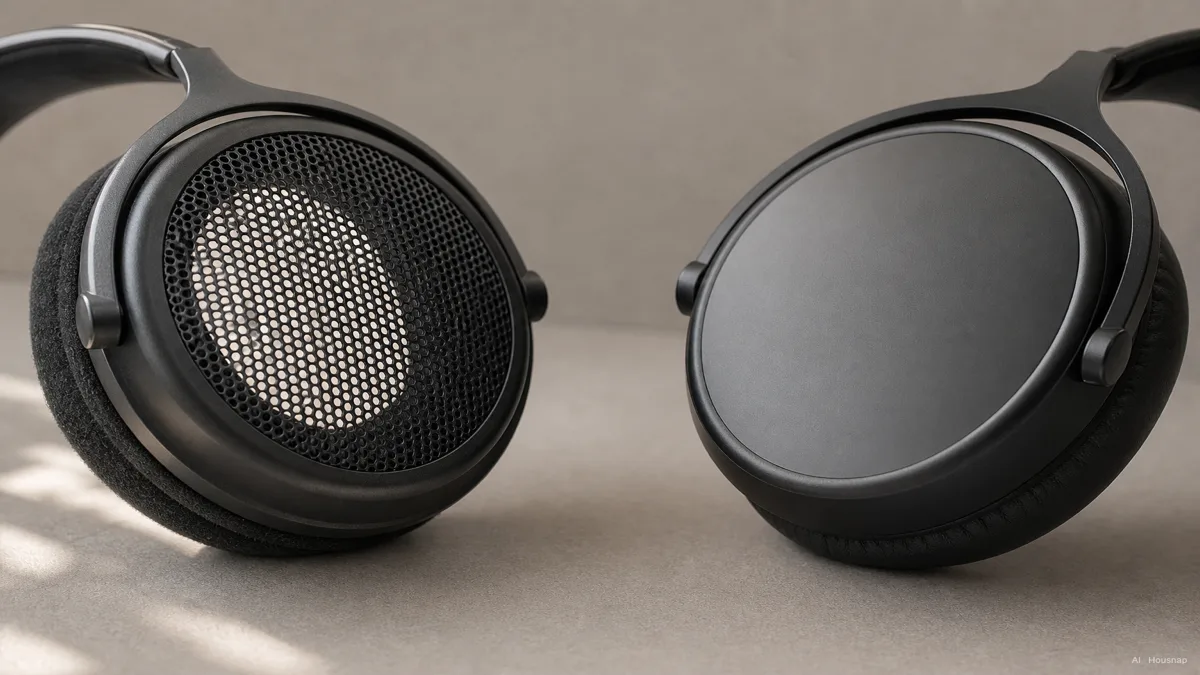
Open-back designs use perforated or mesh ear cups that let air, and sound, pass straight through. That openness produces a wider, more natural soundstage, closer to hearing something happen in a real room than inside your skull. It's genuinely good for immersive single-player games and for music, where you want space and depth more than pinpoint direction (SoundGuys, How-To Geek). The catch is that open-back cups leak sound both ways. Anyone nearby hears your game, and you hear them right back, with zero noise isolation.
Closed-back designs seal the ear cup instead. You get real isolation from whatever's happening in the room, plus punchier, more present bass. For competitive shooters, that combination usually wins out. Buying guides that focus on titles like Counter-Strike 2, Valorant, and Apex Legends tend to recommend closed-back specifically because the sealed design makes directional audio cues feel more precise when it matters most, and because most people are gaming somewhere shared or noisy anyway, a dorm room, a family living room, an open-plan apartment (Corsair).
Worth knowing before you shop: most gaming headsets default to closed-back, since competitive online play is what most buyers actually use them for. Open-back gaming headsets exist, but they're a smaller, more specific pick for people chasing soundstage over isolation.
Latency, Wireless, and Surround Sound: What Actually Helps You Win
Numbers on a spec sheet are easy to skim past, but this one is worth stopping on if you play anything timing-sensitive. Dedicated 2.4GHz wireless gaming headsets typically deliver audio in well under 20 milliseconds, while standard Bluetooth headphones sit somewhere around 100 to 200 milliseconds (Turtle Beach). In a fast-paced shooter, that gap is the difference between a gunshot lining up with what you see on screen and audio that trails just behind it. For casual single-player sessions, that gap barely registers. For ranked matches, it can.
Virtual surround sound works alongside that low latency to help place directional cues, footsteps behind you, a reload off to one side, more precisely than plain stereo can manage on its own.
It's worth knowing the line between these two categories is blurring at the top end. Modern flagship gaming headsets, names like Audeze's Maxwell line, Razer's BlackShark series, SteelSeries' Arctis Nova line, and HyperX's Cloud Alpha, are closing the audio-quality gap with genuine audiophile headphones while still keeping the mic and the low-latency wireless connection (RTINGS, PC Gamer, Tom's Hardware). If budget lets you shop at that tier, you increasingly don't have to choose between "sounds great" and "has everything a gamer needs."
Which Should a First-Time Buyer Choose? A Simple Decision Framework
Strip away the marketing and the decision comes down to three honest questions, in order.
Do you play competitive multiplayer or FPS titles, and do you talk to teammates while you play? If yes, a gaming headset is the practical first buy. It's a single-port, all-in-one solution, one purchase, one cable, one thing taking up desk space, instead of headphones plus a separate mic plus the cables for both, and it's usually cheaper as a bundle than buying the pieces apart (What Hi-Fi?).
Do you care more about music, movies, and single-player immersion than squad voice chat? Standalone headphones, open-back if you mostly listen at a desk at home, are the better pick for sound quality at a given price, and you can always add a separate mic later if you occasionally need one.
Are you a casual player who also commutes or works somewhere noisy? This is the case buying guides tend to skip. A quality noise-cancelling lifestyle headphone, the kind built for daily commuting and music rather than gaming, can often cover casual gaming sessions well enough while also handling everything else you actually do all day, which is more all-round value than a dedicated gaming headset that only earns its keep during matches (PC Gamer).
None of these are wrong purchases. The mismatch shows up later, when someone who wanted all-day comfort and commute use ends up with a headset that only really makes sense at a gaming desk, or someone chasing the sharpest competitive edge picks headphones with no mic and no low-latency wireless at all. Once you know which of the three questions actually describes you, it's worth comparing current listings for both categories side by side before deciding, since prices and colorways shift more often than the underlying tradeoffs do.
Sources
- Gaming headsets vs headphones: which should you buy? — What Hi-Fi; sound quality tradeoff at equal price, mic bundling, durability
- Gaming Headset vs Headphones: Which Is Better for Gaming? — Turtle Beach; mic bundling, boom mic noise rejection, wireless latency figures
- Should I buy a gaming headset or headphones for PC gaming? — PC Gamer; buyer decision framing for headset versus headphones
- Open-back vs closed-back headphones: Which is best for gaming? — Corsair; closed-back recommendation for competitive FPS titles
- Open-Back vs. Closed-Back Headphones: What's the Difference? — How-To Geek; soundstage and isolation differences
- Open back vs Closed back headphones: Which is best? — SoundGuys; soundstage, leakage, and use-case guidance
- The 6 Best Gaming Headsets of 2026 — RTINGS.com; flagship gaming headset lineup and sound quality tier
- Best gaming headsets in 2026 — PC Gamer; flagship recommendations and casual-buyer alternative framing
- Best Gaming Headsets 2026 — Tom's Hardware; flagship gaming headset lineup