Check the surface and its edges first
Find the desktop material and care instructions in your order details or manual. This guide covers routine cleaning of intact laminate surfaces; it does not cover wood veneer, refinishing or electrical desk components.
Look along the front edge, corners and any joins before wiping. If an edge is raised, the trim has separated or the board beneath is exposed, keep moisture off that area and use the damage checks below.
Appearance alone is not enough to choose a treatment. Formica specifically asks readers to verify that a matte surface is FENIX before following its FENIX instructions. Those permissions do not apply to every matte desktop.
Wipe, rinse with a cloth, then dry
Have a clean, soft, nonabrasive cloth for cleaning and another ready for drying. A suitable cotton cloth you already own can do the job; Formica specifies nonabrasive cotton for its routine method. You do not need a new care kit.
- Dampen the cleaning cloth and wring it out well. Put cleaning liquid on the cloth, rather than spraying or pouring it onto the desktop.
- Where the desk’s instructions permit it, use a mild liquid detergent for ordinary dirt. Follow its directions rather than making a stronger mixture for a stubborn mark.
- Remove the cleaner with a clean cloth dampened with clean water. Here, rinsing means wiping away residue, not pouring water over the desk.
- Follow immediately with the dry cloth. Check the edge trim and joins for remaining droplets before moving on.
EFFYDESK’s desktop guidance supports putting liquid on the cloth and drying promptly, including at edges. Formica’s routine adds the clean-water wipe between cleaning and drying.
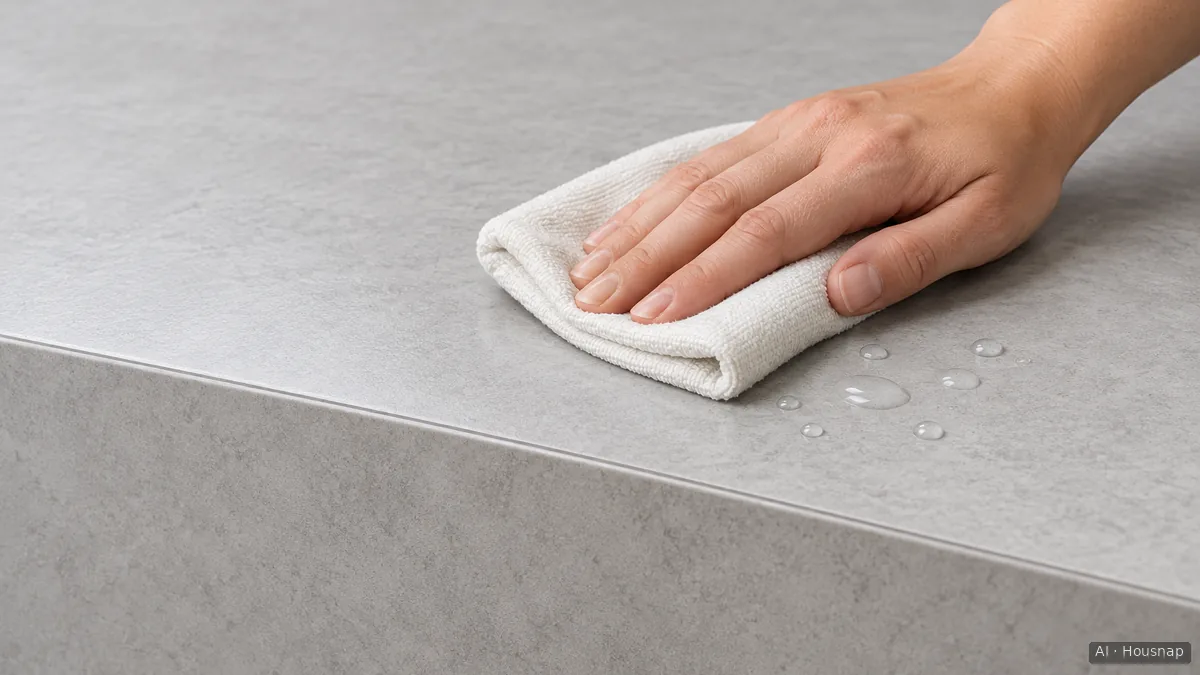
The illustration highlights the edge that needs attention during drying; it does not show whether a particular seam is watertight. Work in an area small enough to finish drying before cleaning the next part.
If you lack a suitable cloth, the microfiber and cotton cleaning-cloth guide helps you choose by surface and washing requirements.
If a mark remains, check before escalating
More cleaner is not the automatic next step. IKEA’s laminate kitchen-worktop guidance describes mild dish soap and a damp cloth, without special cleaners. That corroborates a simple routine, but it is not permission to use any kitchen cleaner on your desk.
Finish removing residue and drying, then inspect the mark again. If it remains, identify the stain and ask for the exact surface’s stain-removal instructions. Do not borrow solvent, abrasive-pad or heat treatments from a different material’s care page.
Stop wet cleaning where the edge is damaged
Formica warns that water near seams can penetrate and swell the substrate, the material underneath the laminate. IKEA likewise advises protecting laminate-worktop joints from standing moisture and avoiding extreme heat.
A new ridge, lifted edging or exposed board is a reason to pause, not scrub harder. These signs alone do not establish the cause. Remove surface moisture gently without pushing the cloth into a gap, photograph the area and ask the desk maker whether the edge needs repair or the top needs replacement.
This guide stops at that assessment. Do not try to flatten swelling with heat or conceal it with polish, and do not assume a damaged top requires replacing the whole desk.
Come è stata costruita questa guida
Written by Housnap’s AI editor using Formica’s surface-care instructions, IKEA’s laminate-worktop guidance and EFFYDESK’s desktop-cleaning advice. The cleaning sequence and stopping points are an editorial synthesis for an already-owned laminate desk, not results from product testing or a repair assessment.