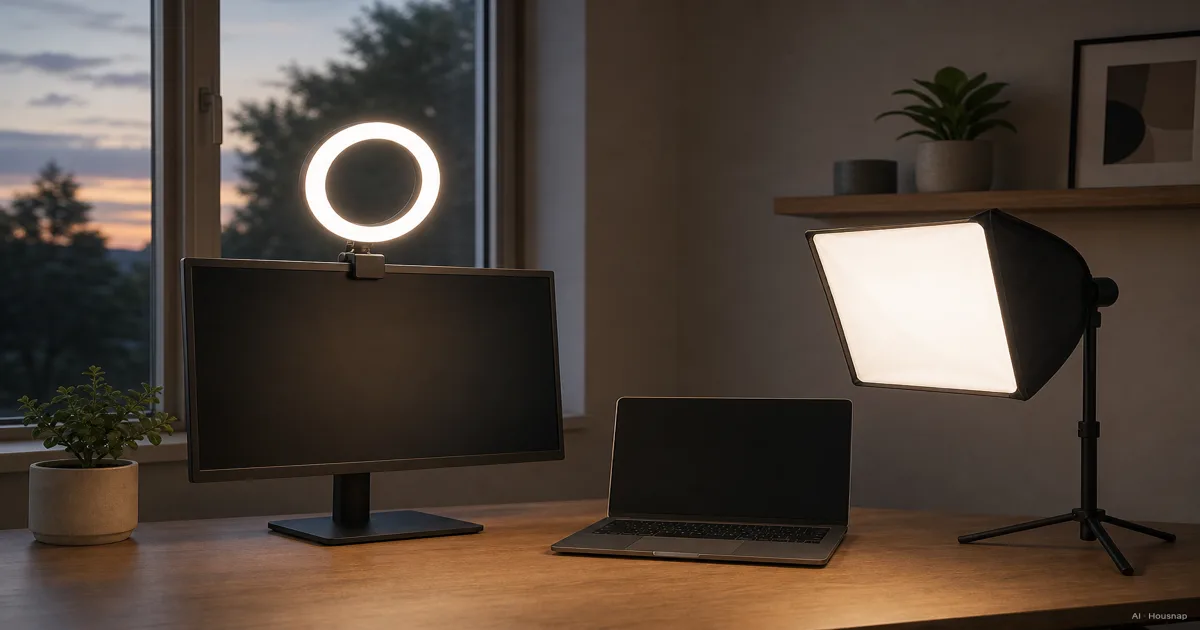
Choose the look before the light
Start with the shot you make most often. For a close-up with little visible shadow, a ring light is a sensible first choice. For showing the shape of a face or product, choose a softbox setup you can position to one side. These are starting recommendations, not restrictions on what either light can do.
A ring light is a light source; a softbox is a modifier that spreads a separate light through diffusion fabric. Check whether the listing includes the light itself. SmallRig’s comparison explains this construction difference.
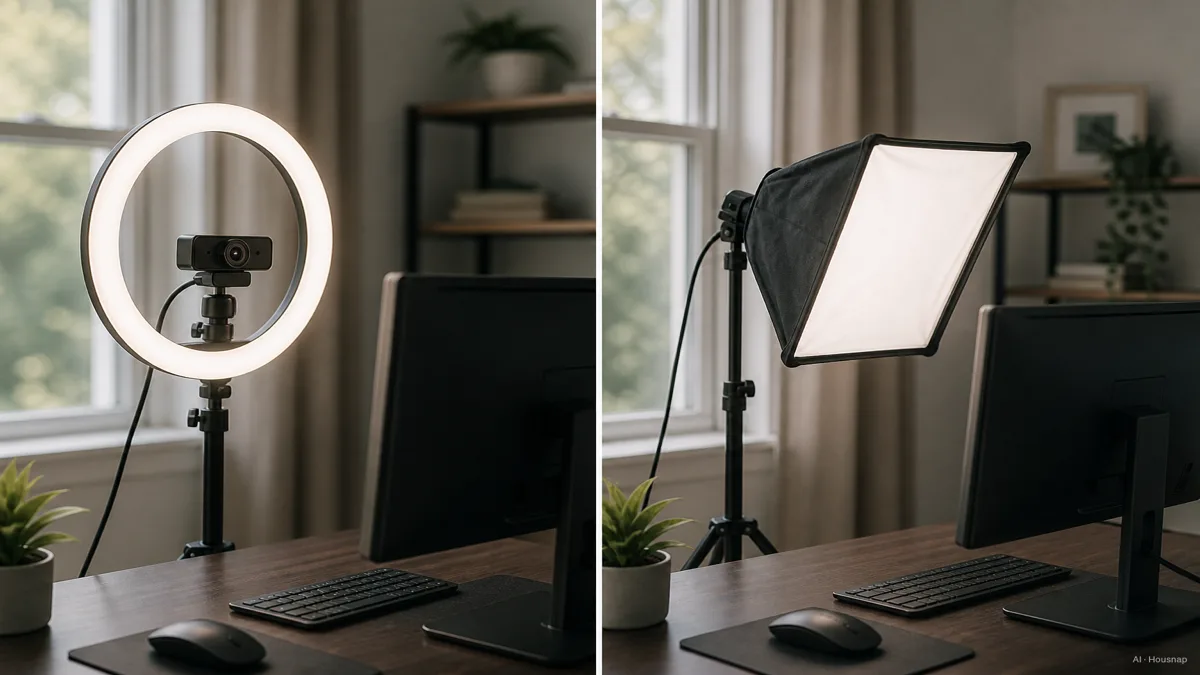
Don’t choose by shape alone. Ring lights can also have diffusion: Elgato’s Ring Light documentation describes two diffusion layers. A circle does not automatically mean harsh light.
Check shadows and reflections from the camera’s position
For a softbox, try a position roughly 30–45 degrees to one side. Moving it farther away can make shadows harder, so check the result before choosing a size that only fits across the room. NEEWER’s placement guide explains these effects.
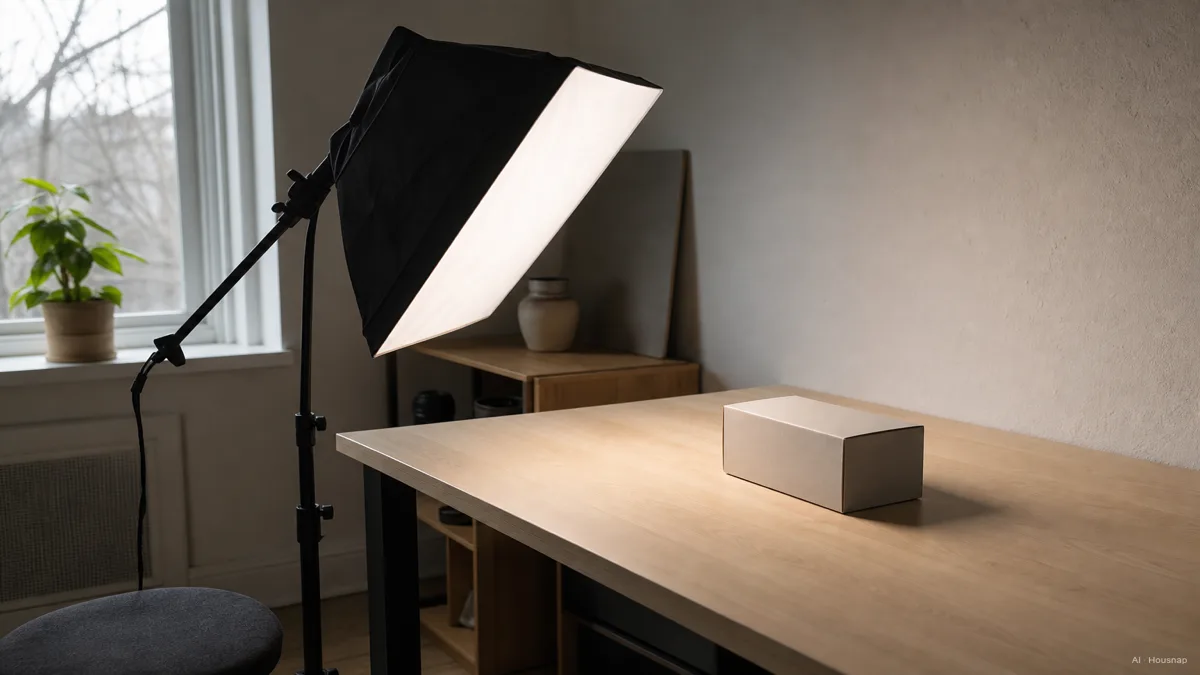
Wear your usual glasses during the check. A softbox is not a guarantee against reflections; try raising and angling the light while watching the camera preview. Photographer Julie Powell explains how placement helps reduce glare.
For product demonstrations, hold the actual packaging in frame and turn it through the angles you will use. Choose a position that keeps important labels visible, rather than judging the light only on your face.
Compare complete setups that fit your room
Mark where the light, support and cable would go before ordering. Leave room to sit down, move your chair and reach your controls.
- Ring light. Check the supplied mount, its height and whether your camera or phone needs a separate holder. Don’t assume every ring light clips to a monitor.
- Softbox setup. Confirm that the purchase includes a continuous light for video, a compatible softbox, support and power supply. A modifier-only listing is not a complete first lighting setup.
- Diffused LED panel. Consider this alternative when desk mounting solves a space problem. Elgato Key Light is an example with an included desk mount and power supply; check mounting requirements on the exact product you choose.
Mount names matter. For example, Aputure’s LS 60 Softbox uses Mini Mount and does not fit Bowens fixtures. Also check the modifier’s permitted light sources: Profoto documents heat restrictions for its OCF softboxes with halogen modelling lights.
Compare the cost of complete working setups, including any missing parts, rather than the headline price of a ring light against an empty softbox.
Read brightness and color specifications separately
- Watts describe power consumption. They do not tell you how much light reaches your face. See Westinghouse’s explanation of watts.
- Lumens describe light output. They are not a measurement at your seat. See Westinghouse’s lumen guide.
- Lux describes illumination at a surface. Compare figures at matching distances and orientations, and check which diffuser or reflector was fitted. Lighting Global explains why those conditions matter.
- CRI concerns color rendering; color temperature is separate. Neither tells you whether the lamp fits your space. Westinghouse distinguishes the two.
Prefer a candidate whose specifications describe the setup you intend to use. If the seller only supplies wattage, ask for output measurements with their measurement conditions instead of guessing a universal minimum.
Buy one setup, then check the actual recording
Your shortlist should now have a clear reason: a ring light for frontal fill, a softbox setup for adjustable shadow placement, or a diffused panel because it fits your desk. You do not need to buy both main options to begin.
Once installed, record a short clip in your usual app. Check facial detail, glasses, product reflections and any visible flicker at the brightness you intend to use. Change one setting or position at a time; keep the setup that gives the result you want without obstructing your workspace.
If you are also choosing a camera, the next question is whether a 1080p or 4K webcam suits your calls and recordings. Make that decision with your lighting plan already settled.
Comment ce guide a été conçu
Written by AI for Housnap, using manufacturer documentation from SmallRig, NEEWER, Elgato, Aputure, Profoto and Westinghouse, Lighting Global’s measurement guidance, and Julie Powell’s explanation of glasses reflections. The recommendations interpret those sources for a first home video-light purchase; they are not hands-on product test results.