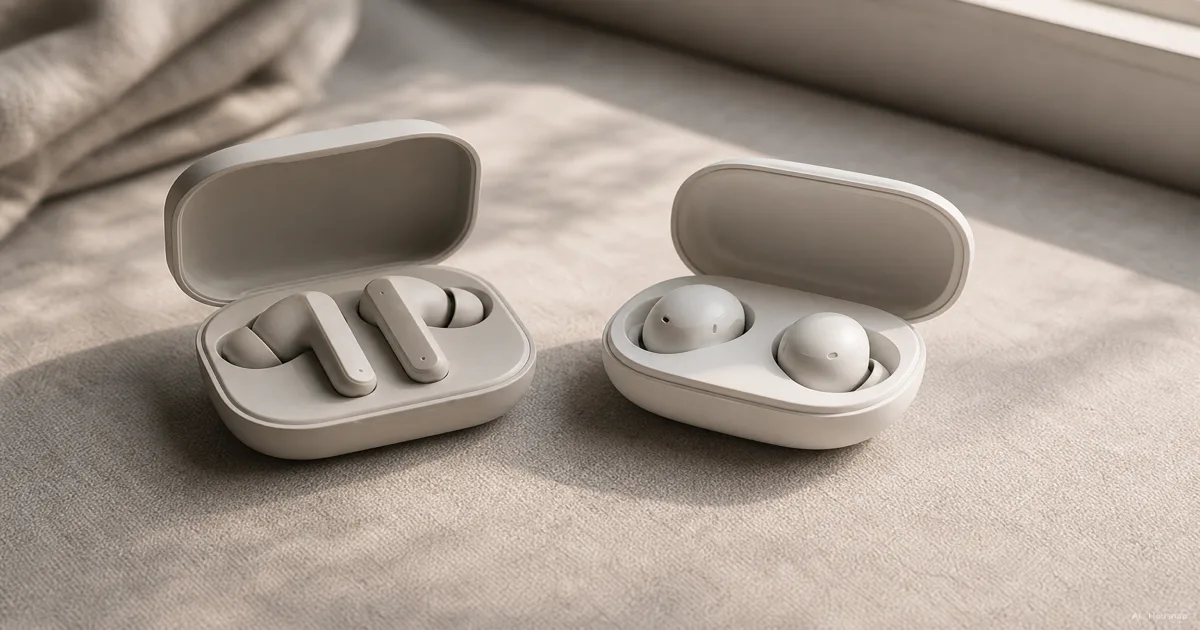
Start with the devices you actually use
Write down your phone and the second device you listen on. The important question is whether your preferred features work on that combination.
- Galaxy phone and tablet. Galaxy Buds3 Pro are a sensible starting point for Auto switch on compatible Galaxy devices using the same Samsung account. Check both devices before treating automatic switching as a reason to buy.
- Phone and laptop from different brands. Pixel Buds Pro 2 offer Multipoint, which keeps two devices connected. Enable it in settings; calls take priority, but switching music sources requires pausing the first.
- iPhone. Buds3 Pro support Bluetooth audio but have no iOS app support. Google's full-feature requirements include an Android companion. Before committing, compare AirPods Pro 2 and Sony WF-1000XM5.
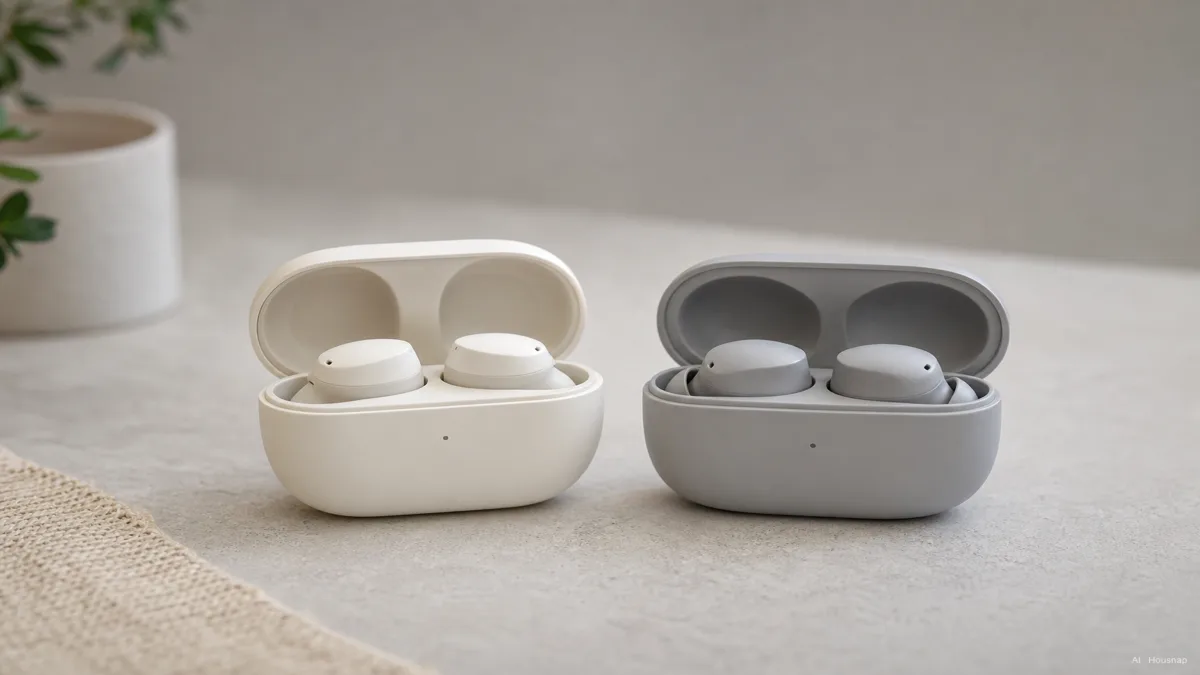
Try the shape before paying for the sound features
Galaxy's stems provide pinch and swipe controls; Pixel's stemless design has a twist-to-adjust stabilizer and four tip sizes. Try the supplied tips first. Check whether you can talk, turn your head and operate the controls without repeatedly reseating either earbud.
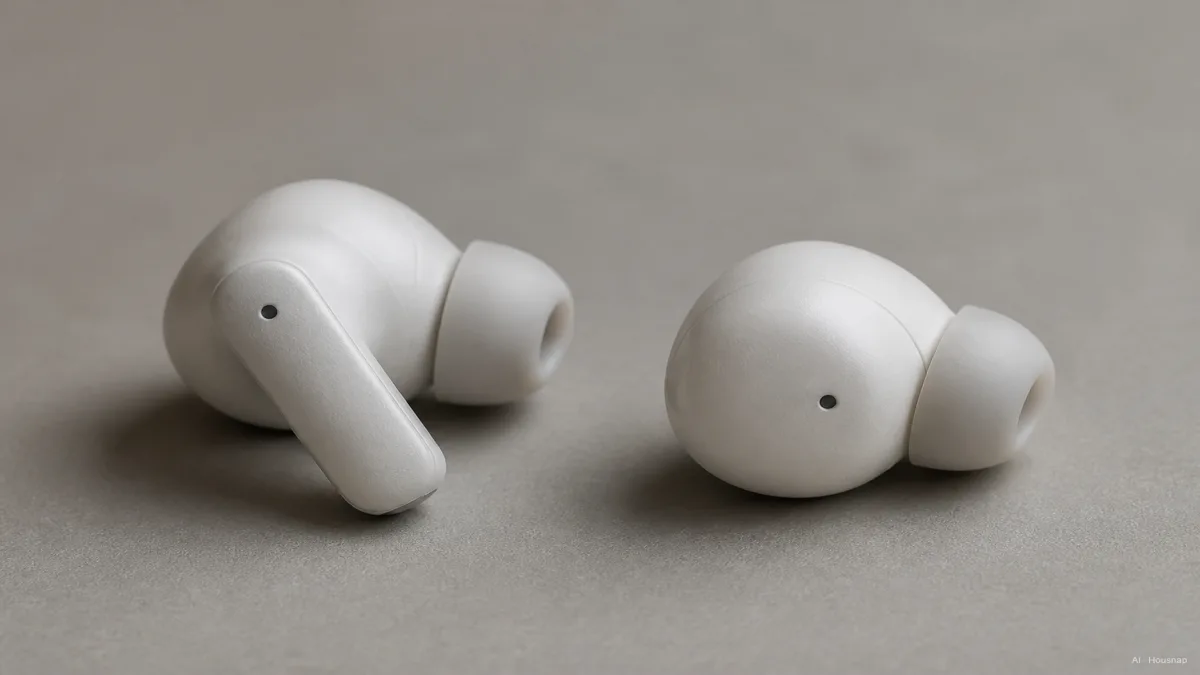
For a listening trial, use familiar music at a comfortable, similar volume. Compare vocals, bass and the noise left around you with ANC, or active noise cancellation, enabled. Do not choose a sound winner from driver counts alone. Samsung's 24-bit/96 kHz mode needs a listed compatible Galaxy device and software; check your exact model if that feature matters.
If neither in-ear shape feels comfortable, broaden the search to Sony and Bose over-ear noise-cancelling headphones.
Match the charging gap and check what is protected
With ANC on, the manufacturers rate:
- Galaxy Buds3 Pro: up to 6 hours, or 26 hours total including case recharges. Samsung specifications.
- Pixel Buds Pro 2: up to 8 hours, or 30 hours total including case recharges. Google's announcement.
These are manufacturer estimates, not results from one shared test. Case totals require charging breaks. For long uninterrupted listening, start by trying Pixel; leave a margin rather than planning around the maximum.
Protection also differs between buds and cases. Galaxy earbuds are IP57, but their case is not water resistant. Pixel earbuds are IP54; their case is IPX4. Keep the two ratings separate when comparing listings; neither label is a reason to buy earbuds for swimming.
Make the purchase conditional on your own trial
- Choose Galaxy if the specific Galaxy features you verified matter more than the longer advertised listening time.
- Choose Pixel if switching between different brands or fewer charging breaks solves your main problem, even if your phone is a Galaxy.
- Pause the purchase if fit or a must-have feature remains uncertain. Check the seller's opened-earbud return terms before ordering.
Compare the exact Buds3 Pro and Pixel Buds Pro 2 listings, including condition, warranty and the total payable price. Skip extra tips or accessories until you know the supplied setup needs changing.
Comment ce guide a été conçu
Written by Housnap's AI editor using Samsung and Google product specifications and support documentation. The guide prioritizes device compatibility, fit and charging needs; its recommendations are editorial judgments, not hands-on product tests.