Ergonomic Mouse vs Standard, What to Know Before Your First Buy
You have wrist or forearm discomfort by the end of a long work day, someone tells you to get a vertical mouse, and you land on a product page with a strange-looking device tilted at 57 degrees. Is that thing actually going to help, or is it just an ergonomic-sounding upsell? The honest answer sits between the two extremes you'll find online. Ergonomic mice change your wrist and forearm posture in a measurable way, and that posture change is the whole mechanism behind every comfort claim you'll read. What the marketing tends to skip is that the research on pain reduction specifically is mixed, and that a mouse built the wrong shape for how your hand actually grips can create new tension instead of removing old tension. This guide walks through what "ergonomic" actually changes in your hand and arm, what the research does and doesn't support, how to figure out your own grip style before you buy anything, and who should genuinely start with ergonomic versus who is better off staying with a standard shape.
Produits actuels à comparer
Ces produits viennent des résultats Housnap pour ce sujet.

What Makes a Mouse "Ergonomic"? Handshake Angle, Tilt, and Grip Support Explained
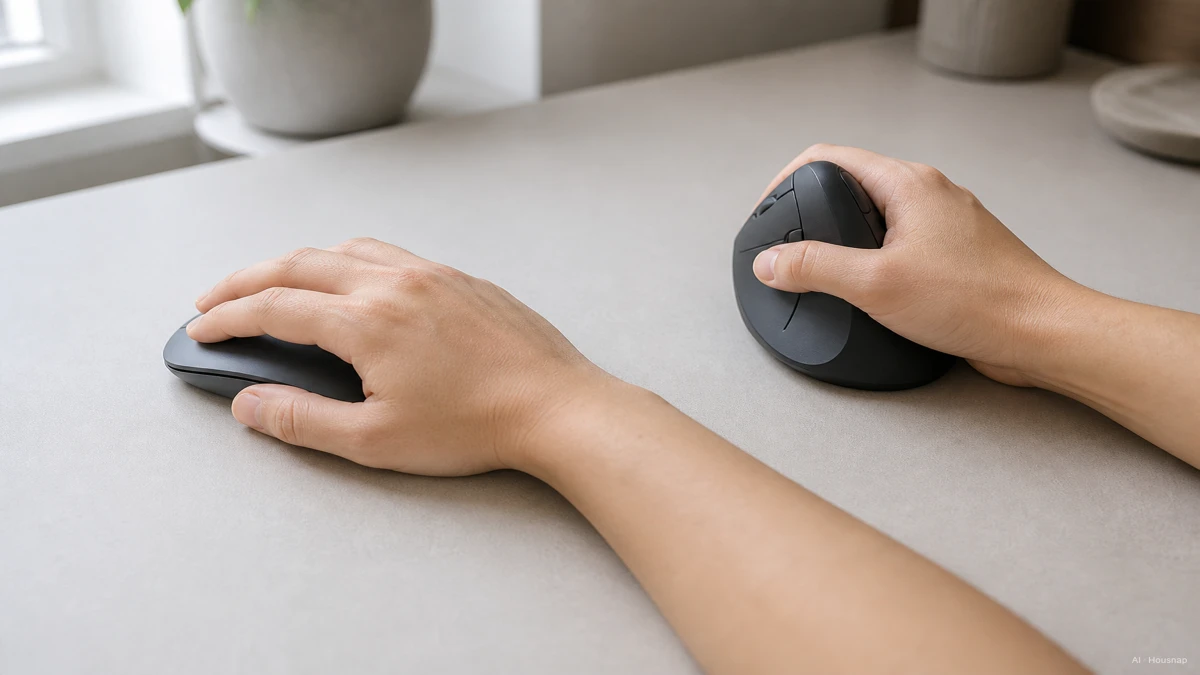
A standard mouse sits flat on the desk, which forces your forearm into full pronation, palm rotated all the way down to face the desk. Hold that position for hours a day and the soft tissue and tendons around the carpal tunnel stay compressed the whole time.
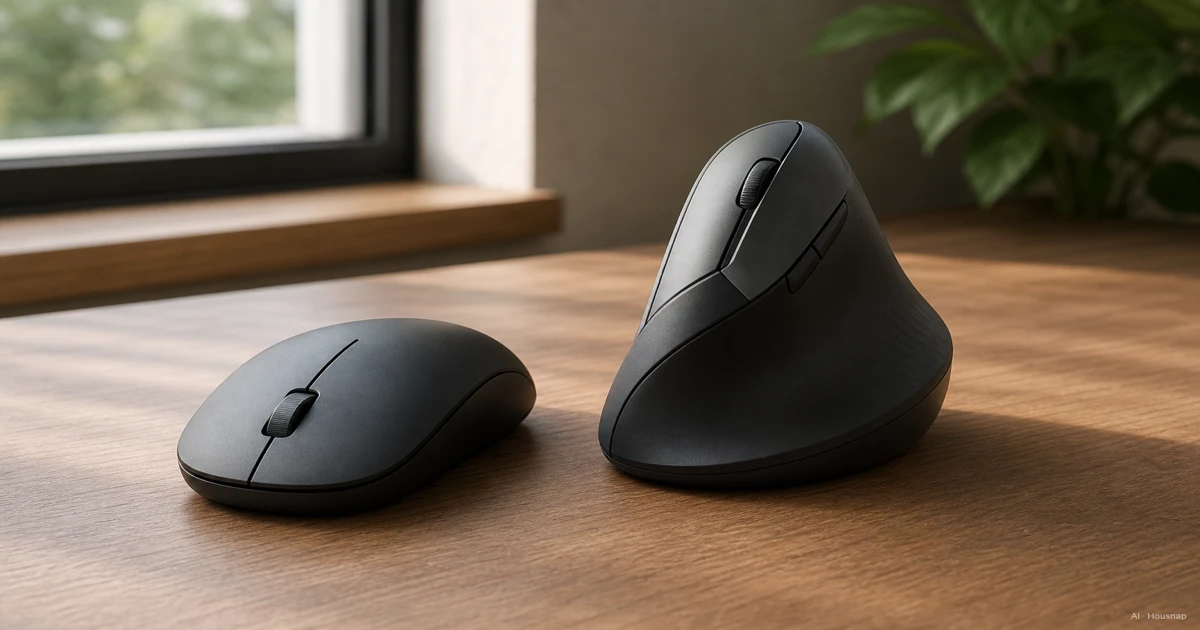
An ergonomic or vertical mouse tilts the device so your hand rests closer to a natural handshake position instead, somewhere around 57 to 90 degrees off flat depending on the model. The Logitech MX Vertical, released in 2018 with input from ergonomists, uses a 57-degree tilt and is the most frequently cited reference point in comparison articles, including Tom's Guide's review.
That tilt is the entire mechanism. Nothing about a vertical mouse is faster or more precise on its own, it just changes the angle your wrist and forearm hold for however long you're using it.
Ergonomic vs Standard: Comfort, Wrist Strain, and the Actual Research
Here's where the marketing and the research start to diverge, and it's worth knowing both sides before you spend the money.
The vendor-side claim, repeated across most ergonomic mouse brands including Contour Design's own materials, is that a handshake grip can cut carpal tunnel pressure by up to roughly 32 percent compared to a fully pronated grip. Treat that number as an industry claim rather than a settled medical fact, it comes from manufacturers with an obvious interest in the answer.
The independent research is more careful. A controlled study on vertical mice and ergonomic mouse pads, published via PubMed, found that a vertical mouse significantly reduced ulnar deviation and wrist extension, meaning it genuinely does straighten out two of the wrist positions associated with strain. But in patients who already had carpal tunnel syndrome, the same study did not find a significant drop in carpal tunnel pressure. Posture improved, the underlying pressure measurement mostly didn't.
That distinction matters for how you should think about an ergonomic mouse. It's a legitimate comfort and prevention tool, not a guaranteed cure if you already have a diagnosed condition. A separate randomized trial by Rempel and colleagues, published in Occupational and Environmental Medicine, found that ergonomic training paired with better forearm support did reduce new cases of upper-limb musculoskeletal disorders in computer workers, which supports ergonomic setups as prevention rather than treatment.
The honest framing: if your hands feel fine today, an ergonomic mouse is a reasonable way to stay ahead of strain during long desk sessions. If you're already dealing with diagnosed wrist pain, treat a vertical mouse as one comfort input among several, not a substitute for medical advice.
Which Grip Style Are You? Palm, Claw, and Fingertip Fit Guide
This is the part that decides whether an ergonomic mouse actually helps you, and it has nothing to do with wrist angle.
There are three grip styles, laid out clearly in Corsair's grip style breakdown:
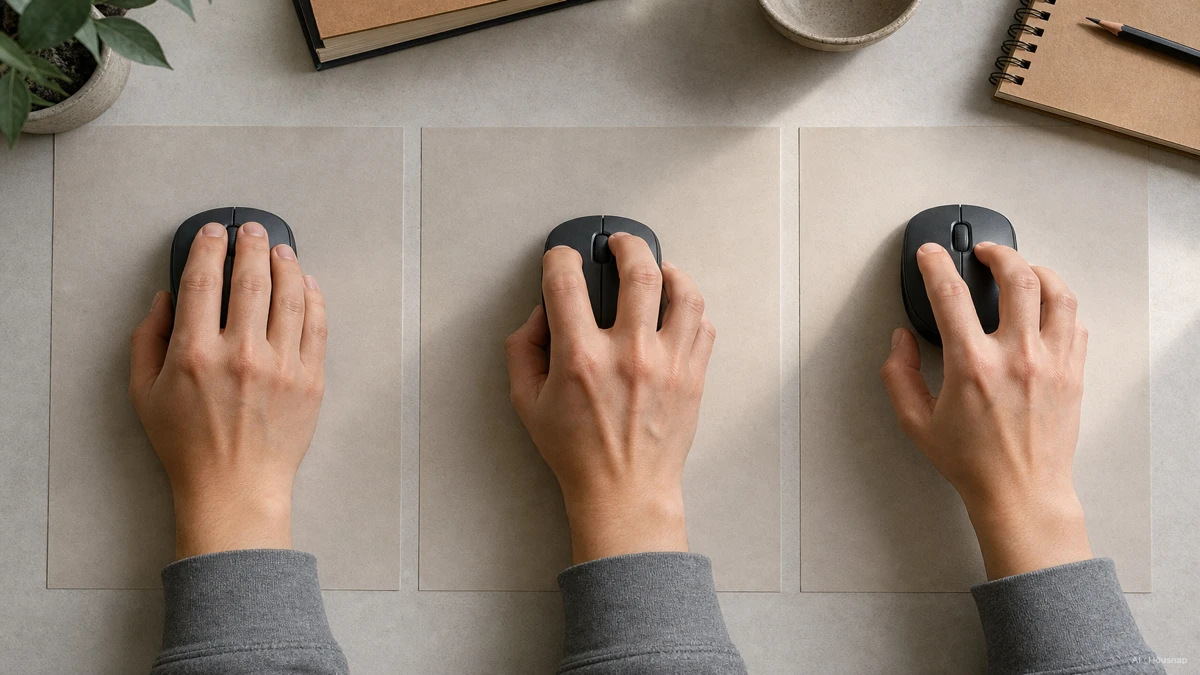
Palm grip. Your whole hand rests flat on the mouse, palm fully contacting the shell, fingers relaxed over the buttons. This is the most common grip for everyday desk use.
Claw grip. Your fingertips arch down to the buttons while your palm only partially touches the back of the mouse. This grip trades some comfort for faster finger movement.
Fingertip grip. Only your fingertips touch the mouse at all, your palm stays suspended above the shell the entire time. This grip favors speed and light lifting over rest.
A vertical mouse is built around a palm grip. It wants your whole hand resting into that tilted shell. If you're a fingertip or claw-grip user, a vertical mouse built for palm grip can create more tension than it solves, because your hand is fighting the shape instead of resting into it. Matching shape to your actual grip style matters more than the "ergonomic" label by itself.
Who Should Buy Ergonomic First (Office and Desk Workers) vs Who Should Stick with Standard (Gamers, Travel, Fingertip Users)
Once you know your grip style, the buyer split gets straightforward.
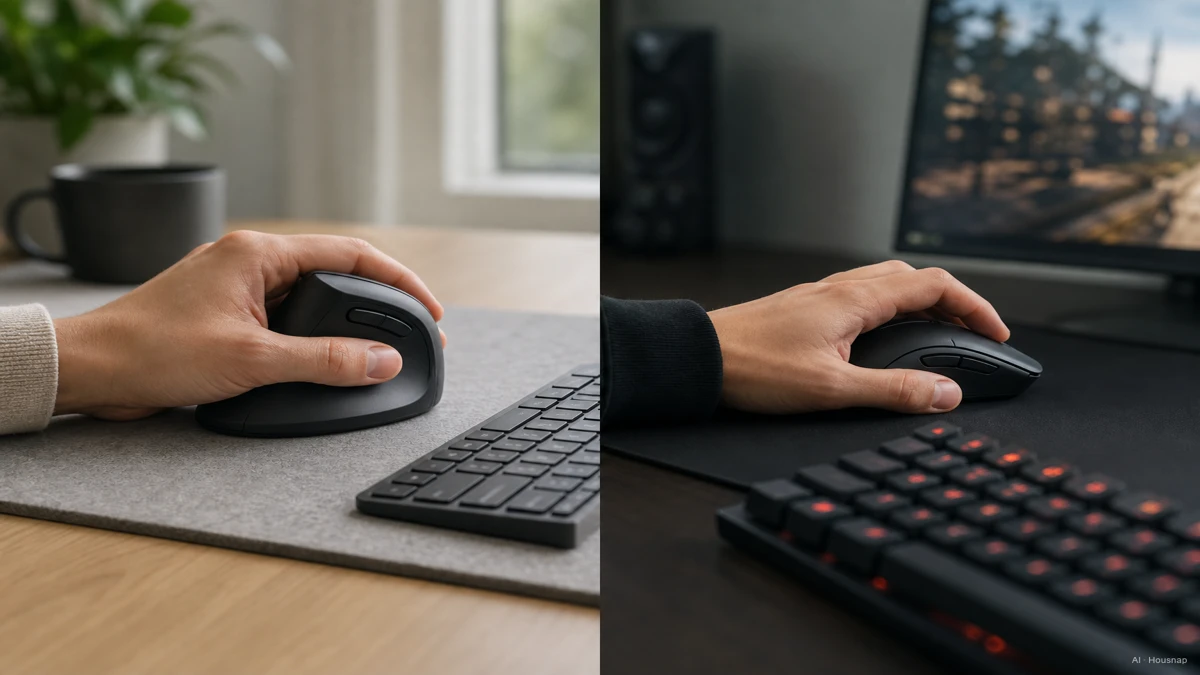
Go ergonomic or vertical if you spend long, continuous hours at a desk, use a palm grip, and want to build in comfort before strain shows up. Office workers, writers, and anyone doing repetitive clicking and scrolling for most of the day are the clearest fit. Trackball-style ergonomic devices go a step further here, since the hand stays largely stationary and can cut forearm movement by up to 60 percent versus a standard mouse.
Stay with standard shape if you're a gamer, especially in fast-paced titles. Standard mice stay lighter, adjust direction faster, and give finer fingertip control, which is why shape stays standard for most competitive players even as ergonomic designs improve elsewhere. Standard shape is also the easier travel choice, since a flat mouse fits in more bags and doesn't need the same desk space a vertical mouse's wider footprint asks for.
Either way, expect an adjustment period. Most first-time vertical mouse users need anywhere from a few days to a couple of weeks to get comfortable with the handshake grip and the different cursor feel, according to Logitech's own guidance on ergonomic mouse benefits. Plenty of people report not wanting to go back to a flat mouse once that adjustment settles in, but the early days can feel clumsy, and that's normal rather than a sign the mouse is wrong for you.
First-Buy Checklist: Adjustment Period, DPI, and What Actually Matters
A few last things worth clearing up before you buy.
DPI is not a comfort or accuracy spec. Dots per inch controls how fast the cursor moves per physical inch your hand travels, nothing more. It doesn't make a mouse more accurate, more stable, or more comfortable on its own. Higher DPI suits multi-monitor setups where you need a lot of cursor travel from small hand movement, and lower DPI suits precision work like photo or graphic editing, regardless of whether the mouse is ergonomic or standard shaped. Don't let DPI numbers decide between the two shapes, shape and grip fit affect comfort far more than any spec on the box.
Expect the learning curve, and don't judge in the first day. Give a vertical mouse the same week or two most first-time buyers need before deciding whether the shape works for you.
Match shape to grip and use case, not to the word "ergonomic." The decision that actually matters is whether your grip style and your primary use, long desk sessions versus gaming versus precision work, line up with what the shape is built for. From here, the useful next step is to filter mice by shape and grip type and compare what the same models cost across different stores, so the fit you've settled on lines up with a mouse you can actually buy today.
Sources
- Is Your Mouse Killing Your Productivity? Why a Vertical Mouse Is the Upgrade You Need — Contour Design; vendor-cited carpal tunnel pressure reduction claim for handshake grip
- A vertical mouse and ergonomic mouse pads alter wrist position but do not reduce carpal tunnel pressure in patients with carpal tunnel syndrome — PubMed; controlled study showing posture change without significant pressure reduction in CTS patients
- Mouse Grip Styles: Fingertip vs Palm vs Claw — Corsair; the three grip styles and how they change mouse shape fit
- Logitech MX Vertical Ergonomic Wireless Mouse — Logitech; official product page and 57-degree tilt specification
- Is an Ergonomic Mouse Better for Me? — Logitech; adjustment period guidance for first-time vertical mouse buyers
- Logitech MX Vertical Advanced Ergonomic Mouse review — Tom's Guide; hands-on review of the reference vertical mouse
- The Best Ergonomic Mouse of 2026 — RTINGS.com; tested comparison across ergonomic mouse models