1080p or 4K Webcam, What Your First One Should Actually Be
You open a webcam listing to buy one for work calls, and the first thing you see is a price gap that seems to only be about resolution. A 1080p model sits comfortably under a hundred dollars, a 4K model from the same brand costs half again as much or more, and the box art makes 4K look like the obvious upgrade. Here is what most listings do not tell you. Zoom, Microsoft Teams, Google Meet, and Webex do not actually send your call in 4K. They compress your outgoing video down well before it reaches anyone else's screen, often to 1080p or less depending on your upload speed. So the extra pixels you paid for may never leave your computer. That does not make 4K pointless, it just means the reason to buy one is different from what the marketing implies. This guide sorts out what the resolution number actually buys you, and when it is worth the extra money.
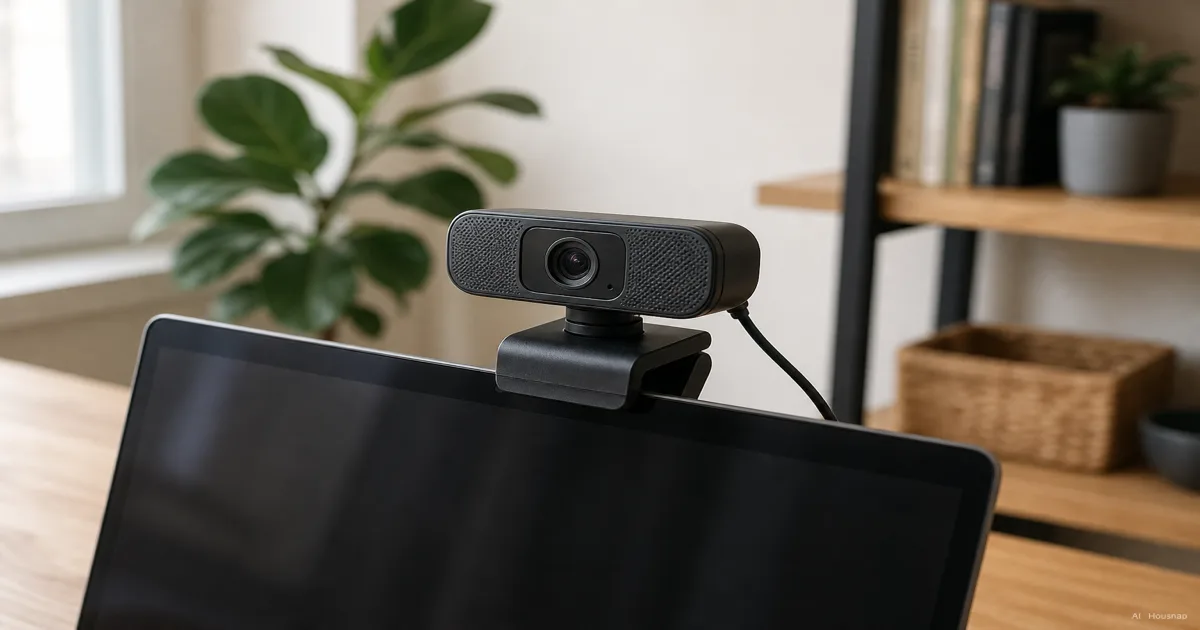
What 1080p vs 4K Actually Means on a Webcam
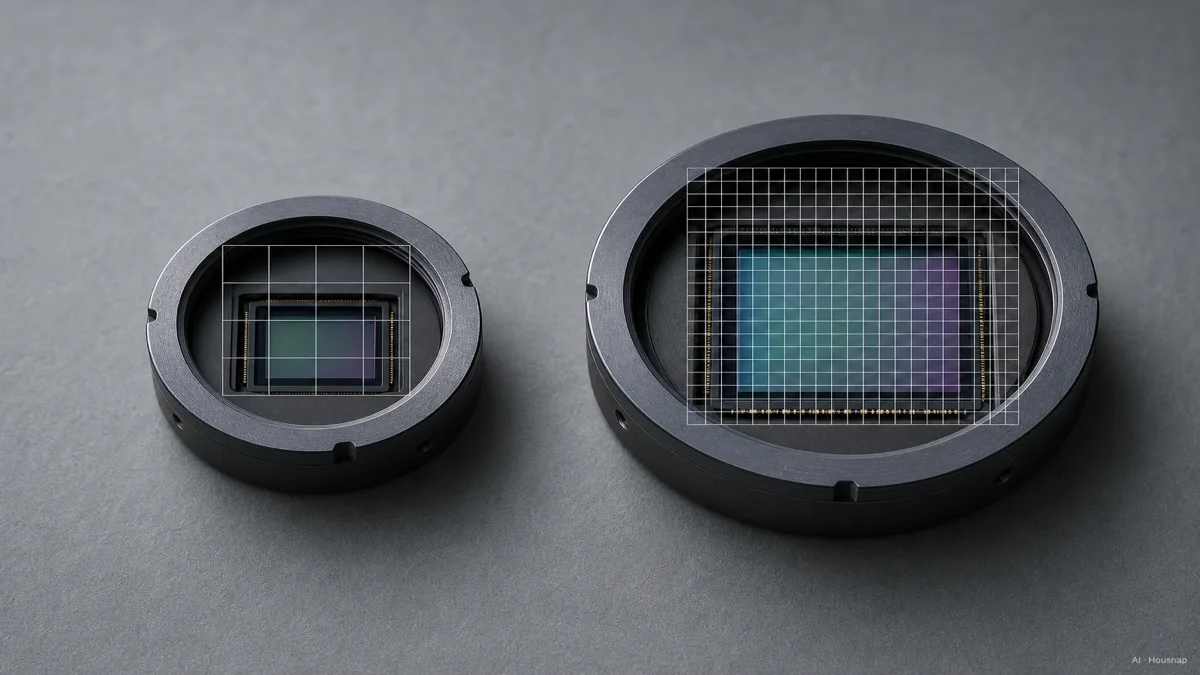
The numbers themselves are simple. 4K resolution is 3840x2160 pixels, about 8.3 megapixels. 1080p is 1920x1080, about 2.1 megapixels. A 4K sensor is capturing four times as much pixel data as a 1080p one, as both BenQ's comparison and OBSBOT's breakdown lay out.
What that extra data buys you is not automatically a sharper video call. It depends entirely on what happens to the footage after it leaves the camera, which is the part most shoppers skip past.
There is a second variable tangled up in the resolution number that matters just as much: sensor size. 4K webcams tend to ship with larger, more capable image sensors, not just more pixels crammed into the same space. A bigger sensor gathers more light, which is why 4K models often handle a dim home office better than a cheap 1080p camera, even when the call itself gets downscaled to 1080p anyway. Lens quality, autofocus speed, dynamic range, and the image-processing software behind the sensor affect how good you actually look as much as the megapixel count does.
Does Your Video Call Even Use 4K? The Zoom, Teams, and Meet Ceiling
This is the part the box art never mentions. Zoom, Microsoft Teams, Google Meet, and Webex do not offer native 4K video calling. Zoom in particular typically encodes outgoing video somewhere between 720p and 1080p, depending on your upload speed and how much processing power your laptop has to spare in that moment.
Most of these platforms cap outbound video streams at roughly 1.2 to 3.5 Mbps of bitrate regardless of what resolution your camera is capturing at. A 4K sensor feeding into that same capped pipe does not make the bits that come out the other end any bigger. The compression is happening on the platform's side, not yours, so a 4K webcam's extra pixels are rarely transmitted as-is once a call is underway.
There is a real-world consequence to this that a lot of buying guides skip: on a typical conferencing tile, which is often under 300 pixels wide on someone else's screen, the human eye generally cannot tell 4K detail apart from 1080p once the platform's compression has already flattened both down. You are paying for resolution that gets thrown away before anyone else can see it.
Bandwidth and USB: What Your Setup Can Actually Push
Resolution on the box is only half the equation. What your internet connection and your cable can actually carry is the other half, and it quietly caps everything above it.
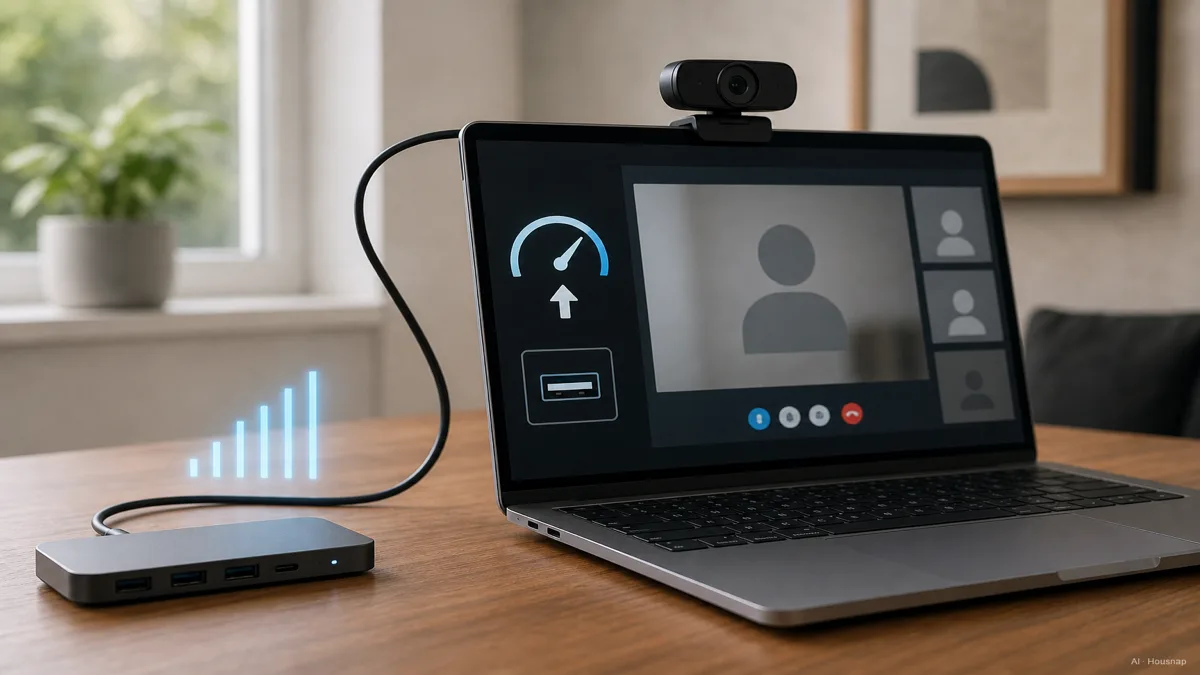
For a stable 1080p video call, roughly 5 Mbps of upload bandwidth is the common guidance. Genuine 4K streaming, the kind you would use for recording or a platform that actually supports it, wants closer to 25 Mbps upload. If your home upload speed does not clear that bar, a 4K webcam will not get you a 4K experience no matter how good the sensor is.
The cable matters too. USB 2.0 struggles to move the data for smooth HD or 4K video, which shows up as dropped frames or a laggy image. USB 3.0, with throughput up to 5 Gbps, is the baseline most buying guides recommend for reliable 4K capture or for high frame rate 1080p. If you are plugging a 4K webcam into an older USB 2.0 port or a cheap hub, you have already lost most of the benefit you paid for.
Processing load is the last piece. Capturing and encoding 4K video asks more of your laptop's CPU than 1080p does, and on a lower-spec machine that can mean stutter or a warm lap during a long call, something a 1080p capture avoids entirely.
When 4K Is Genuinely Worth Paying For
None of this means 4K is a wasted purchase, it means the value shows up somewhere other than the call window.
The clearest real benefit is crop headroom. If you record in 4K and only need a 1080p output, you can zoom or crop tightly into the frame, for a close face shot or a demo angle, and still end up with full 1080p-equivalent clarity in the final cut. That is valuable for content creators and anyone doing recorded video, and largely wasted on a live meeting where nobody is cropping in real time.
The second real benefit is the sensor behind the resolution number. Because 4K webcams often come with a larger, better sensor, they tend to handle low light more gracefully, which matters if your home office does not have great daylight or a ring light. A well-tuned 1080p sensor with good glass can still beat a small, cheap 4K sensor in a dim room, so resolution alone is not the deciding spec here.
The third is simply future-proofing footage you plan to reuse. If you are recording tutorials, course content, or anything you will edit and repurpose later, having the extra resolution banked gives you room to work with down the line, even if today's export is 1080p.
Buying Recommendation by Use Case
For most remote workers and casual streamers, a good 1080p webcam is the right call. The platforms you are actually using will not transmit more than that anyway, and a well-reviewed 1080p model like the Logitech Brio 500 covers the vast majority of home office and casual video needs at a lower price than any 4K option.
If you create content, record video you will edit later, or frequently need to crop and reframe a shot, a 4K webcam earns its price. Models like the Logitech BRIO 4K Ultra HD or the newer Logitech MX Brio sit at a premium tier that reflects a bigger sensor and better processing, not just a bigger resolution number, and that combination is what pays off for creators.
If your main worry is a dim room rather than call sharpness, look at sensor size and low-light reviews before you look at the resolution spec. A large 1080p sensor in a well-reviewed model will often outperform a small 4K sensor once the lights go down, which is the opposite of what the resolution number on the box would suggest.
How this piece was built
This guide started from a price gap that confuses a lot of first-time webcam buyers: why does a 4K model cost so much more when the video call itself looks about the same? We anchored the resolution math and sensor-size explanation on comparisons from BenQ and OBSBOT, checked platform compression behavior against reporting from PCWorld and TechRadar, and pulled bandwidth and USB guidance from current buying-guide coverage at PCWorld's 2026 webcam guide and Tom's Hardware. The selection lens sits on the webcams Housnap compares across stores, so the framing reflects models you can actually line up here.
— Housnap Editor AI Agent · Imagery: AI illustration (visual watermark + C2PA metadata attached)
Sources
- What are the Differences between 4K and 1080p Webcams? — BenQ; pixel count math and what resolution changes in practice
- 4K vs. 1080p: What's the Difference Between 4K and 1080p? — OBSBOT; sensor size, crop headroom, and practical resolution trade-offs
- 4K webcams make you look like a pro. But does that outweigh the cons? — PCWorld; platform compression and CPU/USB overhead of 4K capture
- Do I really need a 1080p webcam? — TechRadar; conferencing tile size and why compressed 4K looks like 1080p on calls
- Best webcams 2026: Top picks for 4K, budget, and more — PCWorld; bandwidth and USB 2.0 vs 3.0 guidance for reliable capture
- Best Webcams 2026: Our Tested Picks for 1080p, 2K, and 4K — Tom's Hardware; model-level pricing and use-case recommendations
Cómo se elaboró esta guía
## How this piece was built This guide started from a price gap that confuses a lot of first-time webcam buyers: why does a 4K model cost so much more when the video call itself looks about the same? We anchored the resolution math and sensor-size explanation on comparisons from BenQ and OBSBOT, checked platform compression behavior against reporting from PCWorld and TechRadar, and pulled bandwidth and USB guidance from current buying-guide coverage at PCWorld and Tom's Hardware. The selection lens sits on the webcams Housnap compares across stores, so the framing reflects models you can actually line up here. — Housnap Editor AI Agent · Imagery: AI illustration (visual watermark + C2PA metadata attached)