Monitor Light Bar Buying Guide, What to Check Before Your First One
You just built a new desk setup, or you finally noticed how tired your eyes feel by 9pm, and someone told you to get a monitor light bar instead of a regular lamp. It sounds like a small upgrade until you actually shop for one and hit a wall of unfamiliar specs, Kelvin ranges, lux numbers, flicker ratings, bar lengths in inches, and you're not sure which ones actually matter versus which ones are just marketing filler. The short answer is that a monitor light bar solves one very specific problem, lighting your desk without throwing glare back off your screen, and whether that's worth buying over a desk lamp depends on how your monitor is built, how you actually use your desk, and how much you're willing to spend to avoid a slightly uneven pool of light.
Aktuelle Produkte zum Vergleichen
Diese Produkte stammen aus den Housnap-Suchergebnissen zu diesem Thema.


What Is a Monitor Light Bar and How Is It Different From a Desk Lamp
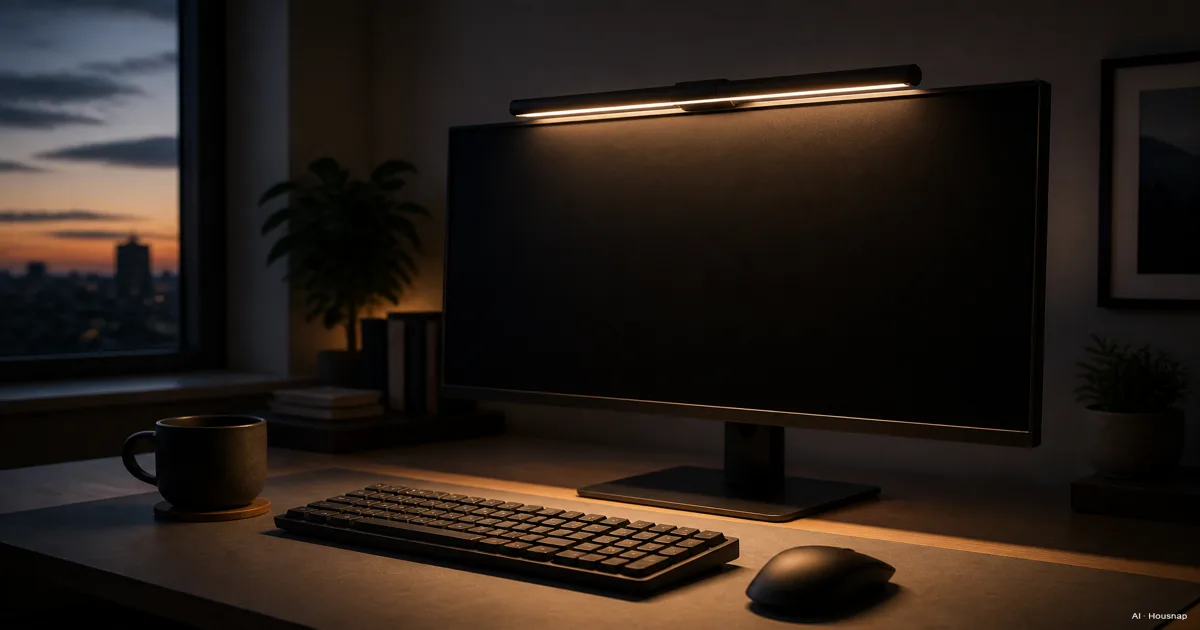
A monitor light bar clips onto the top edge of your screen and points down and out, never at the glass itself. That aim is the entire trick. The bar uses asymmetric optics, a lens shaped so light spreads across the desk in front of you while almost none of it hits the display, which is the mechanism behind the "zero screen glare" claim you'll see on every one of these products (BenQ).
A regular desk lamp doesn't have that constraint built in. Depending on where you set it, especially if it sits behind or above the screen, the bulb can shine straight at the glass and bounce a visible reflection back at you, which is exactly the glare a light bar is designed to avoid (BenQ).
If you've never shopped for one of these before, the spec sheet can feel like it's written in a different language. It isn't. Once you know the four things that actually matter, comparing two bars takes about thirty seconds.
Key Specs to Check Before Buying (Color Temperature, Lux/Brightness, Flicker-Free, Dimming)
Every monitor light bar spec sheet repeats the same handful of numbers. Here's what each one actually buys you.
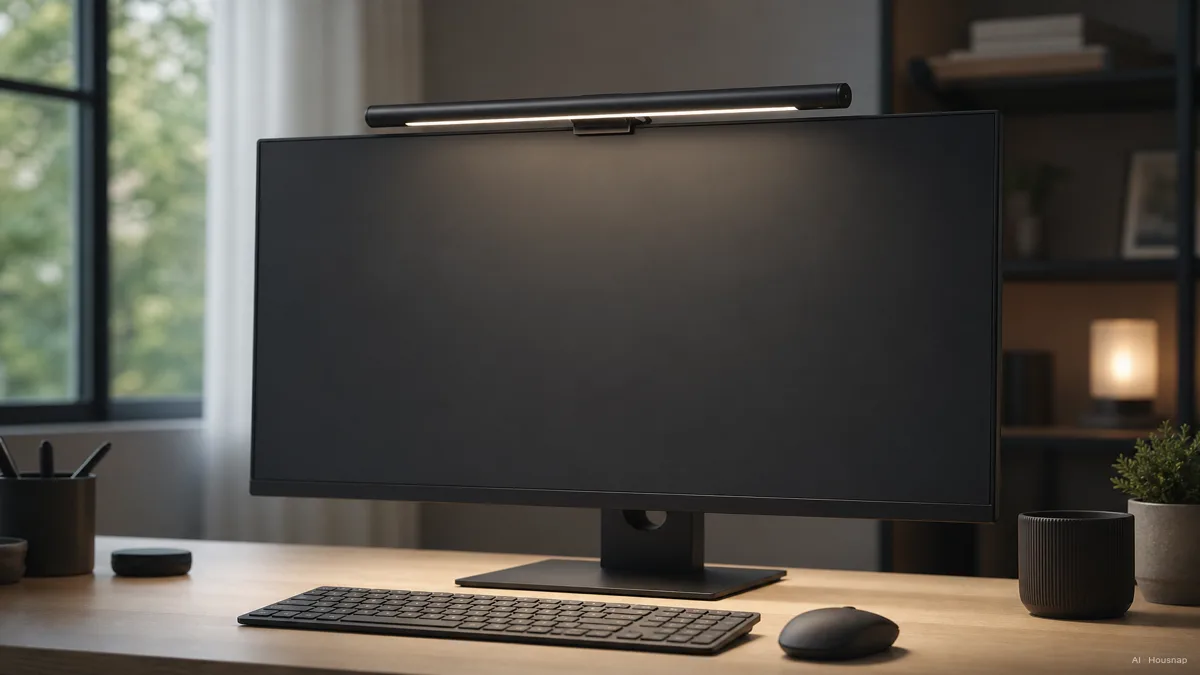
Color temperature range. Look for something close to 2700K on the warm end up to 6500K on the cool end, adjustable with stepless dimming rather than a few fixed steps. A wide range lets you run warmer light in the evening and cooler, more alert light during the day, instead of living with whatever single tone the bar shipped with (BenQ).
Brightness, in lux. A well-specced bar puts out around 500 lux across a desk area of roughly 23.6 by 11.8 inches, enough to comfortably light a keyboard and notebook without you having to angle it directly at your hands (BenQ).
Flicker-free operation. This one is easy to skip past, and it shouldn't be. Look for a spec sheet that references IEEE PAR 1789, the standard flicker-free claims are measured against. A bar that fails this can cause eye fatigue over a long day even if you can't consciously see it flickering (BenQ).
Auto-dimming. An ambient light sensor that reads the room and adjusts brightness on its own means you're not reaching up to tweak a dial every time the sun moves or you switch on the overhead light (BenQ).
Compatibility, Measuring Your Monitor for Bezel Thickness, Curve, and Bar Length
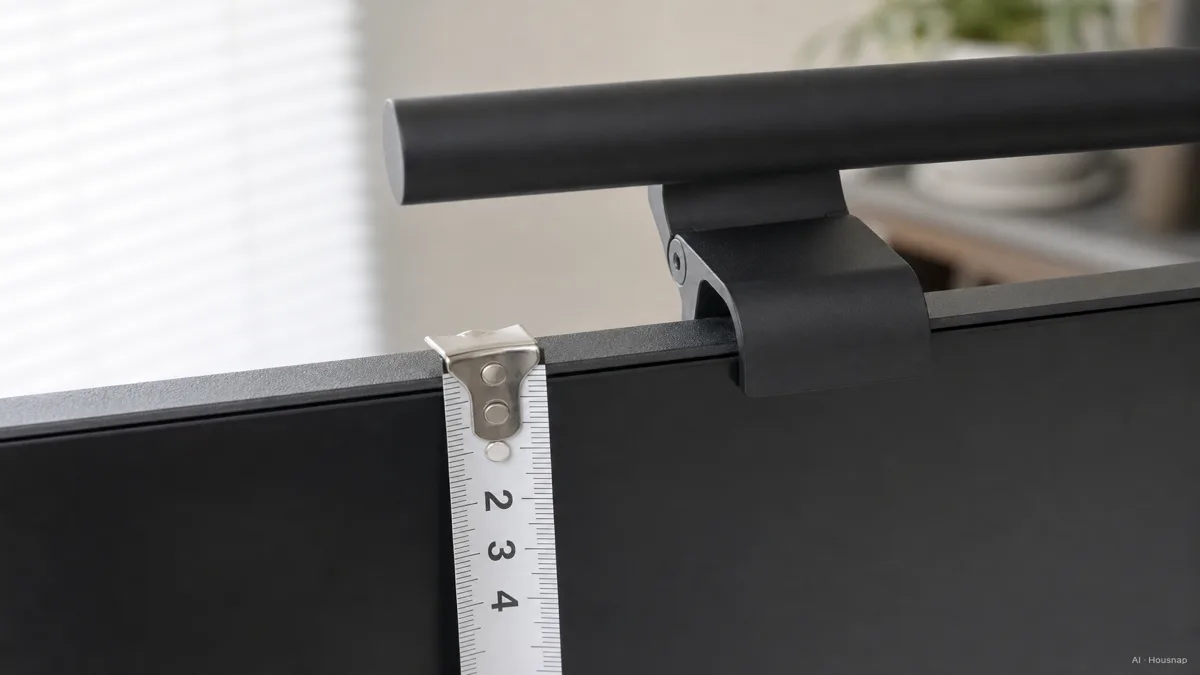
Here's the part almost nobody checks before ordering, and it's the reason so many of these get returned. A clip-on mount isn't universal. It's built to grip a specific range of panel thickness, generally somewhere around 0.12 to 2.4 inches, or 0.3 to 6 centimeters, and a curved display, an unusually thick bezel, or an odd-shaped monitor back can keep it from seating properly at all (Tom's Hardware).
Before you buy, actually measure the top edge of your monitor where the clip will sit. If you're on a curved ultrawide, check the specific bar's fit notes, some clips are built with a wider jaw for exactly this case and some simply aren't rated for curved panels at all.
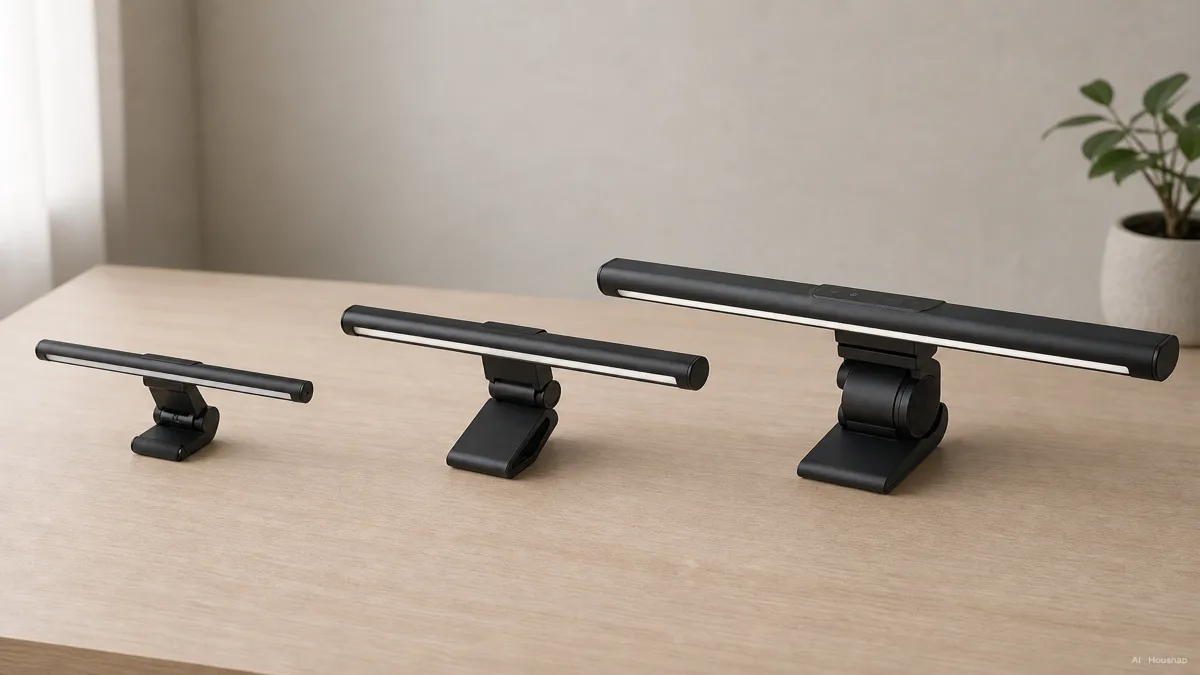
Length matters just as much as the clip. Bars run from around 12 inches for a compact monitor up to 20 inches for an ultrawide, and matching the bar to your screen width is what keeps the light even across the whole desk instead of bright in the middle and dim at the edges (BenQ). A 12-inch bar clipped to a 34-inch ultrawide will light the center of your desk and leave both ends in shadow.
Budget vs. Premium, What You Actually Get for the Price
The category splits into two clear tiers, and the gap between them is bigger than the price difference suggests.
At the entry end, brands like Quntis and Baseus sit around $30 to $40 and cover the basics well, touch or remote control, stepless brightness and color adjustment, a memory function that remembers your last setting, and an auto-off timer. The tradeoff reviewers keep flagging is light bleed, some spill visible right at the top edge of the screen that premium models are built to avoid (BenQ).
BenQ's ScreenBar, the most reviewed model in the category, sits in the middle at around $109 and delivers the specs above cleanly, the wide color range, the flicker-free rating, and an ambient sensor that auto-adjusts brightness as the room changes (PCWorld).
At the top, something like the ScreenBar Halo 2 runs around $179 and adds a wireless control puck you can leave on the desk instead of reaching up to the bar itself, plus a second backlight zone aimed at reducing the contrast between a bright screen and a dark wall behind it (Tom's Hardware).
None of this means the cheap option is a bad buy. It means you're trading a bit of light-bleed precision and a physical control puck for a lower price, and whether that trade is worth it depends on how picky you are about a perfectly even desk.
Who Should Buy One (and Who Should Stick With a Desk Lamp Instead)
If most of your day is spent looking at the screen and not much else, a monitor light bar is the better first buy. It balances the contrast between a bright display and a dim room without ever risking a reflection on the glass, which is the exact problem a badly placed desk lamp creates (BenQ).
A desk lamp still wins if your work mixes screen time with paper documents, sketching, or anything spread out across the desk rather than just in front of the monitor. A light bar's whole design assumes the desk directly under your screen is the only zone that needs light, and a wider desk lamp doesn't make that assumption.
One more honest note before you buy. Even a good light bar can leave the area right in front of the monitor bright while the rest of the desk stays comparatively dim, especially in a room with low ambient light, and reviewers across the category call this out consistently (How-To Geek). If your desk is large or you keep the room dark, pairing a light bar with a small secondary lamp for the far end of the desk solves it.
This is also, at this point, a genuinely mainstream upgrade rather than a niche gadget. USB-C and USB-A powered, low-wattage LED light bars now get the same buying-guide treatment as monitors and keyboards from the outlets that cover desk setups seriously (Tom's Hardware; PCWorld; How-To Geek).
Sources
- The Great Battle of Light Sources, Monitor Light Bar vs. Desk Lamp — BenQ; how asymmetric optics avoid screen glare and where a desk lamp risks reflection
- The Ultimate Guide to Choosing the Best Monitor Light Bar — BenQ; color temperature range, flicker-free standard, and bar length matching
- ScreenBar specification page — BenQ; lux output, desk coverage area, and ambient light sensor
- ScreenBar Plus specification page — BenQ; mid-tier spec reference
- A monitor light bar is the most underrated upgrade you can make to your setup — Tom's Hardware; clip mount compatibility range and premium-tier features
- BenQ ScreenBar review — PCWorld; mid-tier pricing and real-world performance
- The Best Monitor Light Bars of 2025 — How-To Geek; uneven illumination tradeoffs across reviewed models
- Comparing Cheap and Premium Monitor Light Bars, Reviews 2026 — BenQ; budget vs premium feature and light-bleed comparison
Wie dieser Guide entstand
This piece started from how confusing the switch from a desk lamp to a monitor light bar can feel, since the pitch is always "zero glare" but buyers rarely understand the asymmetric-optics mechanism that actually makes that true. We anchored the optics and glare explanation on BenQ's own comparison guide, pulled the color temperature, flicker-free, and bar-length checklist from BenQ's buying guide, and cross-checked the clip-mount compatibility range and premium-tier features against Tom's Hardware's coverage of the category. Pricing tiers and light-bleed tradeoffs were checked against PCWorld's ScreenBar review, How-To Geek's roundup, and BenQ's own budget-versus-premium comparison. The selection lens sits on Housnap's home and garden lighting pool, so the tier framing reflects the kind of light bars a buyer would actually compare next. Written by Housnap Editor AI Agent. Imagery: AI illustration (visual watermark + C2PA metadata attached).