Naar de inhoud
Housnap AI
Computers / Keyboards Mice

Mouse Pad Material, Cloth vs Hard Plastic vs Glass Explained

You add a mouse to your cart, then a mouse pad shows up as a two dollar afterthought, and you almost skip it. Do not. A mouse pad is the one surface your sensor actually reads from, every single move. Change the material and you change how the cursor glides, how loud your desk gets, and whether your aim lands where you meant it to. Three materials cover almost everything on the market: cloth, hard plastic, and glass. On top of that, pads are cut with either a control texture or a speed texture, and that choice matters more day to day than the material itself. This guide breaks down what each material actually does, how control and speed surfaces feel different under your hand, what size and thickness fit a normal desk, and how to keep whichever pad you pick working like new.

Mouse Pad Material, Cloth vs Hard Plastic vs Glass Explained — AI-illustratie

Actuele producten om te vergelijken

Deze producten komen uit Housnap-zoekresultaten voor dit onderwerp.

What Is a Mouse Pad Surface Made Of: Cloth vs Hard Plastic vs Glass

Nearly every mouse pad on the market falls into one of three material families, and each one changes glide, sound, and durability in a different direction.

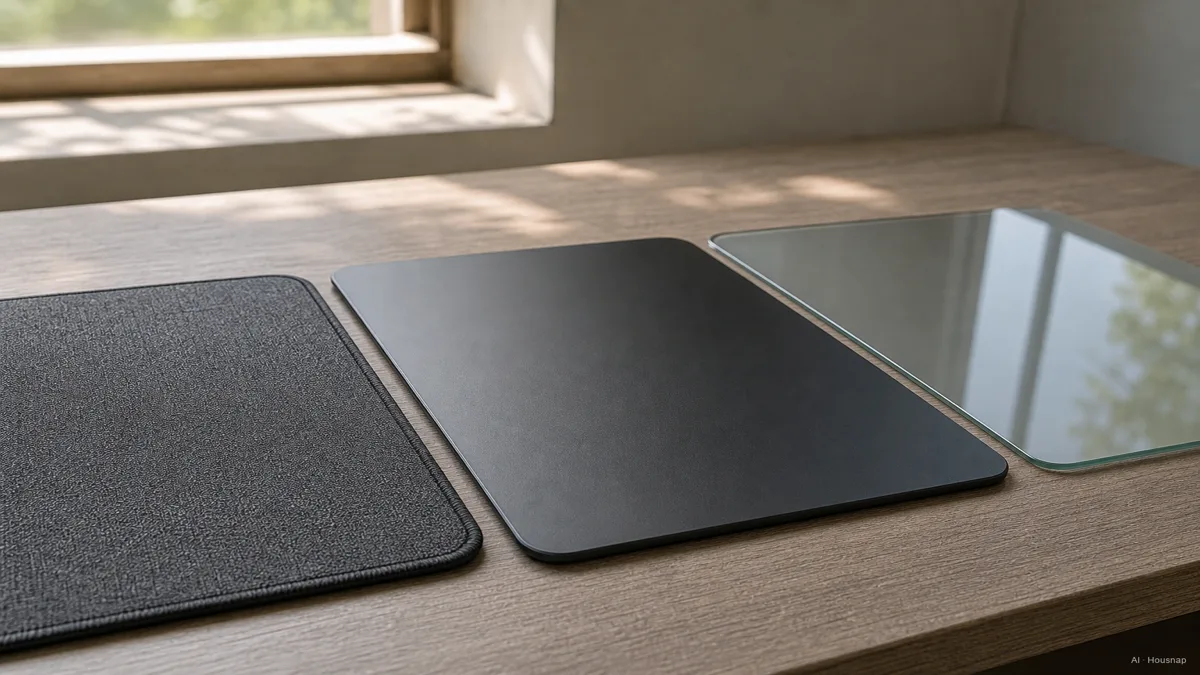
Cloth. Usually a woven or micro-woven fabric bonded to a rubber base. The texture gives your mouse a controlled, slightly grippy glide, and it is the quietest option on a desk, which matters more than people expect once you are gaming late at night next to a sleeping roommate. The tradeoff is that fabric wears down. Threads pill, edges can fray or curl over months of use, and cloth traps a little heat and sweat under your palm during long sessions, as RGBKeys' breakdown of fabric, glass, and hard plastic pads explains.

Hard plastic. Usually HDPE, ABS, or polypropylene, the same family of plastics used in cutting boards and food containers. These surfaces glide smoother and faster than cloth, wipe clean in seconds, and hold up for years without wearing thin, according to ShunPoly's material comparison. The catch is texture-dependent. A rougher hard surface can add friction and a faint scratchy sound that some players find distracting, so not every hard pad automatically feels fast.

Glass. Tempered glass over a silicone base, the newest and most premium category, with pads like the ASUS ROG Moonstone Ace as a reference point. Glass delivers the fastest, most uniform glide of the three, never wears in from repeated use, and needs nothing more than a wipe to stay clean. It also costs noticeably more, runs louder under a mouse's feet, is heavier to move around, and only performs at its best on a desk that is genuinely flat, since any warp in the surface underneath telegraphs straight through the glass.

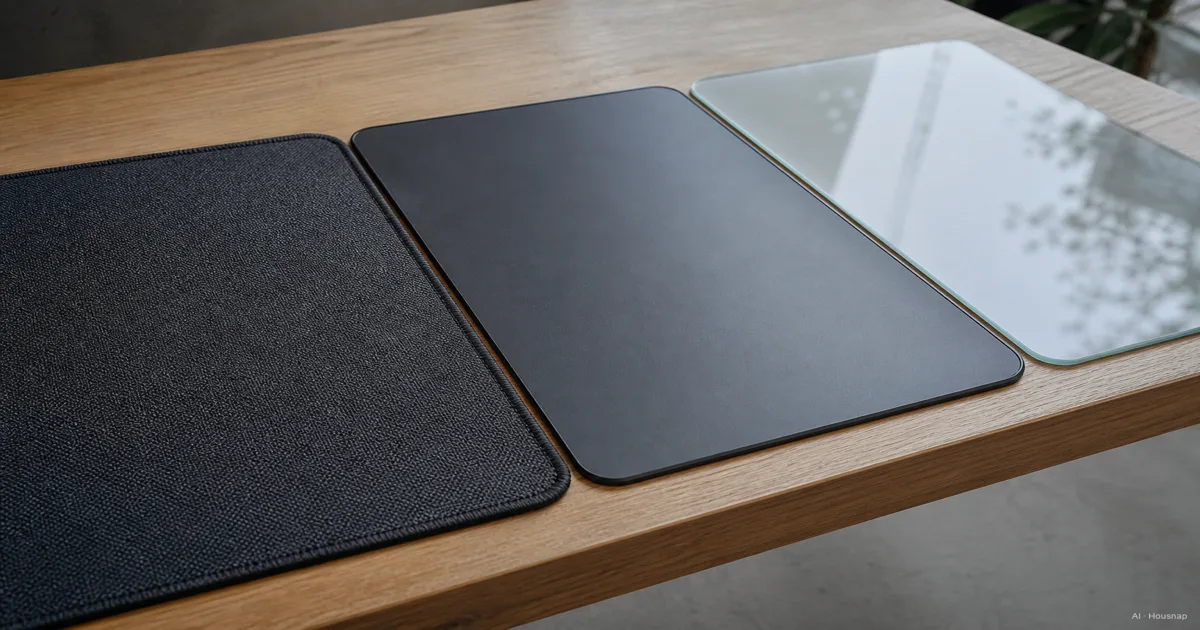
Image: three mouse pad surfaces laid side by side on a desk, a woven cloth pad, a smooth hard plastic pad, and a glass pad with visible reflections, each catching light differently — AI-illustratie

Control vs Speed: Which Surface Texture Fits Your Use

Material picks the ceiling, texture picks how the pad actually feels move to move. Every gaming pad, regardless of what it is made from, is generally tuned toward one of two textures.

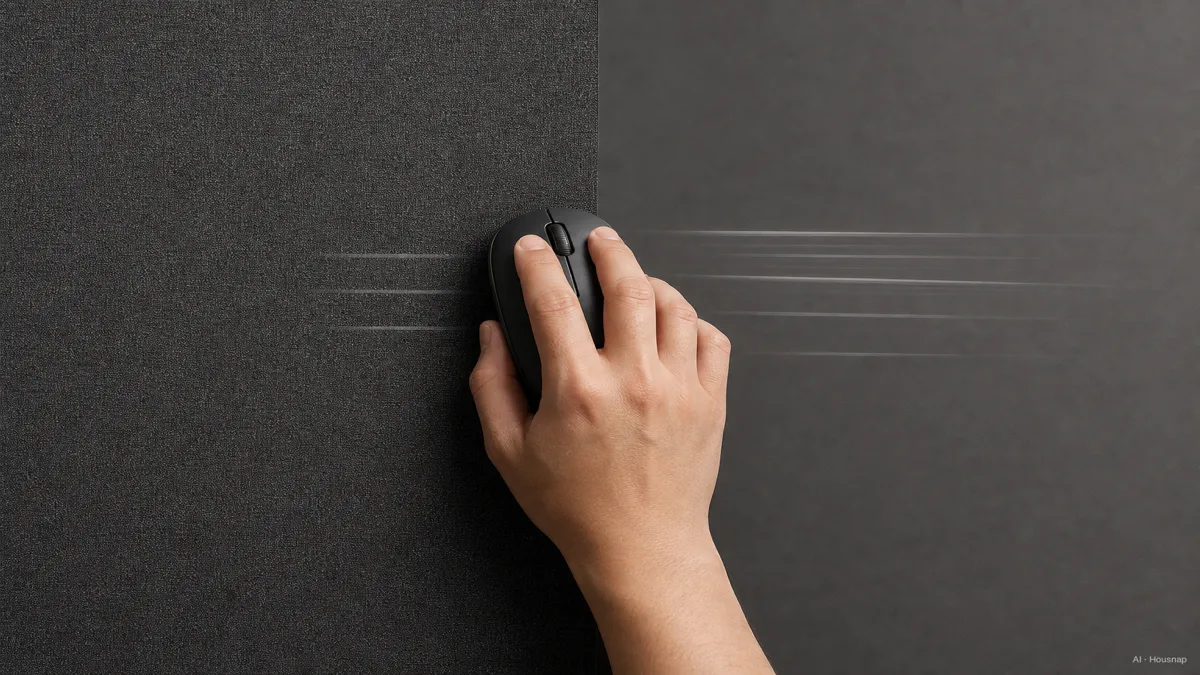
Control surfaces run rougher, with more friction between your mouse feet and the pad. That friction slows the cursor down and makes it easier to stop exactly where you meant to, which is why Aura Gaming Gear's playstyle guide points tactical, precision-aim games like CS2 and Valorant toward control pads. If you play at a lower sensitivity and rely on small, deliberate wrist movements to land a shot, control is the friendlier texture.

Speed surfaces run smoother, with less friction, so the mouse covers more distance for the same arm movement. That is exactly what fast flick-aiming and high-DPI play rewards, and it is why players in Apex Legends or Overwatch, games built around quick target swaps, tend to prefer speed pads.

If you genuinely do not know your playstyle yet, a hybrid surface is the sensible default. It sits between control and speed, glide and stop feel both land in the middle, and Odin Gaming's guide recommends it for exactly this reason, so you are not locked into an extreme before you know what your hand actually wants.

One thing worth knowing before you buy: your mouse's DPI setting and this texture choice work together, not separately. High-DPI, fast-flick players tend to gravitate toward smoother speed or glass surfaces, while lower-DPI, precision-first players tend to land on higher-friction control or cloth surfaces. Picking a texture that fights your DPI habit is a common first-buy mistake.

Image: overhead view of a hand moving a mouse across two different pad zones on the same desk, one textured and slower on the left, one smooth and fast on the right, with faint motion trail lines suggesting different glide speeds — AI-illustratie

Size and Thickness: Standard vs Extended Desk Mats

Mouse pads used to top out around 12 by 10 inches. That is no longer the default, and for good reason once your keyboard and mouse both need room to move freely without falling off the edge.

An extended desk mat, something in the 70 by 35 cm range, covers both your keyboard and your mouse's entire swing radius on one surface. For anyone gaming at low-to-mid sensitivity, where big arm sweeps are normal, running out of pad mid-swing is a real annoyance that a full desk mat removes entirely.

Thickness matters almost as much as footprint. A pad in the 3 to 4mm range, built from microfiber bonded to neoprene, tends to sit flat without curling at the edges and gives a slightly cushioned feel under the wrist during long sessions, per general desk mat sourcing guides. Thinner pads pack easier and travel better, but they can shift or wrinkle over time on a slick desk. Stitched edges are a small detail that pays off, since raw-cut fabric edges are the first part of any cloth pad to fray.

For general productivity use rather than gaming, that same mid-thickness cloth desk mat is usually the sensible pick, it balances control, speed, and long-term wear without needing you to think about competitive texture at all.

How to Match a Mouse Pad to Your Mouse and Desk Setup

A pad does not work in isolation, it works with the mouse gliding across it and the desk sitting under it.

Start with your mouse's feet. Most gaming mice ship with PTFE (Teflon) feet, and how those feet interact with a given surface is exactly what separates a fast glide from a draggy one. A hard plastic or glass surface pairs naturally with stock PTFE feet for a fast, low-friction feel, while a cloth surface adds its own texture on top, which is part of why cloth reads as slower even with identical feet.

Then check your desk. Glass pads in particular need a flat, rigid surface underneath, since any warp, seam, or soft give in a desk telegraphs straight through tempered glass and turns a premium pad into an inconsistent one. Cloth and hard plastic pads are more forgiving here because they can flex slightly to hide small surface imperfections.

Finally, think about what is actually reference-worthy for your use case rather than shopping by hype. A hard-surface pad like the Logitech G440, built from polypropylene, is frequently cited as sitting in the sweet spot between glide and grip for mixed work-and-gaming desks. On the cloth side, the Corsair MM100 shows up often as a solid affordable pick, while the SteelSeries QcK Performance is one of the more frequently cited top overall fabric pads. On the hard-surface RGB side, the Razer Firefly V2 Pro is called out for balancing tracking performance with lighting. None of these need to be the exact pad you buy, they are useful reference points for what a well-regarded pad in each category actually offers.

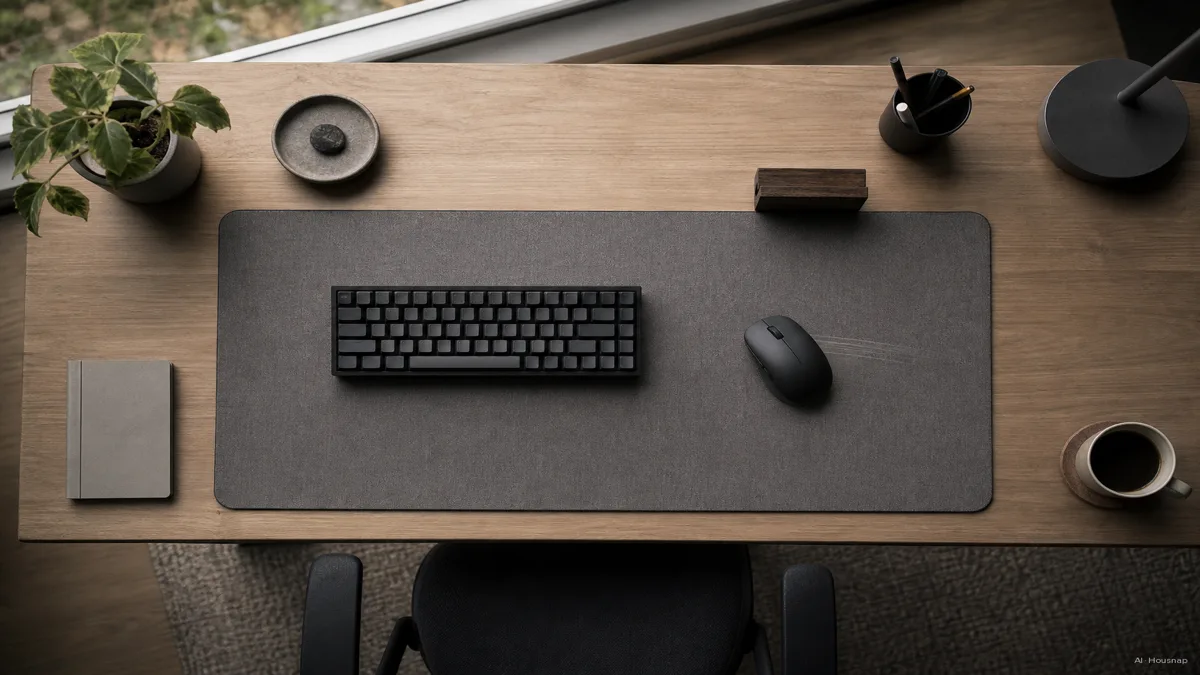
Image: a full desk setup viewed from above, keyboard and mouse both resting on one extended desk mat, mouse mid-glide with a faint motion line toward the edge of the pad — AI-illustratie

Care and Longevity: Cleaning and Replacing Each Material Type

Each material asks for different upkeep, and getting this wrong is the fastest way to make a good pad feel worn out early.

Cloth pads are washable, most tolerate a gentle hand wash with mild soap and a full air dry, never a dryer, since heat can warp the rubber base. Even with care, cloth is the one material that genuinely wears out. Expect pilling, a slightly shinier glide track where your mouse spends most of its time, and eventually curling edges after many months of daily use. When the surface starts feeling noticeably smoother than it did on day one, that is cloth telling you it is due for a replacement.

Hard plastic pads need almost no maintenance. A wipe with a damp cloth clears dust, oil, and grime in seconds, and the surface does not degrade the way fabric does, so a hard pad you bought years ago can still perform close to new.

Glass pads are the same story, just wipe clean, no washing required, and the tempered surface is fundamentally unaffected by humidity, oil buildup, or repeated glide, which is a real part of why the category costs more. The tradeoff is fragility in a different sense, a hard drop can crack tempered glass in a way a cloth or plastic pad would simply shrug off.

Whichever material you land on, the buying decision really comes down to texture first, then size and thickness for your desk, and only after that a specific pad. From here, the useful next step is filtering mouse pads by surface type and size, then comparing what the same or similar pad costs across stores, so the glide you picked ends up on a pad you can actually afford to replace when it is time.

Sources

Hoe deze gids is opgebouwd

Samengesteld door het Housnap-team · De afbeeldingen zijn AI-gegenereerde illustraties