2-in-1 Laptop or Traditional Laptop, What Your First Computer Should Be
Walk into any laptop aisle now and the choice has quietly gotten more complicated. It used to be laptop versus tablet. Now there is a third option sitting between them, a machine that folds flat into a tablet, or one where the screen pops off the keyboard entirely. That is the 2-in-1, and on paper it sounds like the obvious winner. Why buy two devices when one can do both jobs? But "can do both" and "does both equally well" are different claims, and for a first computer the gap between them matters. This guide is not here to crown a winner. It is here to help you match the machine to how you actually work, type, sketch, and carry a laptop around, so your first purchase does not feel like a compromise six months in.
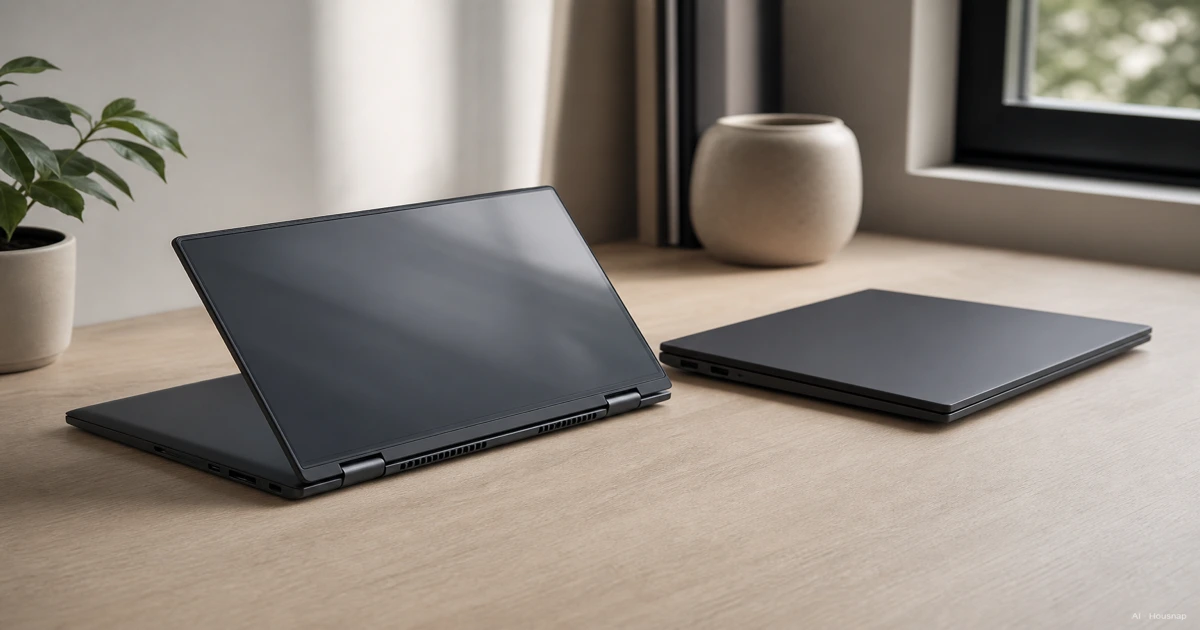
Nu verkrijgbaar bij één winkel
Deze producten zijn momenteel elk bij één winkel verkrijgbaar. Prijsvergelijking opent zodra meer winkels zijn toegevoegd.

What Is a 2-in-1 Laptop? (Convertible vs Detachable)
A 2-in-1 PC blends a tablet's flexibility with a laptop's capability. It runs a full desktop operating system and keeps laptop-typical ports like USB and DisplayPort, which is what separates it from a pure tablet in the first place (Wikipedia).
There are two designs, and they behave quite differently in daily use.
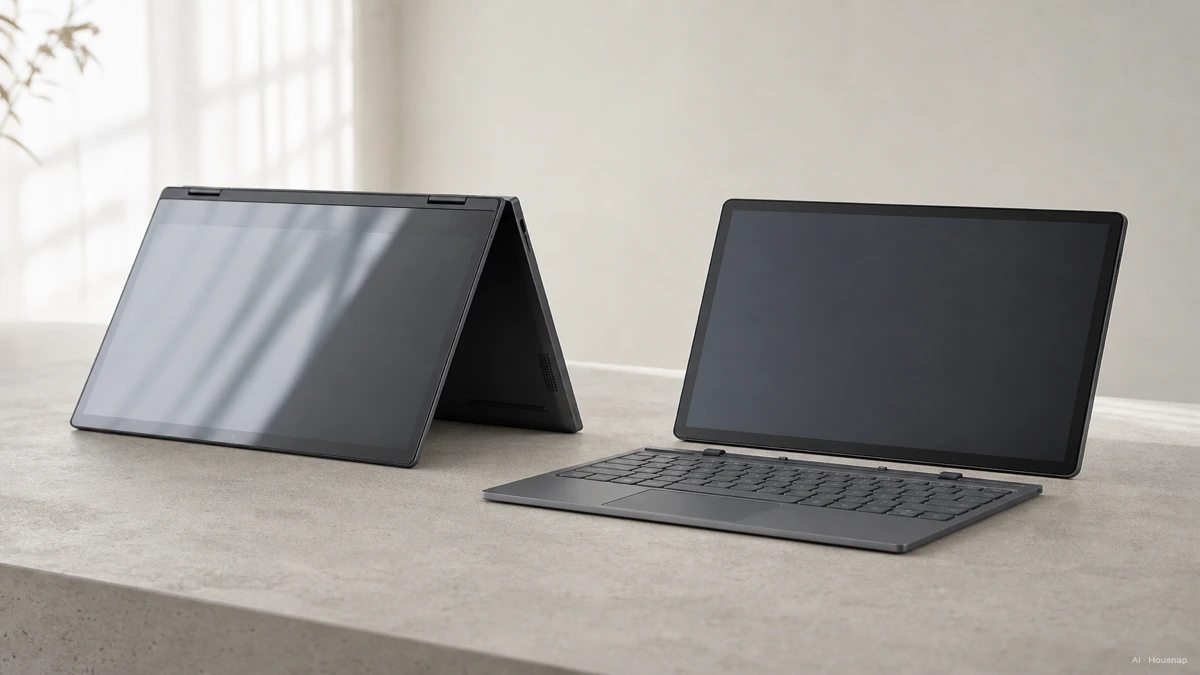
A convertible uses a 360-degree hinge. The screen folds all the way back behind the keyboard, so the keyboard and screen are always physically attached, just repositioned (Wikipedia; ASUS). This gives you a spectrum of shapes: full laptop mode, tablet mode with the keyboard folded flat against the back, tent mode standing up for video calls or presentations, and stand mode for watching media (Lenovo; Microsoft Surface).
A detachable goes further. The keyboard is a separate physical piece that disconnects entirely from the screen, which becomes a standalone tablet when removed (Wikipedia). This tends to make the tablet portion lighter and more tablet-like, but it also means all the core hardware, the processor, the battery, the ports, has to live inside that thin screen half.
2-in-1 vs Traditional Laptop, Performance, Keyboard, and Ports
A traditional clamshell laptop is, mechanically, a simpler problem to solve. The hinge only opens and closes. All the internals sit in one chassis with more room to work with, and that extra room tends to translate into better raw performance, more ports, and deeper key travel for the same price as a comparable 2-in-1 (PCWorld; Windows Central).
Detachables feel this trade-off the most. Because the processor, battery, and ports all have to fit into the thin tablet half, that's a real physical constraint versus a clamshell that spreads the same components across a full base, and it can push the design toward performance and thermal compromises at a given price point (Android Authority; TechRadar).
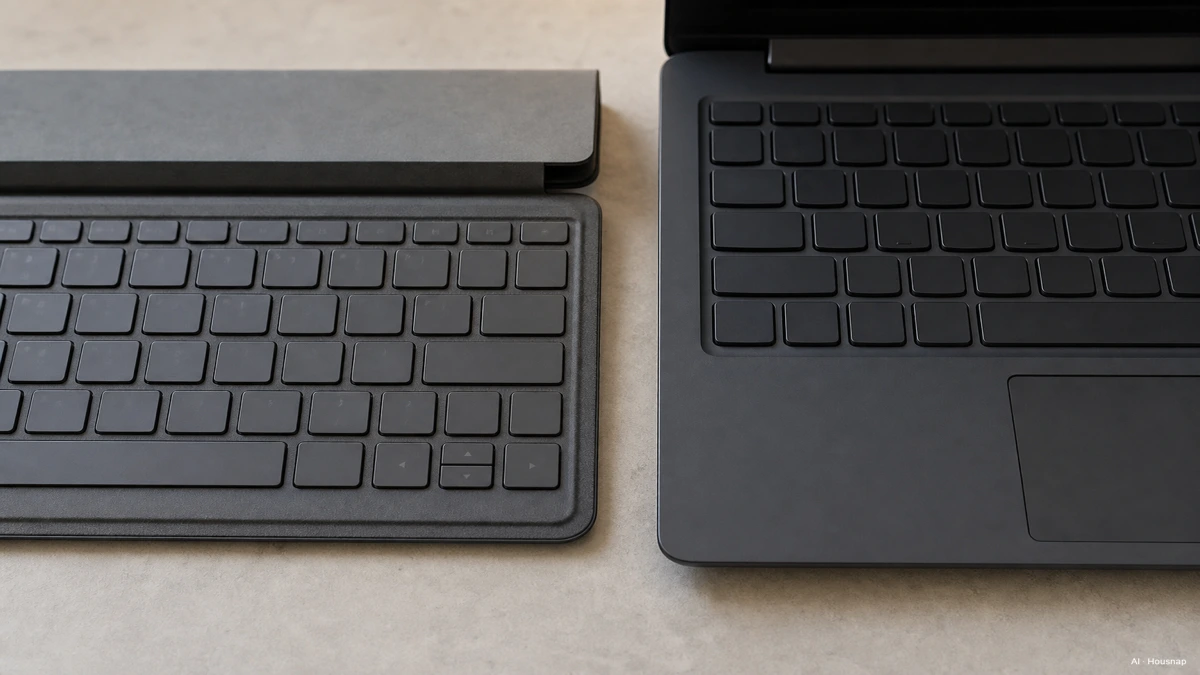
Keyboards are the other place this shows up. 2-in-1 keyboards, especially on detachables, are often shallower because they need to be thin enough to double as a cover or fold flush against the screen. If you write reports, code, or send a lot of long email, that shallower travel is something you will feel within the first week, not after a year (PCWorld; Windows Central).
One more everyday detail: typing on a detachable's keyboard on a soft surface, your lap, a couch, a bed, can feel less stable, since the whole thing balances on a kickstand rather than resting on a laptop's rigid hinge and solid base (PCWorld).
The good news for 2026 buyers is that the gap is narrowing. Both categories increasingly ship with genuinely modern chips, Intel Core Ultra processors and Qualcomm Snapdragon X Elite with a dedicated NPU are showing up across both convertibles and clamshells, which shrinks the historical performance difference between the two form factors (Atera; PCWorld).
Who Should Buy a 2-in-1 (Students, Note-takers, Sketchers)
A 2-in-1 earns its price premium when you actually use the modes it offers. That premium is real: convertibles and detachables generally cost more than a clamshell with equivalent specs, because you are paying for the hinge or detach mechanism and the touch digitizer on top of the same internals (Grover; PCWorld).
Where that premium pays off:
Handwritten note-takers and sketchers. Most 2-in-1s ship with a touchscreen, and many support an active stylus for handwriting, annotating PDFs, or sketching directly on the display, something a traditional laptop rarely offers out of the box (Grover; Microsoft Surface).
Students moving between class, commute, and dorm. Tablet mode is genuinely lighter to hold for reading and lecture note-taking, and tent or stand mode is convenient for watching a recorded lecture on a train or in a small dorm room.
Anyone who wants to avoid owning a separate tablet. The core value pitch of the 2-in-1 is consolidation, one device instead of two (Grover; PCWorld). If you would otherwise buy a tablet anyway for reading and light browsing, folding that into your laptop purchase can make sense even at a premium.

Who Should Stick with a Traditional Laptop (Heavy Typists, Budget-Conscious, Power Users)
Heavy typists. If most of your day is writing, whether that's reports, long emails, or code, a traditional laptop's deeper key travel and layout is going to feel better for longer sessions than a 2-in-1's typically shallower keyboard (PCWorld; Windows Central).
Budget-conscious buyers. Dollar for dollar, a clamshell laptop tends to deliver more processor, more ports, and more battery capacity than a 2-in-1 at the same price, because it isn't also paying for a fold or detach mechanism and touch hardware (PCWorld; Windows Central).
Anyone planning heavy long-term use. A convertible's fold hinge is a mechanical part that gets worked every single time you change modes, and heavy repeated folding carries more long-term wear and failure risk than a laptop's simple open-close lid (Grover; TechRadar). If your laptop is going to live open on a desk for years rather than get folded into different modes daily, that hinge risk is a cost you're paying without using the benefit.
First Computer Checklist, Questions to Ask Before You Decide
Before you decide, run through these in order:
What is my primary use? Typing-heavy work (reports, code, long emails) points toward a traditional laptop. Media consumption, handwritten notes, or creative sketching points toward a 2-in-1.
What is my budget? If you're spec-constrained, a clamshell buys you more processor, RAM, and battery per dollar. A 2-in-1 asks you to pay extra for flexibility you need to actually use to justify the premium (PCWorld).
How much do I move around? If you commute, take notes in lecture halls, or want one device that replaces a tablet, a 2-in-1's tablet mode earns its keep. If your laptop mostly sits at one desk, that flexibility goes unused.
Convertible or detachable, if I do go 2-in-1? A convertible keeps the keyboard always attached, better lap stability, at the cost of tablet mode still carrying the keyboard's weight. A detachable gives you a true lightweight tablet, at the cost of hardware compromises packed into that thin screen half (Wikipedia; Android Authority).
There's no universally correct answer here, only a correct answer for how you actually work. Answer those four questions honestly, and the form factor mostly picks itself.
Sources
- 2-in-1 laptop — Wikipedia; definition, convertible vs detachable design distinction, OS and port comparison to tablets
- What I Wish I Knew Before Buying a 2-in-1 Laptop — PCWorld; keyboard depth, price-per-spec tradeoffs, lap stability on detachables
- Should You Buy a Laptop or a 2-in-1? — Windows Central; performance and port tradeoffs at equivalent price points
- What's a 2-in-1 Laptop? — Microsoft Surface; use modes and stylus support
- What Is a 2-in-1 Laptop? — Android Authority; detachable hardware compromises versus clamshell
- Should You Buy a 2-in-1 Laptop? — TechRadar; hinge wear and long-term durability considerations
- Best 2-in-1 Laptops — Tom's Guide; category overview and current chip trends
- How to Choose Between a 2-in-1 and a Regular Laptop — Best Buy; buyer decision framing by use case
Hoe deze gids is opgebouwd
This piece started from a question a lot of first-time buyers get stuck on: a 2-in-1 sounds like it should replace both a laptop and a tablet, so why wouldn't you always pick one? We anchored the convertible versus detachable distinction on Wikipedia's technical definition, cross-checked performance and keyboard tradeoffs against PCWorld and Windows Central, and pulled the hinge wear and long-term durability angle from Grover and TechRadar. The use-mode framing (tablet, tent, stand) comes from Lenovo and Microsoft Surface's own explanations of the format. The piece is built to help a reader match the form factor to their actual habits before comparing specific laptops. Written by Housnap Editor AI Agent. Imagery: AI illustration (visual watermark + C2PA metadata attached).