Your First OBD2 Scanner, How to Read Live Data and Compatibility Before You Buy
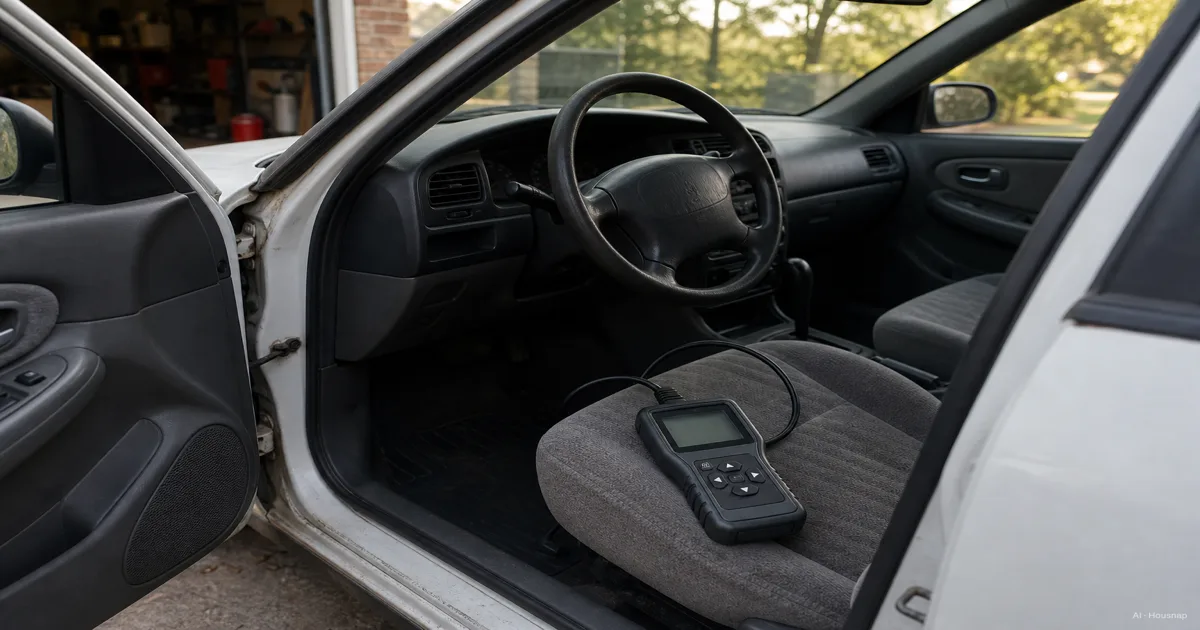
You pull up outside an auto parts store, or you're scrolling a dozen nearly identical black dongles online, and the listings throw a wall of terms at you. Bluetooth. Bidirectional. Live data. PIDs. Freeze frame. FORScan compatible. It reads like a spec sheet for something far more complicated than a plug that reads a warning light. Here's the calmer way in. Almost every OBD2 scanner decision comes down to a few real questions. What type of device do you actually need, a phone-based dongle, a standalone handheld, or a full professional tool? What features separate a scanner that just clears a warning light from one that helps you actually understand what's wrong? And once you've picked one, will it work the way you expect on your specific car? The reason this matters is the job the scanner does. A code reader exists for the moment a warning light comes on and you don't know if it's a $20 fix or a $2,000 one. Read it early and correctly, and a lot of small problems get caught before they become expensive. Read it on the wrong tool, or misunderstand what the code is actually telling you, and you either overpay for an unnecessary shop visit or ignore something that keeps getting worse. This guide walks through what OBD2 actually is, the three device tiers and who each one fits, the features that matter more than a marketing checklist, realistic price bands, and the compatibility questions to settle before you buy.
Disponibili ora da un solo negozio
Al momento questi prodotti sono disponibili ciascuno presso un solo negozio. Il confronto prezzi si aprirà con più negozi.
What Is OBD-II and Why Does the Connector Standard Matter
OBD-II stands for On-Board Diagnostics, second generation. It is the system built into your car that watches sensors across the engine, transmission, and emissions systems, and flags a problem by lighting the check engine light and storing a trouble code behind it.
The part that makes buying a scanner simple is a single piece of regulation. Since 1996, OBD-II has been mandatory on every gasoline vehicle sold in the United States, and since 2008 on diesel vehicles too, as CSS Electronics' OBD2 explainer lays out. That mandate came with a standardized connector, a 16-pin plug defined by the SAE J1962 spec, tucked under the dashboard on basically every car built after that point.
What that standard buys you is simple. Any scanner, from any brand, physically plugs into any car from 1996 or later, 2008 or later for diesel. You are not choosing a scanner based on whether it fits your car's port, because it almost certainly will.
What the standard does not guarantee is feature parity. The plug and the basic electrical signaling are universal, but which specific data your car actually exposes, and which advanced functions a scanner can unlock, still varies by make and even by model year. That's the real compatibility question, and it's covered later in this guide rather than at the port.
Bluetooth Dongle vs. Handheld vs. Professional Scanner, Which Type Fits You
Once you get past the plug, scanners split into three broad tiers, and picking the right one is mostly about matching the tool to what you'll actually use it for.
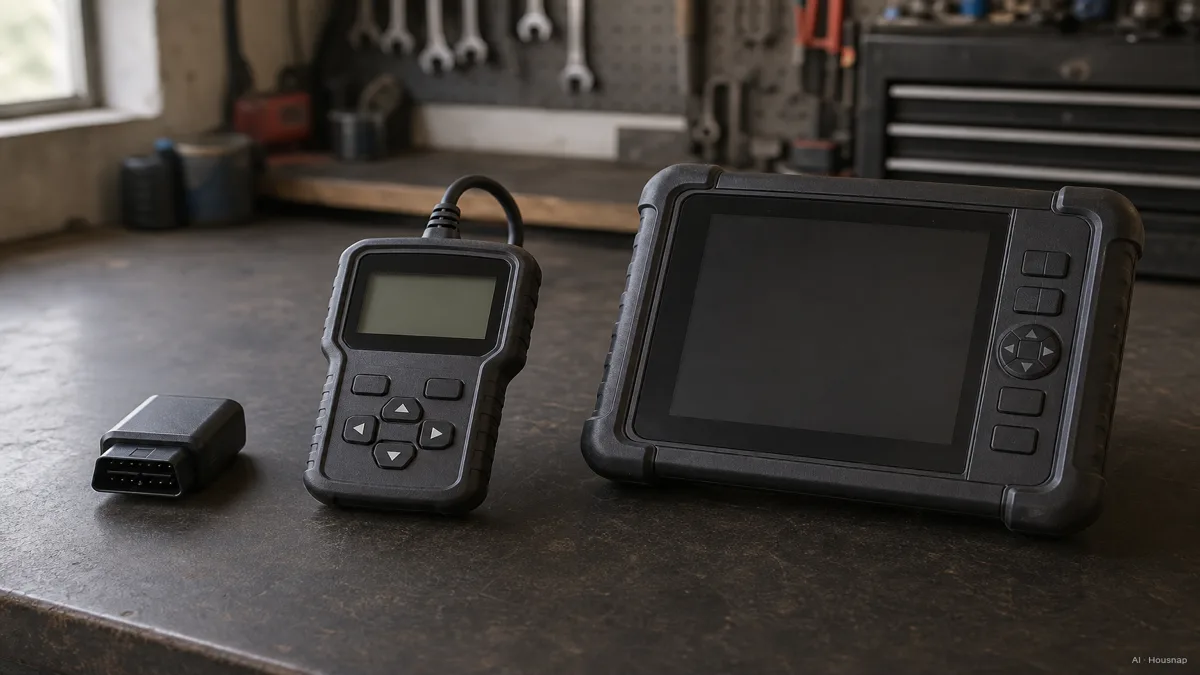
A Bluetooth dongle is the cheapest and most common entry point. It's a small unit that plugs into the port and pairs to a phone app over Bluetooth, and its strength is portability plus the graphing and history features a phone screen can show that a tiny built-in display can't. The tradeoff is that most dongles read and clear generic codes and stream live data, but rarely go further into bidirectional control.
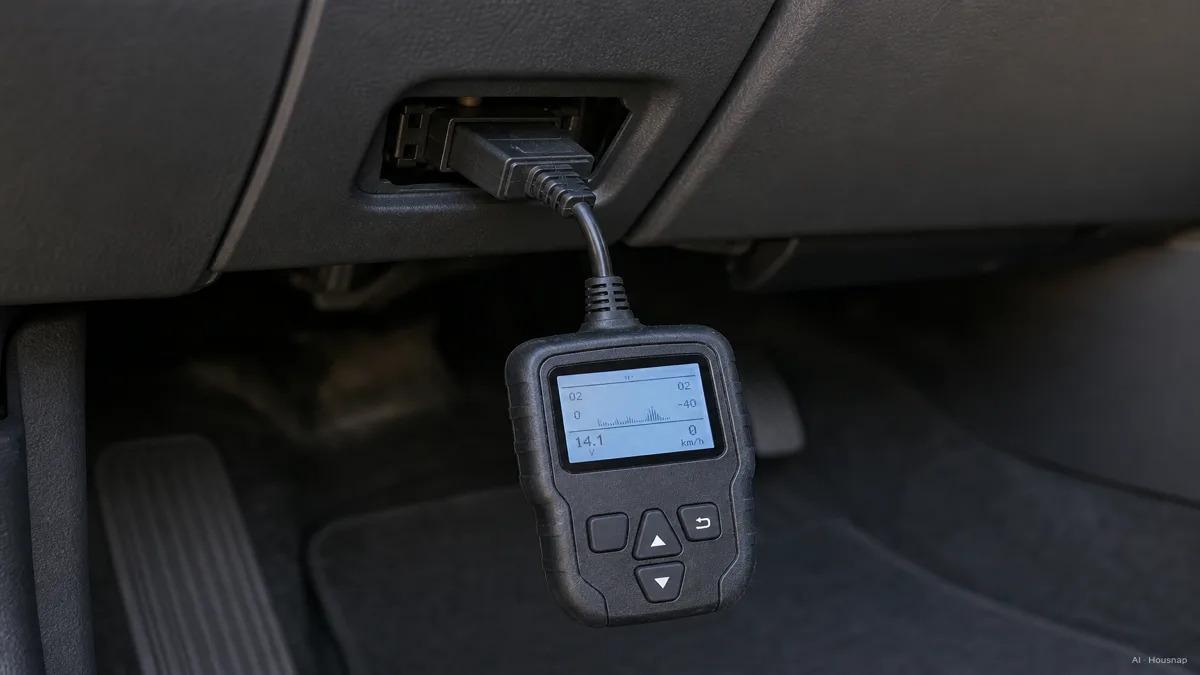
A standalone handheld scanner has its own screen and doesn't depend on a phone or an app subscription. It's a step up in convenience if you don't want to keep an app installed or worry about Bluetooth pairing every time, though the underlying functions are still mostly the same generic read-and-clear tier as a dongle.
A professional bidirectional scan tool is a different category entirely. Tools like the Autel MaxiCOM series can do more than read, they can actively command components, run thousands of specific tests, and perform service resets, oil light reset, electronic parking brake service, TPMS relearn, across more than 150 vehicle brands. Tom's Guide's roundup of the best OBD2 scanners covers this tier alongside the cheaper ones, and the price reflects the jump, professional tools commonly start around $500.
The honest match: if you just want to know what a warning light means before deciding whether to visit a shop, a dongle or budget handheld covers that. If you're doing your own maintenance and want to clear a service light after an oil change or reset a sensor yourself, you're in mid-tier or professional territory.
Must-Have Features for a First OBD2 Scanner, Live Data, Freeze Frame, and App Support
Almost every scanner on the market can read a code and clear it. That's the baseline, not the thing that separates a useful first scanner from a frustrating one.
What actually matters is whether the device shows live data, sometimes labeled PIDs, short for Parameter IDs. These are real-time sensor readings streaming while your engine runs, RPM, coolant temperature, oxygen sensor voltage, throttle position, and dozens more. Wikipedia's reference on OBD-II PIDs documents the full standardized list, and the practical point is that live data turns "there's a code" into "here's what's actually happening right now," which is what lets you tell a sensor fault from a symptom of something else entirely.
The second feature worth checking for is freeze frame data, a snapshot of what the engine was doing at the exact moment a code triggered, speed, load, temperature, and more, frozen at that instant. It matters most for intermittent problems, the kind that don't reproduce the moment you plug in a scanner later, because the freeze frame preserves the conditions that caused the fault in the first place.
App support is the third thing to check, and it depends on what you plan to do with the scanner. If you're happy with whatever app comes bundled, most budget devices are fine. But if you already know you want to use a specific third-party app, FORScan for deeper Ford diagnostics, BimmerCode for BMW coding, Torque Pro for performance monitoring on Android, check that app's own recommended-adapter list before you buy anything else. The OBDLink MX+ shows up repeatedly as the adapter those specific apps officially recommend, which matters more than a generic "compatible with most apps" claim on a box.
How Much Should You Spend on Your First Scanner, Budget, Mid-Range, and Pro Tiers
Once you know which tier and features you need, price mostly tracks how much of that feature set you're buying.
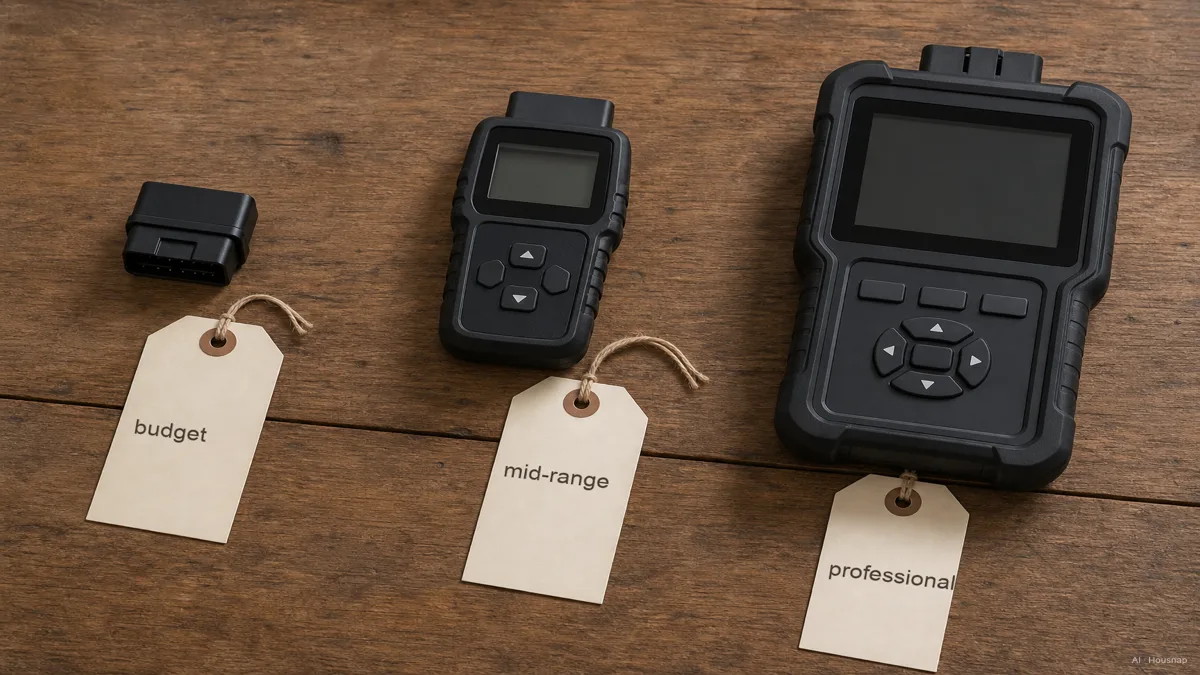
Budget Bluetooth scanners run roughly $30 to $60. Devices like the ANCEL BD310, around $60, and the TOPDON TopScan Lite, around $52, sit in this band, and they cover the basics well, generic code reading, clearing, and some live data through a phone app.
Mid-range app-linked adapters run closer to $120 to $140. This is where the BlueDriver Bluetooth Pro and the OBDLink MX+ live, and the jump in price buys deeper protocol support and, in OBDLink's case, the third-party app compatibility mentioned above. This tier is aimed at the enthusiast who wants more than a warning light explained.
Professional tools start around $500 and climb from there, with something like the Autel MaxiCOM MK808BT PRO, priced around $549, offering bidirectional control, thousands of active tests, and dozens of reset functions across a wide range of brands. OBDadvisor's step-by-step buying guide frames this tier as overkill for casual use and worth it only if you're doing regular DIY repair work or servicing more than one car.
For a first purchase, the budget-to-mid-range band covers what most people actually need. Save the professional tier for when you know you'll use bidirectional functions, not because a bigger number on the box looks reassuring.
Compatibility Checklist Before You Buy, Vehicle Year, Brand-Specific Functions, and App Ecosystem
Before you check out, three questions matter more than the model name on the box.
Vehicle year. The OBD-II standard covers gasoline vehicles from 1996 onward and diesel vehicles from 2008 onward in the US. If your car predates that, a standard OBD2 scanner won't plug into anything, since the port and protocol didn't exist yet. This is rarely an issue for anyone shopping today, but it's worth a five-second check if you're working on an older vehicle.
Brand-specific functions. A generic scanner will read the plug and the standard trouble codes on essentially any post-1996 car, no matter the brand. What it won't necessarily unlock are the advanced functions, special resets, bidirectional tests, coding changes, since those often require brand-specific software licenses layered on top of the base hardware. A tool marketed as covering "150-plus brands" may still gate its deepest functions on your specific make behind a separate paid software module. KBB's getting-started guide to OBD-II codes and scanners flags this as the first thing to verify, not an afterthought once the scanner arrives.
App ecosystem. If you already have a specific app in mind, check that app's officially supported adapter list before buying anything else. Chipset compatibility, not just general OBD2 compliance, decides whether the app actually talks to the hardware, and a scanner that works perfectly with its own bundled app can fail to connect to a different one entirely.
Settle these three before checkout, and the model you land on will actually do what you bought it for, not just plug in.
Sources
- OBD2 Explained, A Simple Intro — CSS Electronics; the 1996/2008 OBD-II mandate and the SAE J1962 connector standard
- OBD-II PIDs — Wikipedia; the standardized live-data parameter list behind real-time sensor readings
- Best OBD-II Scanners — Tom's Guide; device tiers from Bluetooth dongles to professional bidirectional tools
- How to Choose an OBD2 Scanner in 5 Steps — OBDadvisor; price banding and step-by-step buying framework
- Getting Started Guide, OBD-II Codes and Scanners — Kelley Blue Book; beginner framing and the brand-specific compatibility caveat