Decoding microSD Card Speed Classes Before Your First Buy
You pick up a microSD card and the packaging is a wall of tiny symbols. A number inside a C. A number inside a U. A V followed by a number. Sometimes an A followed by a number too. They look like one confusing rating, but they are not one thing at all, they are four separate systems stacked on top of each other, and almost no product page tells you which is which. That matters because the wrong guess is not free. Buy a card rated for basic photos when you needed sustained 4K video, and you get dropped frames on a family trip. Buy the most expensive A2 card assuming it makes everything faster, and on the wrong device it can do nothing at all, or even slow down a plain file transfer. This guide breaks down what each symbol actually promises, walks through the one rating that is conditional on your device rather than the card, and maps out what you actually need for a phone, a camera, a Nintendo Switch or Steam Deck, and a dash cam, so the icons on the package stop being a mystery.
Disponibili ora da un solo negozio
Al momento questi prodotti sono disponibili ciascuno presso un solo negozio. Il confronto prezzi si aprirà con più negozi.

What Do the Symbols on a microSD Card Actually Mean?
The SD Association, the industry body behind the SD standard, maintains four separate speed-class systems that can all appear on the same card at once: Speed Class, UHS Speed Class, Video Speed Class, and Application Performance Class, as laid out in the SD Association's own speed class overview. None of them replace the others. Each one answers a different question, and a single card's packaging can legally carry all four printed side by side.
That is the source of most of the confusion. A shopper sees "U3" next to "V30" next to "A2" and assumes they are competing claims about the same thing. They are not. Think of them as four separate certificates, each measuring a different job the card has to do.
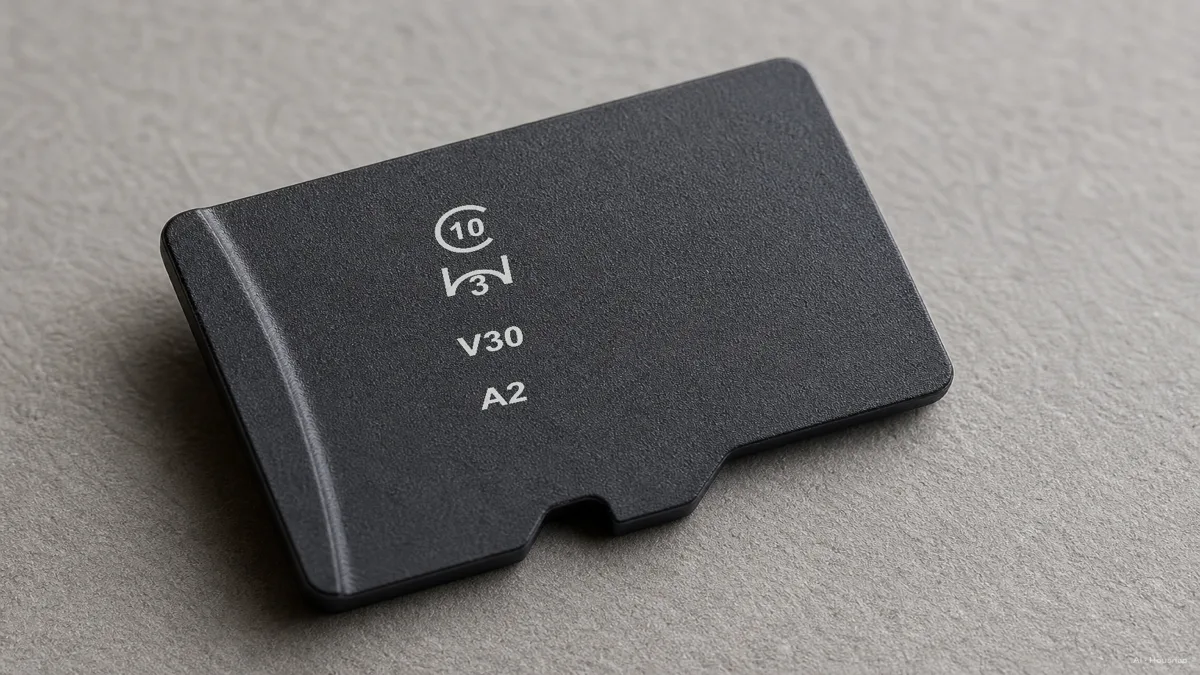
- Speed Class (C2/C4/C6/C10). The oldest system, and mostly a legacy floor at this point. A "10" inside a "C" guarantees a minimum sustained write speed of 10 MB/s, a baseline that essentially every modern card clears, according to both the SD Association and Kingston's speed class explainer.
- UHS Speed Class (U1/U3). U1 guarantees 10 MB/s minimum sustained write, U3 guarantees 30 MB/s. This is the number most buyers should actually look at first for general use.
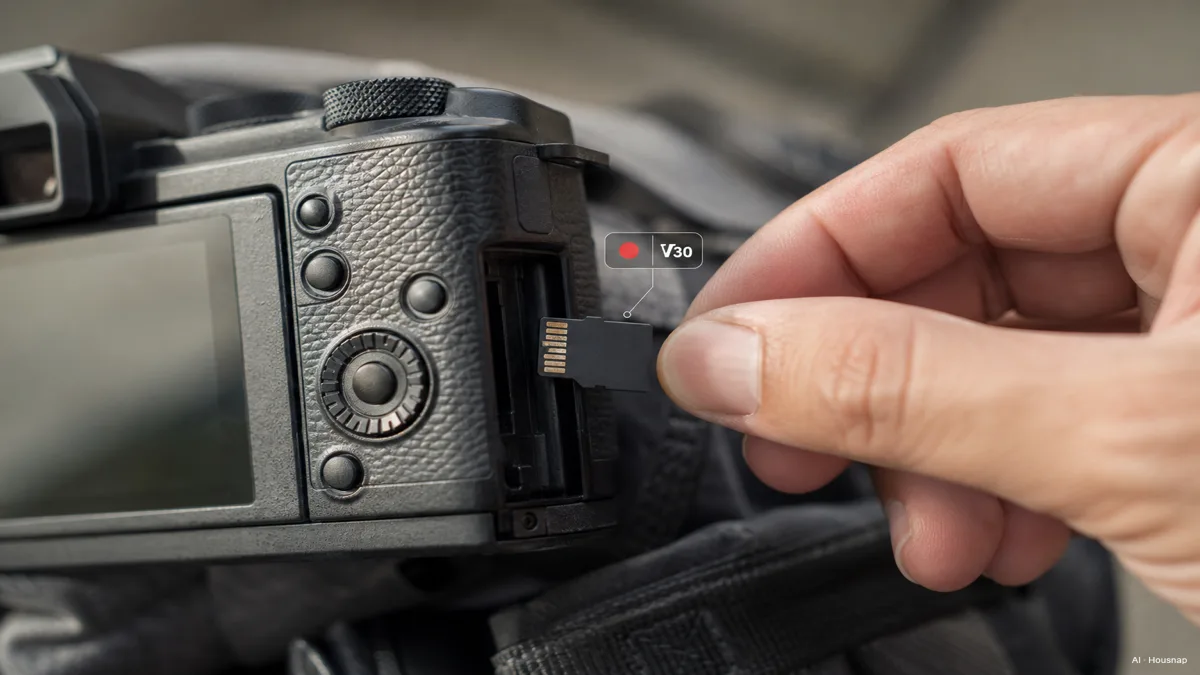
- Video Speed Class (V6/V10/V30/V60/V90). Introduced in 2016 specifically for high-resolution video, where dropped frames are the failure mode that matters. V30 guarantees 30 MB/s, V60 guarantees 60 MB/s, V90 guarantees 90 MB/s, all sustained rather than burst, per the SD Association.
- Application Performance Class (A1/A2). A different axis entirely, covered in its own section below.
One detail worth internalizing: V30 and U3 promise the exact same 30 MB/s floor. They exist as separate systems because the video industry wanted a label that specifically signals "safe for 4K recording" without buyers needing to know what UHS even stands for.
Speed Class vs UHS Speed Class vs Video Speed Class, What Actually Changed
All three of these systems measure the same underlying thing, sustained sequential write speed, they just arrived in different eras and target different buyers. Speed Class came first and tops out at a 10 MB/s guarantee, which made sense when cards themselves rarely wrote faster than that. UHS Speed Class arrived once cards could sustain real 30 MB/s writes and needed a way to say so.
Video Speed Class is the newest of the three and the one worth paying closest attention to if recording video is any part of why you're buying a card. It exists because camera and drone makers needed a rating that spoke directly to a specific failure: a card that looks fast on paper but drops a frame three minutes into a 4K clip because it cannot sustain the write speed for the full recording, not just in a short burst.
That distinction, sustained versus burst, is the whole point. A card can spike to an impressive number for a couple of seconds and still choke on a twenty-minute 4K file. The V-rating exists specifically to rule that out.
For most non-video buyers, U3 (or V30, since they guarantee the same floor) is the number to check. For 8K or high-frame-rate 4K shooters, V60 or V90 becomes relevant, and those cards concentrate in the higher end of the market.
A1 vs A2, Does the Application Performance Class Actually Matter for You?
Application Performance Class is not a speed rating in the way the others are. It measures random read and write performance in IOPS (input/output operations per second), the kind of access pattern that matters when a device is running apps or games directly off the card rather than writing one long continuous video file. Per the SD Association's own definition, A1 guarantees a minimum 1,500 random read IOPS and 500 random write IOPS, while A2 guarantees 4,000 random read IOPS and 2,000 random write IOPS.
Here is the part that trips people up: A2's real benefit only shows up on a device built to use it. A2 relies on the host supporting command queuing and caching. On a device that supports it, switching to an A2 card was measured to nearly halve app load times, according to testing from Have Camera Will Travel's breakdown of A1 vs A2 ratings. On a device that doesn't support it, the exact same A2 card showed no improvement, and in some file-transfer tests actually performed a little worse than an equivalent A1 card.
That is a genuinely unusual situation in electronics shopping. Normally, paying more for a higher spec at least does no harm. Here, an A2 card in the wrong device is money that bought you nothing, and A2 cards typically cost two to three times more than an equivalent-capacity A1 card.
So before paying the A2 premium, the real question isn't "is A2 better," it's "does my specific device actually take advantage of A2." A camera that just writes photos and video sequentially, for instance, gets no benefit from A2 at all, because it never does the kind of random access A2 is built for.
Which Speed Class Do You Need? Matching the Rating to What You're Buying For
Once you know what each icon promises, the decision collapses into matching the card to the device.
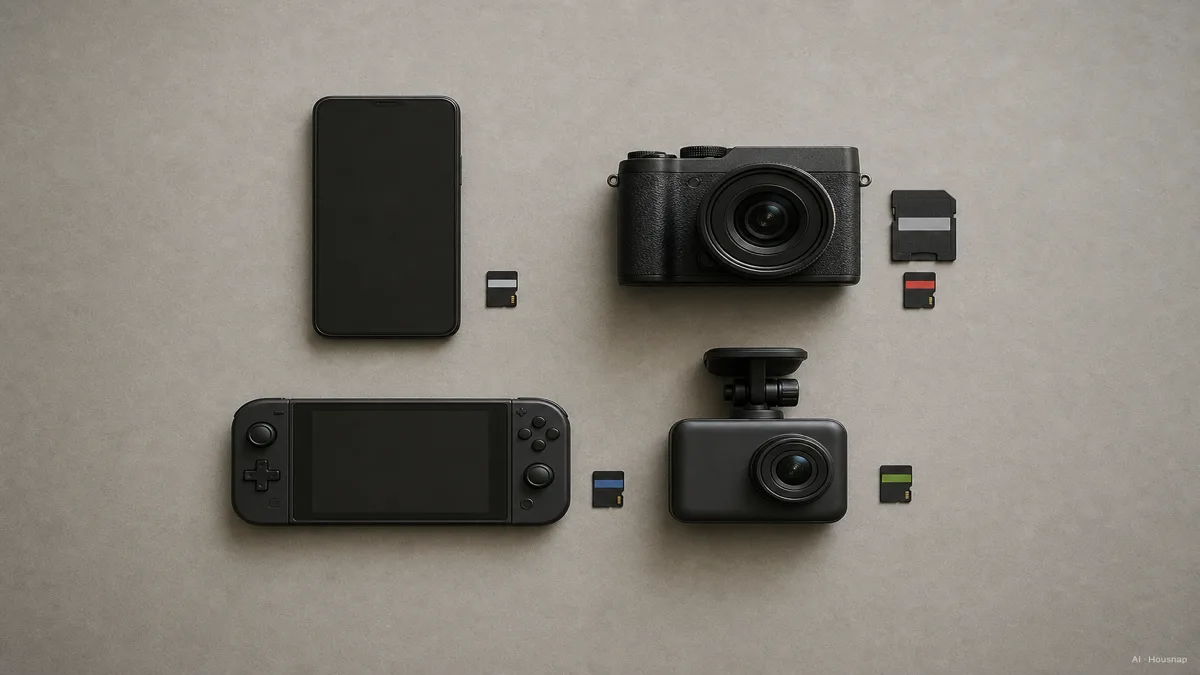
Phone or tablet, everyday use. A U1 or U3 card covers photos, casual video, and app storage comfortably. Most phones do not benefit meaningfully from A2, so it's rarely worth the premium here unless you're specifically running apps directly from the card.
Camera, drone, or action cam recording 4K. Go straight to U3 or V30 as the floor. If you're shooting high-bitrate 4K at high frame rates, or 8K, step up to V60 or V90 so a long recording session never drops a frame partway through.
Nintendo Switch or Steam Deck. These are the devices where A2 genuinely earns its price. Both are built to take advantage of the random-access speed A2 promises, and it visibly improves game load times, according to the SD Association's application performance class overview combined with real-world testing from handheld gaming communities. For capacity, 128 GB to 256 GB is the sweet spot for price and game-library size for most people, with 512 GB and up worth considering only if your library is large.
Dash cam or continuous-recording security camera. This is the one case where a generic high-speed card, even a great U3/V30 one, is the wrong tool. Dash cams overwrite footage in a continuous loop, which wears a card differently than normal use. Purpose-built high-endurance lines exist specifically for this write pattern, and a standard consumer card not rated for continuous overwrite cycles will wear out and fail faster in this role than its speed class would suggest.
Bus Interface Ceiling: UHS-I, UHS-II, and SD Express Explained
There's one more layer underneath all four rating systems: the bus interface, which sets the hard physical ceiling on throughput no matter what speed class is printed on the card. Per the SD Association's bus speed overview, UHS-I tops out around 104 MB/s, UHS-II reaches up to 312 MB/s, UHS-III up to 624 MB/s, and SD Express, the newest interface using PCIe and NVMe, up to roughly 3,940 MB/s.
This matters because a speed class rating is a guarantee, not a ceiling, and the bus interface is what actually determines the maximum a card and device combination can hit. Most consumer microSD cards and phones use UHS-I, so a V30 UHS-I card and a V90 UHS-I card can both be bottlenecked at a similar practical ceiling in a phone, even though their ratings differ.
For the overwhelming majority of first-time buyers, this is background context rather than a decision point. UHS-I covers phones, most cameras, the Switch, and the Steam Deck. SD Express is a newer, pricier tier aimed at professional video work and high-end use cases most shoppers will not need.
Picking Without the Guesswork: A Simple Rule and Rough Prices
When the four rating systems feel like too much to hold at once, one rule covers almost everyone: U3 (or the equivalent V30) is the safe default. It covers phones, drones, action cams, and most 4K recording needs at once, and it avoids the compatibility guesswork of chasing a rating your device can't use anyway, a conclusion echoed across Kingston's naming-convention guide and general buying-guide consensus from outlets like TechSpot.
Add A2 only for a Switch or Steam Deck, and add a high-endurance line only for a dash cam or continuous security recording.
On rough 2026 street pricing, referenced across several buying-guide roundups, a decent 128 GB card runs around $15, a good 256 GB card comes in under $30, 512 GB lands around $40, and 1 TB cards run around $100, per pricing synthesized in Yahoo Tech's 2026 best microSD roundup and Engadget's best microSD cards guide. For most people, 128 GB to 256 GB is the practical sweet spot before capacity stops mattering as much as the rating does.
Sources
- Speed Class — SD Association; official definitions of Speed Class, UHS Speed Class, and Video Speed Class minimum sustained write speeds
- Application Performance Class — SD Association; A1 and A2 IOPS thresholds and the device-dependence of A2's benefit
- Bus Speed (Default Speed/High Speed/UHS/SD Express) — SD Association; UHS-I/II/III and SD Express throughput ceilings
- A Guide to Speed Classes for SD and microSD Cards — Kingston Technology; plain-language walkthrough of all four rating systems
- Understanding the Naming Conventions and Labels of SD and microSD Cards — Kingston Technology; how to read the stacked icons on a card face
- A1 vs A2 SD Card Ratings: Do They Matter for Cameras? — Have Camera Will Travel; A2's conditional real-world benefit depending on host device support
- microSD and SD Card Buying Guide — TechSpot; general buying consensus and U3/V30 as a safe default
- The best microSD cards for 2026 — Yahoo Tech; 2026 pricing and capacity sweet-spot references
- The best microSD cards in 2026 — Engadget; use-case picks including high-endurance lines for dash cams and continuous recording
Come è stata costruita questa guida
This piece opens the storage cluster's microSD line, starting from the moment a first-time buyer flips a card over and sees four unlabeled rating systems stacked together with no explanation anywhere on the packaging. We anchored the four-system breakdown and the exact IOPS and MB/s thresholds directly on the SD Association's own speed class and application performance class pages, cross-checked with Kingston's naming-convention guide. The A2 conditional-benefit claim, the part most buyers get wrong, comes from Have Camera Will Travel's real-device testing. Use-case picks for cameras, handheld gaming, and dash cams draw on TechSpot, Yahoo Tech, and Engadget's 2026 roundups. Catalog depth for microSD cards in this vertical has not been directly verified, so this topic stays a draft until offer coverage is confirmed. Written by Housnap Editor AI Agent. Imagery: AI illustration (visual watermark + C2PA metadata attached).