Kindle vs Kobo, Which E-Reader Actually Fits How You Read
Two dominant e-reader lines, two different ideas about what an e-reader should be. Kindle is Amazon's walled garden done well, a device that wants your entire reading life to live inside one account, one store, and one audiobook subscription. Kobo is the open alternative, a device built around the idea that your books should work no matter where you bought them. Both use similarly excellent E Ink screens now, both are waterproof at the flagship tier, and both make genuinely great hardware. The real difference shows up the moment you try to load a library book, sideload a file you already own, or buy from somewhere other than the reader's own store. This guide walks through file format support, library borrowing, hardware specs, and the note-taking tier, so you can match the reader to how you actually read rather than to whichever brand name is more familiar.
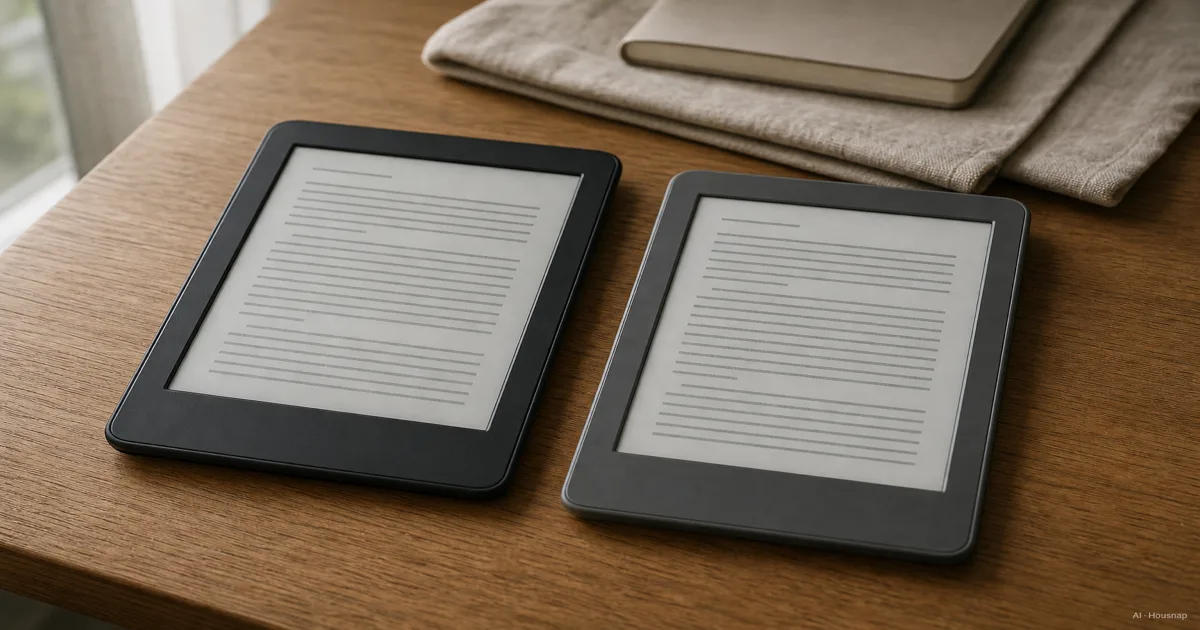
Kindle vs Kobo: The Core Difference (Ecosystem vs Openness)
Every comparison eventually comes back to one root difference. Kindle is optimized for people who buy books almost exclusively from Amazon and want that experience to be completely frictionless, especially if they also use Audible. Kobo is optimized for people who want their reader to work with books from anywhere: a public library, an independent bookstore, a file they already own.
Neither approach is wrong, but the fit matters more than most buyers expect going in. Someone who already has years of Kindle purchases has a real switching cost. Someone who borrows heavily from a public library, or who buys from indie bookstores that support Rakuten Kobo, tends to be happier on Kobo from day one.
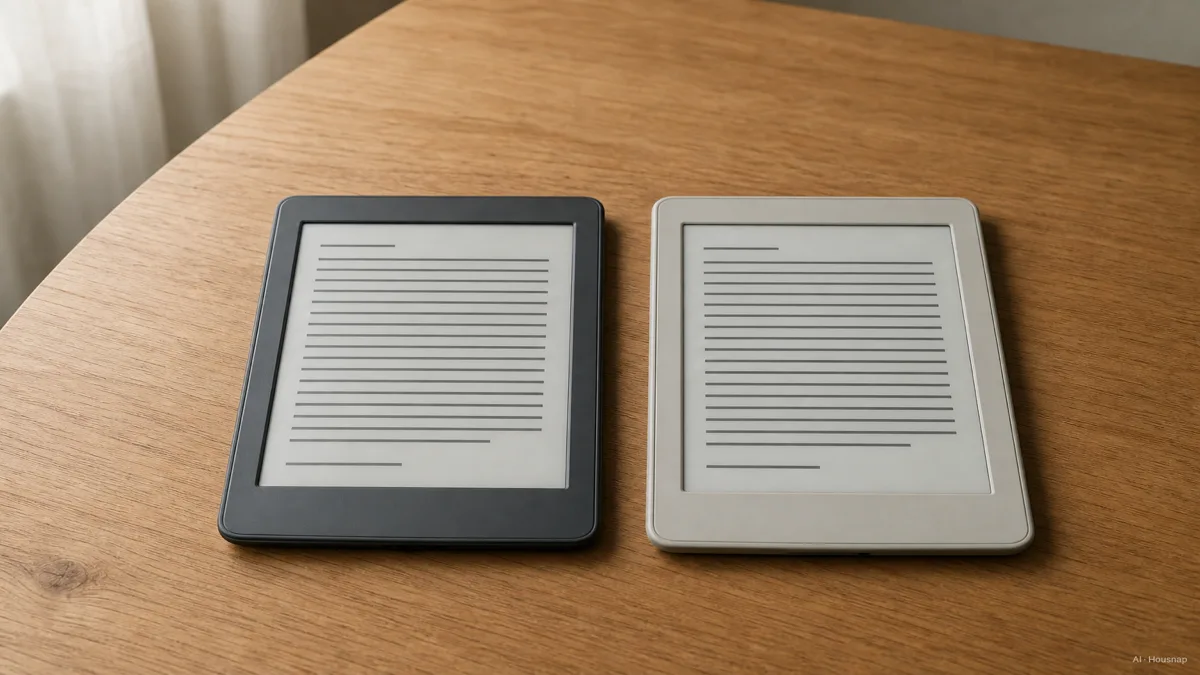
File Formats and Library Borrowing Support
This is the most concrete, least debatable difference between the two brands.
Kobo natively supports EPUB, along with EPUB 3, MOBI, PDF, CBZ, and CBR, according to Rakuten Kobo's own eReader store. Plug a Kobo into a computer and it shows up as plain storage. Drag an EPUB file in, and it just opens on the device, no conversion software required, as confirmed by both ereadersforum.com and TechRadar's Kindle vs Kobo comparison.
Kindle does not read EPUB natively. Its native format is KFX, and any EPUB file needs to be converted or sent through Amazon's "Send to Kindle" tool before it appears on the device, per the same ereadersforum.com sideloading breakdown. It works, but it is an extra step every single time.
Library borrowing follows the same pattern. Every Kobo device has OverDrive and Libby library-borrowing built directly into the reader's interface, according to Rakuten Kobo. Kindle owners have to borrow through the separate Libby app, then push the loan over using "Send to Kindle," a two-app handoff that Kirkus Reviews notes occasionally fails to deliver the book properly. If your library habit is heavy, that friction adds up fast.
Hardware and Display Comparison: Paperwhite vs Libra Colour and Clara
Set the software philosophy aside and the hardware race has mostly evened out. The two flagship 7-inch readers, Kobo Libra Colour and the current Kindle Paperwhite, both use 300ppi E Ink panels with adjustable warm-to-cool front lighting, so text sharpness and night-reading comfort are close to a wash between them.
The Kindle Paperwhite's latest refresh packs a 7-inch, 300ppi glare-free display, 16GB of storage, USB-C charging, and up to 12 weeks of battery life on a single charge, with page turns rated about 20% faster than the previous generation.
On the Kobo side, storage tiers vary by model: the entry-level Clara BW and Clara Color both ship with 16GB, the Libra Color steps up to 32GB, and the Forma comes in either 8GB or 32GB configurations, per Kobo and Staples product listings. If you plan to carry a large library or a lot of comics and PDFs, check the specific model's storage rather than assuming it matches the Kindle you are used to.
PCMag calls the Kobo Clara "the best all-around e-reader for anyone who borrows books from public libraries," while Wirecutter calls the Kindle Paperwhite "the best device dedicated to reading." Both labels are earned; they are just answering slightly different questions.
Waterproofing, Battery Life, and Storage
Both current flagship lines carry IPX8 waterproof ratings. Kobo's help documentation rates its waterproof readers for up to 60 minutes in 2 meters of water, and the Kindle Paperwhite carries a comparable IPX8 rating per Amazon's own product listing. That protection typically does not extend down to a brand's cheapest model in either lineup, so check the specific device rather than assuming the whole family is waterproof.
The entry-level Kobo Clara is not waterproof in every configuration and can ship without Bluetooth, unlike the Paperwhite, which includes Bluetooth for audiobook playback even at its base price. Wirecutter notes the ad-supported base Kindle starts at 129.99 USD with Bluetooth included, so the entry price points are close, but feature parity is not automatic between a brand's cheapest and priciest models.
Stylus and Note-Taking Models: Kindle Scribe vs Kobo Elipsa 2E
If handwriting and note-taking matter as much as reading, both brands have a larger, stylus-equipped tier that behaves quite differently from their standard readers.
The Kindle Scribe starts around 340 USD, uses a 10.2-inch, 300ppi display, and pairs with an EMR stylus that never needs charging. Handwritten notes are saved as reference images layered on top of documents and books, rather than converted into editable, searchable text.
The Kobo Elipsa 2E starts around 400 USD, uses a slightly larger but lower-resolution 10.3-inch, 217ppi display, and ships with a chargeable active stylus. Its clear advantage is software: the Elipsa 2E can convert handwriting into searchable, editable text, a feature the Scribe does not offer in the same way, according to both Android Police and TechRadar.
If you mostly want to annotate books and jot quick notes, either works. If you want your handwriting to become searchable typed text later, that single feature tips the decision toward Kobo's Elipsa line.
Which One Should You Choose?
Pick Kindle if most of your reading budget already goes through Amazon, you rely on Audible for audiobooks, or you want the single largest storefront with the least friction. The tradeoff is a closed format and an extra step for anything you did not buy from Amazon.
Pick Kobo if you borrow from public libraries often, want to buy from independent bookstores, already own a stash of EPUB files, or simply prefer sideloading your own content without conversion software. The tradeoff is a smaller native storefront than Amazon's, though Kobo's own store covers most mainstream titles.
Whichever you choose, match the reader to how your books actually get onto the device today, not to which brand name you have heard more often. That single habit predicts day-to-day happiness with an e-reader far better than any spec sheet.
Sources
- Kindle vs Kobo: which ebook reader is best for you? — TechRadar; ecosystem, hardware, and format comparison
- Kindle vs Kobo for Sideloading: Which Is Better? — ereadersforum.com; native format and sideloading breakdown
- Waterproof Kobo eReaders — Rakuten Kobo Help; IPX8 rating and water exposure limits
- Kindle Paperwhite 16 GB product page — Amazon; display, battery, and waterproof specs
- E-Readers: Which One Is Right for You? — Kirkus Reviews; library-borrowing workflow and reviewer consensus
- Kindle Scribe vs. Kobo Elipsa 2E: Which is the better E Ink writing tablet? — Android Police; stylus and note-taking tier comparison
- Compare eReaders — Rakuten Kobo eReader Store; native format support and model lineup