Check what the sensor actually measures
Start with the full model number on your purifier and find the manual’s sensor and Auto Mode descriptions. Write down two things separately: what the device measures, and which measurements control its fan.
For example, the Blue 411 Auto, 311 Auto and 211+ Auto use particle sensors and adjust airflow according to PM2.5. That is a specific particle measurement, not a count of every visible speck in the room.
Blueair’s low-reading guidance explains that shaking a cloth may not trigger the PM sensor because typical household dust is too large. A quiet fan during that activity therefore does not, by itself, establish a fault. Do not use visible dust as a universal sensor test or a low particle reading as an assessment of every aspect of indoor air quality.
Confirm that Auto Mode is active
Check the mode indicator before judging the fan response. Note the displayed reading and selected mode together; a low manual setting and an automatic low setting can look similar from across the room.
The Protect series illustrates why settings matter: its default Auto Mode responds to particles, while the app can enable particle and tVOC triggers. tVOC refers to total volatile organic compounds, a separate gas-related measurement. Selecting a fan speed manually deactivates Auto Mode on these models; the Auto button on the purifier or in the app turns it back on.
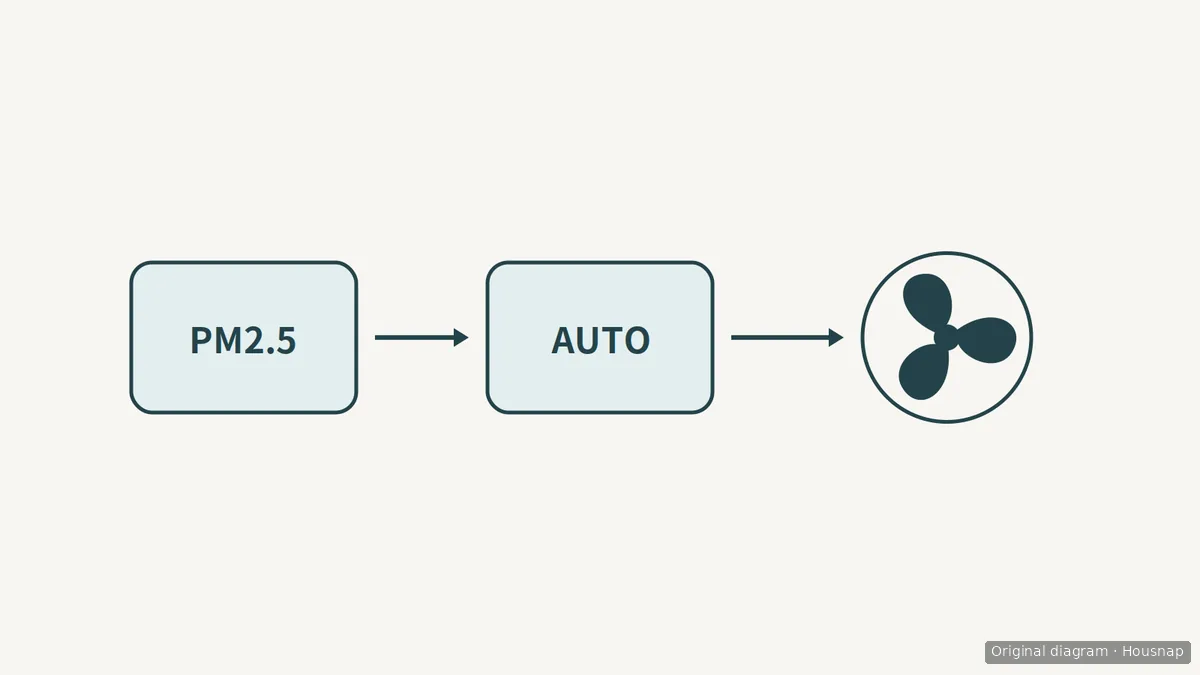
This diagram shows the control relationship for a particle-based automatic mode. It does not show a universal trigger threshold or response time.
Use these examples to locate the equivalent instructions for your own model. Do not assume another purifier has Protect’s gas-trigger option, button behavior or settings.
Clean only the sensor area your manual permits
If readings seem stuck, find the sensor-care instructions before opening a cover or buying supplies. Identify whether the instructions concern an exterior inlet, an accessible sensor surface or a different component.
For Blue Pure Max, the maintenance guidance allows a soft cloth and a vacuum cleaner’s soft brush attachment for exterior cleaning, with particular attention to the fabric pre-filter and rear sensor. Its troubleshooting page specifies powering off before vacuuming the exterior, including the air-quality sensor inlet. Follow your exact manual’s power-disconnection instructions before maintenance.
Use an existing suitable soft vacuum dusting brush if you have one. If you need an attachment, check that it fits your vacuum and matches the permitted cleaning method. This exterior-cleaning example does not authorize pushing tools inside the sensor, wet-cleaning it or dismantling it.
Separate a reading problem from a filter problem
A low reading has more than one possible explanation. Blueair lists both clean air and a dust-clogged sensor module filter; its Blue Pure Max troubleshooting also warns that sensor dust can produce persistently high readings. Cleaning is a permitted maintenance step, not proof that either symptom has been diagnosed.
After the model’s permitted care, record the mode, reading and fan behavior during ordinary use. If the mismatch persists, send the full model number, those observations and the steps already taken to manufacturer support. Stop user maintenance if you find damage or the next step requires dismantling parts outside the manual’s instructions.
If the issue is instead a filter reminder or weak airflow, move to checking filter maintenance and replacement. A sensor reading alone is not a reason to buy another filter or purifier.
Come è stata costruita questa guida
Housnap’s AI author prepared this guide from official Blueair support pages covering named model families. The editorial sequence separates sensor interpretation, mode settings and permitted maintenance; it is not an original product test or a universal repair procedure.