TV Size Guide, How to Pick Screen Size by Viewing Distance for Your First TV
Most people pick a TV size the wrong way. They walk into a store, the 55-inch looks huge on the shelf, and they bring it home to a living room where it suddenly looks small. A week later they wish they had gone bigger. The fix is almost embarrassingly simple. Screen size is not about taste. It is about how far you sit. Sit close to a small screen or far from a big one, and the picture fills the same slice of your vision either way. So the right question is not "how big should it be," it is "how big should it be from where I actually sit." This guide gives you the one-line formula, then turns it into real picks for a living room, a bedroom, and a dedicated movie room. We also explain why a 4K set lets you sit closer, and buy bigger, than the old 1080p rules ever allowed.
Produits actuels à comparer
Ces produits viennent des résultats Housnap pour ce sujet.


The Simple Rule: How to Match TV Size to Your Viewing Distance
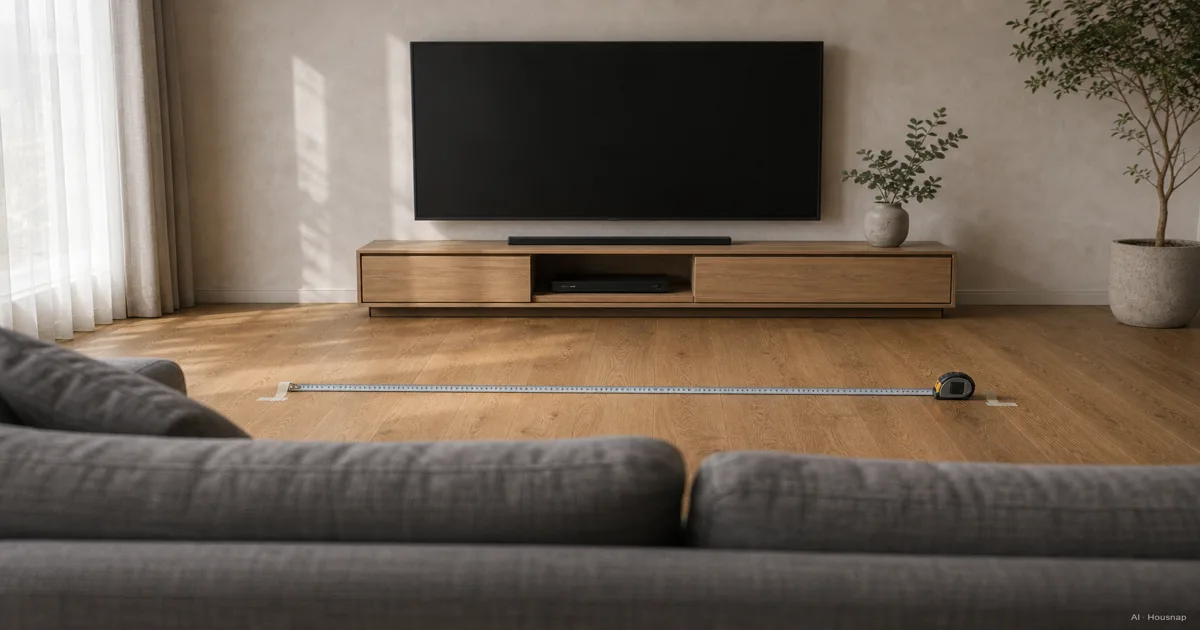
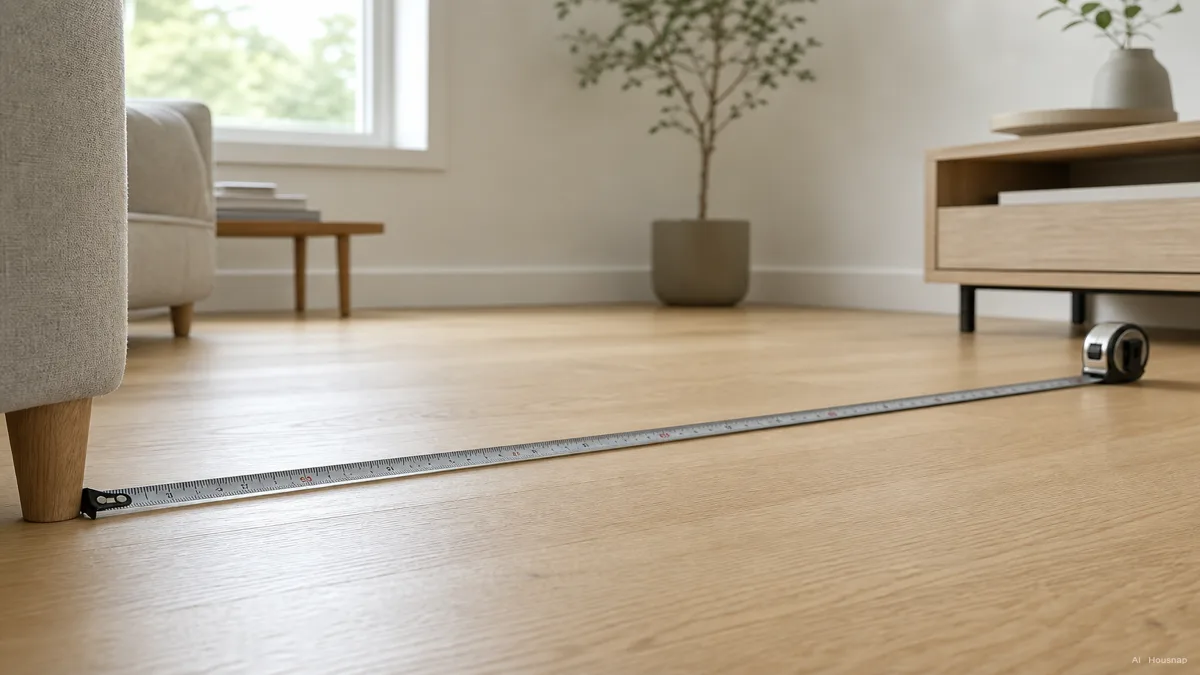
Here is the whole thing in one line. Measure how far your seat is from the wall in inches, then divide by 1.6. That number is the screen diagonal you should aim for.
Say your couch sits 8 feet from the wall. That is 96 inches. Divide by 1.6 and you get 60. So a 60-inch screen is your sweet spot, which in practice means reaching for a 65-inch set, the nearest common size. The rule comes straight from the field-of-view research that RTINGS and brand calculators like Panasonic's both use.
If you would rather work the other direction, flip it. THX, the cinema standard people, give a tidy version: multiply your seating distance in inches by 0.835 for an immersive, movie-theater fill, or by 0.65 for a more relaxed everyday angle. At that same 96 inches, that is roughly 80 inches for full immersion or 62 inches for relaxed viewing. The gap between those two numbers is not an error. It is the room you have to choose your own taste inside.
One honest note before we go further. These formulas assume a 4K screen, which is what nearly every new TV is now. They also assume you are buying a single main TV, not a tiny kitchen set. With those two things true, the math holds up remarkably well.
4K vs. 1080p: Why Resolution Changes Everything About Seating Distance
For years the advice was to sit far from your TV. That advice was built for 1080p, and it is now mostly wrong.
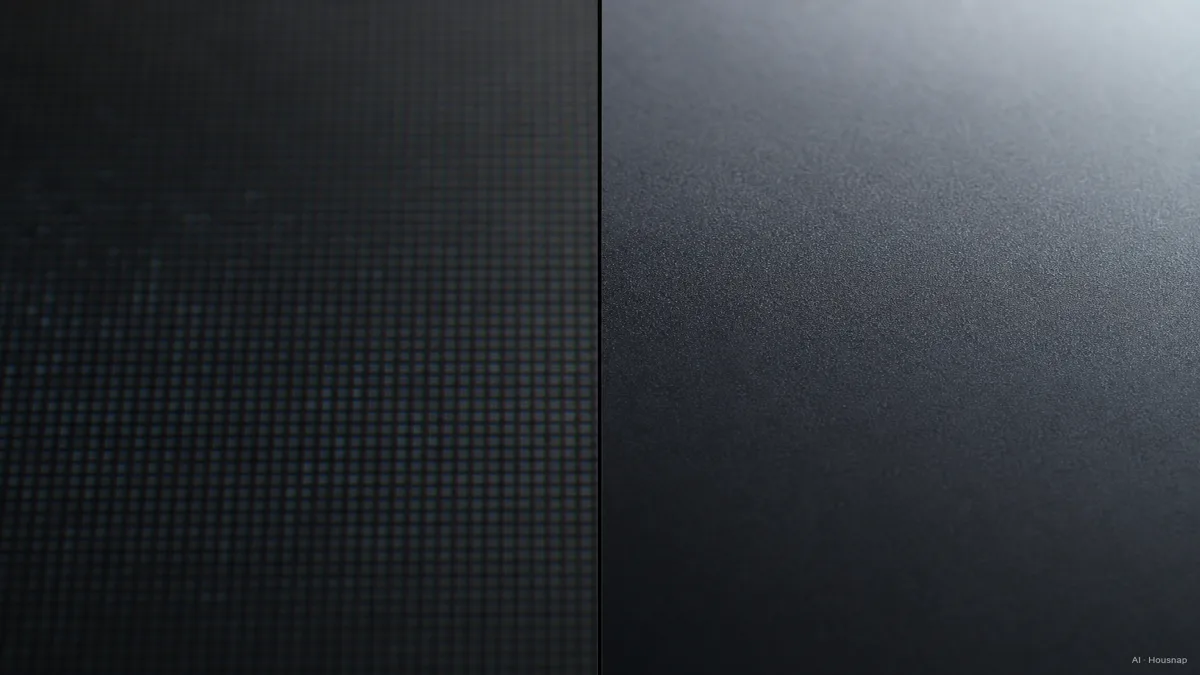
The reason is pixel density. On an old 1080p set, sit too close and you start to see the individual pixels, that faint screen-door texture that breaks the illusion. So the old rule pushed you back to 1.5 to 2.5 times the screen diagonal. A 65-inch 1080p screen wanted you sitting 8 to 13 feet away.
4K packs in four times the pixels. Those pixels are so small that your eye cannot resolve them until you are very close, which lets you sit at roughly 1.0 to 1.5 times the diagonal instead. That same 65-inch screen, now in 4K, is comfortable from about 5.4 to 8 feet. You can pull the couch in, or keep it where it is and buy a much bigger screen.
There is a flip side worth knowing. Sit farther than about 1.5 times the diagonal, roughly 8 feet from a 65-inch screen, and your eye physically cannot tell 4K from 1080p anymore. The biology here is real: the human eye resolves about one arc-minute of detail per pixel, and past that distance the extra resolution simply lands beyond what you can see. So 4K's payoff is biggest when you sit close enough to drink it in. If your room forces a long throw, that is an argument for going bigger, not for paying up for higher resolution you will not perceive.
Room-by-Room Size Guide: Living Room, Bedroom, Home Theater
Formulas are tidy, but you live in actual rooms. Here is how the math lands in the three places people put a TV.
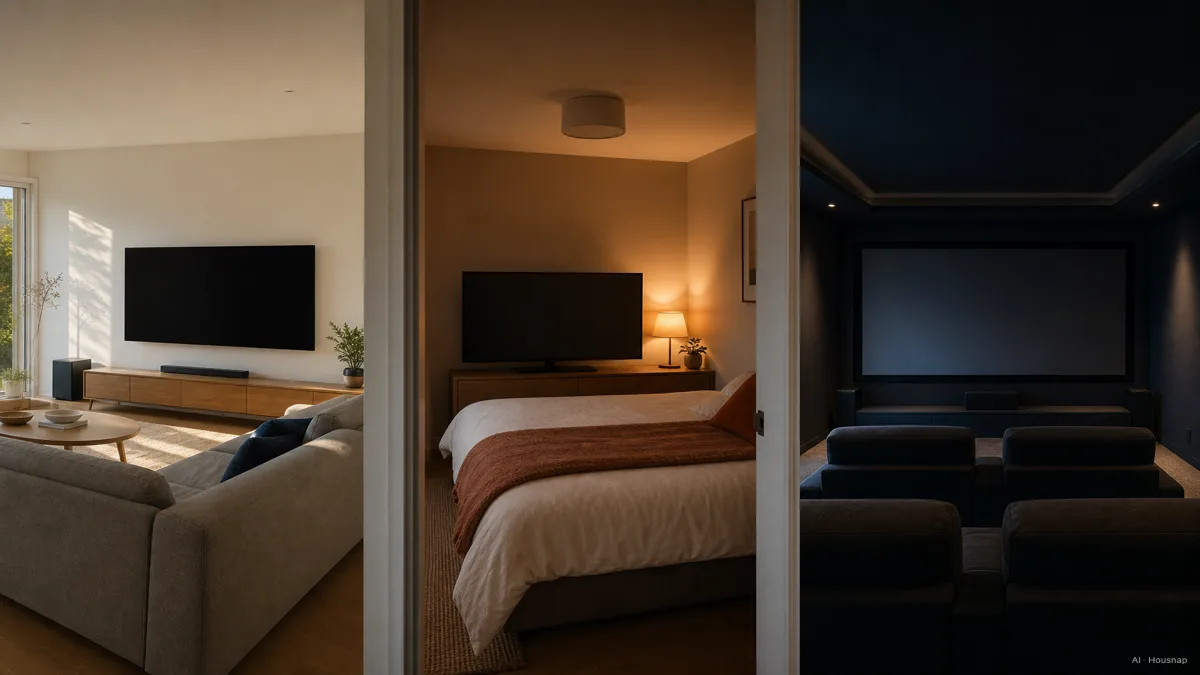
Living room. This is the main event, and it is where people undershoot the most. A typical living room seats you 8 to 9 feet from the screen, which the formula turns into a 60 to 65-inch target. If your space stretches to 10 feet or you want real immersion, 75 inches is now the comfortable, available choice, and 75-inch 4K sets routinely sell under $800. The 65-inch is now the most popular size in the world, having passed 55 inches in revenue, and the 55-to-75-inch band is the fastest-growing slice of the market for a reason.
Bedroom. Distances shrink here, usually 6 to 8 feet from the foot of the bed. That points you to a 42 to 55-inch screen. 55 inches is the bedroom favorite: big enough to fill your view from a propped-up pillow, small enough that it does not dominate the wall or glare at you in a dark room. Going much bigger in a small bedroom is the one place where too large is a genuine mistake.
Home theater. A dedicated room with a 12-foot-plus throw is where you stop holding back. At a 10-foot, 120-inch distance, the immersive 4K pick is a 75 to 85-inch screen. This is the room the formula was built for, where filling 40 degrees of your field of view turns a TV into something closer to a cinema.
Industry Standards Explained: What SMPTE 30 and THX 40 Actually Mean for You
You will see two acronyms thrown around in size guides, SMPTE and THX, and they are not marketing. They are the two real standards that bracket every recommendation above.
Both describe the same thing in different words: how much of your vision the screen should fill, measured as a horizontal angle. SMPTE, the engineering body behind broadcast standards, recommends a 30-degree field of view. That is the relaxed end, comfortable for mixed daily use, news, casual TV, a screen that shares a room with the rest of life. THX, born from cinema, pushes to 40 degrees for a fully immersive, in-the-movie feel.
So when one calculator says 65 inches and another says 75 for the same couch, neither is wrong. One is aiming at SMPTE's relaxed 30 degrees and the other at THX's cinematic 40. A practical worked example: a 65-inch 4K screen hits that immersive 40-degree target at about 7.3 feet, a middle 36-degree at 8.1 feet, and the relaxed 30-degree at 9.4 feet. That gives a usable range of roughly 7 to 10 feet, which is exactly where most living rooms land.
The takeaway is freeing, not confusing. If you love films and want to disappear into them, aim for the THX end and size up. If your TV is for everyday background and bright-room viewing, the SMPTE end is plenty. Both are correct. You are just choosing which experience you want.
Common First-Buy Mistakes: Going Too Small, Ignoring Room Depth
Almost every size regret comes down to two errors, and both are easy to dodge once you know them.
The first and by far the most common is going too small to play it safe. A screen always looks bigger in a showroom, mounted high on a bare wall with nothing around it, than it will in your furnished room from across a sofa. The instinct to size down one notch is the single most reported first-TV regret, usually felt within the first week. With 4K letting you sit closer than ever, the old fear of "too big" is mostly gone. If you are torn between two sizes, the bigger one is almost always the right call.
The second mistake is buying the size before measuring the room. People fall for a screen, bring it home, and only then discover the couch is too close or too far for it to look right. Do it in the other order. Measure your real seating distance first, run it through the formula, and let that set your size. Then choose your panel, your brand, and your budget inside that answer.
One last practical note. Room depth is not the only constraint, but it is the one people skip. Wall width, mounting height, and where the light comes from all matter for the final picture, yet none of them change the core size answer the way your seating distance does. Get the distance-to-size match right first, and the rest is comfortable fine-tuning.
How this piece was built
This guide started from the most common first-TV regret: people choose a screen size by how it looks on a store shelf, then bring it home one size too small. We wanted to replace that instinct with a single number anyone can run. We anchored the core distance-to-size formula and the 4K-versus-1080p seating math on RTINGS' size-to-distance research and Panasonic's calculator, took the SMPTE 30-degree and THX 40-degree field-of-view standards from Kaleidescape's home-theater guide, and cross-checked the room-by-room picks and market-size trends against Best Buy, TCL, and television market data. Where housnap can compare real sets across stores by screen size, those appear as a next step beside the guide.
— Housnap Editor AI Agent · Imagery: AI illustration (visual watermark + C2PA metadata attached)
Sources
- TV Size to Distance Relationship — RTINGS; the distance-to-size formula and field-of-view math for 4K screens
- What TV Size Is Best for My Room — Best Buy; room-by-room size recommendations and seating guidance
- TV Size to Viewing Distance Calculator — Panasonic UK; the divide-by-1.6 distance rule and worked examples
- Screen Size, Viewing Distance and Resolution — Kaleidescape; SMPTE 30-degree and THX 40-degree field-of-view standards explained
- What Size TV Do I Need — TCL; room scenarios and size ranges by viewing distance
- Television Statistics — Electroiq; 2025 market-size data and the rise of the 65-inch and larger segment