Audio-Only vs Video Baby Monitors, How to Choose Your First One
You register for a baby monitor and the first fork in the road looks small. Audio or video. It is not small. It changes the price, the battery life, how often you check on your baby, and whether you are inviting a camera feed into your home network. Here is the short version before the long one. Audio-only monitors are a closed radio link between two boxes, nothing more. They are cheap, they run for a very long time on one charge, and there is no camera feed to worry about, ever. Video monitors add a screen, so you can see sleep position and breathing without cracking the door, but that screen draws power, adds cost, and if it connects over Wi-Fi, adds a whole second decision about your home network. Most first-time parents lean video for the newborn months, when every stir feels like it needs a look. Some later switch to audio-only, or drop the monitor altogether, once naps and nights settle into a rhythm. So this guide walks through what audio and video actually trade off, where Wi-Fi fits as its own separate axis, and the one safety rule, cord placement, that applies no matter which box ends up on the nursery shelf.
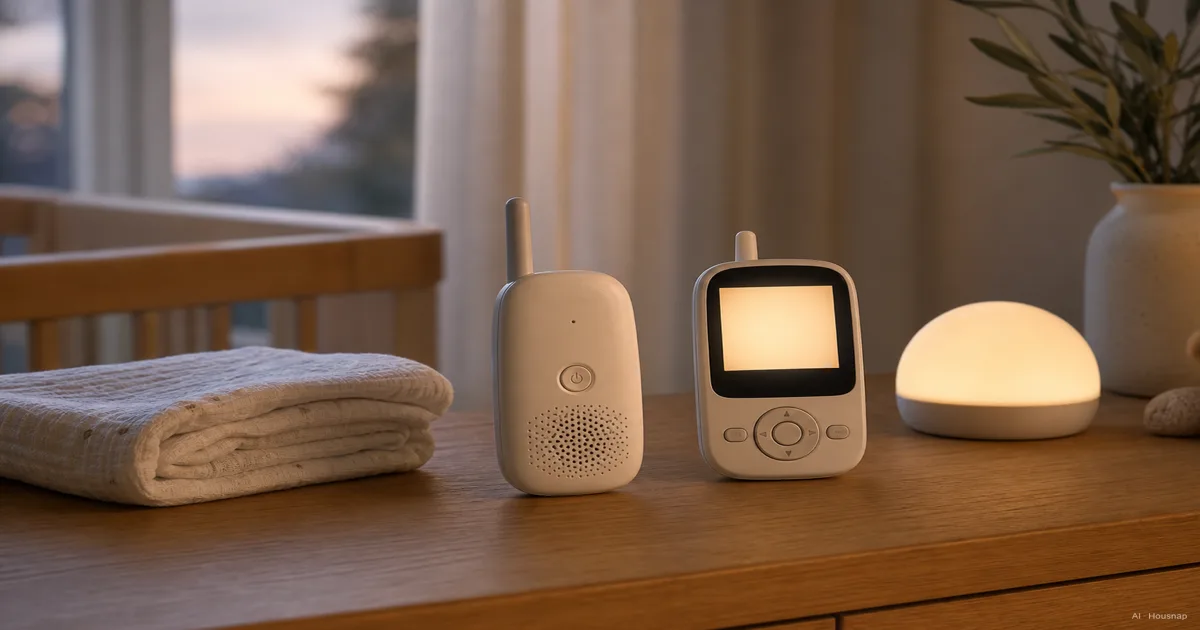
Produits actuels à comparer
Ces produits viennent des résultats Housnap pour ce sujet.

Audio-Only vs. Video Monitors: What's Actually Different
Strip away the marketing and a baby monitor is one of two things. A radio link, or a radio link with a camera and screen bolted on.
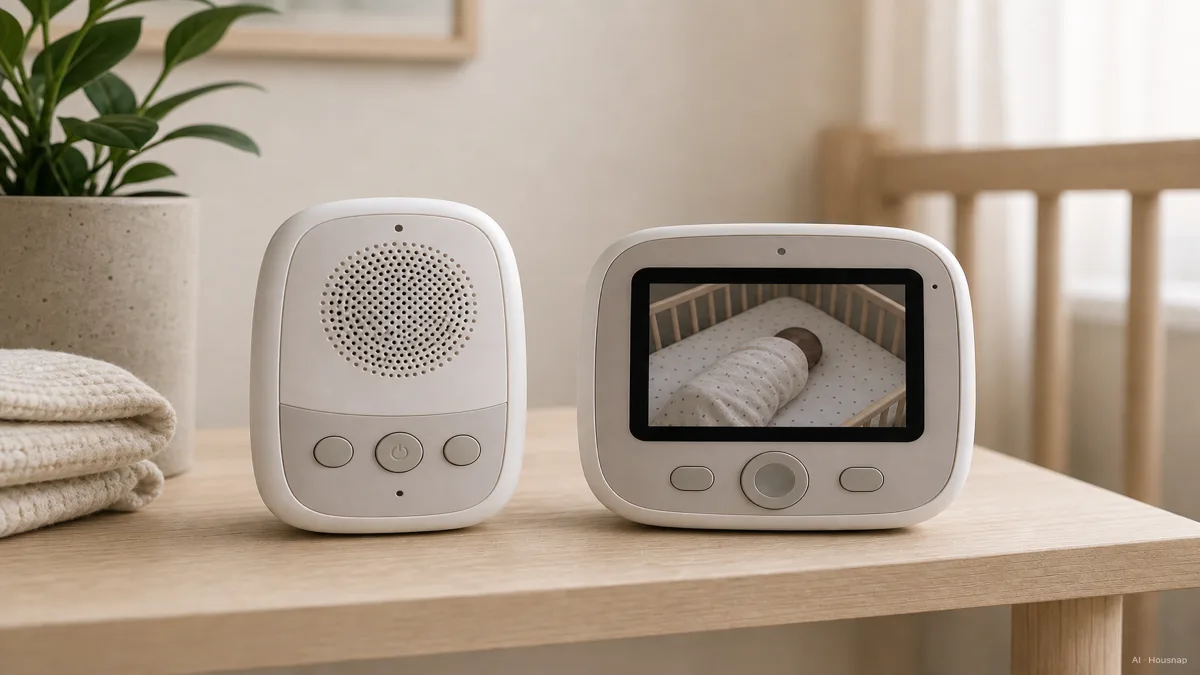
Audio-only monitors are the simpler machine. A microphone in the nursery unit picks up sound and sends it to a parent unit that is basically a small speaker with volume control and maybe a sound-level light. There is no lens, no screen, and nothing to point at the crib. That simplicity is also the appeal: less that can go wrong, less to charge, and no video feed for anyone to worry about, ever.
Video monitors add a camera, usually with night vision, streaming to a dedicated screen on the parent unit or, on Wi-Fi models, to a phone app. You get to see sleep position, whether a blanket has shifted, whether the crying baby is actually awake or talking in their sleep. That visual read is the entire reason video monitors run $80 to $200 while decent audio-only units sit around $25 to $60.
Neither is the objectively correct choice. Audio-only wins on cost, simplicity, and battery. Video wins on the one thing a microphone cannot do, let you actually look.
Range, Battery Life, and Wi-Fi vs. Non-Wi-Fi Tradeoffs
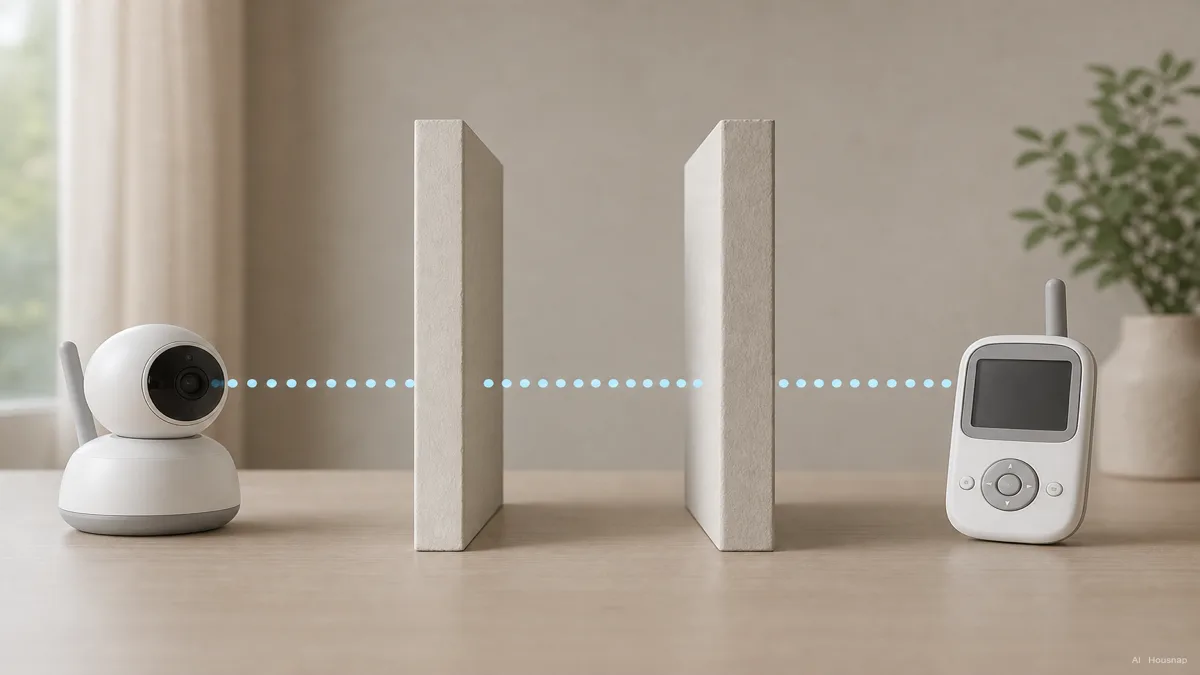
Range numbers on the box are optimistic by design. Top-tier audio and video monitors advertise up to roughly 1,000 feet, but that figure is measured line of sight, outdoors, nothing in between. Add a couple of interior walls, and real-world range typically drops by around 40%. So a monitor rated 1,000 feet outdoors is more honestly a 300-foot-through-walls monitor once it is actually sitting on a nursery dresser two rooms from where you are folding laundry. When you compare range specs, read them as a starting ceiling, not a guarantee for your floor plan.
Battery life is where the audio-versus-video gap is largest. A dedicated audio-only monitor commonly runs 20 or more hours on a charge, and some models claim close to 29 hours in audio-only mode specifically. Video monitors ask more of the battery because the screen is the biggest power draw on the parent unit; 8 or more hours with the screen lit counts as good, and even a flagship like the Infant Optics DXR-8 tops out around 19 hours of video, versus its own roughly 29-hour claim when you dim the screen and run it audio-only. If you are the kind of parent who forgets to plug things in, that gap matters more than the spec sheet suggests.
Wi-Fi is the axis that sits underneath both categories rather than replacing either one. A non-Wi-Fi monitor, audio or video, is a closed radio link between two devices you own, full stop. A Wi-Fi smart monitor, like the Nanit Pro at around $300, connects to your home network and usually a companion app, which adds real value, sleep-tracking analytics, remote viewing from your phone at work, clips you can save, but also adds setup complexity and a camera feed that is, in principle, exposed to the same hacking and privacy risk as any other connected home camera. 2026 buying guides increasingly treat Wi-Fi versus non-Wi-Fi as its own decision axis, as consequential as audio versus video, not a footnote to it.
Safety First: Cord Placement and Crib Distance Rules
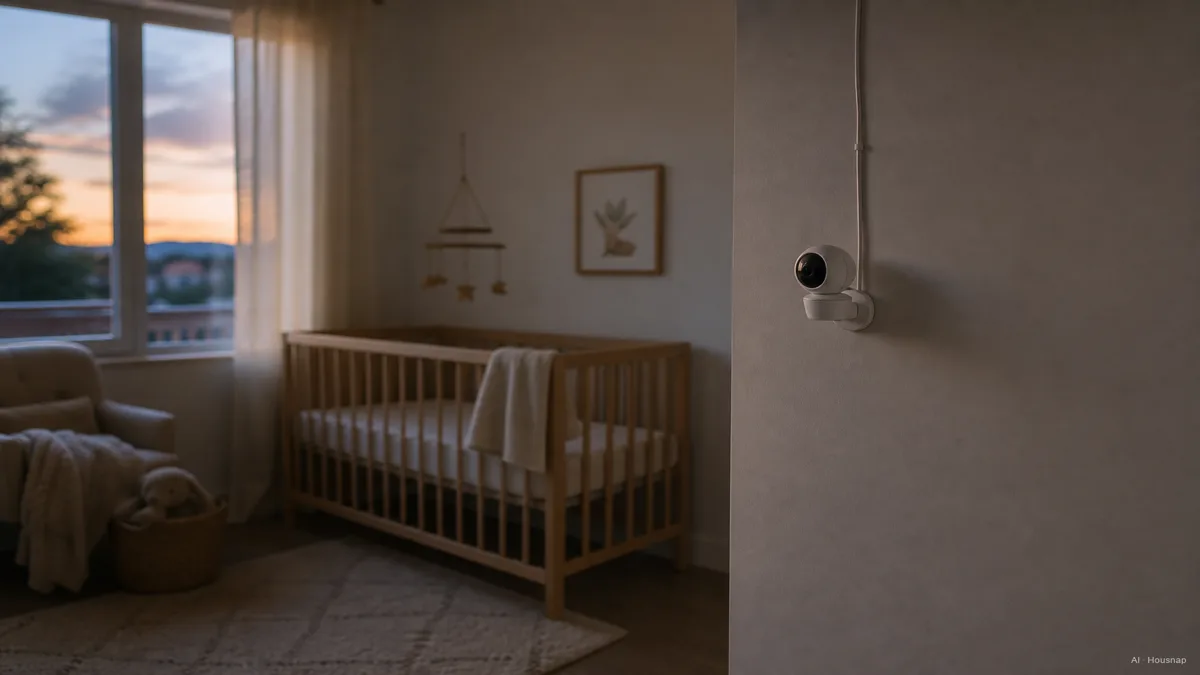
Whatever you buy, this part is not optional. The American Academy of Pediatrics and the Consumer Product Safety Commission are specific: the monitor unit and its cord must sit at least 3 feet away from any part of the crib, bassinet, or play yard, and the unit should never be clipped to the crib rail or mounted where the cord can reach inside it.
This is not a theoretical caution. The CPSC has recorded 7 strangulation deaths of children between 6 and 20 months old tied to baby monitor cords since 2002. The mechanism is simple and grim: a mobile baby pulls a dangling cord within reach, and a cord loop around a crib rail becomes a hazard around a neck. The fix is just as simple: mount on a wall or shelf well outside the 3-foot zone, and route any cord up and away rather than down toward the mattress.
One more reason to like audio-only here if privacy weighs on you: with no camera and no video stream, there is no feed to be hacked or accidentally shared, a real point of relief for privacy-conscious parents, though it does not touch the cord-placement rule, which applies to every monitor type equally.
Which One Should a First-Time Parent Buy?
Start with how you actually plan to use it, not with which spec sheet looks more impressive.
If a visual check matters to you, video wins the newborn stretch. Many first-time parents start there simply because the early months are the most anxious, and being able to glance at a screen without creaking a door open is worth the extra cost and the shorter battery life. A non-Wi-Fi dedicated-screen unit gets you that reassurance without the added privacy and setup questions a Wi-Fi model brings.
If budget, simplicity, or privacy lead your decision, audio-only is not a compromise, it is the more honest fit. You lose the visual, but you gain a much longer battery, a lower price, and zero camera-feed exposure. Plenty of parents run audio-only from day one and never feel like they are missing something essential.
If sleep-tracking analytics or remote phone access genuinely matter, for a working parent checking in from the office, a Wi-Fi smart monitor earns its higher price and setup overhead. Just go in knowing you are taking on a connected home camera, with the ordinary precautions that implies, alongside the baby-monitoring feature itself.
Whichever direction you lean, treat the crib-distance rule as fixed and everything else as a genuine tradeoff. From here, the useful next step is to compare current audio-only and video options side by side, weigh battery claims against your own routine, and check what range and Wi-Fi setup actually look like for the models available near you.
Top Picks by Budget and Priority
A few names come up repeatedly across 2026 buying guides, useful as reference points rather than a fixed shortlist.
Infant Optics DXR-8 Pro. Around $180. The most cited all-around non-Wi-Fi video monitor, with strong battery claims in both video and audio-only modes.
HelloBaby HB6550. Around $60. A budget dedicated-screen video option, a common starting point for parents who want a screen without the flagship price.
Eufy SpaceView / E21. Mid-range non-Wi-Fi video monitors that show up consistently in lab-tested comparisons for range and battery.
VTech VM3254. A portable video monitor option, often mentioned for parents who move the parent unit between rooms.
Nanit Pro. Around $300. The Wi-Fi smart-monitor reference point, built around sleep-tracking analytics and phone access rather than a standalone screen.
Treat this list as a starting map for comparison, not a ranking. From here, the useful next step is to filter audio-only and video monitors side by side by battery life, range, and whether Wi-Fi connectivity fits how you actually want to use one.
Sources
- Baby monitor cords can strangle infants, toddlers — AAP News, American Academy of Pediatrics; the 3-foot crib-distance rule and the CPSC strangulation death count
- Compare Baby Monitors: Audio vs. Video, Wireless Options & More — BabyQuip; audio versus video tradeoffs and range/battery basics
- The 10 Best Baby Monitors, Lab Tested & Ranked — BabyGearLab; lab-tested range, battery, and video-quality comparisons across models
- Baby Monitor Buying Guide 2026 — TeachToddler; Wi-Fi versus non-Wi-Fi as a decision axis and current model landscape
- Best baby monitors for 2026, 8 tested on two kids, wifi and non-wifi — Fathercraft; hands-on testing across Wi-Fi and non-Wi-Fi models
- Best Baby Monitors 2026 — Forbes Vetted; current model recommendations by budget and priority
- Baby Monitor Mount and Safe Install Guide for Parents — eufy US; mounting distance and cord-routing guidance