Smart Thermostats, What to Check Before Your First Buy
You have seen the pitch. A thermostat that learns your schedule, texts you when the filter needs changing, and quietly shaves a chunk off your energy bill. What almost nobody mentions up front is that half of these devices need a wire your wall may not have, and the other half solve that problem in completely different ways. Before you fall down a rabbit hole comparing app screenshots and AI learning claims, there is a more boring but far more important question. Can this thing actually get power from your HVAC system without doing something weird to your furnace. This guide starts with wiring, because that is what determines whether installation takes twenty minutes or turns into a small project. Then it walks through the feature and price tiers, and closes with what the energy savings numbers actually mean for a typical household.
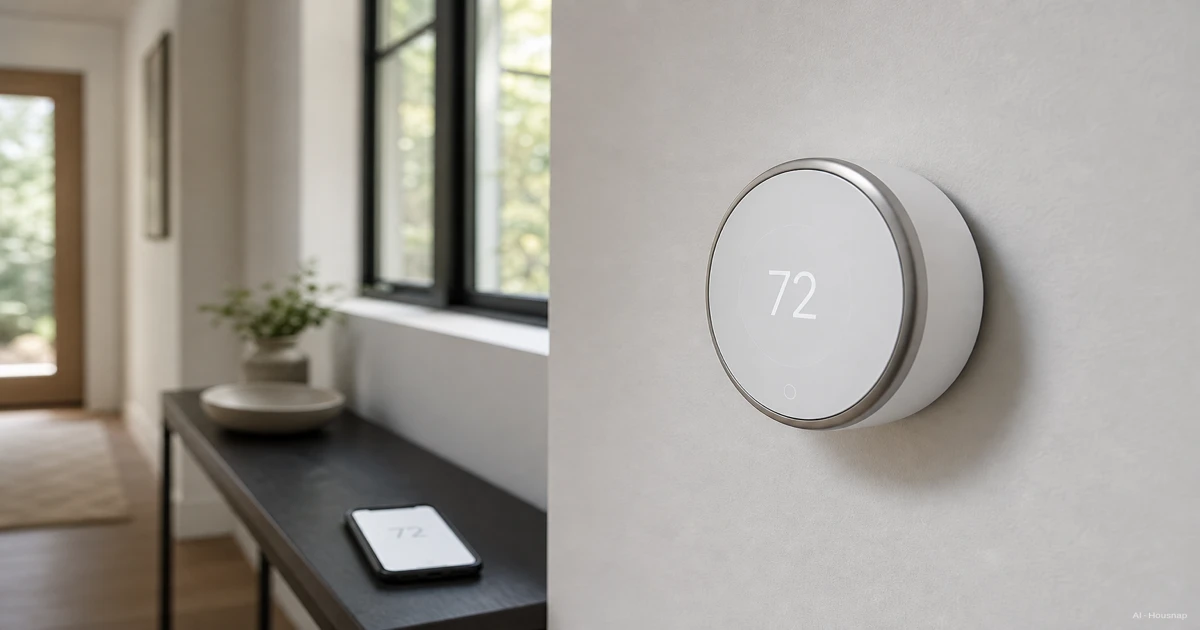
Disponibles ahora en una sola tienda
Por ahora, cada uno de estos productos está disponible en una sola tienda. La comparación de precios se abrirá con más tiendas.
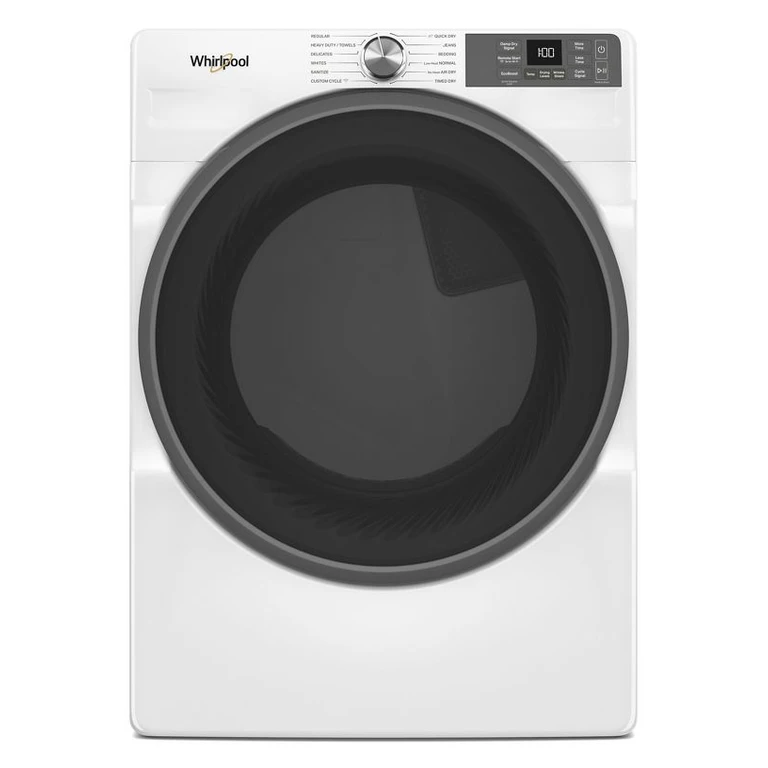
Whirlpool
Smart Front Load ENERGY STAR Electric Dryer with Wrinkle Shield Option in Radiant Silver 7.4 cu. ft. WED5720RR
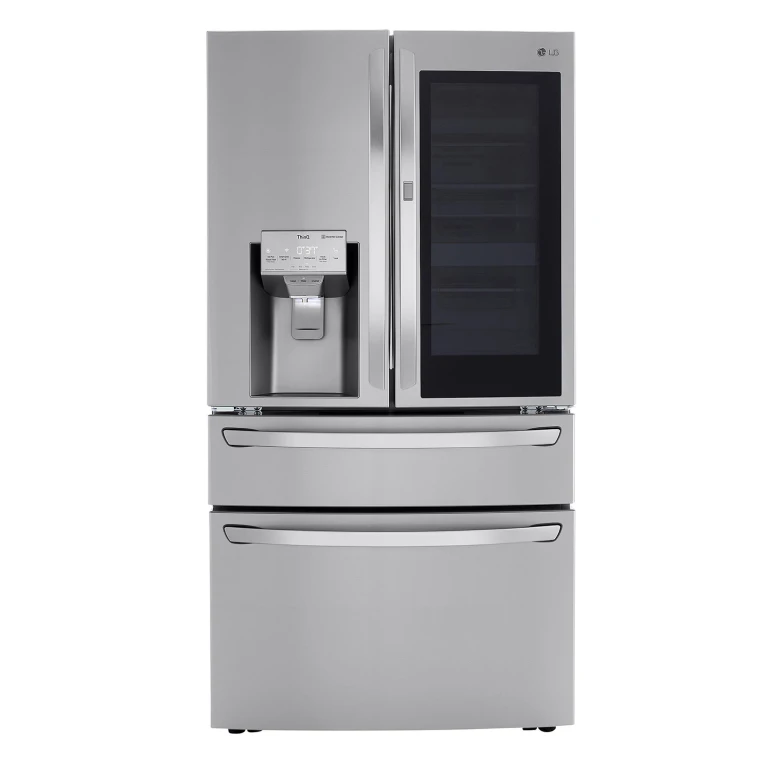
Lg
23 cu. ft. Smart wi-fi Enabled InstaView Counter-Depth Refrigerator:- Stainless Steel

Smart Design
Set of 18 Clear Refrigerator & Freezer Organization Bins
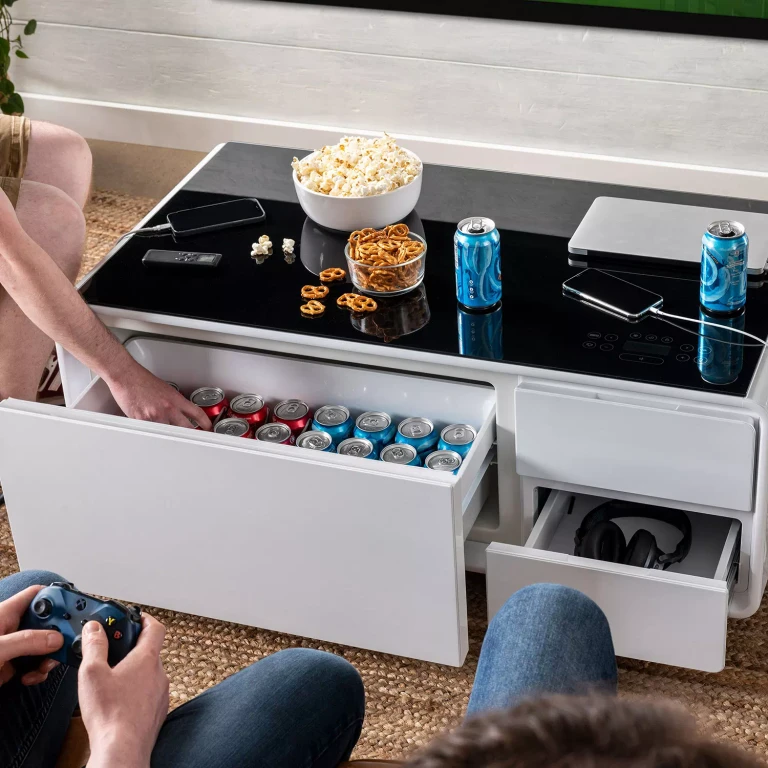
Sobro
Smart Coffee Table with Refrigerator Drawer (White):- White
What Is a Smart Thermostat and Do You Actually Need One
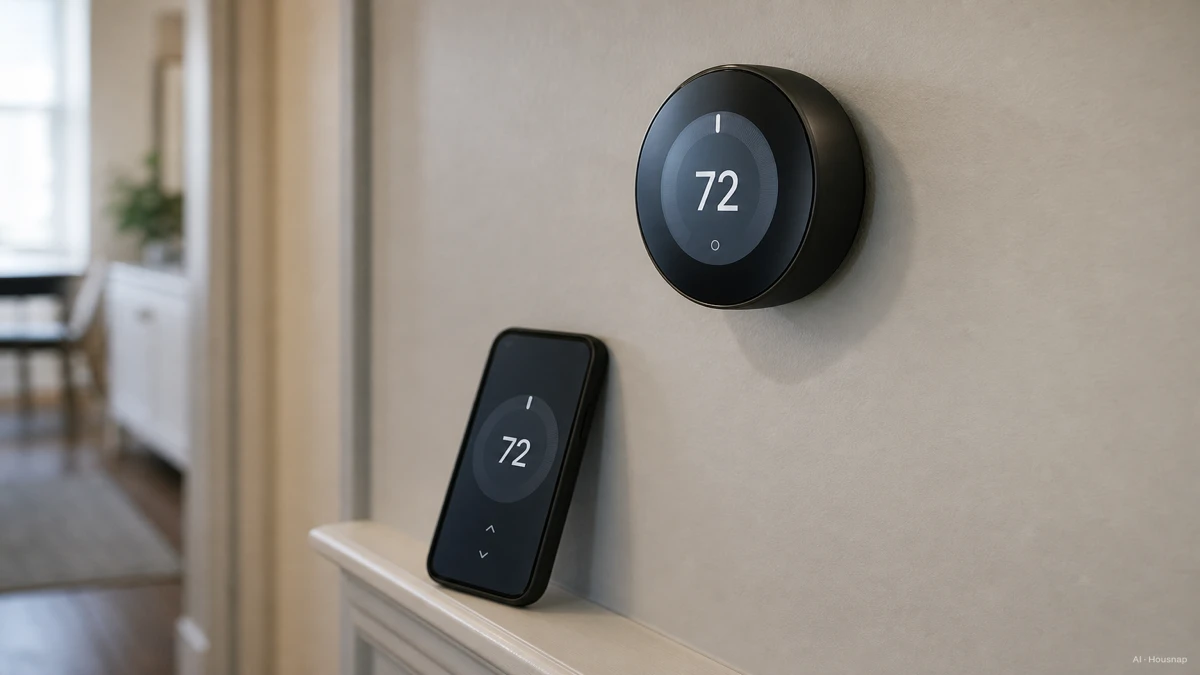
A smart thermostat is not just a Wi-Fi remote for your existing system. It takes over the scheduling logic, learns or accepts routines, and in most cases lets you set temperatures from your phone whether you are on the couch or stuck in traffic.
The honest case for buying one is narrower than the marketing suggests. If you already keep a tight manual schedule and rarely forget to adjust the dial, the upside is smaller. Where it earns its price is households that forget to turn things down before leaving, that want away-detection to handle it automatically, or that simply want one less thing to think about every morning.
Heating and cooling make up roughly half of a typical US home's energy bill, often more than 900 dollars a year, so even a modest percentage improvement is a real number, not a rounding error.
Check Compatibility First: Wiring, C-Wire, and HVAC System Type
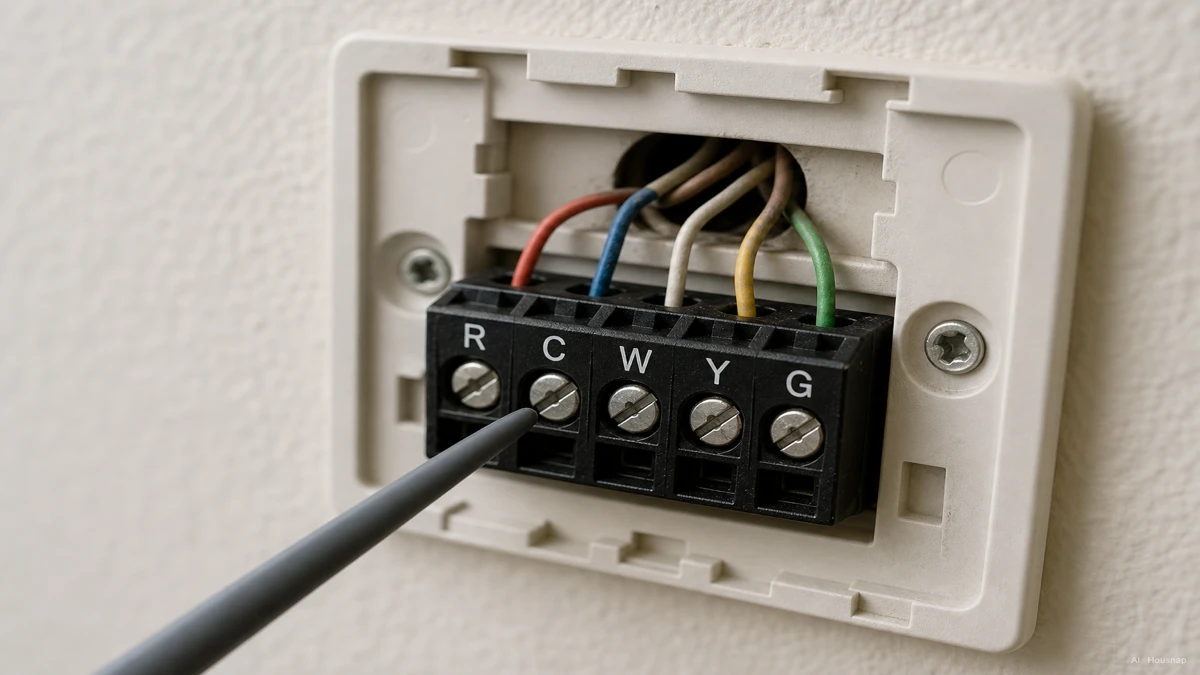
This is the step almost everyone skips and almost everyone regrets skipping. Before you compare features, open your current thermostat's faceplate and look at which terminals have wires connected. R or Rh (power), C (common), W (heat), Y (cooling), and G (fan) are the usual cast of characters, and which ones you have decides which replacement thermostats will actually work.
The C-wire, short for common wire, is the one that trips people up. It supplies a small continuous 24-volt current that keeps a smart thermostat's display, Wi-Fi radio, and sensors powered around the clock. Older systems were wired for a simple mechanical dial that did not need constant power, so plenty of homes simply never had a C-wire pulled.
If you do not have one, you have two realistic paths. Nest thermostats use a technique called power stealing, quietly borrowing tiny bursts of power from the other wires already there. It works on most systems, though on a small number of setups it can cause flickering displays or occasional erratic HVAC behavior. Ecobee ships a small accessory called the Power Extender Kit that installs at the furnace control board and gives the thermostat its own dedicated power line, which is a more reliable fix but adds a bit of installation work.
Before buying anything, most major manufacturers offer a free online compatibility checker, such as ecobee's wiring compatibility tool, where you enter the letters on your current terminals and it tells you what will and will not work. It takes about five minutes and saves a returned box.
A few system types deserve a professional's opinion rather than a DIY attempt. HVAC systems older than roughly 12 years, line-voltage baseboard electric heat, and certain heat pump configurations do not always play nicely with consumer smart thermostats, and it is worth a quick call to an installer before ordering.
Key Features to Compare: Learning Algorithms, Room Sensors, Matter and Ecosystem Support
Once compatibility is settled, the feature comparison actually matters. The biggest split in the category is autonomy versus control. Google's Nest Learning Thermostat builds a schedule from your manual adjustments over the first week or two and then quietly runs it, stepping back once it has learned your routine. Ecobee's Smart Thermostat line leans the other way. It is excellent at manual and app control and will suggest schedule tweaks, but it expects you to approve the changes rather than adjust silently on its own.
Room sensors are the feature that separates a merely good setup from a genuinely comfortable one. A single wall-mounted thermostat only knows the temperature at its own location, which can be badly wrong for a bedroom down the hall. Ecobee's Enhanced and Premium tiers, along with Lennox's iComfort S30, include or support add-on sensors that average temperature and occupancy across multiple rooms, so the system heats or cools based on where people actually are.
Matter is the detail worth checking before anything else on a spec sheet. It is the current cross-ecosystem smart home standard as of 2026, meaning a Matter-certified thermostat can be controlled from Apple Home, Google Home, Amazon Alexa, or Samsung SmartThings without being locked to a single app. This matters more than it sounds. Google's original standalone Nest app was sunset and folded into Google Home a couple of years back, so buyers who value not getting stranded by an app change should filter for Matter support specifically. The Nest Learning Thermostat (4th gen), the Nest Thermostat (2020 model), and Ecobee's Premium tier are current Matter-compatible options.
Price Tiers and What You Get: Budget vs Mid-Range vs Premium
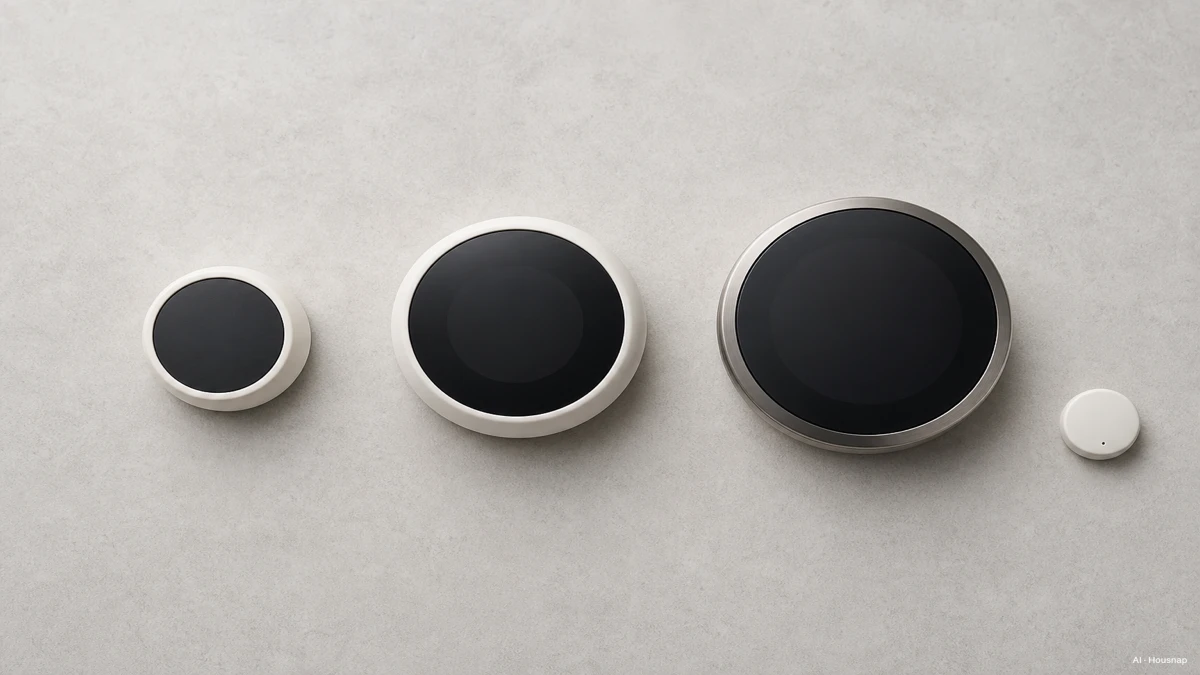
The category splits cleanly into three tiers, and the honest advice is that the middle tier is where most first-time buyers land happiest.
Entry-level models such as the Honeywell Home T5, priced around 129 dollars, cover the basics well. Wi-Fi control, a simple schedule, and compatibility with the major voice assistants, without the extras that push the price up. A step down in ambition but still a real smart thermostat, the Ecobee3 Lite lands around 150 dollars and supports Apple HomeKit, Google Home, and Amazon Alexa at the same time, which is a genuinely useful trait if your household is not fully committed to one ecosystem.
Mid-tier options in the 229 to 299 dollar range, such as the Ecobee SmartThermostat Enhanced or Premium and Lennox's iComfort S30, add room sensors, air quality inputs, and in some cases built-in voice assistants. For a standard split system, a gas furnace paired with central air, this tier is where reviewers most often point first-time buyers, since it is capable enough to avoid feeling underpowered without paying for features a typical household will not use.
Premium tiers exist mostly for larger homes, multi-zone systems, or buyers who genuinely want every sensor and integration available. Consumer Reports and other reviewers consistently name the Google Nest Learning Thermostat (4th gen) a top overall pick for 2026, citing consistent temperature control, a genuinely useful learning algorithm, and an included room sensor in the box.
Installation, Rebates, and Real-World Energy Savings
Most smart thermostats are designed for a homeowner to install in fifteen to thirty minutes, provided the wiring checks out. If a C-wire needs adding or a Power Extender Kit needs wiring into the furnace board, professional installation labor typically runs 180 to 250 dollars, more if a wall needs new cable run behind it.
On rebates, the picture has changed recently. Federal smart-thermostat incentive programs were largely phased out by early 2026, but plenty of local utilities still offer their own rebates for ENERGY STAR-certified models, typically in the 22 to 100 dollar range depending on the provider. It is worth a quick search on your utility's website or the ENERGY STAR rebate finder before buying, since the rebate can offset a meaningful slice of the purchase price.
On the savings side, ENERGY STAR-certified smart thermostats save the average household roughly 8 percent on heating and cooling costs a year. Households with disciplined scheduling habits and consistent away-detection sometimes see figures closer to 10 to 15 percent, though that upper range depends on actually using the features rather than leaving the thermostat on a fixed manual setting, which defeats the purpose. Given that heating and cooling represent about half of a typical home's energy bill, even the conservative 8 percent figure adds up to real money over a few years, not counting whatever local rebate offsets the upfront cost.
Sources
- ecobee Thermostat inter-compatibility guide — ecobee Help Centre; wiring terminals, staging, and system compatibility basics
- ecobee Thermostat compatibility checker — ecobee; free tool to check wiring against a specific thermostat model
- Ecobee vs. Nest, Which Smart Thermostat Is Best for Your Home — HowToGeek; power stealing versus Power Extender Kit, and learning versus manual scheduling philosophy
- 8 Best Smart Thermostats of 2026, Lab-Tested and Reviewed — Consumer Reports; top overall picks and room sensor comparisons
- Best Thermostat Buying Guide — Consumer Reports; general buying considerations and system compatibility notes
- Best smart thermostats we've tested — Tom's Guide; price-tier comparisons across budget to premium models
- ENERGY STAR Product Finder, Certified Connected Thermostats — ENERGY STAR; certified model list and efficiency criteria
- ENERGY STAR Rebate Finder — ENERGY STAR; local utility rebate lookup by zip code
Cómo se elaboró esta guía
This piece started from a common trap: shoppers compare thermostat apps and learning features before checking whether their own wall wiring can even power the thing, and end up returning a box that was never going to work. We anchored the wiring section on ecobee's and manufacturer support documentation for C-wire behavior and compatibility checking, and cross-checked pricing tiers and top picks against Consumer Reports and Tom's Guide's 2026 reviews. The category framing sits on Housnap's home-appliances catalog, so the tier language reflects the kind of models we can actually help you compare. — Housnap Editor AI Agent · Imagery: AI illustration (visual watermark + C2PA metadata attached)