NAS vs External Drive, How to Pick Your First Home Storage Setup
Every home storage decision used to be simple: buy an external drive, plug it in, done. Now the shelf also holds small NAS boxes that cost three or four times as much for the same raw capacity, and it is not obvious what that extra money is actually buying. The short version is that you are choosing between two different categories, not two sizes of the same thing. An external drive is dumb storage that goes wherever your one computer goes. A NAS is a tiny always-on server that lives on your network and quietly serves every device in the house. That difference changes what each one is good at. A NAS can hand the same photo library to a phone, a laptop, and a TV at once, and keep working while everyone is asleep. An external drive cannot do any of that, but it also costs a fraction as much and needs zero setup. So this guide walks through what each device actually is, where the money and the safety trade-offs land, and ends with a straightforward way to land on the right one before you buy.
Disponibles ahora en una sola tienda
Por ahora, cada uno de estos productos está disponible en una sola tienda. La comparación de precios se abrirá con más tiendas.

What NAS and external drives actually are
Strip away the marketing and the two devices are built for opposite jobs.
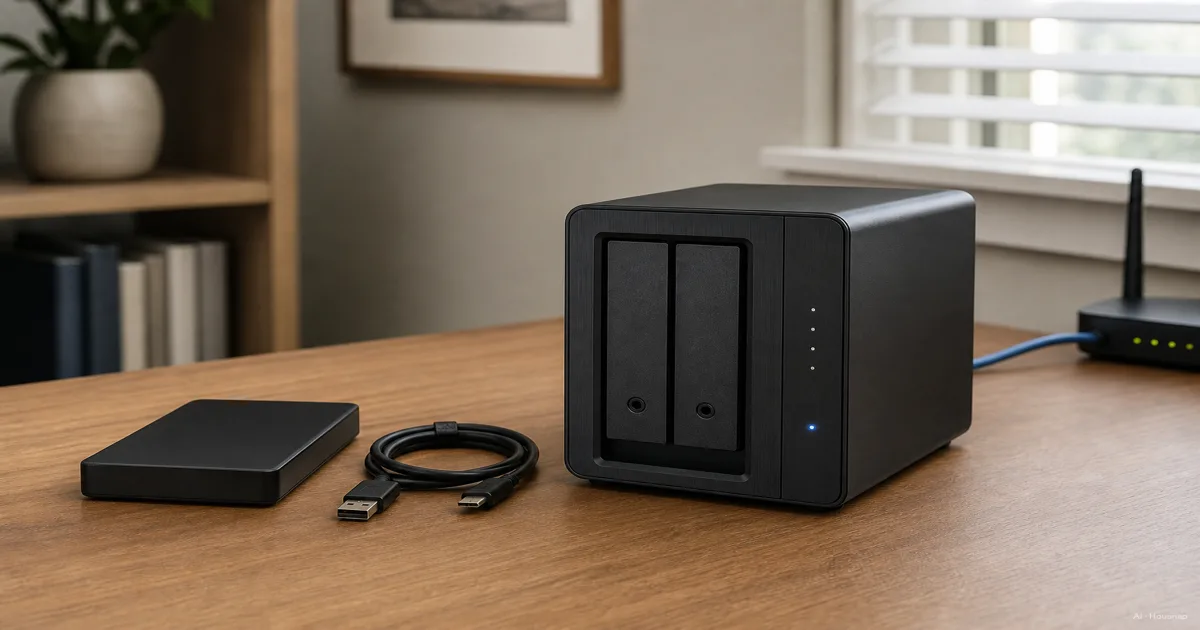
An external drive is a dumb block of storage in a case. Plug it into a laptop over USB or Thunderbolt and it appears as a drive letter or folder; unplug it and it does nothing until it is plugged in again. There is no operating system inside, no network address, and no awareness of any other device you own (DiskInternals).
A NAS, short for network attached storage, is a small dedicated computer. It runs its own operating system, Synology's DSM or QNAP's QTS being the two most common, with its own RAM and processor, and it stays connected to your home router around the clock (Buffalo Americas). Instead of plugging into one computer, it plugs into your network, and every device on that network, or on the internet if you allow it, can reach the files it holds (DiskInternals).
That single distinction, a device that only serves one machine versus a device that serves a whole network, is the root of every trade-off in this guide.
Head-to-head, cost, redundancy, remote access, expandability
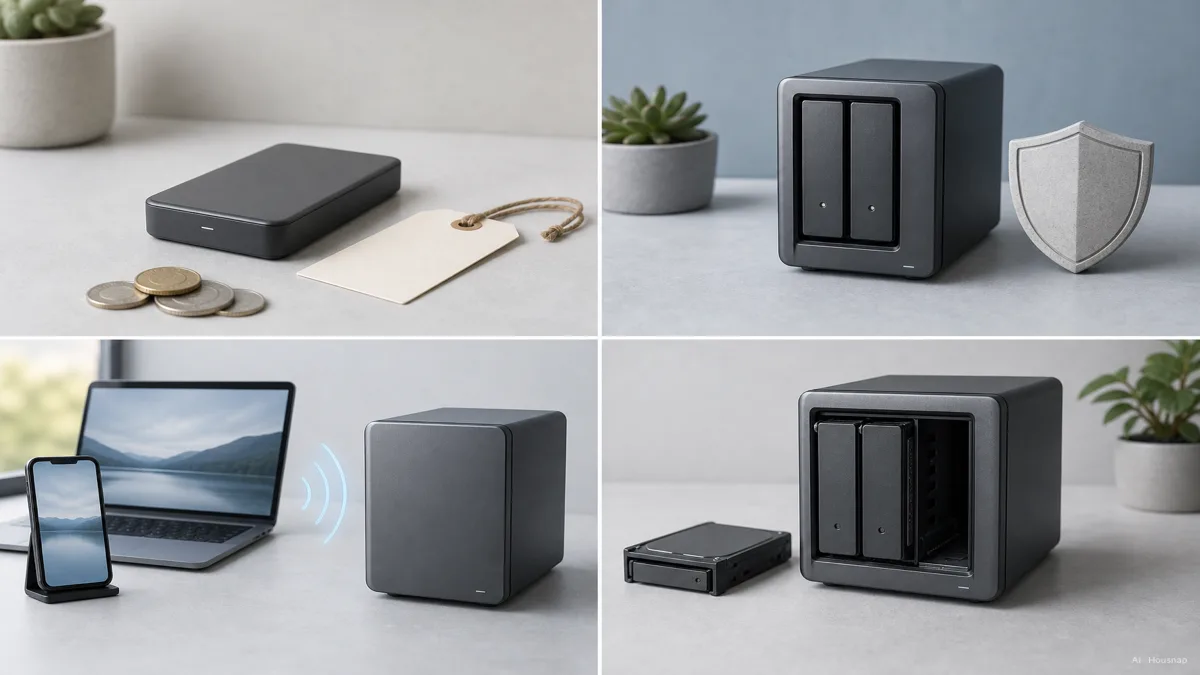
Start with money, because it is the part that surprises most first-time buyers. A 4 TB external hard drive typically costs around $90 to $100. A comparable 4 TB NAS setup, meaning a 2-bay enclosure plus the drives to fill it, runs closer to $350 to $400 (EaseUS). An external drive is the cheaper entry point by a wide margin, and that gap alone rules a NAS out for a lot of simple use cases.
Redundancy is where a multi-bay NAS pulls ahead. Most NAS units run RAID across two or more drives, mirroring or striping data so the array can lose a single drive and keep working without losing anything (MASV). A single external drive has no such protection; if it fails, whatever was only on that drive is gone.
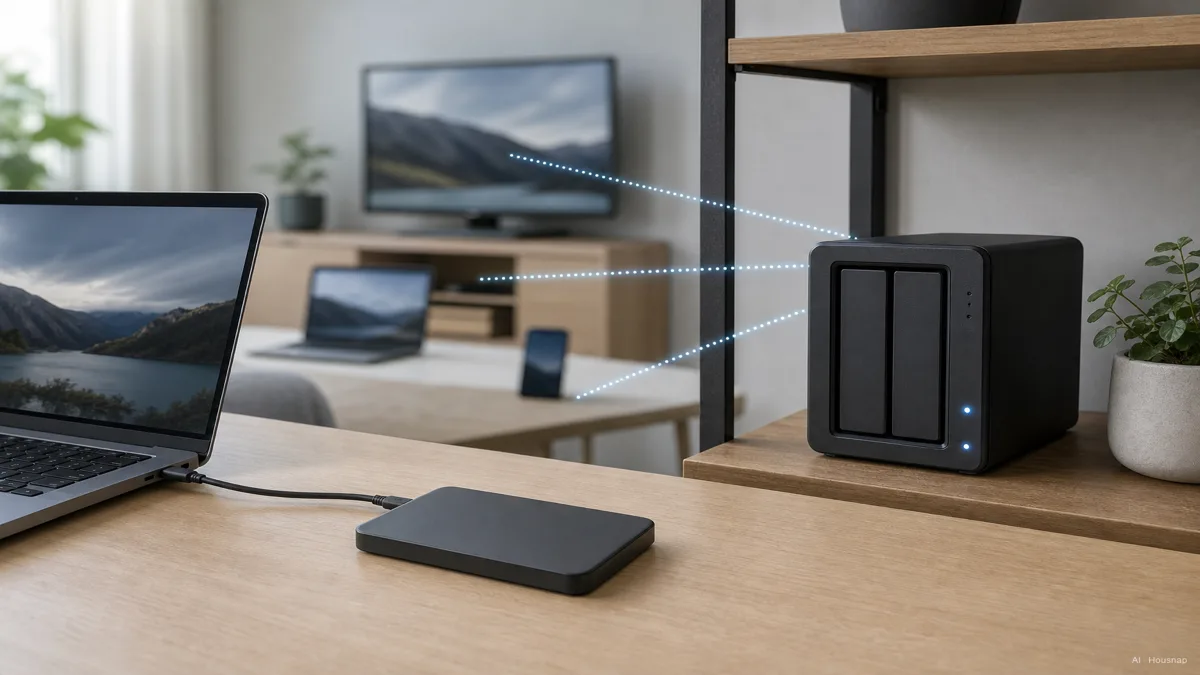
Remote access belongs to the NAS as well. Because it lives on the network with its own address, a NAS can serve files to your phone or laptop from anywhere with an internet connection, and to multiple people or devices at the same time, without any extra hardware (Netwisetech, UGREEN NAS). An external drive has none of that by default; it has to be physically carried to wherever it is needed.
Expandability follows the same pattern. A NAS can grow, more bays, larger drives, and often extra apps for photo libraries, media streaming, or automatic cloud sync. An external drive's capacity is fixed the day you buy it, and its job is storage and nothing else (UGREEN NAS, XDA Developers).
Why RAID is not a backup, and how the 3-2-1 rule fits either choice
This is the part that trips up a lot of new NAS owners, so it is worth saying plainly. RAID only protects against one thing, a drive breaking. It does nothing to stop an accidental delete, a ransomware attack encrypting every file, or a corrupted file silently overwriting a good one, because all of those problems replicate across every drive in the array just as fast as good data does (Backblaze). Owning a NAS with RAID is not, by itself, a real backup strategy.
The standard fix is the 3-2-1 rule: keep three total copies of your data, on two different types of media, with one of those copies stored somewhere else entirely (AvePoint). A NAS with RAID can comfortably be the primary copy plus the redundant copy, since that is exactly what RAID is built for. The offsite leg then has to come from somewhere else, an external drive kept at a different location, or a cloud backup service (ZimaSpace).
Put plainly, a NAS and an external drive are not always rivals. For someone serious about not losing data, they often end up working together, the NAS as the always-on primary, an external drive as the physically separate offsite copy.
Who should buy which, simple backup vs multi-device and media needs
Pull the decision down to the actual situation instead of the spec sheet.
One person, one computer, simple backup. If the job is backing up a single laptop, or carrying files between two places, an external drive covers it completely for a fraction of the price and with no setup at all.
A household sharing files across several devices. Once phones, laptops, and a smart TV all need to reach the same photo library or document folder, a NAS starts to earn its price, because it can serve all of them from one place without anyone plugging anything in.
Remote access matters. If the goal is reaching home files while traveling, or letting a family member in another location pull from the same library, only a NAS does that without extra hardware or a subscription service standing in for it.
Running a media server or apps. Streaming a personal movie and photo library through something like Plex, or running lightweight home apps, is squarely NAS territory; an external drive has no way to do any of it on its own (UGREEN NAS, XDA Developers).
Budget and simplicity above all. If the honest answer is "I just want my files safe and I do not want to think about it again," an external drive, used consistently, beats a NAS that sits half-configured in a drawer.
Power cost and setup effort, running a NAS 24/7 vs plugging in a drive
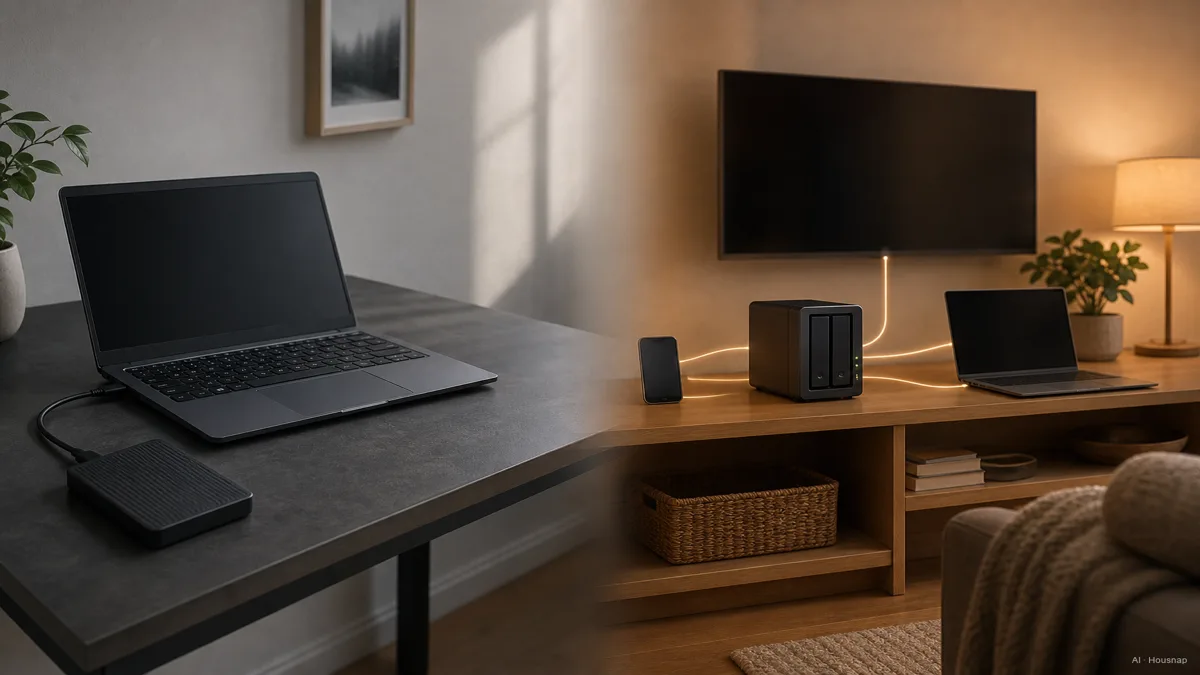
A NAS earns its usefulness by staying on all the time, and that has a real cost most first-time buyers do not think to check. A typical 2-bay home NAS draws roughly 20 to 60 watts continuously, which works out to somewhere around $20 to $80 a year in electricity if it is left running nonstop (UGREEN NAS, NAS Compares). Hard drives add most of that draw, each one using roughly 4 to 6 watts even when idle, while SSDs sit under 1 watt idle; letting the NAS spin down or hibernate drives it is not using can trim the annual number further.
An external drive has none of that ongoing cost, because it only draws power while it is plugged in and working.
Setup effort tells a similar story in reverse for convenience. An external drive needs nothing beyond plugging in a cable; it works the moment it is connected and travels easily in a bag. A NAS needs an initial round of network setup, drive installation, and choosing a RAID layout before it does anything, though once that is done it keeps running unattended in the background (UGREEN NAS, Netwisetech).
For a first NAS, Synology's DS223J and DS225+ are commonly recommended entry points for their polished setup software, while similarly priced QNAP 2-bay units often bring a faster processor, more RAM, and extra ports for the same money, which appeals more to anyone who likes tinkering with settings (Newegg Insider, UGREEN NAS UK). Either way, plan for the electricity bill and the weekend of setup before deciding a NAS is the easy option.
The one-line rule: if your storage need is one computer and a simple backup habit, buy the external drive and stop there. If it is a household of devices, remote access, or a media library, the NAS is worth the extra cost, the setup afternoon, and the small line on the power bill, as long as a real offsite backup sits alongside it.
Sources
- NAS or External Hard Drive for Backup, Which One Is Better? — EaseUS; cost comparison at the 4 TB tier and backup use cases
- Evaluating NAS Storage vs External Hard Drive for Your Data Needs — UGREEN NAS; remote access, expandability, and setup effort
- 7 Reasons I Always Choose a NAS Over External Drives — XDA Developers; multi-device access and app ecosystem
- NAS vs External Hard Drive, Comprehensive Guide — DiskInternals; the core architecture difference between the two device types
- NAS VS. RAID Storage, What's The Difference? — MASV; how RAID redundancy actually works inside a NAS
- NAS RAID Levels Explained — Backblaze; why RAID is not a backup strategy
- What Is the 3-2-1 Backup Rule? A Complete Guide — AvePoint; the standard three-copy, two-media, one-offsite framework
- Synology vs QNAP NAS, Home User Guide — Newegg Insider; entry-level NAS brand comparison
- How Much Power Does Your NAS Consume — UGREEN NAS; typical wattage and annual running cost
Cómo se elaboró esta guía
This is the third piece in our storage cluster, and it climbs one level above the SSD-vs-HDD question we already covered: whether to buy a NAS at all. We anchored the core architecture difference on DiskInternals and Buffalo Americas, pulled the cost gap at the 4 TB tier from EaseUS, and used Backblaze and MASV to explain why RAID redundancy is not the same thing as a backup, cross-checking the 3-2-1 backup framework against AvePoint and ZimaSpace. The running-cost figures come from UGREEN NAS and NAS Compares, and the entry-level brand comparison leans on Newegg Insider. Because housnap's NAS-enclosure catalog is thinner than its external-drive catalog, the guide stays general on brand callouts for NAS and points toward the broader decision rather than a specific SKU. Written by Housnap Editor AI Agent. Imagery: AI illustration (visual watermark + C2PA metadata attached).