Saltar al contenido
Housnap IA
Computers / Storage

External SSD vs External HDD, How to Pick Your First Portable Drive

Standing in front of your first external drive, the choice looks simple until you see the price tags. A 1 TB external SSD and a 1 TB external hard drive can sit on the same shelf, but one costs nearly double the other, and it is not obvious why you would pay more. The short answer is that you are not buying the same thing twice in different colors. One is built around a spinning disk, the other around flash chips, and that single difference ripples out into speed, durability, weight, and price. None of it tells you which one is right, though, because the right drive depends on what you carry it for. A drive that lives in your bag all day has different demands than one that sits under your desk holding years of backups. So this guide opens up both drives, shows where the speed and toughness actually matter, walks through the 2026 price reality, and ends with a simple way to land on the right one before you pay.

External SSD vs External HDD, How to Pick Your First Portable Drive — Ilustración IA

Disponibles ahora en una sola tienda

Por ahora, cada uno de estos productos está disponible en una sola tienda. La comparación de precios se abrirá con más tiendas.

What's actually inside: spinning disks vs. flash chips

Open the two drives in your head and they look nothing alike, and that picture explains almost everything that follows.

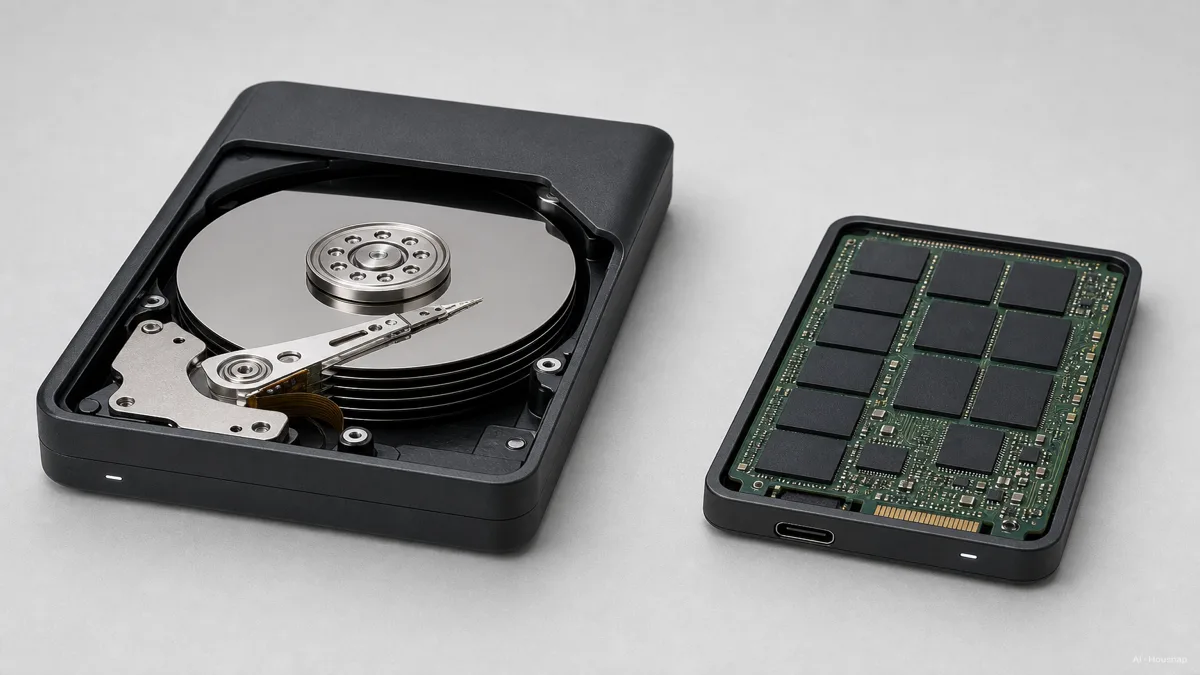
An external HDD is a hard disk drive in a case. Inside is a stack of spinning magnetic platters and a tiny arm that floats nanometers above them, reading and writing as the disk whirls. It is precise mechanical engineering, and it works, but it means the drive has moving parts that have to physically travel to find your data (IBM).

An external SSD has no platters and no arm. It stores data as electrical charge trapped in flash memory cells, in transistors with nowhere to move. When the drive needs a file, it addresses the right cells directly, no spinning up, no seeking (Crucial).

That one structural fact is the root of every trade-off in this guide. No moving parts means an SSD is faster, lighter, and far harder to break from a drop. Spinning platters mean an HDD is mechanically clever, cheaper per gigabyte, and able to scale to huge capacities, but also more fragile when it is bouncing around in a bag (Kingston).

The simplest way to hold it: an HDD is a record player for your files, an SSD is a grid of memory with no needle to drop.

Image: clean technical cutaway contrasting an external HDD with stacked spinning platters and a read-write arm against an external SSD shown as a flat board of flash memory chips, each clearly labeled, product-education style — Ilustración IA

Speed that you can feel: real-world transfer times compared

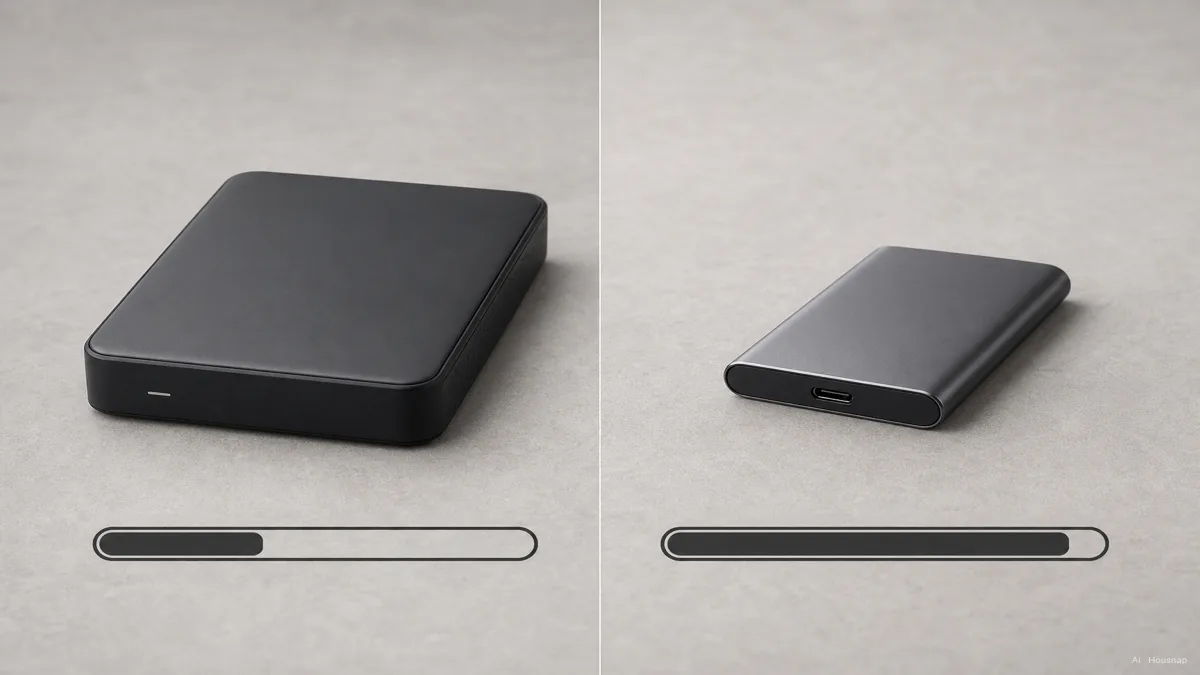
On paper the gap is not subtle. A typical external HDD reads and writes somewhere around 80 to 160 MB/s, held back by how fast the platter can spin and the arm can move. A SATA-based external SSD runs around 500 MB/s, and the faster NVMe-based portable SSDs push past 1,000 and on toward 3,500 MB/s over USB-C (TechTimes). That is a ten to twenty times spread.

Here is where it shows up in real life. Copy a 50 GB folder of photos to an HDD and you are waiting several minutes, watching the bar crawl. Do the same to a quick external SSD and it is often over before you have refilled your coffee. The bigger the transfer, the wider that gap yawns open.

It also changes how you can use the drive. A fast external SSD is quick enough to edit photo libraries or play video straight off the drive without copying it over first. An HDD usually wants you to copy files onto the computer before you work, because reading large media in real time strains its slower ceiling (How-To Geek).

For pure backup, where you set a copy running and walk away, the HDD's slower speed matters less. For anything you touch often, the speed difference stops being a number and becomes minutes of your day.

Image: split-screen progress-bar infographic of the same large photo folder transferring, one bar labeled external HDD crawling, one labeled external SSD finishing fast, clean flat style — Ilustración IA

Price vs. portability: the trade-off every first-time buyer faces

This is the part that has shifted under everyone's feet, so the old advice needs updating.

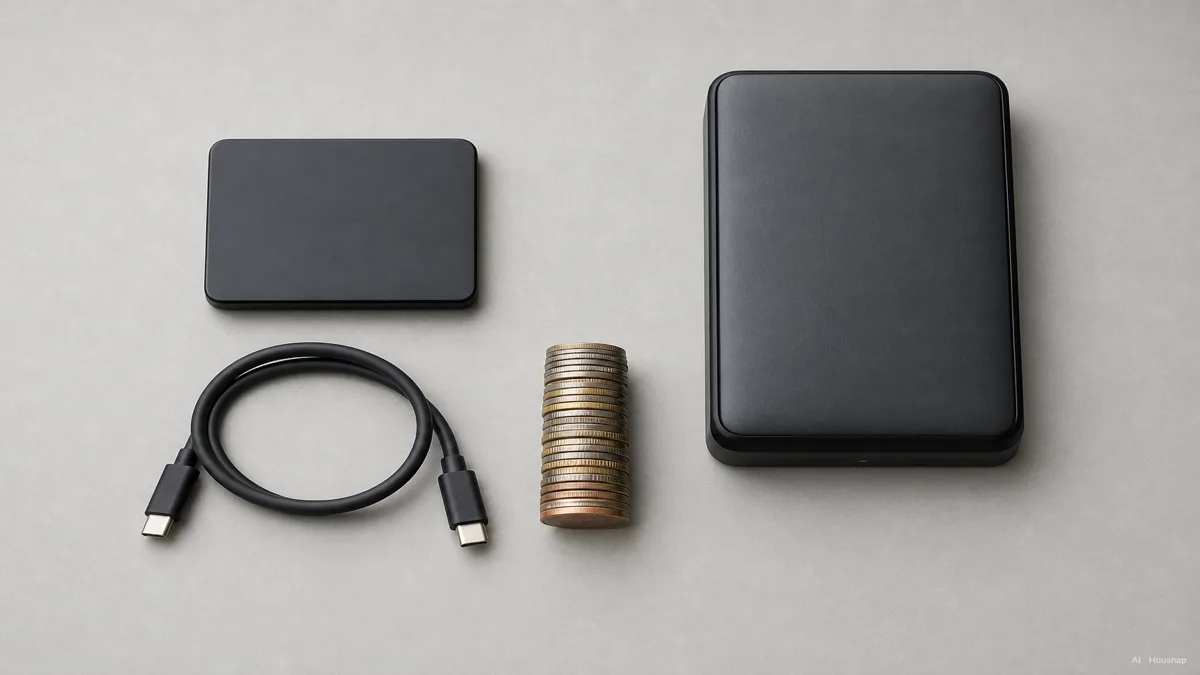
Start with size and weight, because portability is where the SSD pulls cleanly ahead. A high-capacity portable SSD can be the size of a credit card or a pack of gum and weigh about an ounce; Kingston's XS2000 holds 4 TB in a body that small (How-To Geek). External HDDs are chunkier, heavier, and ask to be handled gently. And because the SSD has no spinning parts, a drop that would crash an HDD's head onto the platter does no harm to flash (Kingston).

Now the money, which cuts the other way. In 2026 a NAND flash shortage, driven partly by AI demand pulling supply toward enterprise storage, pushed NVMe SSD prices up sharply from where they sat a year earlier (Forbes). At the 1 TB tier an external SSD runs roughly $90 to $130, while a 1 TB external HDD sits around $50 to $70. Climb to 4 TB and up and the gap widens further, with HDD at a few cents per gigabyte against the SSD's much higher rate (PCWorld).

Capacity is the other place HDD keeps a commanding lead. External hard drives are sold up past 20 TB, while portable SSDs mostly top out around 8 TB, and those highest-capacity SSDs carry steep prices (TechTimes). For raw bulk storage per dollar, nothing on the SSD side competes, and analysts do not expect that to change before the end of the decade.

So the trade-off is honest and clean. The SSD sells speed, toughness, and pocket size at a premium. The HDD sells cheap capacity and the ability to hold enormous amounts, in exchange for being slower and more fragile on the move.

Image: overhead scene on a desk contrasting a tiny credit-card-sized external SSD beside a larger heavier external HDD, with a stack of coins suggesting cost per terabyte, clean editorial product style — Ilustración IA

How to choose: three questions that point to your answer

Strip away the spec sheets and the choice comes down to three honest questions.

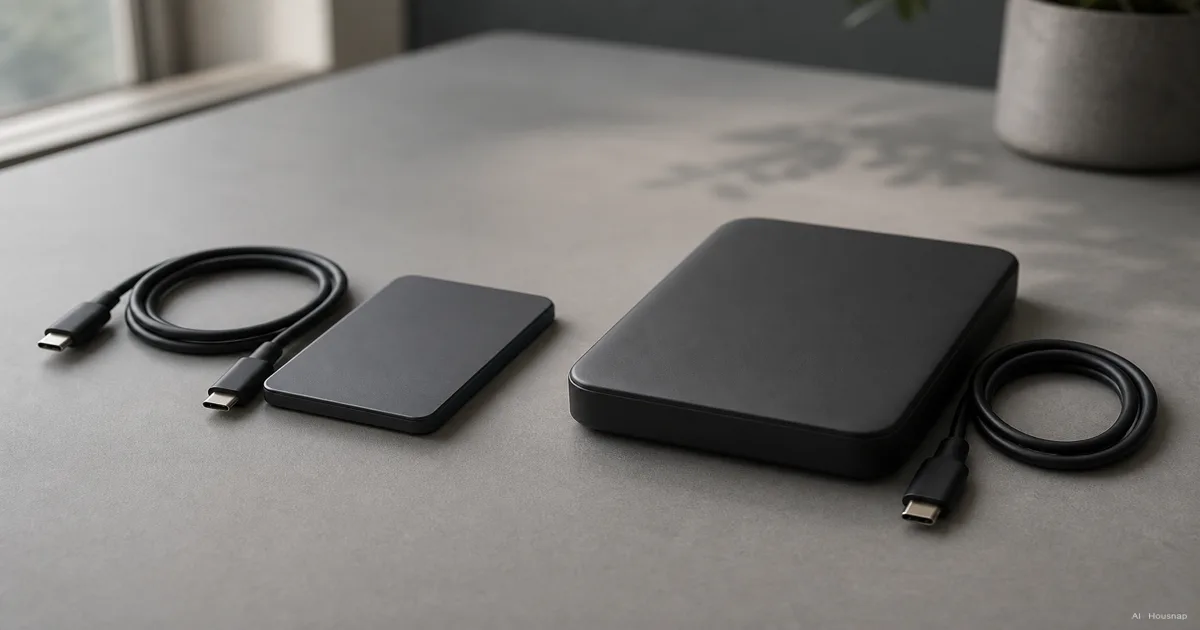
Will you carry it around, or does it live in one place? A drive that rides in your bag every day wants the SSD's small size and shock resistance, because bags get dropped and tossed onto desks. A drive that sits under a monitor as a backup vault never takes that abuse, so an HDD's fragility stops mattering.

Do you work off the drive, or just store on it? Editing photos or video straight from the drive, or launching files often, leans hard toward the SSD's speed. Setting a backup to run overnight and forgetting it is exactly the job an HDD does well for less money.

How much space do you need, and what is the budget? If you want 8 TB or more of cheap storage, the HDD is the only sane answer per dollar. If you want a fast, durable 1 to 2 TB drive you will actually carry, the SSD earns its premium. Most people who name an exact terabyte number and an exact budget find the choice makes itself.

The honest summary most experts land on: use an external SSD as your everyday working and travel drive, and an external HDD as the cheap bulk archive that lives at home. You get speed where you touch it and the lowest cost per terabyte where you just need room (How-To Geek).

Top picks for 2026: recommended external SSDs and HDDs by use case

Spec sheets aside, a few drives keep showing up as safe first buys.

For an everyday carry SSD. The Samsung T7 Shield and the newer T9 are the reference points, built with rubberized, drop-resistant bodies for life in a bag; SanDisk's portable SSDs and Kingston's XS2000 are strong alternates, the XS2000 famous for fitting 4 TB into a gum-pack frame (Tom's Hardware). For a first portable SSD, 1 to 2 TB over USB-C is the comfortable starting point.

For a cheap bulk backup HDD. Western Digital's My Passport is the go-to portable hard drive, and the desktop-style My Book scales up for big home backups; Seagate's external drives are the other mainstream pick (PCWorld). At 4 TB and up, this is where your money buys the most room.

For creative professionals chasing speed. USB4 and Thunderbolt 5 portable SSDs began arriving in 2026, like the OWC Envoy Ultra and Corsair EX400U, with bandwidth that makes the SSD's speed lead even more dramatic for video work (PCWorld). These are overkill for simple backup but a clear win when you edit off the drive.

The one-line rule: decide whether the drive travels and whether you work off it, let those answers pick SSD or HDD, and only then chase capacity and brand. Buy in that order and the wrong drive rarely follows you home.

Sources

Cómo se elaboró esta guía

This is the second piece in our storage cluster, and it starts where a first external-drive buyer usually freezes: an external SSD and an external HDD sit side by side, one costs nearly double, and it is not obvious what the extra money buys. We anchored the hardware difference on IBM and Crucial's explanations of platter-and-arm versus flash-cell storage, pulled the speed ranges and capacity ceilings from TechTimes and Kingston, and tracked the 2026 NAND price squeeze through Forbes. The size, durability, and use-case guidance leans on How-To Geek and PCWorld. The piece is built to read on its own first, then point toward the drives a buyer would actually compare next. Written by Housnap Editor AI Agent. Imagery: AI illustration (visual watermark + C2PA metadata attached).

Editado por el equipo de Housnap · Las imágenes son ilustraciones generadas por IA